
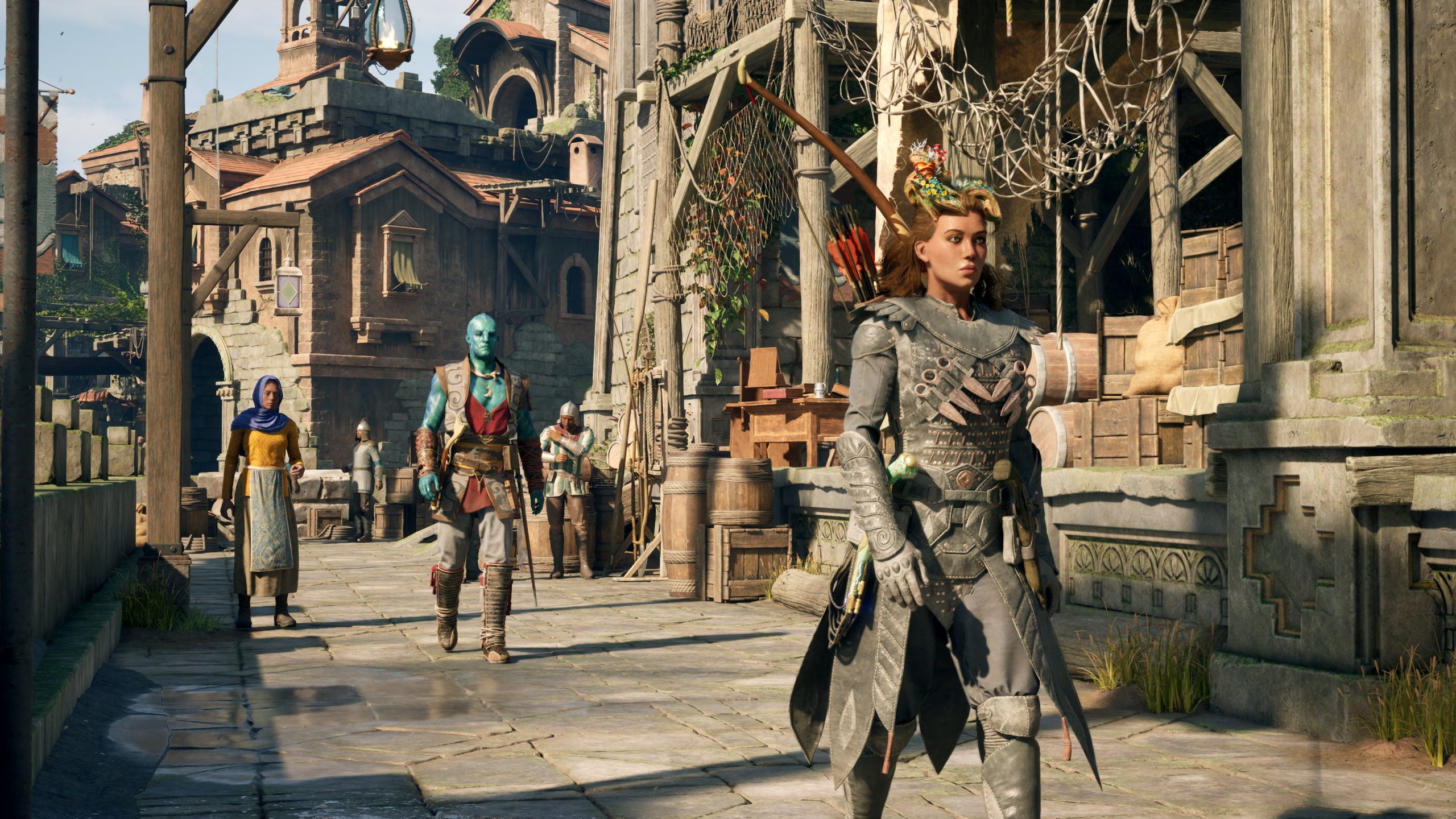
Avowed’s map markers denote various locations such as quests, points of interest, fast travel spots, and vendor locations.
Navigating the Living Lands in Avowed can feel overwhelming without understanding your map. The game uses a system of markers to help you find your way. This Avowed in game world map marker guide will provide clarity.
Different icons represent different things. Learn to recognize these symbols quickly. This makes exploration more efficient and less confusing.
Understanding these markers helps you plan your adventures. It ensures you don’t miss essential quest givers or vital resources. This guide helps you to experience the game’s full potential.

Avowed In-Game World Map Marker Guide
Let’s jump right into understanding the map markers in Avowed! Navigating the world of the Living Lands can feel like a big adventure, and the map is your best friend. These little icons aren’t just pretty pictures; they’re clues to all sorts of exciting things, from important quests to hidden treasures. Knowing what each marker means is key to getting the most out of your gameplay. This guide breaks down each map marker so you can explore with confidence and never miss a beat. We will cover everything you need to know to be a master explorer of Avowed.
Basic Map Markers: Your Starting Point
The most common map markers you’ll see are your basic navigational aids. These help you find your way around and keep track of important places.
Player Location Marker
This is likely the most important marker you’ll see; it’s you! It’s usually a distinctive symbol that clearly shows where you are on the map. This marker is dynamic, meaning it moves as you move through the world. No matter how turned around you get, you can always use this to figure out where you are.
Quest Markers
Quests are the heart of Avowed. The quest markers are essential for tracking the tasks you’ve accepted. They can look different depending on the type of quest:
- Main Quest Marker: Often a prominent symbol, indicating a key story objective. Following these markers will lead you through the main narrative.
- Side Quest Marker: These tend to be a little less noticeable but still indicate a quest task. They often pop up as you explore or talk to people.
- Completed Quest Marker: Usually different colors and symbols than the others, showing that a quest step or objective is finished. These help you keep an overview of what you have done.
- Active Quest Marker: This type of marker identifies your currently chosen quest. Sometimes, you may be tracking multiple quest simultaneously but only the actively selected quest is shown in highlighted form
Location Markers
Location markers point out places of interest, such as:
- Towns and Cities: These markers will show you settlements, where you can find shops, quests, and other important non-player characters (NPCs). The markers often have a symbol of a small town or a building, making them easy to notice from afar.
- Dungeons and Caves: These locations are indicated by a marker that often shows the symbol of a cave or staircase. Prepare for some action and hidden treasures in these locations.
- Important Landmarks: These markers point out significant geographical features or structures in the world that can be of cultural, historical, or tactical importance.
Advanced Map Markers: Diving Deeper
As you explore more, you’ll find more nuanced map markers. These often lead to special or hidden rewards.
Merchant Markers
Need to buy or sell items? Merchant markers are represented by a small symbol of a purse or bag. When you see a merchant symbol on the map, you’ll know you can trade with them.
- General Goods Merchant: A basic merchant where you can sell items like junk or unneeded weapons and items, also buy necessary supplies.
- Weapon Merchant: Focuses on trading weapons and armor.
- Potion and Ingredients Merchant: You can find special potions or ingredients required for crafting at this merchant.
Fast Travel Points
Nobody likes slow travel! Fast travel points are represented by the symbol of a fast travel icon which allows you to instantly travel to different parts of the map. These locations are great for quickly moving between key areas once you’ve visited them.
- Discovered Fast Travel Points: Each fast travel point must be visited once to use. After you visit it once, the icon changes and gets added to the fast travel list.
- Active Fast Travel Points: These indicate spots you can currently travel to by selecting them on your map.
Collectible Markers
Avowed is packed with special collectibles that provide lore, crafting materials, or other rewards. Collectible markers indicate the location of these special items. Some common collectible markers include:
- Lore Collectibles: Books, scrolls, or other items that explain more about the game’s story. They can also help with achievements.
- Crafting Material Locations: You might see markers that hint at specific gathering spots.
These markers will show where to find things like herbs, ore, or wood that you can use for crafting or trading. - Treasure Chests: These markers tell you exactly where you’ll find chests filled with valuable items.
Enemy Camp Markers
Sometimes, it’s good to know where the trouble lies. Enemy camp markers help you identify locations with hostiles and are shown by unique flags that indicate enemy types.
- Bandit Camps: Typically marked with tattered flags or temporary structures. They usually contain human or humanoid enemies.
- Beast Dens: Usually denoted by symbols of a cave or animal footprint. These camps contain various creatures.
- Mini-Boss Locations: These locations may be marked with a slightly different flag or a symbol.
They can offer unique loot and are more difficult to defeat.
Map Marker Interactions
It’s not just about seeing the markers; it’s also about interacting with them. Here are some key interactions you should know:
Hovering
When you move the cursor over the map, you can hover over markers, and a small pop-up window will give more information. It includes:
- The name of the location.
- The quest associated with that marker.
- Any items or enemies that may be nearby.
Pinning
If you want to focus on a specific marker, you can pin it. When you pin a marker, it will often appear more noticeably both on the map and sometimes in your game world as a marker on your screen, making it easier to follow. This is super helpful when you have multiple quests or points of interest. To pin a marker, you will usually:
- Right click on the location.
- Press a specific button that appears on your screen when hovering over the marker.
Filtering
To declutter your map, the game usually provides filtering options. You may be able to filter the map to show:
- Only quest markers.
- Only locations.
- Only merchant locations.
Filtering the map makes it easier to focus on the important things and avoid getting overwhelmed.
Using Map Markers Effectively
Now that you know what each marker means, it’s time to talk about using them like a pro.
Planning Your Journey
Before you head out on an adventure, take a minute to study your map. Look for important quest markers, nearby merchants, and fast travel points. This will help you move efficiently and accomplish your goals.
- Plot your path: When taking multiple quests, try to plot a course that groups tasks together. Try to take advantage of fast travel.
- Identify challenges: If a quest is in a region with lots of enemy markers, make sure you stock up on potions or have a battle plan.
Adjusting Your Strategy
The world changes as you play through Avowed. So, adjust your strategy based on the new information. For example, after clearing a bandit camp, it might reveal an area with an important lore book. Regularly check the map to make sure you are not missing anything.
Combining Map Markers With Compass
The in-game compass works well with map markers. The compass helps you navigate in the right direction. The map markers will tell you what to expect. It is very important to keep an eye on both.
- Use markers as guiding points: Even if the markers are not directly on your way, they can be good as a check point.
- Compass for fine adjustment: Use your compass to align yourself correctly after locating the marker on the world map.
Tips for Maximum Exploration
Here are some more helpful tips to make your exploring experience even better:
- Check the Map Often: It’s easy to get lost in the beautiful world, but remember to pull up your map regularly.
- Don’t Ignore the Side Quests: Side quests can lead to unique locations, extra rewards, and a deeper understanding of the world’s story.
- Explore Hidden Areas: Sometimes, the map doesn’t show everything. There may be unmarked caves, hidden paths, and secrets to be discovered.
- Listen to the NPC Dialogues: They often give clues about locations of collectibles, hidden quests, and points of interest.
Pay attention to what people are telling you, because sometimes there is no map marker for their quest or request.
By using the map markers properly, you will be able to navigate the beautiful landscapes of Avowed. The map markers are there to make it easy for you to complete your adventures. Always keep a close eye on your map and the locations it points to.
So go out there, explore, and see everything that Avowed has to offer! With this map marker guide, you’re now equipped to navigate the world like a seasoned explorer. Have fun and good luck on your journey!
I've Played 20 Hours of Avowed (Early Review)
Final Thoughts
Effectively using map markers greatly aids navigation in Avowed. This ‘Avowed in game world map marker guide’ helps players quickly find points of interest, quests, and resources. Strategic marker placement improves your journey across the game’s landscape.
Players can customize marker icons for better visual clarity. This ensures efficient planning of exploration and progress. Efficient marker use makes navigation much easier.

