
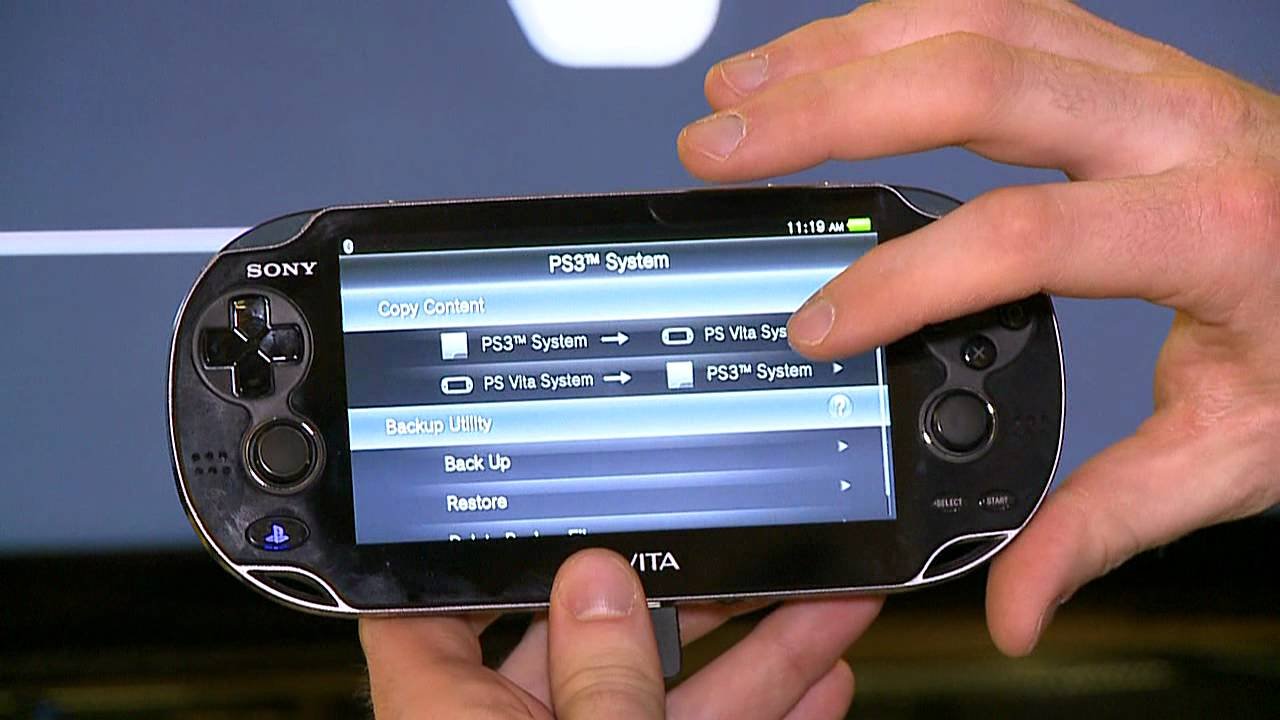
Yes, a PS Vita can play PSP games, primarily through digital downloads from the PlayStation Store.
The question many gamers ask is, can a ps vita play psp games? It’s a valid point, especially with both handheld consoles sharing a similar heritage. The good news is that you can enjoy a large selection of classic PSP titles on your PS Vita.
You don’t need any extra hardware for this, which is a great advantage. Simply access the PlayStation Store via your Vita and browse the available PSP games to purchase and download.
Many popular PSP titles are available, letting you enjoy the classic games once again or play them for the first time.

Can a PS Vita Play PSP Games?
The PlayStation Vita, or PS Vita for short, was a cool handheld gaming system that came out after the PSP. Many people who loved the PSP wondered if they could play their old PSP games on the newer PS Vita. Well, the answer is yes, but with a few important things to know. It’s not quite as simple as popping in a PSP game disc. Let’s explore how you can play those beloved PSP titles on your PS Vita.
Understanding Compatibility: Digital Downloads are Key
The PS Vita doesn’t have a slot for the older PSP game discs. This is the biggest difference between the two systems when it comes to playing games. Instead of using discs, the PS Vita plays games you download from the PlayStation Store. If you want to play PSP games on your PS Vita, you’ll need to buy them as digital downloads. Think of it like buying apps for your phone, but these are full video games. Sony made many popular PSP games available for download on the PlayStation Store, making it easy to add to your PS Vita collection.
How to Find and Buy PSP Games on the PlayStation Store
Navigating the PlayStation Store on your PS Vita is straightforward. Here’s how you can find and buy those classic PSP games:
- Turn on your PS Vita and connect to Wi-Fi. Make sure you have a stable internet connection, just like when using a tablet or phone.
- Go to the PlayStation Store. Look for the shopping bag icon on your PS Vita’s home screen and tap it.
- Search for PSP games. You can either type “PSP” into the search bar or browse through the different categories and look for the “PSP” section. It’s sometimes under “Classic Games”.
- Select the game you want. When you find a game you like, click on its title to view details, such as price, screenshots, and reviews.
- Buy and download the game. Once you’re ready, hit the buy button and the game will be added to your library, ready to download to your PS Vita.
Keep in mind that you’ll need enough space on your PS Vita’s memory card to download the game. PSP games can vary in size, so it’s a good idea to have a large enough card.
PSP Games Available on PS Vita
While not every single PSP game made it to the PlayStation Store, many of the fan favorites did. You’ll find action games, role-playing games (RPGs), puzzle games, racing games and more. Some famous examples include:
- Final Fantasy series
- Kingdom Hearts: Birth by Sleep
- Metal Gear Solid: Peace Walker
- Grand Theft Auto: Liberty City Stories and Vice City Stories
- Patapon series
- Monster Hunter Freedom series
This is just a tiny sample, the PlayStation Store has many more games than just these. It’s good to check the store regularly as there might be new games added. You can also look at online forums or guides to see a complete list.
Benefits of Playing PSP Games on PS Vita
Why would you choose to play PSP games on your PS Vita rather than the original PSP? There are several nice things to consider:
- Better Screen Quality. The PS Vita has a much higher resolution screen than the PSP. This means the games look sharper, clearer, and brighter. The colors are more vibrant, making the gaming experience more fun.
- Dual Analog Sticks. The PS Vita has two analog sticks, whereas the PSP only had one. For certain games that need dual sticks for control (like first-person shooters or some action games), this makes a huge difference in how you control your character. It gives a much more modern and responsive feel to the gameplay.
- Comfortable Design. The PS Vita is designed for comfort during longer gaming sessions. It has an ergonomic design that feels good in your hands.
- Access to a Larger Library. By using the PS Vita, you can access both PSP and PS Vita games, meaning more choices all on one device.
- Save and Load Functionality. As these are digital downloads, the PS Vita save game functionality is much more reliable and easier to handle than the UMD discs that PSP games used.
Possible Limitations and Things to Consider
Even though playing PSP games on the PS Vita has many nice benefits, there are some things to keep in mind:
No UMD Game Support
Again, you cannot play your physical PSP games on your PS Vita. It does not have the drive to read PSP game discs. If you have a bunch of physical PSP games, you can’t use them on the PS Vita. They will just sit on your shelf. You will have to buy digital copies of your games if you want to play them on the PS Vita.
PlayStation Store Availability
Sometimes, not all PSP games are available on the PlayStation Store in all areas. Some games may only be available in certain countries. If the specific PSP game you want isn’t there, unfortunately, you’re out of luck unless it is added later.
Pricing
Some older PSP titles on the PSN might seem expensive considering how old they are. If you’re lucky, they go on sale sometimes but, there’s no guarantee. Also, some PSP games are available in “HD” and those versions might be more costly.
Transferring Games From a PSP
In the past, you could transfer games from a PSP to a PS Vita, but it’s become more difficult and some don’t work. You can’t just copy files over. You’re better off purchasing the game again from the PSN.
Account Region
Sometimes, your PlayStation account region can affect the availability of PSP games. If your PSN account is set to a region that doesn’t have the game, you won’t be able to get it.
How to get the Most out of PSP Games on Your PS Vita
Now that you know how to play PSP games on your PS Vita, here are some extra tips to make the most of your experience:
- Explore different genres. PSP had a very diverse selection of games. Take the time to check out different kinds of games. You might be surprised to discover some real gems.
- Use headphones. Using headphones when playing on the go can improve your immersion and enjoyment. It will make the sounds of the game much clearer and you won’t be disturbed by outside noise.
- Check online forums and reviews. Before buying a game, see what other people say about it. This can help you make sure you’re getting your money’s worth, plus it can give you ideas of which games to check out first.
- Adjust the screen brightness and audio levels. Depending on your surroundings, you might need to change the settings of your screen brightness and audio. This will make sure you have the best gaming experience.
- Make use of the PS Vita’s features. The PS Vita has many features, such as touch controls, that can be used with certain games. Experiment and see if they can add to your experience.
A Comparison: PSP vs PS Vita for PSP Games
To help make things clearer, here’s a simple table comparing playing PSP games on the original PSP versus the PS Vita:
| Feature | PSP | PS Vita Playing PSP Games |
|---|---|---|
| Game Discs | Uses UMD discs | Does not use discs, requires digital downloads |
| Screen | Lower resolution, smaller screen | Higher resolution, brighter screen, larger |
| Analog Sticks | One analog stick | Two analog sticks |
| Game Library Access | Limited to PSP games on UMD | Access to both PSP downloads and PS Vita games |
| Comfort | Less ergonomic for long play | More comfortable for extended sessions |
| Save Games | UMD save system | Reliable digital save system |
As you can see, the PS Vita provides several benefits over the original PSP when it comes to playing PSP games. The better screen, dual analog sticks, and more convenient digital downloads make for a nice experience.
So, while you can’t use the physical discs, playing your old favorite PSP games on the PS Vita is absolutely possible through the PlayStation Network. It offers an enhanced way to revisit those classic titles. You just need to remember to get the digital version, make sure you have space on your memory card and of course, that the game you want is available on your local store.
Does PS Vita Play PSP Games? 🎮 #psvita #retrogaming
Final Thoughts
Yes, a PS Vita can play PSP games. You can download many PSP titles directly from the PlayStation Store. This feature is a great way to revisit classic games.
The Vita also supports digital PSP game purchases. This makes it easy to access a large library of older content. It also expands the overall selection for Vita owners. So the answer is a definite yes, a ps vita can play psp games.

