
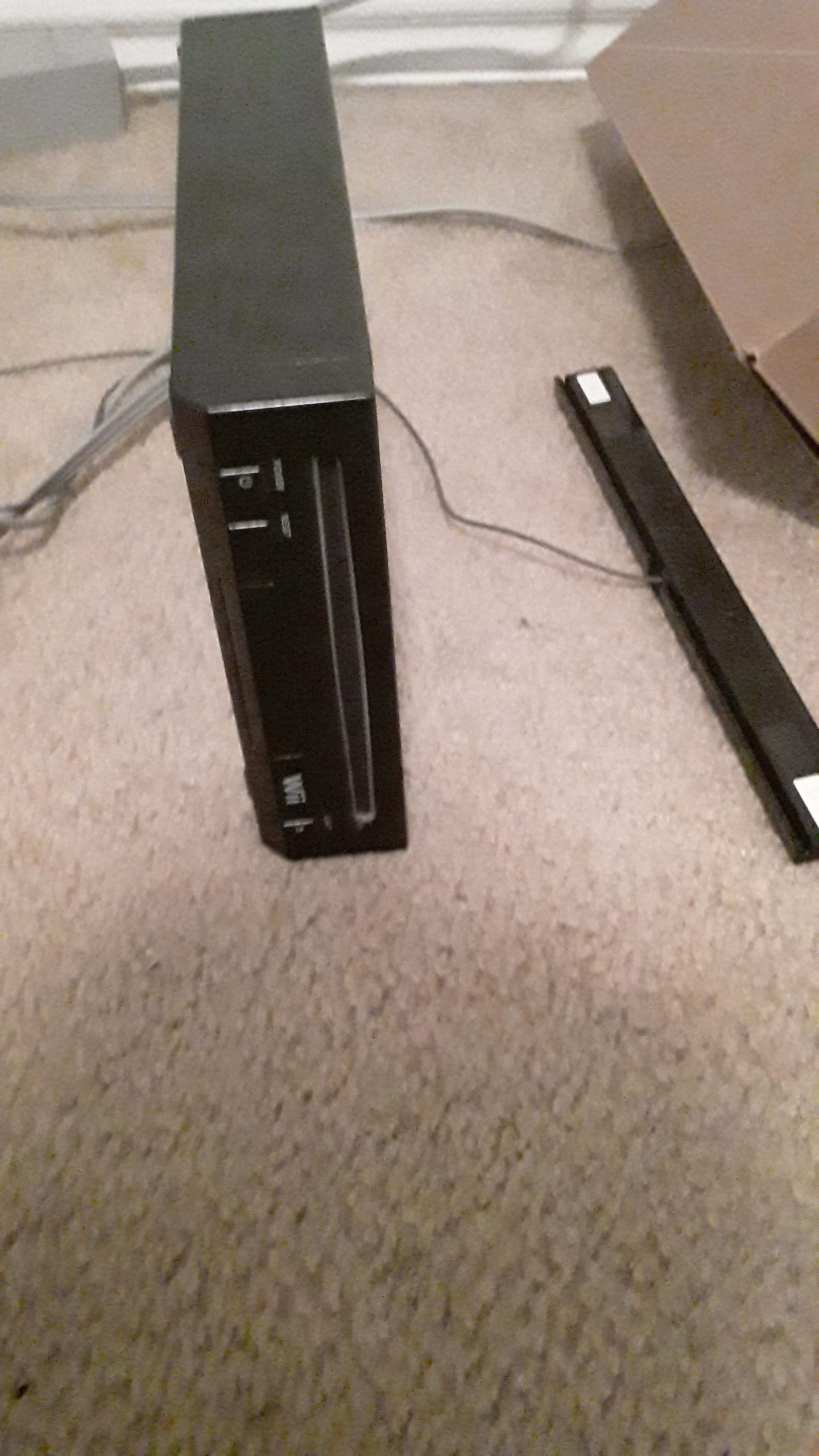
Yes, most original Wii consoles can play GameCube games, but the Wii Mini cannot.
Ever wondered if you could dust off your old GameCube games and play them on your Wii? It’s a question that pops up often: can a Wii play GameCube games?
Good news for most Wii owners! The original Wii model typically has GameCube controller ports and memory card slots, allowing it to play those classic games.
However, there’s a catch. The Wii Mini, a later, smaller version of the console, removed these features, meaning it cannot play GameCube games. So, check which model you have!

Can a Wii Play GameCube Games?
Yes, many Wii consoles are indeed backward compatible. This means they can play GameCube games.
However, not all Wii models have this capability. We’ll explain which ones do and don’t.
Wii Compatibility Explained
The original Wii models released in 2006 were designed with GameCube compatibility in mind. This was a key selling point early on.
These older models have specific hardware components that allow them to run GameCube software. These components are not present in later Wii revisions.
Identifying Compatible Wii Models
The easiest way to check is by looking at the console itself. Look for GameCube controller ports and memory card slots.
If you see four GameCube controller ports and two memory card slots, your Wii is compatible. These are located at the top of the console when it’s placed horizontally.
Wii Models That Play GameCube Games
The original RVL-001 model is GameCube compatible. This is the model that launched in 2006.
It is easily identified by the presence of the GameCube controller and memory card ports. These ports are hidden behind two small doors on the top of the console.
Wii Models That Cannot Play GameCube Games
The Wii Mini (RVL-201) cannot play GameCube games. This model was released later in the Wii’s lifespan.
It was designed as a budget-friendly option. GameCube compatibility was removed to reduce manufacturing costs.
Also, newer versions of the standard Wii RVL-001 released towards the end of the console’s lifecycle sometimes lacked GameCube support to further cut costs. You have to physically inspect the ports.
How to Play GameCube Games on a Compatible Wii
Playing GameCube games on a compatible Wii is straightforward. You’ll need a few things to get started.
First, you need a GameCube controller. Wii Remotes are not compatible with GameCube games.
Second, you need a GameCube memory card to save your progress. Wii system memory cannot be used for GameCube saves.
Finally, you need the GameCube game disc itself. Insert the disc into the Wii’s disc drive.
Steps to Launch a GameCube Game
Turn on your Wii. The Wii Menu will appear.
Insert the GameCube game disc. After a short pause, the Wii will recognize the disc.
A GameCube logo will appear on the Wii Menu. Select the GameCube logo to launch the game.
The game will then start just like it would on a GameCube console. Use a GameCube controller plugged into the controller ports.
Necessary Accessories for GameCube Play
You need a GameCube controller. This is essential for controlling the game.
You also need a GameCube memory card. This is required to save your progress.
Without these accessories, you cannot fully enjoy GameCube games on your Wii.
GameCube Controller Options
The original GameCube controller works perfectly. It’s the most authentic way to play.
Third-party GameCube controllers are also available. These can be more affordable options.
However, ensure that third-party controllers are compatible. Check reviews before purchasing.
Memory Card Requirements
A GameCube memory card is essential for saving game progress. Without it, you’ll lose your progress each time you turn off the console.
Official Nintendo GameCube memory cards are recommended. They offer the best compatibility and reliability.
Third-party memory cards are also available. Again, research the quality and compatibility before buying.
Benefits of Playing GameCube Games on Wii
Playing GameCube games on a Wii offers some advantages. It’s a convenient way to revisit classic games.
You don’t need to own a separate GameCube console. This saves space and simplifies your gaming setup.
The Wii also often offers better video output options than the original GameCube, depending on your setup.
Potential Issues and Solutions
Some games may have compatibility issues. This is rare, but it can happen.
Check online forums and wikis for game-specific compatibility information. Other players may have found solutions.
Ensure your Wii is properly ventilated. Overheating can cause performance issues.
Troubleshooting GameCube Game Play on Wii
If a game doesn’t load, try cleaning the disc. A dirty disc can cause read errors.
Make sure the GameCube controller is properly connected. Check the controller port for any damage.
Verify that the memory card is correctly inserted. Ensure it’s not full.
GameCube Games Worth Playing on Wii
The Legend of Zelda: The Wind Waker: This cel-shaded adventure is a must-play.
Super Mario Sunshine: Mario’s tropical adventure is full of fun platforming challenges.
Metroid Prime: A first-person adventure that redefined the Metroid series.
More Great GameCube Games
Resident Evil 4: A survival horror classic with innovative gameplay.
Animal Crossing: A relaxing and charming life simulation game.
Super Smash Bros. Melee: A fast-paced and competitive fighting game.
Maintaining Your Wii for GameCube Games
Keep your Wii clean and dust-free. This will help prevent overheating and ensure optimal performance.
Store your games in a safe place. Protect them from scratches and damage.
Handle your GameCube controllers and memory cards with care. Avoid dropping them or exposing them to extreme temperatures.
Alternative Ways to Play GameCube Games
If your Wii isn’t compatible, there are other options. The original GameCube console is the most authentic way to play.
GameCube emulators are also available for computers and other devices. However, emulation can be complex.
Some GameCube games have been re-released on newer consoles. Check if your favorite games are available on the Nintendo Switch or other platforms.
GameCube Emulation: A Brief Overview
GameCube emulation involves using software to simulate the GameCube hardware on a different device. This allows you to play GameCube games on your computer.
Dolphin is a popular GameCube emulator. It’s free and open-source.
However, emulation can be resource-intensive. You’ll need a powerful computer to run games smoothly. Also, legal concerns surround ROM distribution, which is a factor to consider.
Re-released GameCube Games
Some popular GameCube titles have been remastered or re-released on later Nintendo consoles. These updated versions often feature improved graphics and gameplay enhancements.
For example, The Legend of Zelda: The Wind Waker HD was released on the Wii U. Metroid Prime Remastered was released on the Nintendo Switch.
These re-releases offer a convenient way to experience classic GameCube games on modern hardware.
Is it Worth Playing GameCube Games on Wii Today?
Even today, playing GameCube games on a compatible Wii is a great option. It allows you to experience classic games on original hardware.
It’s cheaper than buying a separate GameCube console. Many people already own a Wii.
The library of GameCube games is fantastic. There are many must-play titles to discover or revisit.
The Legacy of GameCube Games
GameCube games hold a special place in gaming history. They represent a unique era of creativity and innovation.
Many GameCube games introduced new gameplay mechanics. They pushed the boundaries of what was possible on consoles.
These games continue to inspire developers today. Their influence can be seen in many modern games.
Finding GameCube Games
Used game stores are a great place to find GameCube games. Online marketplaces are also a good option.
Garage sales and flea markets can also yield hidden gems. You might find some rare or valuable titles.
Be sure to check the condition of the games before buying. Look for scratches or damage on the disc.
The Future of GameCube Games
Nintendo has shown interest in re-releasing classic games. We may see more GameCube games make their way to the Nintendo Switch.
Emulation technology continues to improve. This will make it easier to play GameCube games on a wider range of devices.
The legacy of GameCube games will continue to live on. New generations of gamers will discover these timeless classics.
Connecting with Other GameCube Fans
Online forums and communities are a great place to connect with other GameCube fans. You can share your experiences, ask questions, and discover new games.
Social media groups are also a good way to stay up-to-date on the latest GameCube news and discussions.
Attending retro gaming conventions can be a fun way to meet other enthusiasts and celebrate the history of video games.
Wii Homebrew and GameCube Games
Homebrew on the Wii opens up a world of possibilities, including enhanced GameCube game play. This involves using custom software on your Wii.
With homebrew, you can use tools to force progressive scan for some GameCube titles. This improves the visual fidelity.
However, proceed with caution. Homebrew can void your warranty and potentially damage your console if not done carefully.
Can You Play GameCube Games on the Wii?
Final Thoughts
Yes, most original Wii consoles play GameCube games. You must ensure your Wii model includes GameCube controller ports and memory card slots. These are typically located on the top of the console, under a small flap.
Newer Wii models, specifically the Wii Family Edition and Wii Mini, do not support GameCube games. These models lack the necessary hardware components. Always verify your Wii’s model before buying GameCube games.
Therefore, can a Wii play GameCube games? The answer depends on the specific Wii model. If it has the ports, it can, if it doesn’t, it cannot.

