
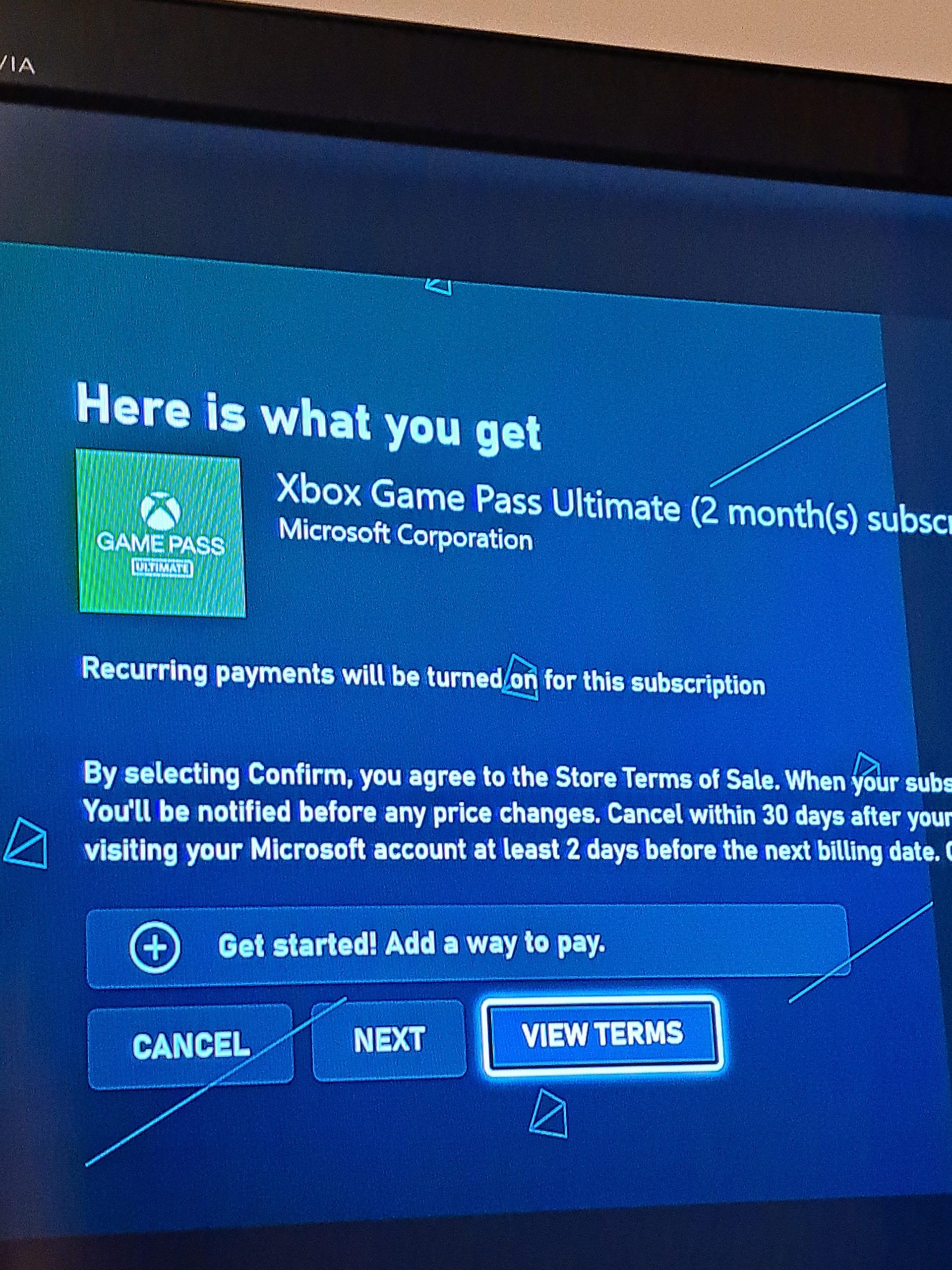
Yes, you can gift Game Pass to others digitally through the Microsoft Store, provided it is within their region.
Thinking of sharing the joy of gaming with a friend or family member? It’s a great idea, and many wonder, “can I gift Game Pass?”. You’re not alone in asking this question; many want to give the gift of endless games.
The good news is that Microsoft allows you to share the experience of Game Pass, making it easier than ever to spread the gaming love. Gifting is available digitally, ensuring a convenient and swift experience.

Can I Gift Game Pass? Understanding Your Options
Let’s talk about something super fun: giving the gift of games! You might be wondering, “Can I gift Game Pass to my friend?” The answer isn’t always a simple yes or no. It depends on a few things. Think of it like giving a special key to a huge library of awesome video games. Let’s explore all the ways you can share the joy of Game Pass.
The Different Flavors of Game Pass
Before we dive into gifting specifics, let’s quickly look at the different types of Game Pass. Understanding these will make it easier to see what you can gift.
Game Pass for Console
This is like getting a golden ticket for your Xbox console. With it, you can play tons of games on your Xbox. If you are an Xbox console gamer, this is what you want.
Game Pass for PC
If you love playing games on your computer, this is the Game Pass for you. It lets you play a lot of cool games on your PC.
Game Pass Ultimate
This is the big boss of Game Pass! It combines both console and PC Game Pass and also includes Xbox Live Gold (which you need to play online with friends). If you want the full experience with all the bells and whistles, this is the one. It even includes cloud gaming, so you can play some games on your phone or tablet.
Gifting Game Pass: The Direct Method
Okay, now for the real question – how do you actually gift Game Pass? The easiest way to give the gift of game is by buying a digital code. Microsoft makes it super easy. Here is how you can do it:
- Through the Microsoft Store Online: You can visit the Microsoft Store website, find the Game Pass option you want to gift (Console, PC, or Ultimate), and purchase it as a digital gift. When you do this, Microsoft will email a special code to your friend. They can redeem that code and start playing right away.
- Through the Xbox Console: You can also gift Game Pass directly from your Xbox console. Navigate to the Game Pass section on the console, select the option you want to gift, and follow the on-screen instructions. Your friend will again receive a digital code that they will use.
Important things to know about direct gifting:
- The receiver needs to have a Microsoft Account.
- The receiver needs to be in a region where Game Pass is available.
- The code can be used by anyone, so do not share the code on social media and make sure you send it to the intended receiver.
- Gifting is also available for subscription codes. For example you can gift a 3 month, 6 month subscription.
Gifting via Physical Gift Cards
Want to give something tangible? Physical gift cards are also available at many stores. These work just like the digital codes, but they come in a physical card. This method is great for occasions like birthdays or holidays. When you buy one of these cards, your friend will scratch off the protective layer on the back, find a code, and use it to get Game Pass. It’s a good way to make the gift seem more personal.
Where to find physical gift cards:
- Game stores
- Big supermarkets
- Electronics stores
Considerations Before Gifting
Before you buy, there are a few things to consider. You want to make sure your friend can make the most of the gift you give.
Existing Game Pass Memberships
If your friend already has Game Pass, adding a gift code will extend the time of their current membership. If you want to make a really big gift you can add a few months or even a year to their membership. Be sure to ask your friend if they have a current subscription to ensure they would like another.
Different Regions
Game Pass is not available everywhere in the world. Make sure the person you are gifting lives in a place where Game Pass works. You wouldn’t want to get a gift that cannot be used.
Game Pass Type
Think about what kind of games your friend likes to play. Do they play on an Xbox console, a PC, or both? Pick the right version of Game Pass. Getting a gift tailored to their interest will really make them feel special.
What Happens When You Gift?
After you send your friend a code or gift card, what happens next? Here’s a simple breakdown:
- Your friend gets the code: They will either receive it in an email, or they will find it on the physical gift card.
- They redeem the code: Your friend will then enter the code on their Xbox, their Microsoft Store app or on the Microsoft website.
- Game Pass activated: Once they have done this, they can explore and play all the amazing games included in Game Pass.
Gifting Tips and Tricks
Let’s go over some helpful tips to make your Game Pass gifting super successful.
Personalize the Gift
When you give a gift, you should make the receiver feel special. If you are giving a digital code, try writing a little message to go with it. If you are giving a physical card, wrap it with some fun colorful paper. You can also include a print out with a list of games that the receiver would enjoy. Adding a personal touch makes the gift feel more thoughtful and will be greatly appreciated.
Check for Sales
Sometimes, Microsoft or other stores will have sales on Game Pass. Keep an eye out for these special offers. You could save some money while giving a great gift. It’s a win-win situation.
Keep Track of Codes
If you are the one receiving the gift, be sure to use it within the allotted time. If you get a digital code, use it right away to make sure you don’t forget about it. If you have a physical gift card, put it in a safe place where you can find it when you are ready to use it.
Gifting to Families
If you have multiple kids or family members who game, consider Game Pass Ultimate. It is the one that works on both console and PC, so everyone can benefit from the subscription. You can even set up “family groups” through Microsoft, making it easier to manage subscriptions.
Consider a Subscription
If your friend is a big gamer, you can go beyond gifting a month or two. A longer subscription can be an awesome gift. Think about how much they would enjoy having access to a vast collection of games for a longer period of time.
Troubleshooting Gifting Issues
Sometimes, things don’t go as planned. Here are some common issues people run into and how to fix them.
Code Doesn’t Work
If a code doesn’t work, double check to make sure you entered it correctly. Sometimes, it’s easy to type it wrong. If it still does not work, contact Microsoft Support. They have good customer service and will be able to help you.
Wrong Region
If the code does not work because it is for the wrong region, unfortunately you will have to buy a new code. Make sure to check the region on the code before purchasing it.
Redemption Issues
If your friend is having a hard time redeeming the code, have them try redeeming it through the Microsoft website or from their Xbox console. Sometimes one method works better than another. Make sure to guide them through the redemption process if they are not familiar.
Why Gifting Game Pass is a Great Idea
There are many reasons why gifting Game Pass is a wonderful idea. It is:
- A fun gift: You are giving someone the key to a whole new world of games.
- A diverse gift: There are so many different kinds of games within Game Pass. There will be something for everyone.
- An easy gift: Digital codes are quick to buy and send, so it does not take much effort.
- A long-lasting gift: A Game Pass subscription can keep giving fun for weeks or months.
- A shared experience: You and your friend can play games together.
So, can you gift Game Pass? Absolutely! You have several choices on how to do it. You can get a digital code, a physical gift card, or even a longer subscription. Just be sure to consider your friend’s gaming preferences and existing subscriptions, and you’ll be on your way to giving a very awesome present. Gifting Game Pass is a great way to bring joy to your friends, and it allows you to share the fun and excitement of playing games. Keep these tips in mind to ensure a seamless gift-giving experience, and get ready to spread the joy of gaming!
How to Gift Games on Xbox
Final Thoughts
You can gift Game Pass, but availability varies. Microsoft offers digital codes that you can give to others. Specific regional limitations or subscription type differences can impact if you can give it.
Always check the specific conditions before purchase. Consider what type of Game Pass your friend would use. The ‘can i gift game pass’ question largely depends on purchase location and recipient region.

