
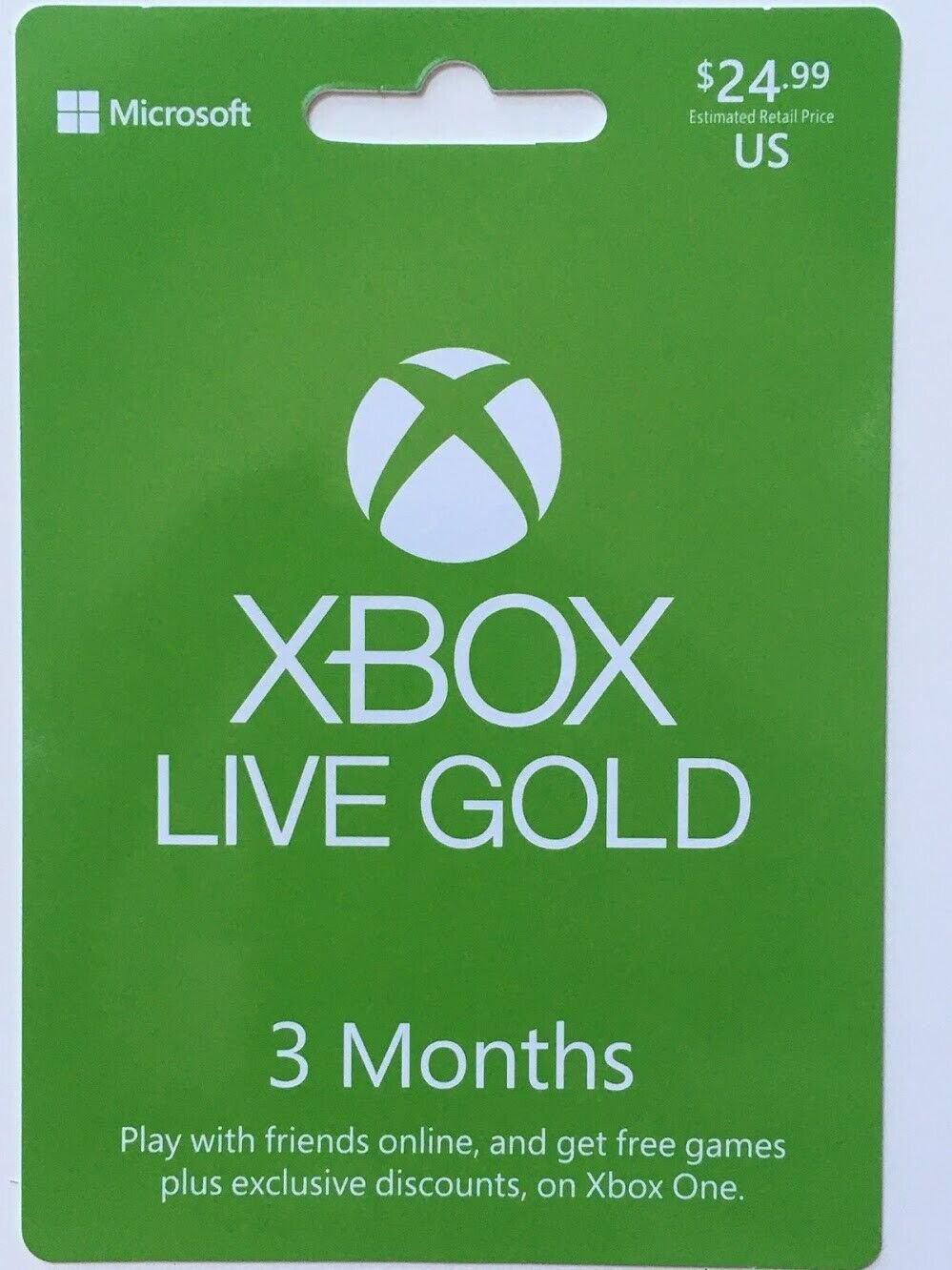
Yes, you can gift Xbox Game Pass.
Want to share the fun? A common question people ask is, “can i gift xbox game pass?” The good news is you absolutely can spread the joy of gaming.
Microsoft makes it simple to send a digital code for Xbox Game Pass to your friends and family. This way, they can access a vast library of games. It’s a perfect present for gamers of all types.

Can I Gift Xbox Game Pass?
Let’s dive deep into the world of Xbox Game Pass and explore if you can share the fun! It’s a question many gamers ponder, especially when birthdays or holidays roll around. The short answer is yes, you can absolutely gift Xbox Game Pass, but it’s important to know the specifics so your gift goes off without a hitch. This comprehensive guide will walk you through the different ways you can share the joy of gaming with Xbox Game Pass.
Understanding Xbox Game Pass Gifting Options
Microsoft understands the desire to share. They’ve made it possible to gift various Xbox Game Pass options, but not all of them work the same way. It’s like having different kinds of candy, each with its own taste and way of enjoying it! Let’s break down the most common types of Xbox Game Pass subscriptions and how they can be gifted:
Xbox Game Pass for Console
This is your core membership that gives you access to a huge library of games on your Xbox console. If you’re a console player through and through, this is usually the one you will be after. Good news, this can be gifted. The process is generally quite easy with Microsoft’s straightforward gifting system. Think of this as giving someone the keys to a big library of fun video games on their Xbox.
Xbox Game Pass for PC
For those who prefer to game on their computers, the Xbox Game Pass for PC provides a library of awesome games tailored for PC gaming. Just like the console version, you can gift this type of subscription. This is like handing your friend a whole bunch of PC games to play. The process is usually the same as gifting the console version.
Xbox Game Pass Ultimate
This is the all-star package! Xbox Game Pass Ultimate combines both the console and PC libraries, along with Xbox Live Gold. If you want to give the complete gaming experience, this is the one to go for. Great news, Xbox Game Pass Ultimate is also giftable. It’s like giving someone the ultimate gaming pass, letting them play on both console and PC, along with online multiplayer.
Gifting Specific Games
While gifting the Game Pass subscription is often the best way to share, you can also buy specific games from the Microsoft Store as a gift. If your friend has a game that they really want to play you can certainly consider this option as well.
How To Gift Xbox Game Pass: Step-by-Step
Now that you know what you can gift, let’s look at how you actually do it. The process is straightforward, but let’s make sure you get it right:
Gifting via the Microsoft Store
The Microsoft Store is your main hub for gifting anything Xbox-related. Here’s how to gift Xbox Game Pass through the store:
- Go to the Microsoft Store: You can do this from your Xbox console, a PC, or even your phone using a web browser.
- Find Xbox Game Pass: Search for “Xbox Game Pass” in the store and select the specific version you want to gift (Console, PC, or Ultimate).
- Choose “Buy as a gift”: Instead of selecting “Buy,” choose the “Buy as a gift” option that appears under the purchase button. It will usually look like a present box icon.
- Enter the recipient’s email: You’ll need to type in the email address of the person you’re giving the gift to. Make sure it’s the one associated with their Microsoft account.
- Complete the purchase: Follow the on-screen instructions to finish the purchase. You may need to use a credit card, debit card or another payment method linked with your Microsoft account.
- Your gift is sent: Once the purchase is complete, the recipient will get an email with instructions on how to redeem their Xbox Game Pass gift. They can use the instructions to activate their membership.
Things to Consider When Gifting
Before you hit that purchase button, here are some things to consider to make sure your gift is perfect:
- Recipient’s subscription status: If the person you’re gifting to already has an active Xbox Game Pass subscription, the gifted subscription will extend their existing membership by the chosen period.
- Geographic restrictions: Make sure the recipient is in a region where the gift can be redeemed. Xbox Game Pass region codes exist, make sure that you’re gifting codes that are valid in that specific region.
- Double Check the email: Ensure you’ve typed in the correct email address. A simple typo can send your gift into the digital void.
- Choose the right pass: If your recipient has a PC and Console you may consider buying the Ultimate option. Ensure that your gift will be the right one for their gaming setup.
Understanding Gift Codes and Digital Delivery
When you gift Xbox Game Pass, you’re actually buying a digital code. This code can be redeemed on the Microsoft Store. Think of it like a digital coupon for fun games. Here’s what you should know about these digital codes:
Digital Code Delivery
The codes are usually sent through an email to the recipient. The email contains a link that the recipient clicks to redeem the gift. This happens almost immediately, so your gift can be ready for your friend right away. In some cases, when purchasing from a third-party retailer, they may email you the actual digital code. You would then pass on that code to the recipient in your preferred way.
Redeeming Gift Codes
Redeeming codes is a simple process:
- Find the code: The recipient will either have a link in their email or the actual code.
- Go to Microsoft Store: They can do this on their Xbox console, PC, or using a web browser.
- Redeem: Look for the “Redeem a code” option and enter their code.
- Enjoy: Once the code is accepted, their Xbox Game Pass is activated.
Gifting from Third-Party Retailers
Besides the Microsoft Store, you can also find Xbox Game Pass gift cards or codes from third-party retailers like Amazon, Best Buy, and other stores. These physical cards often have digital codes printed inside. Here’s what you should know about purchasing through them:
Purchasing from Retailers
- Find the gift card: Look for Xbox Game Pass cards in physical or digital formats.
- Physical Cards: If you choose a physical card, you can physically hand it to the recipient.
- Digital Codes from Retailers: If you buy a digital code from a third-party retailer, you’ll typically get the code through email or on your order confirmation page.
Things to Consider when buying from Third-Parties
- Legitimacy: Only buy from trustworthy retailers to avoid scams or invalid codes.
- Regional restrictions: Like Microsoft Store codes, retail codes usually have regional restrictions, ensure you are getting the right one for the region your friend is based at.
- Delivery times: For digital codes, sometimes it can take some time to get the email containing the code. It’s usually within a couple of hours but make sure to purchase in advance to avoid any issues.
Troubleshooting Common Gifting Issues
Sometimes things don’t always go as planned. Here are a few issues that can arise and how you can fix them:
Code Not Working
If the code doesn’t work, here are some things you can check:
- Typo: Make sure you have typed the code correctly. Digital codes can be complex with letters and numbers, therefore, take time to look properly.
- Regional Issues: See if the code is valid in your friend’s location.
- Code Already Redeemed: Double check if the code has already been activated.
- Expiration Date: Some codes can expire, ensure it’s still valid.
Recipient Didn’t Receive the Email
If the recipient didn’t receive the gift email, try these steps:
- Check Spam/Junk: Sometimes the email can end up in the spam or junk folder.
- Double Check Recipient’s Email: Ensure you’ve entered the email correctly.
- Resend Gift: You might be able to resend the gift through the Microsoft Store. Contact Microsoft support if you are still having issues.
Can’t Gift to Someone in a Different Country
Yes, unfortunately, there are regional restrictions that prevent gifting across different countries and regions. Ensure you are purchasing a code that is valid for your friend’s location. If you are looking to gift across borders, you may have to find a code that is valid for the receiver’s region or purchase a digital gift card so they can buy the subscription themselves.
The Benefits of Gifting Xbox Game Pass
Gifting Xbox Game Pass isn’t just a present; it’s a doorway to a world of entertainment. Here’s what makes it such a great gift:
- Massive library of games: With Game Pass, the recipient gets access to a library of many awesome games without having to pay for each game individually. It provides a large range of games for different preferences and tastes.
- New games added regularly: The library is always being updated. It makes the gift that keeps giving. It’s not just a one-time thing, there will always be something new to explore in the Game Pass library.
- Play with Friends Online: With the Ultimate version your friend can join online games with you.
- Discover new games: It’s a great way to encourage exploration, the recipient can discover games they might not otherwise have tried.
- Value for Money: A Game Pass gift offers tremendous value with the high amount of games that become available.
- Easy to Gift: The gift process is easy and can be done completely digitally.
Why it’s a Great Gift for Different Types of Gamers
Xbox Game Pass is such a versatile gift that it’s a great option for various types of players:
- Casual Gamers: For someone who games casually, the game pass provides access to a collection of easy games and can be played without the commitment that comes with paid-for games.
- Hardcore Gamers: These types of gamers will get the chance to try out new games they haven’t experienced before, plus they gain access to day-one releases.
- PC Gamers: The game pass offers a large catalog of PC games, ideal for those who enjoy gaming on computers.
- Console Gamers: The game pass caters well for console lovers, giving them a chance to play games across multiple genres.
- Family Fun: It’s an ideal gift to share with family, with many games that kids, adults and families can enjoy together.
In short, gifting Xbox Game Pass is an ideal way to share your love of gaming. You’re not only giving access to great games but also to new experiences and time with family and friends.
How To Get Xbox Gamepass Ultimate For Free!
Final Thoughts
Yes, you can gift Xbox Game Pass! It’s a fantastic way to share gaming fun with friends. You can purchase a digital code and send it directly to someone.
This code grants them access to the service for a specific time. They can then enjoy a wide library of games.
The ability to gift this service is a great feature. So, can I gift Xbox Game Pass? Yes, you absolutely can!

