
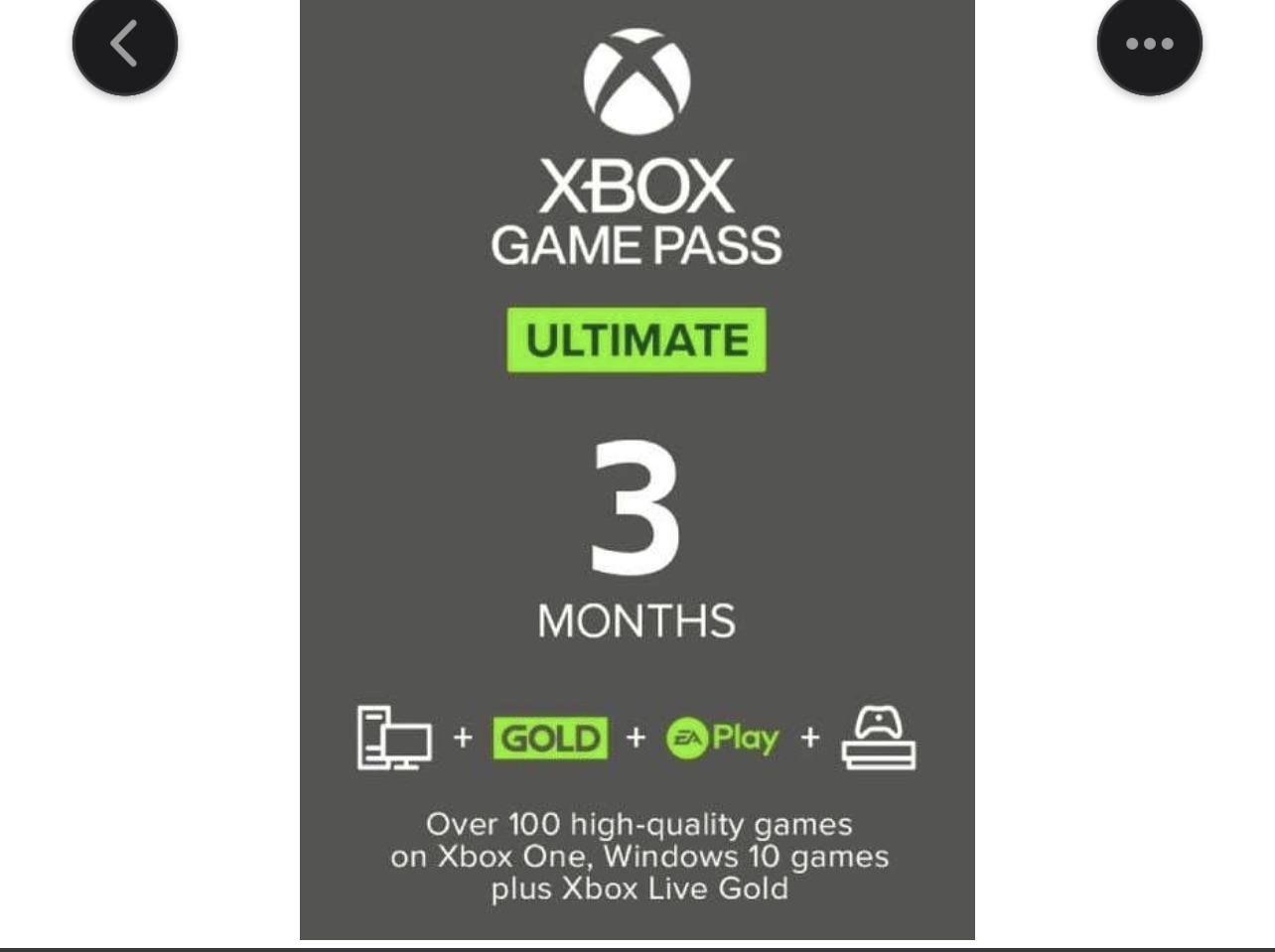
Yes, you can stack game pass codes, extending your subscription time.
Ever wondered if you could combine those Xbox Game Pass codes you’ve got lying around? Many gamers find themselves with multiple codes, and naturally, they ask, “can I stack game pass codes?” This is a common question, especially with promotions and giveaways happening all the time.
The good news is the system allows you to apply multiple codes to your account. This means you can significantly lengthen your subscription without any issues. So, you can keep playing your favorite games without worrying about it running out so soon.

Can I Stack Game Pass Codes? The Complete Guide
So, you’ve got your hands on a few Xbox Game Pass codes and you’re wondering if you can stack them all up like a deck of cards to get months or even years of gaming. It’s a great question and one that many gamers ask. The short answer is yes, mostly, but it’s a little more detailed than a simple yes or no. Let’s dive into the world of Xbox Game Pass codes and figure out exactly how stacking works, and where you may hit some limitations.
Understanding Different Types of Game Pass Codes
Before we get into the stacking specifics, it’s important to understand that not all Game Pass codes are created equal. There are mainly two types of codes that you’ll encounter:
Subscription Codes
These are the most common codes you’ll find. They are designed to extend your current Game Pass subscription, adding more time to your account. They come in different durations, like 1 month, 3 months, 6 months, or even 12 months. These are typically found with new console purchases, promotional events, or bought from retailers.
Trial Codes
Trial codes are generally shorter codes, often giving a 14-day or 1-month free trial of Xbox Game Pass. They are designed to introduce new users to the service, or sometimes given out as rewards or promotions. These have certain restrictions, often only for new accounts.
How Stacking Game Pass Codes Actually Works
The exciting news is that, generally, you can stack subscription codes! This means if you have a 3-month code and a 6-month code, you can apply them one after the other, adding up to 9 months of Game Pass. This is a great way to save money and ensure you’ve got access to the games library for an extended period. Here’s how the stacking process usually goes:
- Redeem your first code: Go to the Xbox website or use your Xbox console to redeem the code.
- Check your expiry date: After redeeming, see how much time it adds to your subscription.
- Redeem the next code: If you have more, go through the redemption process again.
- Watch the magic happen: Each successful redemption adds the appropriate time to the end of your existing subscription period.
It’s easy and straightforward, but there are a few things to keep in mind, which we will explore below.
Limits to Stacking Game Pass Codes
While the ability to stack codes is fantastic, there are some limitations you should know about. These limitations are primarily in place to prevent users from potentially abusing the system and to manage their subscription services effectively.
Maximum Subscription Time
There’s a limit to how much subscription time you can have on your account at any given point. Microsoft has set a maximum that you can accumulate, usually around 36 months or 3 years of Game Pass. Once you hit this limit, you won’t be able to redeem any more codes until your subscription time drops below that maximum. It’s like having a cup that can only hold so much water; once it’s full, you’ll have to drink some before you can add any more. Keep track of how much time you’ve added to avoid wasting a code. This limit applies to any type of Game Pass, which includes the standard Game Pass for Console, PC, and the Game Pass Ultimate.
Restrictions on Trial Codes
Trial codes, especially the shorter duration ones like 14-day trials, typically have more restrictions than standard subscription codes. Often, these trial codes can only be redeemed by new Game Pass users, meaning if you’ve had Game Pass before, these codes may not work for you. Additionally, there may be restrictions on stacking these trial codes together. For example, you might not be able to redeem more than one trial code per account. These codes are generally meant as an introductory offering and not as a way for existing members to extend their time. Carefully read the fine print associated with a trial code before acquiring them, as they are typically non-refundable and non-transferable, and these terms may vary based on the promotion source.
Region Specific Codes
Game Pass codes can be region-specific, just like many other digital products. This means a code purchased or given in one region might not work in another. Always double check the region associated with your code to ensure it’s compatible with your account location. Trying to redeem a code from a different region will generally result in an error and will not extend your subscription. To avoid any unnecessary frustration and loss of potential money, be sure to match your region when making purchases or redeeming codes. Generally, this applies to any digital media, not just game codes, but this is an important reminder that your account’s region should always match the region of any digital code you intend to redeem.
Game Pass Ultimate Stacking
Game Pass Ultimate is the top-tier subscription that includes access to both Xbox console and PC games, as well as Xbox Cloud Gaming and Xbox Live Gold. The great news is that you can also stack Game Pass Ultimate codes. However, if you’re converting from a different type of Game Pass to Game Pass Ultimate, it’s slightly different than simply stacking codes. Let’s go over the details.
Conversion Ratios
If you have time remaining on a standard Game Pass or Xbox Live Gold subscription and then upgrade to Game Pass Ultimate, that time is converted to a different ratio, rather than stacking 1:1. This means one month of Xbox Live Gold won’t equal one month of Game Pass Ultimate. The conversion ratios may slightly vary at different times. However, in general terms, they follow these typical patterns. Let’s illustrate them in table format:
| Previous Subscription | Approximate Game Pass Ultimate Conversion |
|---|---|
| 1 Month of Xbox Live Gold | Approximately 20 days of Game Pass Ultimate |
| 3 Months of Xbox Live Gold | Approximately 60 days of Game Pass Ultimate |
| 12 Months of Xbox Live Gold | Approximately 4 Months of Game Pass Ultimate |
| 1 Month of Game Pass (Console or PC) | Approximately 20 days of Game Pass Ultimate |
| 3 Months of Game Pass (Console or PC) | Approximately 60 days of Game Pass Ultimate |
| 12 Months of Game Pass (Console or PC) | Approximately 4 Months of Game Pass Ultimate |
Keep these conversion rates in mind when you’re planning to make the leap to Ultimate and see if there are any promotions going on that might further enhance the value of your switch. Usually, there are special promotions for people to switch to Game Pass Ultimate, and these can often be significantly more beneficial than just stacking your previous subscription with the Ultimate code, but they aren’t guaranteed, so always compare the rates and terms before taking action.
Stacking Ultimate Codes
Once you’re on Game Pass Ultimate, you can then stack Ultimate codes as normal, adding additional months onto your existing Ultimate subscription as long as you don’t exceed the maximum subscription time limit. So, if you have 3 months of Ultimate and then redeem another 12 months, you’ll now have 15 months. If your ultimate sub is about to expire, be sure to always check your renewal date before redeeming another code, to avoid unintended losses. This means you can potentially build up your Ultimate subscription time as long as it doesn’t exceed that 3-year limit, giving you access to an extensive library of games.
Where to Find Game Pass Codes
Now you know how to stack them, you might be wondering where to actually find those codes. Here are some common places to look:
- Retailers: Stores that sell games and electronics often sell Game Pass subscription cards or digital codes.
- Console Bundles: New Xbox consoles sometimes come with a free Game Pass trial code.
- Promotional Events: Keep an eye out for promotional events, as Microsoft and other companies often run promotions with free Game Pass codes.
- Giveaways: Participating in online contests or social media events can sometimes result in winning a Game Pass code.
- Subscription Services: Some other subscription services may offer Game Pass codes as rewards or part of a package deal.
- Online Marketplaces: Sites like Amazon and other e-commerce marketplaces are also sources for Game Pass codes, and can be found at different prices for different codes.
Make sure you always purchase your codes from reliable and trustworthy retailers or vendors to avoid any potential scams or fraud. When purchasing online, check the seller rating and reviews to make sure you’re not buying a fake code. Sometimes codes can also be region-locked to a specific region, as discussed before, so carefully check the product description, before you make a purchase.
Tips for Maximizing Your Game Pass Subscription
Here are a few pro-tips to help you make the most of your Game Pass subscription:
- Keep an Eye on Promotions: Keep track of Xbox and gaming related sites to be on the lookout for special offers and promotional codes.
- Use Your Time Wisely: With so many games available, plan out your game time to make sure you explore the games you want to play.
- Check the Game Pass Catalog: Xbox updates the Game Pass library with new additions and removals, so frequently see what’s available.
- Take Advantage of Cloud Gaming: Play games on different devices with the cloud gaming feature, available with Game Pass Ultimate, even if they are not locally installed on your device.
- Share Game Pass Ultimate: With Game Pass Ultimate you can share your Game Pass with others on one console, so that the whole family can enjoy the subscription benefits.
- Avoid Buying Games You can Wait for: The catalog is always being updated, so it’s best to avoid buying games in the store, if they are likely to come to game pass in the future.
- Use Microsoft Rewards: Microsoft often runs reward programs, that allow you to get free Game Pass Codes, based on your regular usage of your system.
Using these tips, you can greatly enhance your overall gaming experience and make sure you make the best use of your Game Pass subscription.
Stacking Game Pass codes is a fantastic way to manage your subscription and ensure you’ve got continuous access to a huge catalog of games. By understanding the different types of codes, the stacking process, the limitations, and how Game Pass Ultimate works, you’ll be able to get the most out of your gaming. Remember to keep an eye out for deals, understand the restrictions on trial codes, and to not exceed that 3-year limit. Happy gaming!
Super Cheap Game Pass Ultimate | Best Conversion Tip
Final Thoughts
You can stack multiple Game Pass codes, extending your subscription time. Microsoft allows combining codes to accumulate months or years of access. This provides a great way to secure longer subscription periods.
So, the answer is yes, can i stack game pass codes? You can absolutely stack them, making the most out of deals or promotions. Remember, codes might have region restrictions or expiration dates, so double-check before adding them.

