
Yes, MW3 can be game shared on consoles that support the feature, but there are restrictions and limitations to consider.
Want to play the latest Call of Duty without buying a separate copy? Many players wonder, can MW3 be game shared? It’s a common question, as sharing games can save money and let friends enjoy the action together.
Game sharing does have some limitations and isn’t always straightforward. Different platforms handle it differently, and specific rules apply. Before you start, you should research the details of game sharing for your setup.

Can MW3 Be Game Shared?
Let’s dive right into the question everyone’s asking: can you game share Modern Warfare 3 (MW3)? The short answer is, it’s complicated, but mostly, yes, you can share MW3, but with some important things to keep in mind. It’s not as simple as handing your friend a disc anymore. We’re talking about digital game sharing, and that process has its own set of rules depending on the gaming platform you’re using. Think of it like lending a book, but with a few more steps and some potential limitations. Let’s explore the ins and outs of game sharing MW3 on different systems, from PlayStation and Xbox to PC, and even discuss any possible tricky situations.
Understanding Digital Game Sharing
Before we get specific about MW3, let’s talk about the general idea of digital game sharing. In the old days, you could simply give a physical game disc to your friend. But today, with most games downloaded directly to our consoles or computers, things have changed. Digital game sharing is a feature that some platforms allow, letting you share your downloaded games with other players. However, this capability is not standard across all platforms, and it often comes with restrictions. Game sharing usually involves setting up one of the following:
- Primary/Home Console: This means your account is set up on another console as the “primary” or “home” console, allowing other accounts on that system to play your games.
- Account Sharing: This involves letting another player log into your account on their console, which comes with some big risks.
- Family Sharing: Certain platforms, like Steam, have dedicated family sharing features that let you share your library within a group of trusted users.
These methods have their own advantages and disadvantages which we will explore further as we focus on MW3. It’s crucial to understand the difference between these, because how you approach game sharing directly affects whether it will work for MW3 or not. Be aware that game publishers and platforms sometimes change policies, so it is a good idea to stay informed about any updates to game sharing rules.
MW3 Game Sharing on PlayStation Consoles
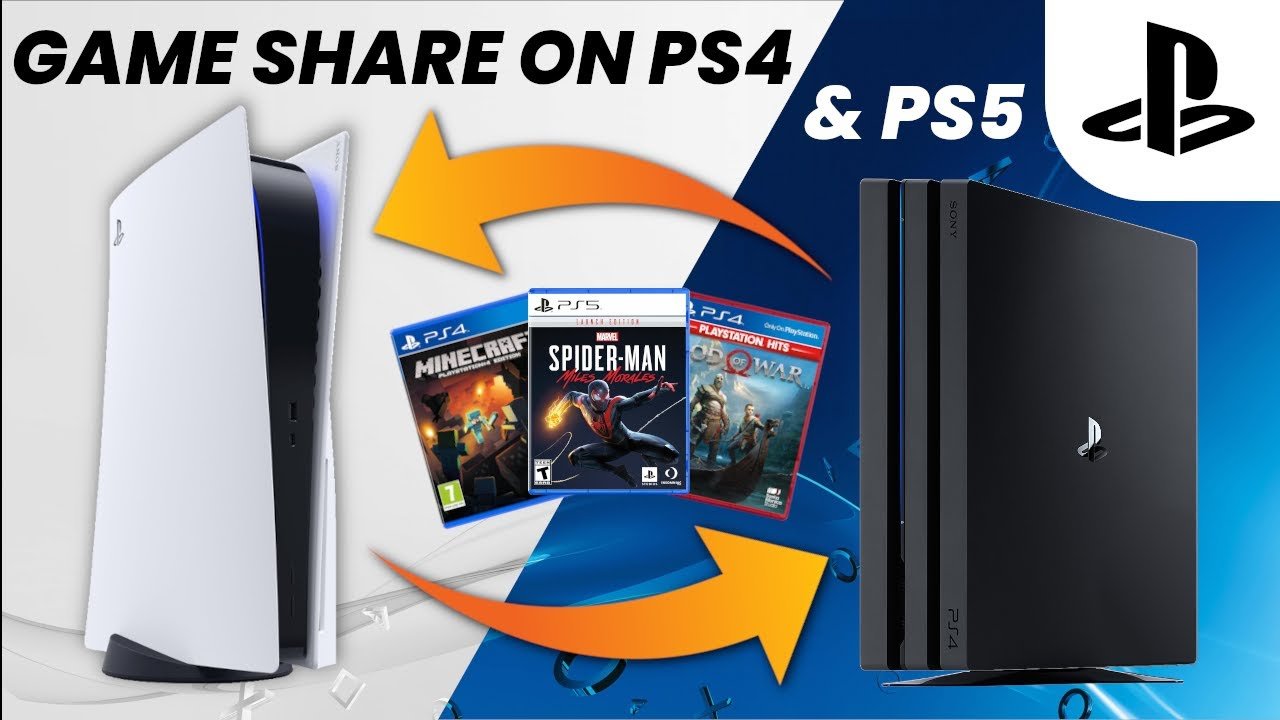
Many gamers use PlayStation consoles, like the PS4 and PS5. So, how does game sharing work here with MW3? PlayStation offers a system known as “Console Sharing and Offline Play”. This system allows players to share their digital games and PlayStation Plus benefits with other users on the same console. Here’s the breakdown:
Console Sharing and Offline Play
The key is the “primary console” setting. To share games on a PS4 or PS5, you need to activate your account on another console as its “primary” console. This means that any other accounts on that secondary console can play any games you’ve purchased digitally. Here’s how it works in steps:
- On your friend’s console (the one you’ll be sharing to), log in with your PlayStation account.
- Go into settings, then “Users and Accounts,” then to “Other” or similar options.
- Find “Console Sharing and Offline Play” and activate it for this console.
Now, your friend can play MW3 (if you own it digitally), using their own PlayStation account on their console.
Limitations on PlayStation Game Sharing
- Only One Primary Console: You can only have one primary console active at a time. If you make another console your primary, the previous one loses access to your games for other accounts.
- Playing Simultaneously: You can’t play a game at the same time as the user on your primary console using the same account. This is because your account is only licensed to one active gameplay session at a time. If you try to play at the same time, you will likely get a “kicked” out error.
- Account Security: While convenient, sharing your account information with others can create a security risk. Make sure you trust the person you are sharing with.
- PlayStation Plus: If you have PS Plus, its benefits are usually shared on the primary console, but game sharing might not extend to all multiplayer features.
To use the game sharing feature properly, understanding these restrictions are essential. Always consider account security and potential issues if something goes wrong with the primary console settings.
MW3 Game Sharing on Xbox Consoles
Xbox has its own system for sharing games between consoles, using a similar concept of “Home Xbox.” This is how it allows you to share games with other accounts on the same console. Here is how it works:
Setting a Home Xbox
Like PlayStation’s primary console, Xbox has the “Home Xbox” setting. Here’s how to set it up for game sharing:
- Log in to your Xbox account on your friend’s console.
- Go to settings, then to “Personalization,” and then “My Home Xbox.”
- Select “Make this my home Xbox.”
Now, other accounts on that console can play any digital games you have bought.
Xbox Game Sharing Rules and Limitations
- One Home Xbox: Just like with PlayStation, you can only have one designated Home Xbox at a time. Changing your Home Xbox will impact the previous console’s access to your shared games.
- Simultaneous Play: You can’t be logged in and playing the game using your account at the same time on two different consoles. You can, however, play on different consoles using your primary console sharing with your account on your console and the shared console using your friends account.
- Xbox Game Pass: The benefits of the Xbox Game Pass are usually shared across your home console, but always check the fine print because it can change from game to game and service to service.
- Account Security Concerns: Same as with PS, sharing your login information with anyone always carries a risk. Use extreme caution when setting up your account on any device you don’t own.
Knowing these limitations will help make sure your game sharing experience goes smoothly. Always be sure to consider these before making any changes to your Xbox settings.
MW3 Game Sharing on PC Platforms
The world of PC gaming can be different from consoles. When it comes to MW3 and PC platforms such as Steam and Battle.net, the game sharing situation is more diverse, but is generally more difficult than on consoles.
Steam Family Sharing
Steam offers a “Family Sharing” feature. This feature allows you to share your game library with a small group of users, but it has its own set of rules. These rules apply to MW3:
- Authorizing Computers: You must authorize the computer of the friend you wish to share games with.
- Library Conflicts: If both you and your friend want to play the same game at the same time, only one person can play it. This includes MW3.
- Specific Games Restrictions: Certain games may not be eligible for Family Sharing due to publisher restrictions. Though unlikely, this could sometimes include MW3.
- Account Security: Sharing a Steam account can cause security concerns and risks. Try not to share your account info and only authorize a shared computer.
- Not all games are Shareable: Steam does not allow all games to be shared. Usually, if a game requires an extra login, like to the publisher’s account, it may not be shareable. This would apply to MW3, due to its requirement to log into a separate Activision/Call of Duty account to play.
Steam’s Family Sharing can be useful, but the limitations mean it might not be the best option for sharing a game like MW3. It might not be possible at all in many cases due to the way MW3 connects to Activision’s servers.
Battle.net and MW3 Sharing
Modern Warfare 3 uses the Battle.net platform. The game uses the Battle.net platform, but with a slight difference from other games, making it very difficult to game share. The way MW3 links an Activision/Call of Duty account to your Battle.net account and the game license makes it very difficult. Here is a further explanation:
- Account Linking: Your MW3 game license is not just tied to your Battle.net account. It’s also linked to your Activision/Call of Duty account. This makes sharing complex, since game sharing is meant to provide access to a specific account.
- No Official Sharing Feature: Currently, Battle.net does not have a built-in feature similar to Steam’s Family Sharing or Console Sharing on Xbox or Playstation. This makes it very difficult to just hand over a game license to a friend.
- Account Safety: Sharing account details with another person is risky. You can potentially risk your account being banned or losing your account if the other person does not have proper security.
- Potential Workarounds: Some users might try workarounds, but these are usually against the terms of service of the game and platform, and can have some really serious negative consequences. It is usually not advised to try any risky game sharing methods.
Battle.net’s system means that sharing MW3 on PC is very difficult, and is likely not possible in a way that will actually work. Be very careful about any game sharing advice you may see in different places that may not work.
The Potential Challenges of Game Sharing MW3
As you can see, game sharing can come with its own set of hurdles. Even when you can share, things can go wrong. Knowing these potential issues can help you avoid them:
Account Lockouts and Bans
One of the biggest risks is getting your account locked or even banned. If the platform suspects suspicious activity, like multiple users playing on one account, it might take action. This is particularly true if you are using methods that are not supported or against the terms of service. This could lead to you not being able to play the games you purchased, which is frustrating.
Activation and Licensing Issues
Sometimes, the game sharing process does not work correctly. The licensing may not transfer properly or it can cause a conflict between the sharing accounts. These issues can result in users not being able to play, or can have a lot of other problems. These issues can be frustrating to deal with because resolving them can be time consuming.
Game Updates and Patches
Game sharing can sometimes create problems with getting updates or patches. This can be a problem because updates are required to play many games, and not having the latest version can result in not being able to play online with others. This is another reason why sharing can cause difficulties if you do not know all the details about how it works.
Compatibility Problems
Sometimes, sharing may result in compatibility problems. It may require the other system or user to update or change software in order to play correctly. This can cause difficulties that might be difficult to solve and may be frustrating to users. This can be another reason why it might be better to just purchase the game instead of sharing.
Ethical and Legal Concerns
While game sharing can seem convenient, always consider the legal and ethical side. If you’re not following the rules set by the platform and the game publisher, you could run into serious trouble. It’s always good to be aware of the Terms of Service and adhere to them. It can also be ethical to support the game developers by purchasing your own copy of the game, instead of sharing.
Game sharing MW3 can be done, but requires careful setup and understanding of each system. Consider the risks and limitations before sharing your account or games. It may be better for everyone to just purchase their own copy if these issues are a problem.
How to Fix Gameshare Locked Call of Duty Modern Warfare 3
Final Thoughts
Game sharing for Modern Warfare 3 depends on your platform. PlayStation and Xbox offer methods, but they have limitations and vary between consoles. Some features and content might not transfer via game share. Consider the specific restrictions of your chosen game-sharing system.
Ultimately, ‘can mw3 be game shared’ is answered with a conditional yes. The feasibility hinges on the system and its specific rules. Always review your platform’s guidelines regarding game sharing before you try it.

