
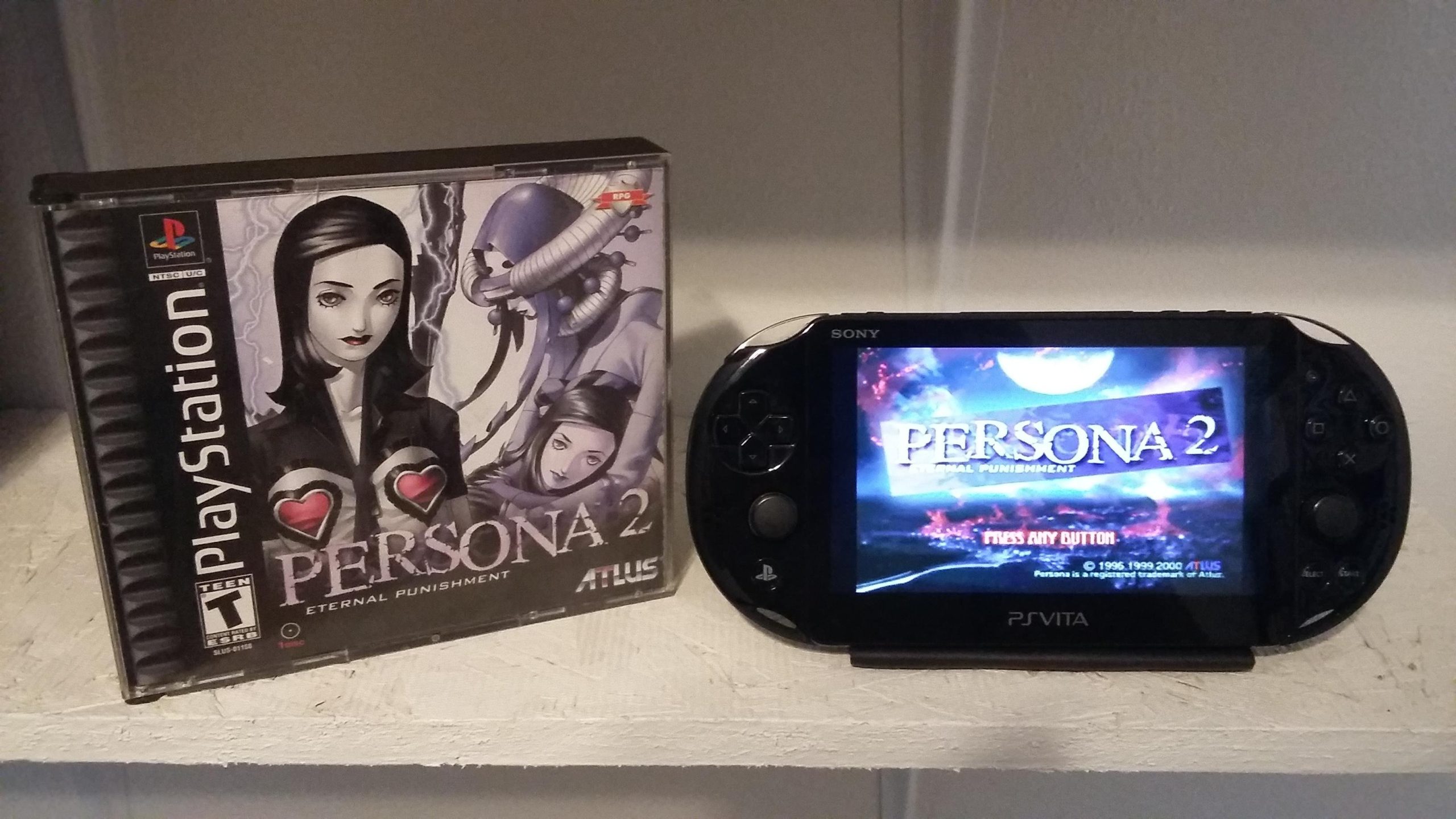
No, PS Vita games cannot play on a PS3 console.
Many gamers wonder, can ps vita games play on ps3? It’s a common question, given both are Sony consoles. However, the PS Vita uses a different game format than the PS3, leading to incompatibility.
These handheld games are specifically designed for the Vita hardware. Therefore, you cannot simply insert a PS Vita cartridge into a PS3 and expect it to function. They each have unique architectures and game delivery systems.

Can PS Vita Games Play on PS3?
Let’s dive right into the big question: Can you play your favorite PS Vita games on your PlayStation 3? The short answer is, unfortunately, generally no. The PS Vita and PS3 are different consoles with different ways of handling games. They use different game formats and software, so they’re not directly compatible with each other. Think of it like trying to play a DVD on a CD player – it just won’t work!
Understanding the Hardware Differences
To really grasp why PS Vita games don’t work on the PS3, we need to look at the hardware. The PS Vita is a handheld gaming device, much smaller and portable than the PS3. It’s designed to play games on the go. The PS3, on the other hand, is a home console, meant to be hooked up to a TV. These differences in design mean they have different internal components and read games in different ways. Here’s a quick breakdown:
PS Vita
- Uses cartridges or digital downloads specifically made for the Vita.
- Has a touch screen and specific controls.
- Smaller screen and resolution.
- Designed for portability.
PS3
- Uses Blu-ray discs for games.
- Uses a DualShock controller.
- Larger screen display.
- Designed for home use.
Because the games are built to work with a system’s specific design, you can’t just pop a PS Vita cartridge into the PS3 and expect it to work.
Why Compatibility is a Challenge
The challenge comes down to several key factors:
Game Format
PS Vita games use either physical game cards (small cartridges) or digital downloads from the PlayStation Store made for the PS Vita’s unique system architecture. The PS3, however, uses Blu-ray discs. These different formats are not interchangeable. The PS3’s disc drive cannot read PS Vita game cards, and the software system of PS3 won’t recognize the different programming of the PS Vita game files.
System Architecture
The PS Vita and PS3 have very different “brains” inside, also called system architecture. Imagine two different computers: one laptop and one desktop. They run on slightly different systems, even though they are both computers. This is the same situation here. PS Vita games are programmed to work with the specific processor, graphics chip, and software of the PS Vita. The PS3 is programmed to work with its unique set of hardware. This means that a PS Vita game cannot understand how to run on the PS3.
Controller Differences
The way you interact with games is also different. The PS Vita uses a touch screen and other special buttons, while the PS3 relies on the DualShock controller. Many PS Vita games also use the touch screen for gameplay, which the PS3 does not have. Because of this, even if the systems could somehow read each other’s game formats, many games would be unplayable.
The Concept of Remote Play
Now, there’s a cool feature called “Remote Play,” which might create some confusion. Remote Play lets you play some PS3 games on your PS Vita, by streaming the game from your PS3. This doesn’t mean you’re playing PS Vita games on a PS3. Instead, you’re playing a PS3 game on your PS Vita using the PS3’s processor power. This is important: it’s not the same as running a PS Vita game on the PS3.
Remote Play basically turns your PS Vita into a kind of remote screen and controller for your PS3. It needs a good Wi-Fi connection to work well, as the game is essentially streamed like a movie from the PS3 to the Vita.
How Remote Play Works:
- Your PS3 does all the processing of the game.
- The game is streamed to your PS Vita over your home Wi-Fi.
- You use the Vita’s controls to play the game, while the game itself is still running on the PS3.
Remote Play is an amazing feature that helps bridge the gap between the two consoles, but keep in mind, it’s still not playing PS Vita games on PS3. It’s playing PS3 games remotely on a different device.
Possible Workarounds?
The question often arises: are there any clever ways to get PS Vita games working on PS3? Sadly, the answer remains mostly no.
- Emulation: Some people might suggest using software known as “emulators.” These are programs that try to mimic the system of one console on another device, usually a computer. While there are PS Vita emulators available for computers, there is no way to run them directly on the PS3. The hardware of the PS3 does not support this kind of emulation. Also, keep in mind that using emulators can sometimes have legal implications, depending on your use.
- Hacking/Modding: Some people might also talk about using hacking or modification to play games on consoles. This is risky and can also make it so you can’t use the online features on your system. Plus, it’s unlikely to achieve reliable gameplay, even if you try, as the systems are just very different.
So, while the thought of combining both consoles’ games into one is very appealing, it’s just not how these consoles work.
PS Vita and PS3 Game Libraries: Two Separate Worlds
It’s helpful to think about the game libraries of the PS Vita and PS3 as separate collections. They have some crossover with a few titles available on both, but for the most part, these consoles host different games.
- Unique Titles: Many fan-favorite PS Vita games, like Persona 4 Golden or Gravity Rush, are designed only for the PS Vita. Similarly, games like The Last of Us and Uncharted 3 are exclusive to the PS3.
- Digital Purchase: Games can be bought on the PlayStation Store, but these purchases are linked to your specific account and designed for the appropriate console. That means that even if you buy a PS Vita game from the store, it will only work on the Vita console and not the PS3.
This separation is part of the fun: each console provides a very different gaming experience with its own library of memorable and beloved titles.
Alternatives for Playing Games
Even though you cannot play PS Vita games on the PS3, here are some alternative options to explore:
Playing PS Vita Games
- The most reliable way to play PS Vita games is to use a PS Vita console. It is important to keep it updated to get the best experience out of your system and games.
- If your PS Vita has a memory card (the size of the storage depends on the card) you can download and play many digital games from the PlayStation Store.
Playing PS3 Games
- The best way to experience PS3 games is to play them on a PS3 console.
- If you do not have a PS3, a great option is to play PS3 games on your PC through PlayStation Plus Premium Streaming or by using emulators. The quality and ease of use of these options can vary. However, some titles will not work well on this system.
A Note on PlayStation Plus
PlayStation Plus is a subscription service by Sony that gives players several benefits including access to a library of games. With the different tiers, some classic PlayStation titles, such as PS3 games are playable. Keep in mind that these are only the PS3 games that are playable on the PS Plus service, and does not help to play the PS Vita games.
So to recap, while the idea of playing PS Vita games on a PS3 is a very neat concept, it’s unfortunately not possible. The different formats, system architecture, and controllers mean that the systems simply aren’t designed to communicate. Remember to use Remote Play to play some PS3 games on your Vita, and enjoy the unique game libraries each console provides.
Playing PS3 Games on PS Vita Explained
Final Thoughts
PS Vita games cannot natively play on a PS3 console. The two systems use different game formats and hardware architectures, making direct compatibility impossible. PS3’s disc based format does not allow Vita’s digital or cartridge games to run.
Therefore, the answer to the question “can ps vita games play on ps3” is a clear no. You must purchase games separately for each specific system if you desire to play them.

