
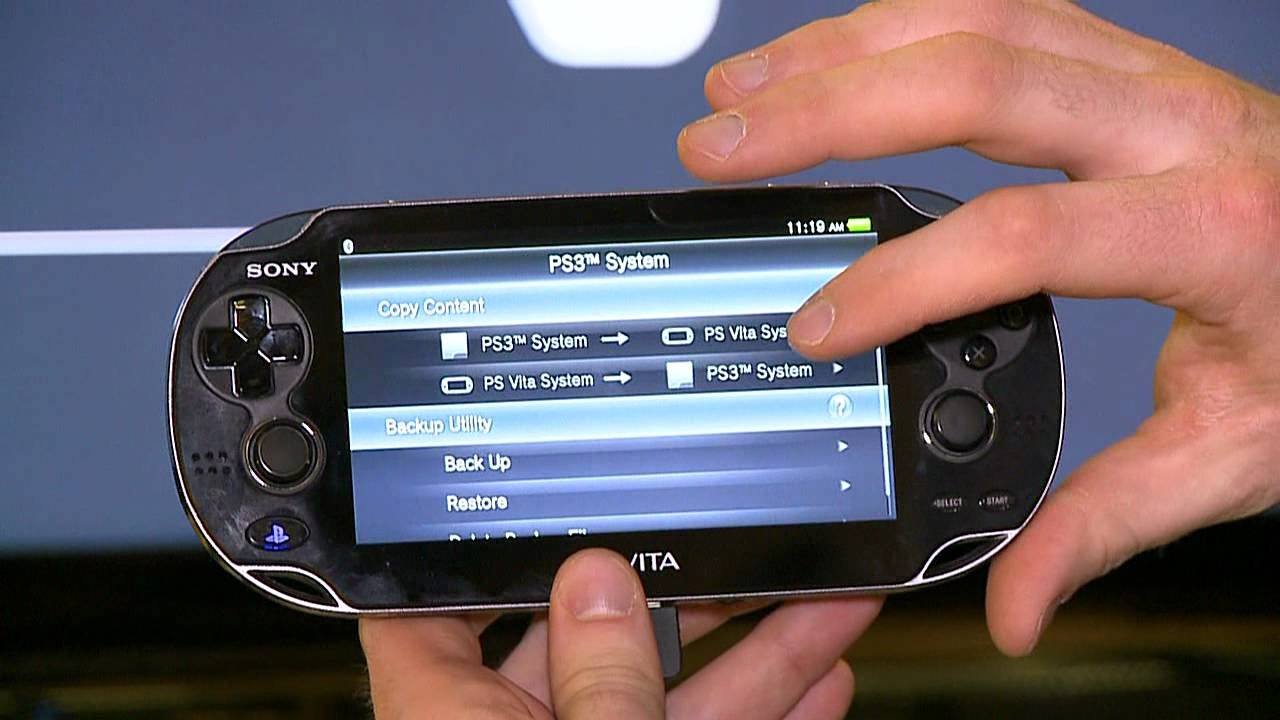
No, PS Vita games cannot work on PSP.
The question, “can ps vita games work on psp”, often pops up among gamers. It’s understandable to wonder if games from one handheld console would be playable on its predecessor. The simple answer is, sadly, no; the two systems have different architectures and game formats.
They are not compatible. This means a PS Vita game disc or digital file will not function on a PSP. The hardware differences make it impossible for the older system to read and execute the newer games.

Can PS Vita Games Work on PSP?
Okay, let’s dive deep into this question that’s probably been on your mind if you have both a PlayStation Portable (PSP) and a PlayStation Vita. The short answer? No, PS Vita games cannot directly work on a PSP. It’s a bit like trying to fit a square peg into a round hole – they’re just not compatible. But there’s a lot more to it than just a simple “no.” Let’s explore the reasons why and what this means for you, the gamer.
The Fundamental Differences Between PSP and PS Vita
To understand why PS Vita games won’t play on a PSP, we need to look at what makes these two handheld consoles different. Think of them as cousins, not twins. They share some DNA from the same family (PlayStation), but they are designed very differently.
Hardware Architecture
PSP’s Core: The PSP was powered by a MIPS CPU. This type of processor was great for its time, handling 2D and 3D graphics smoothly on its smaller screen. It also used Universal Media Discs (UMDs) for games.
PS Vita’s Upgrade: The PS Vita uses a completely different processor, an ARM CPU. This is much more powerful, allowing for better graphics, more complex games, and a higher-resolution screen. The PS Vita ditched UMDs for game cartridges and digital downloads. The architecture is so much different that the systems speak a different computer language. It’s like if one person speaks English and the other only speaks Spanish; they can’t understand each other without some kind of translation.
Storage Mediums
PSP’s UMD: The PSP’s main game format was the Universal Media Disc, or UMD. These small discs held the games and were read by the PSP’s built-in drive.
PS Vita’s Cartridge: The PS Vita games come on small cartridges or are downloaded from the PlayStation Network. The PS Vita’s hardware was built to read this data, and does not have a UMD drive. The way the game data is stored is totally different.
Graphics Processing
PSP’s Graphics: PSP graphics were impressive for their time, but they were built for the hardware of that era. Think of classic, smooth 3D visuals with less detail.
PS Vita’s Graphics: PS Vita can handle much more detailed and advanced graphics. They offer better lighting, more intricate textures, and just a more refined look overall.
Operating System
PSP’s OS: The PSP has its own operating system, designed to work with its hardware and UMD based games.
PS Vita’s OS: The PS Vita’s operating system was a significant upgrade. It’s more powerful and suited to newer games with touchscreen functionality, downloadable content and apps. They are not compatible at all.
Understanding Game Compatibility
The reason why compatibility is impossible comes down to those core differences we’ve talked about. It’s not just about the physical format, but the entire way the games are made and how they speak to the console’s hardware.
The Programming Language
PSP Games Code: PSP games were coded specifically for the PSP’s CPU and graphics processing capabilities. They are instructions written for a specific computer, the PSP hardware.
PS Vita Games Code: PS Vita games are coded to take advantage of the PS Vita’s more advanced processor and features. They’re written in a different “language.” It’s like if the instructions for building a Lego castle were given to someone only knowing the instructions of building a toy car.
The Data Structures
Data Organization: The way the game data is organized and accessed on a UMD is very different from how it’s stored on a PS Vita game card or downloaded file. The format that PSP uses to access data is like using an old book, where you need to flip the pages to get to the chapter you want, while PS vita accesses the data more like a digital book, where you can jump to any chapter immediately.
Resource Loading: The resources a game needs (graphics, sounds, code) are packaged and loaded in a very particular way. The PSP and the PS Vita have different methods of loading these resources.
Physical Storage Differences
UMD vs Cartridge: Remember those UMDs? The PSP has a special drive that reads them. The PS Vita has a slot for game cards and no such drive. You physically can’t put a PS Vita game cartridge into a PSP, or fit a UMD into a PS Vita. They’re like two different puzzle pieces; they just don’t fit.
Digital Formats: Even if both consoles could access the same digital games, they wouldn’t know how to process that code.
Can You Play PSP Games on PS Vita?
Here’s a twist! While you can’t play PS Vita games on a PSP, you can play many PSP games on the PS Vita. That’s through a special digital download or, in some rare cases, a physical format for early backwards compatible games.
PlayStation Network Downloads
PSP Classics: Sony made many PSP games available for purchase and download on the PlayStation Network.
Digital Library: If you own a PS Vita, you can buy and download these classic PSP games and play them on your Vita. It’s a great way to revisit old favorites or try titles you might have missed.
How it Works
Emulation: The PS Vita can emulate, or pretend to be, a PSP when playing these downloaded games. This lets it run the PSP software correctly. The PS Vita has software inside that tricks it into acting like a PSP for specific games.
Software Compatibility: Sony had to build special software into the PS Vita to allow the system to read and run PSP code. The game data from a PSP has to go through a special software before it can work on PS Vita, this software acts like a translator.
Limitations
Not Every Game: Not every PSP game is available on the PlayStation Network, but many of the popular ones are.
Physical Copies: You can’t use your old UMDs on a PS Vita (the hardware doesn’t support it). You need to buy the digital version.
Why Backward Compatibility Doesn’t Always Work
You might wonder, why can’t every game from an older system be played on a new one? There are good reasons.
Hardware Differences
Cost: It costs time and money to make a new system backward compatible. Companies have to spend resources on coding and testing to ensure the older games can run well.
Technical Challenges: Making a new system run games from an old system perfectly is very difficult. There are lots of technical hurdles involved. The chips inside the systems, the way data is stored and accessed, all present technical problems to work through.
Features: Older systems might have features that the newer systems don’t. Making a game work without that feature can be hard. For example, the UMD drive. If there is no UMD drive, the game would require major changes to work.
Focus on New Content
New Games: When new consoles come out, the developers often put more resources into making new games. Companies want to show what the new hardware can do.
Innovation: Sometimes, backward compatibility can hold a system back from using new technologies. Instead of looking back, companies focus on innovating.
The Potential for Future Emulation
Looking ahead, there’s always the hope that more advanced emulation could let us play older games on newer systems. It is always the potential.
Software Emulation
Advances in Tech: As technology gets better, software emulation improves. This could lead to more ways to play games from older systems.
Community Efforts: There are also fans who work on emulators which try to allow older games to be played on newer systems. This is however, usually complicated and often requires changes to be made to both hardware and software.
Challenges Remain
Perfect Emulation: Creating perfect emulation is very hard. There are always slight differences, which cause issues.
Legal Issues: Emulation can sometimes have legal problems. It’s important to respect the companies that made the games and the systems.
The Legacy of PSP and PS Vita
Even with the compatibility issues, both the PSP and PS Vita were great consoles that created memories for a lot of people.
PSP’s Impact
Portable Gaming: The PSP changed portable gaming. It was the first real console-quality portable system, which allowed console quality games on the go.
Innovation: The UMD format, the media capabilities, and it had a lot of popular and amazing games.
PS Vita’s Impact
Advanced Handheld: The PS Vita showed how powerful handheld consoles could be. It had amazing graphics, great features, and amazing titles.
End of an Era: The PS Vita also showed a trend in the gaming world, where focus on consoles has started to shift to the home consoles and PCs, rather than portables.
In summary, while you cannot play PS Vita games on a PSP, you can enjoy many PSP titles on your PS Vita through digital downloads. The fundamental differences in hardware and software make direct compatibility impossible, but emulation and backward compatibility can bridge the gap for some games. The PSP and PS Vita represent important chapters in the history of video gaming, each leaving their mark on the industry. Both devices provide us with many hours of joy.
Does PS Vita Play PSP Games? 🎮 #psvita #retrogaming
Final Thoughts
PS Vita games cannot directly work on a PSP. The two handhelds have different architectures and software. PSP games will work on a PSP console but not on a PS Vita.
The hardware and software designs are incompatible between both of the devices. Therefore, ‘can ps vita games work on psp’ is a definite no.

