
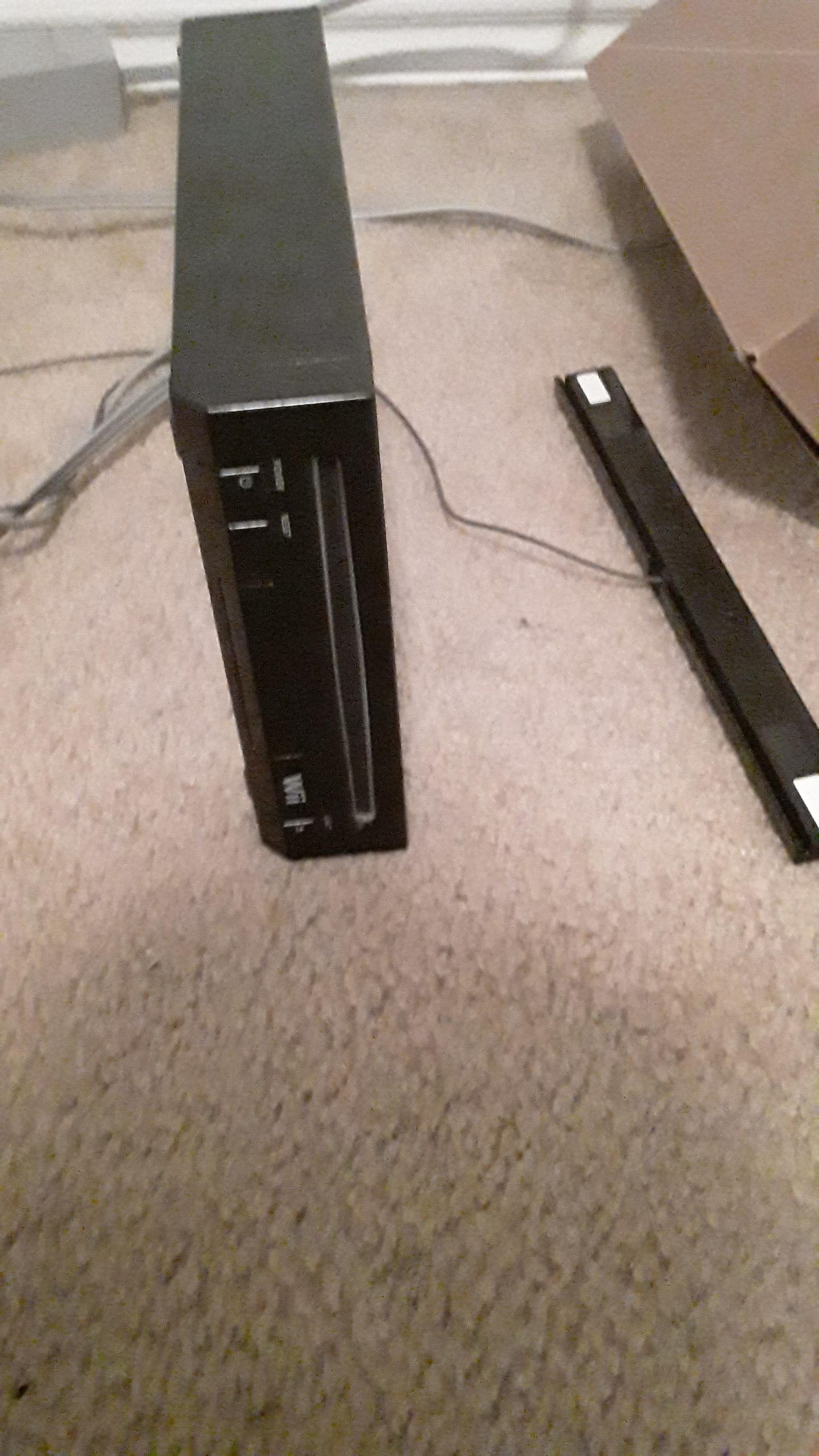
Yes, most original Wii models can play GameCube games.
Remember the glory days of the GameCube? You might be wondering, can the Wii play GameCube games?
The good news is that many Wii consoles are backwards compatible. This means you can revisit your favorite GameCube titles.
But not all Wiis are created equal. Later models removed this feature to cut costs. So, if you want to play GameCube games on your Wii, you should check if your model supports it.

Can the Wii Play GameCube Games?
Yes, the original Nintendo Wii is capable of playing GameCube games. This functionality was a key feature at launch, making it a versatile console for Nintendo fans. However, not all Wii models retain this capability.
Original Wii Models and GameCube Compatibility
The original “fat” Wii models (RVL-001) come equipped with the necessary hardware to play GameCube games. This includes GameCube controller ports and memory card slots. These are essential for a complete GameCube experience.
Wii Mini and GameCube Incompatibility
The Wii Mini (RVL-201), a later revision of the Wii, does not play GameCube games. Nintendo removed the GameCube hardware to reduce costs and size. This is a crucial distinction for potential buyers.
Checking Your Wii for GameCube Compatibility
How can you tell if your Wii can play GameCube games? The easiest way is to look at the console itself. Check the front of the Wii for four circular ports.
These ports are specifically designed for GameCube controllers. If these ports are present, your Wii can play GameCube games.
If these ports are absent, you have a Wii Mini, which lacks GameCube compatibility. Also, look for memory card slots on the side.
Hardware Requirements for Playing GameCube Games on Wii
To play GameCube games on a compatible Wii, you need specific hardware. The most important items are a GameCube controller and a GameCube memory card. Without these, you can’t properly control and save your progress in GameCube games.
- GameCube Controller: This is essential for playing GameCube games on the Wii, as the Wii Remote is not compatible.
- GameCube Memory Card: You’ll need a GameCube memory card to save your progress in most GameCube games.
Inserting and Playing GameCube Games on Wii
Inserting a GameCube game into a compatible Wii is straightforward. The GameCube disc slot is the same as the Wii disc slot. Simply insert the GameCube disc into the disc drive.
After inserting the disc, turn on the Wii. The Wii Menu will recognize the GameCube disc. Select the “Disc Channel” to launch the GameCube game.
Why Was GameCube Compatibility Removed from the Wii Mini?
Nintendo removed GameCube compatibility from the Wii Mini for several reasons. The primary goal was to reduce the manufacturing cost of the console. Removing the GameCube hardware components significantly lowered the price.
Another reason was to simplify the console’s design. By removing unnecessary ports and hardware, Nintendo made the Wii Mini smaller and more streamlined. This appealed to a different segment of the market.
Benefits of GameCube Compatibility on the Original Wii
GameCube compatibility adds significant value to the original Wii. It expands the console’s library, offering access to a vast collection of classic games. This makes the Wii a versatile and attractive option for gamers who appreciate both Wii and GameCube titles.
- Expanded Game Library: Access to both Wii and GameCube games significantly increases the number of games you can play.
- Value for Money: Getting two consoles in one is a cost-effective solution for retro gaming enthusiasts.
- Nostalgia Factor: Relive classic GameCube games on a newer console.
GameCube Games That Shine on the Wii
Many GameCube games benefit from being played on the Wii. The improved processing power of the Wii can enhance the performance of some games. Here are a few notable examples.
- The Legend of Zelda: The Wind Waker: Experience this classic Zelda adventure on the Wii.
- Super Smash Bros. Melee: Enjoy fast-paced multiplayer action on the big screen.
- Metroid Prime: Immerse yourself in this first-person adventure with enhanced visuals.
- Resident Evil 4: Play this survival horror masterpiece on a console with GameCube compatibility.
- Animal Crossing: Embrace the relaxing life simulation on your television.
Using Homebrew to Enable GameCube Functionality on Incompatible Wiis (Disclaimer)
While the Wii Mini cannot natively play GameCube games, some users explore homebrew solutions. These methods involve modifying the Wii’s software. However, it’s important to understand that using homebrew can void your warranty and potentially damage your console. Proceed with extreme caution.
- Warranty Voidance: Modifying your Wii can void the manufacturer’s warranty.
- Potential Damage: Incorrectly installing homebrew software can damage your console.
- Legal Considerations: Downloading ROMs of games you don’t own is illegal.
Alternative Ways to Play GameCube Games
If you don’t have a compatible Wii or prefer not to use homebrew, there are alternative ways to play GameCube games. The most obvious option is to use a Nintendo GameCube console. Emulators on PCs are another popular choice.
- Nintendo GameCube Console: The original console provides the authentic GameCube experience.
- GameCube Emulators: Emulators allow you to play GameCube games on your computer.
- Nintendo Switch Online: Nintendo’s subscription service may offer GameCube games in the future.
GameCube Controller Adapters for Wii U and Nintendo Switch
While the Wii U and Nintendo Switch don’t natively play GameCube games through discs, they do support GameCube controllers. This is primarily for playing Super Smash Bros. games. You’ll need a GameCube controller adapter to connect your GameCube controller to these consoles.
GameCube Controller and Super Smash Bros.
The GameCube controller remains the preferred controller for many Super Smash Bros. players. Its button layout and ergonomics are well-suited for the game’s fast-paced action. This is why Nintendo has released official GameCube controller adapters for the Wii U and Nintendo Switch.
Understanding Wii System Updates and GameCube Compatibility
Early Wii system updates were designed to maintain GameCube compatibility. However, some later updates could potentially cause issues with certain GameCube games or homebrew solutions. It’s essential to research compatibility before updating your Wii system software.
GameCube Accessories and the Wii
The Wii fully supports most GameCube accessories, including controllers, memory cards, and even some specialized peripherals. This allows you to recreate the authentic GameCube experience on your Wii. However, accessories designed for specific GameCube games may not function perfectly on the Wii.
The Legacy of GameCube on the Wii
The Wii’s GameCube compatibility was a significant selling point at launch. It allowed gamers to transition seamlessly from the GameCube to the Wii without losing access to their favorite games. This helped solidify the Wii’s position as a versatile and family-friendly console.
Finding GameCube Games Today
Finding GameCube games today often involves exploring online marketplaces, retro game stores, and local game shops. Prices for GameCube games can vary widely depending on the game’s rarity and condition. Be sure to check the game discs for scratches and damage before purchasing.
GameCube Memory Card Management on the Wii
Managing GameCube memory card data on the Wii is straightforward. You can access the GameCube memory card management screen from the Wii Menu. This allows you to copy, move, and delete save data. This is essential for keeping your memory card organized.
Exploring GameCube Hidden Gems on the Wii
Beyond the popular GameCube titles, there are many hidden gems worth exploring on the Wii. Games like “Baten Kaitos,” “Skies of Arcadia Legends,” and “Chibi-Robo!” offer unique and rewarding experiences. Take the time to discover these lesser-known treasures.
Troubleshooting GameCube Games on the Wii
Occasionally, you may encounter issues when playing GameCube games on the Wii. Common problems include disc reading errors, controller connectivity issues, and compatibility problems. Consult online forums and resources for troubleshooting tips and solutions.
The Future of GameCube Games
The future of GameCube games remains uncertain. While there are no official plans for a GameCube Classic Edition, Nintendo may eventually add GameCube games to its Nintendo Switch Online service. Emulation and homebrew solutions will continue to provide access to these classic games for years to come.
Preserving GameCube Games
Preserving GameCube games is essential for future generations of gamers. This involves properly storing game discs, protecting them from scratches and damage, and backing up save data. By taking these steps, you can help ensure that these classic games remain playable for years to come.
GameCube Game Collecting
Collecting GameCube games can be a rewarding hobby. Building a collection of your favorite games can bring a sense of nostalgia and satisfaction. Be sure to research the value of different games and prioritize those that you enjoy playing.
GameCube and Wii: A Symbiotic Relationship
The GameCube and Wii share a unique symbiotic relationship. The Wii provided a second life for GameCube games, allowing them to reach a wider audience. This compatibility helped to bridge the gap between generations of Nintendo consoles.
The Impact of GameCube on Gaming History
The GameCube had a significant impact on gaming history, introducing innovative controllers, memorable characters, and groundbreaking games. Its legacy continues to influence game design and development today. The Wii allowed players to revisit and appreciate that legacy.
GameCube Controller Modifications
Some enthusiasts modify GameCube controllers to improve their performance or customize their appearance. Common modifications include replacing the control stick, adding custom buttons, and changing the controller’s color scheme. These modifications can enhance the gaming experience.
GameCube Emulation on Other Devices
Beyond PCs, GameCube emulation is possible on other devices, such as smartphones and handheld consoles. However, performance can vary depending on the device’s processing power and compatibility. It’s essential to research the best emulation options for your specific device.
Understanding GameCube Game Regions
GameCube games are region-locked, meaning that games from one region may not work on consoles from another region. This is important to consider when purchasing GameCube games online. However, homebrew solutions can bypass region locking.
The Community Surrounding GameCube
A vibrant community surrounds the GameCube, with fans creating mods, sharing tips, and organizing tournaments. This community helps to keep the spirit of the GameCube alive. Online forums and social media groups are great places to connect with other GameCube enthusiasts.
Can You Play GameCube Games on the Wii?
Final Thoughts
Yes, certain original Wii models can play GameCube games. You must have a launch model of the Wii. These models have GameCube controller ports and memory card slots.
However, not all Wii consoles offer this backward compatibility. Later models and the Wii Mini removed these features. So, check your console before buying GameCube games.
In conclusion, whether can the Wii play GameCube games depends on the specific Wii model you own. If it’s an original model with the necessary ports, then yes, it can.

