
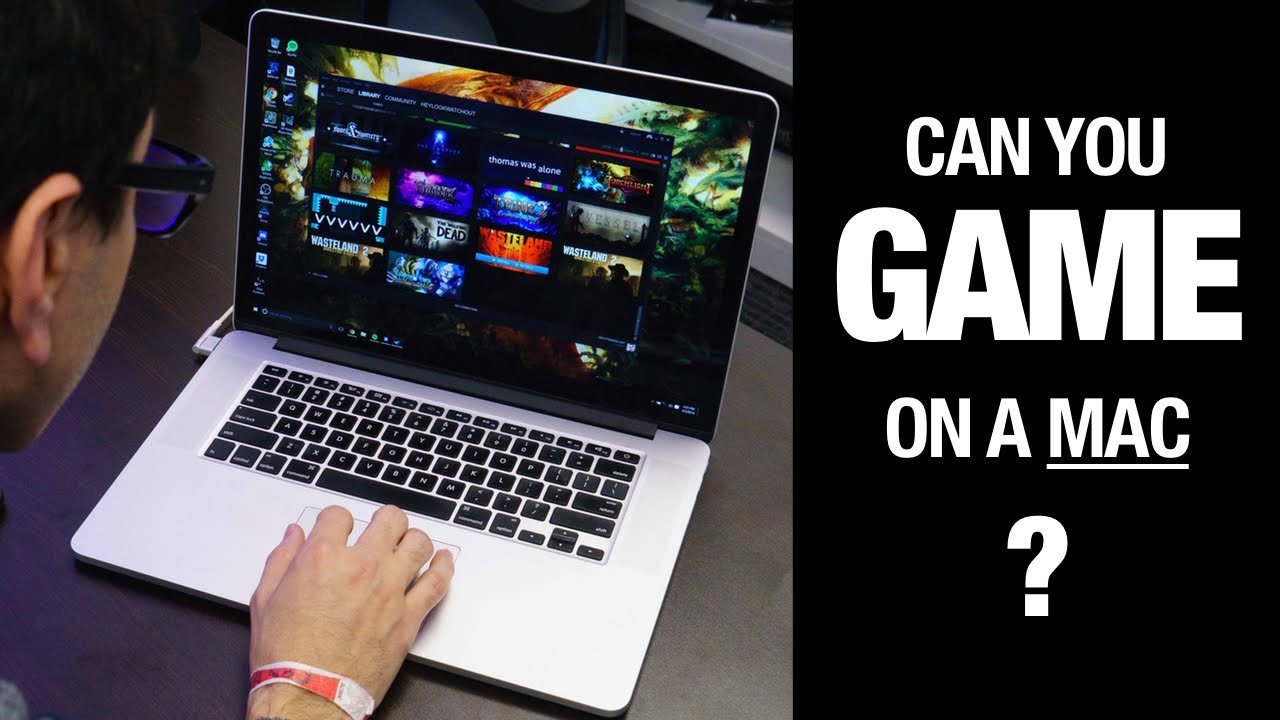
Yes, you can game on a Mac, though the selection of games might differ from a PC.
So, you’re wondering, can you game on a Mac? It’s a common question for those considering a switch or who already own a Mac. While Macs are known for creative tasks, their gaming capabilities are often debated.
The truth is, you certainly can enjoy gaming on a Mac. There is a growing number of games available, including both native Mac titles and games playable through emulation or cloud services. The landscape is certainly changing.

Can You Game on a Mac? Exploring Apple’s Gaming Landscape
So, you’ve got a Mac and you’re wondering if you can jump into the exciting world of gaming? It’s a question many people ask! The answer isn’t a simple “yes” or “no,” but rather a journey into understanding what Macs are capable of when it comes to games. Let’s explore it together. We’ll look at the types of games that work best, how to find them, and what you might need to think about before diving in.
The Mac’s Gaming History
For a long time, Macs weren’t really known for being gaming powerhouses. When we talked about gaming, most people thought of PCs. This was mainly because of a few reasons. First, many big game developers focused their efforts on Windows because more people were using that operating system for gaming. Second, some of the hardware inside Macs, especially the graphics cards, weren’t always the most powerful for demanding games. However, things have changed a lot in recent years. Apple has been putting more effort into gaming, and the hardware has become more powerful.
What Kind of Games Can You Play?
Now, let’s talk about the games you can play on a Mac. You’ll find a variety of options, but they might not be the same as what your friends are playing on their Windows PCs. We’ll break it down by category.
Native Mac Games
These games are specifically made to run directly on your Mac’s operating system (macOS). They are designed to take advantage of the way Macs work, meaning they usually perform better. This means you’ll have a smoother gaming experience and your Mac won’t work too hard. Think of these games like clothes that fit your Mac perfectly! Many popular titles can be found as native Mac versions, especially games developed by indie developers or titles that prioritize gameplay over the most cutting-edge graphics. Some great examples of native Mac games include:
- Indie Games: These often have charming styles and unique gameplay. Think of titles like Stardew Valley, Minecraft, Terraria, and Hades.
- Strategy Games: Games like Civilization VI and Crusader Kings III run well on Macs. They usually require more brainpower than quick reflexes.
- Puzzle Games: Many puzzle games, like The Witness and Baba Is You, are a perfect fit for Macs. These games are fun and engaging without demanding heavy graphics.
Cloud Gaming
Cloud gaming is like streaming a movie or TV show, but you’re streaming a game! This allows you to play graphically intense games on your Mac even if it isn’t super powerful. The game actually runs on powerful servers in a data center, and you’re just sending your controls and getting the video back. This method lets you experience AAA titles, the big budget games, without needing a gaming PC. Cloud gaming services include:
- GeForce Now: This service lets you play games that you own on different digital stores, like Steam or Epic Games. You need to buy the games separately and bring your own account.
- Xbox Cloud Gaming (via Game Pass Ultimate): This allows you to play many Xbox games on your Mac through a web browser.
The good thing is, you don’t need to worry about downloading huge files or whether your Mac can run the game. A strong internet connection is the only must have requirement for this.
Emulation
Emulators are special programs that allow you to run games from older game consoles on your Mac. This is like having an old console inside your Mac! You can play retro classics from systems like the Nintendo Entertainment System (NES), Super Nintendo (SNES), and PlayStation. Think of it as traveling back in time to enjoy video games from a different era. Emulation isn’t always perfect and some emulators require tinkering, but it’s a fun way to experience gaming history. Examples of emulators you might use on a Mac include:
- OpenEmu: A popular, easy-to-use emulator that handles many classic systems.
- RetroArch: A more advanced emulator with a wide range of supported consoles.
It’s good to know the legality of downloading game files from old consoles varies depending on the game and its location so you should always check your local laws about these things before you start downloading game files.
Windows Games on a Mac
Yes, it’s possible to play games made for Windows on your Mac, but it often requires some extra effort. There are a few ways to do this:
Boot Camp
This is a tool that comes with your Mac. It allows you to install Windows on your computer alongside macOS. When you start your computer, you can choose to boot into either Windows or macOS. This method lets you play Windows games just like you would on a PC because the computer acts as Windows PC. The main drawback is you have to switch back and forth between operating systems to game.
Virtual Machines
Software like Parallels Desktop or VMware Fusion allows you to run Windows inside a window on your Mac. This means you don’t need to restart your computer to switch operating systems. You can just run Windows like another application. This is convenient for quickly accessing Windows software and games, but the performance can be slower than using Boot Camp, especially for graphics-heavy games.
CrossOver
This is a software that tries to run Windows games directly on macOS without requiring a full Windows installation. It’s not perfect, but many older games can run very well using it, and it’s generally faster than Virtual Machines.
What About Apple Silicon?
Apple’s own chips, like the M1, M2, and M3, have changed the game (pun intended!) for Mac gaming. These chips are incredibly powerful and efficient, meaning they can handle many games better than older Macs. Here’s what you should keep in mind:
Better Performance
The newer Apple chips deliver better graphics performance. This allows many games, including demanding titles, to run more smoothly at higher resolutions and with better detail. You can expect smoother frame rates (how fast the game’s picture updates) and an improved gaming experience in most cases.
Native Apple Silicon Games
More and more developers are creating games specifically for Apple Silicon Macs. These games are optimized for these chips, which translates to even better performance and battery life. This is a very good thing, and as time passes this number should keep going up.
Compatibility
While Apple’s new chips are great, they do mean that some older Mac games may need special software to work properly. The programs we talked about like Rosetta can take care of these issues. Apple is trying to make it easier for developers to make games that work on all Macs, new or old.
Finding Games for Your Mac
Now that you know what type of games you can play on a Mac, let’s find them! Here’s where you can look.
Mac App Store
Apple has its own app store just for Macs, and it includes lots of games. Many indie titles can be found here, along with some strategy and puzzle games. The good thing is, it’s very easy to find and download games with just a few clicks.
Steam
Steam is a very popular online store for PC games, and many of them can also be played on Macs! This is probably where you’ll find many popular game titles. Steam has a huge library of games for all kinds of players. You just have to download the steam client from its website.
Epic Games Store
Like Steam, the Epic Games Store is another great place to find games for Mac. It has many exclusive games as well, and gives away games regularly for free. They have a solid library of games that often run well on Apple platforms.
GOG.com
GOG (Good Old Games) is known for offering classic PC games that run on modern systems. Many of these older games run well on Macs, so GOG is great for reliving those retro memories.
Game Bundles
Websites like Humble Bundle and Fanatical offer bundles of games at a discounted price. These are good places to find new games to play while saving some money. They’re good for building a collection of games to enjoy.
Things to Consider
Before you start gaming on your Mac, here are a few things to think about.
Storage
Games can take up a lot of space on your hard drive, particularly large AAA games. Make sure you have enough space before you start downloading them. You might need to clean up old files or consider using an external hard drive for games.
Graphics Card
For the best gaming, you should check what kind of graphics card your Mac has. If it has an integrated graphic card, you might struggle to play high-end games. Newer Apple Silicon Macs with M chips generally handle gaming very well, but some older Intel Macs might have limitations. Always check what graphics are required for a certain game. The minimum requirements can often be found on the download page of a game.
RAM
Having enough RAM (memory) is also important for gaming. If your Mac has too little RAM, the game might not run smoothly, or you might experience crashes. 16GB of RAM is recommended for a good gaming experience, while 8 GB should suffice for simpler games. If you plan on playing demanding games, then 16 GB of ram is something you should consider as a minimum.
Optimizing Your Mac for Gaming
If you want the best gaming experience, here are a few things you can do to optimize your Mac.
Close Background Apps
Before you start gaming, close any apps you’re not using. This frees up your computer’s resources for the game. The more apps you have running, the harder your Mac needs to work.
Update Your Software
Make sure your Mac’s operating system is up to date. These updates often have improvements that help games run better. New updates can include enhancements to support better game performance, so staying updated can make a big difference.
Monitor Temperature
If your Mac gets too hot, it can slow down the game. If you’re gaming for a long time, consider using a cooling pad or making sure your Mac has plenty of space to circulate air.
Adjust Game Settings
In the game’s settings, try adjusting things like the resolution or graphics quality to make the game run smoothly if it is slow. Reducing these settings can make the game work better without it looking much worse.
Use an external display
Using an external monitor can be good for gaming, especially if your Mac laptop screen is small. Some external screens also have higher refresh rates, which can give you a better gaming experience.
The Future of Mac Gaming
The good news is that Apple seems to be taking gaming on Macs more seriously. Apple is investing more and more resources into making their operating system and hardware perfect for games. With new Mac chips and continued game development we can expect a much more robust gaming experience on Macs in the coming years. With more and more games coming to the Apple ecosystem it will only get better!
In conclusion, while Macs may not be the first thing that comes to mind when thinking about gaming, they are definitely capable of providing a lot of entertainment in that department. There are many games that are available on Macs, from indies, to cloud, to some triple A titles. With new Apple processors, improved software, and more game developers getting involved, the gaming landscape on Macs is improving all the time. So, the next time you get asked, “can you game on a Mac?”, the answer is not just yes but, you might be surprised at how much you actually can.
Can you game on Macbook?
Final Thoughts
So, can you game on a Mac? Absolutely, with caveats. Modern Macs handle many titles smoothly, but selection differs from Windows. You have access to some popular games.
The Apple ecosystem also has its own growing library. Native games exist, and services like cloud gaming expand your options. This makes the experience improving and much viable.
Ultimately, yes, can you game on a Mac, but understand its specific limitations and strengths when deciding your machine for gaming purposes.

