
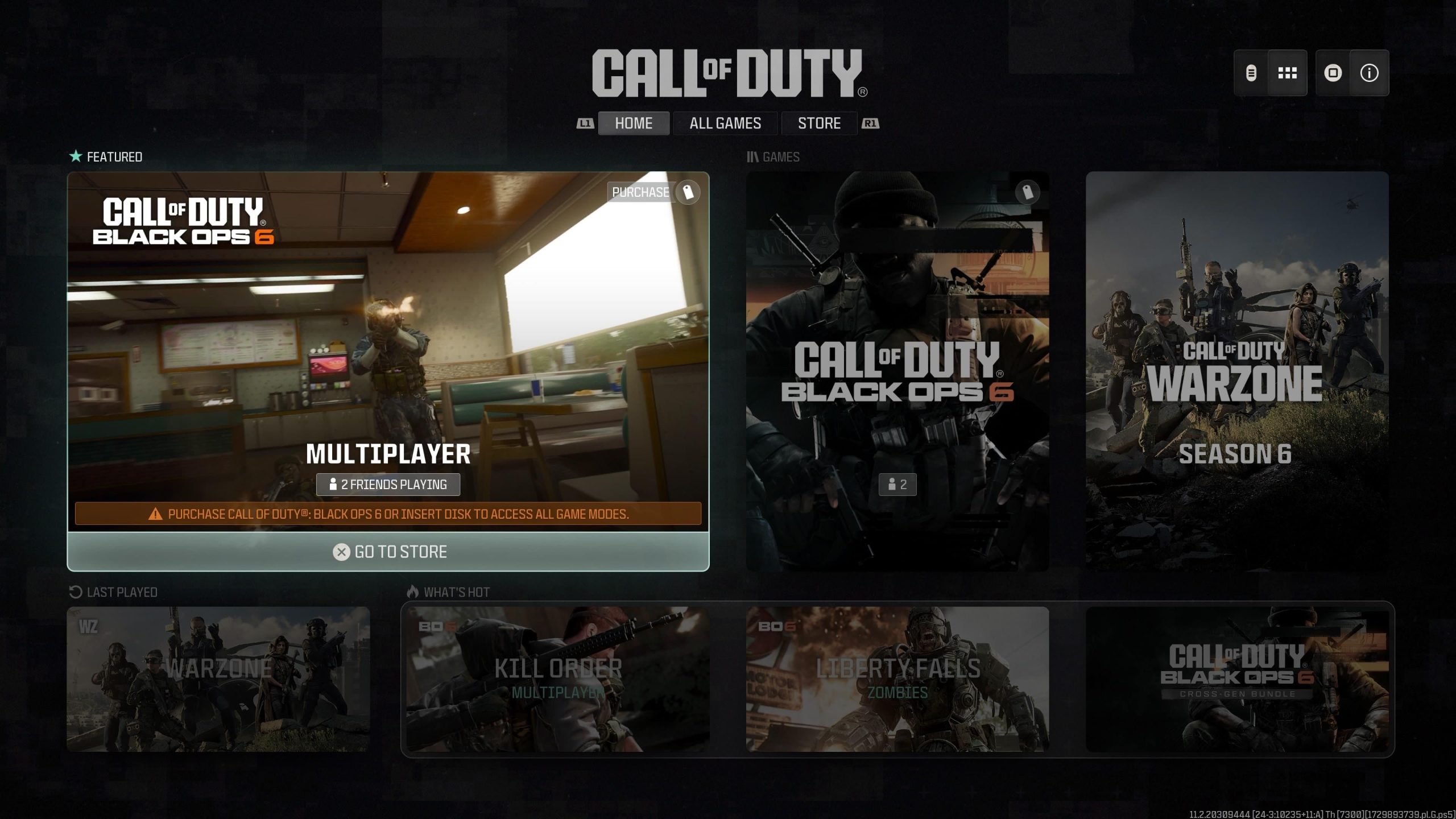
Yes, you can likely game share Black Ops 6 on PS5, using the console’s standard game sharing feature.
The hype surrounding the latest Call of Duty title, Black Ops 6, is real. Many players are wondering if they can share the game with friends. This leads to the crucial question: can you game share Black Ops 6 ps5? Fortunately, the Playstation 5’s game sharing feature should enable this. This option lets you and a buddy enjoy the game on two consoles with one purchase.
You will have to set up your account correctly on your friend’s console, following Sony’s game-sharing protocols. Remember that only one person can play at a time using the shared license. So, it is an affordable way to enjoy the game.

Can You Game Share Black Ops 6 on PS5?
Alright, gamers, let’s talk about something super important: sharing games! You’re probably excited about Black Ops 6, and maybe you’re wondering if you can share it with your friends or family on your PlayStation 5. It’s a great question, and the answer is a bit of a mixed bag. Let’s break it all down, so you know exactly what you can expect when the new Black Ops game arrives.
Understanding PlayStation Game Sharing on PS5
Before we dive into Black Ops 6 specifically, it’s helpful to understand how game sharing works on the PS5 in general. PlayStation allows something called “console sharing and offline play.” Basically, you can set your account as the primary account on another PS5 console. This lets other accounts on that console play the games you’ve purchased. Think of it like lending a physical game disc, but in a digital way.
How Primary Console Activation Works
Here’s the deal: each PlayStation account can have one primary console. This means if you buy a digital game and set your account as primary on a friend’s PS5, that friend’s account can also play that game (while you can play it on another console). However, only one console at a time can be set as your primary. When playing on your own non-primary console, an internet connection will be necessary to verify your license for the game.
- Your account must be logged into your friend’s PS5.
- Your friend’s console must be set as your primary PS5.
- You will still be able to play the game from your own console, but it would require an internet connection every time
Game Sharing and Black Ops 6: The Basics
Now, with the basics in mind, let’s consider how this all applies to Black Ops 6. The good news is that, yes, generally, you can game share Black Ops 6 on the PS5, the same way you can share other digital games. This means that if you purchase a digital copy of the game, you should be able to share it with one other console. Keep in mind that PlayStation will implement the same rules that they apply to all the games they are offering in digital form.
Digital vs. Physical Copies
Here’s an important thing to know. Game sharing works best with digital copies of the game, because the digital license is tied to your PlayStation account. If you buy a physical disc of Black Ops 6, you can’t “game share” the game in the same digital way. You could physically lend the disc to your friend, but it would be like sharing any other disc. Only one person can play that physical game copy at a time.
What about Different Editions of Black Ops 6?
When a big game like Black Ops 6 comes out, there are often different editions available – think standard edition, deluxe edition, and so on. These editions usually come with different bonus items or in-game content. So, what happens to these bonus items when you’re game sharing?
Sharing Bonus Content
Usually, any bonus content is attached to the account that purchased the game. This means that if you buy the deluxe version and game share with your friend, they might not get all the extra in-game goodies that you do. These bonus items such as special skins, weapon camos, or in-game currencies, are often only available to the account holder who made the purchase. The user who is sharing the game, will only be able to access the base game.
- Base Game: The person game sharing will have access to the base game.
- Bonus Items: Usually tied to the purchasing account and may not be shared.
Potential Issues and Troubleshooting
While game sharing is great, sometimes things can get a little tricky. Let’s explore some common issues you might encounter and how to fix them.
License Verification Problems
One common issue is a license verification problem, sometimes you may not be able to play the game on your non-primary console when your internet isn’t stable enough or if the network is acting up. The solution to this issue is to make sure the console is connected to the internet, as this will verify the license to play the game. Also, make sure you are using the same user account you used to buy the game on the PSN Store. If the issue persists, try to restart the PS5 and if that doesn’t work, it may be a problem with the PlayStation Network itself which will resolve with time.
Account Conflicts
Sometimes, accounts can get mixed up, or primary consoles can be changed accidentally. Be sure of what user account is set as primary on each console, which can cause some issues. To do so, you can go into the user settings, and in the user section, you will find a section to verify the primary user account for the game. The console where you made the purchase with that user account has to be set as your primary console. If a different console is set as primary for that account, you may get issues with playing the game on any of your other consoles.
- Double-check which account is primary on which console.
- Make sure you’re logged into the correct PSN account.
- Reactivating your primary console can sometimes solve the issues.
Internet Connectivity Issues
Remember, you need a stable internet connection to play shared digital games on your non-primary console. If your internet is down or unstable, the game may not launch, and you may encounter problems. Make sure your internet is working correctly before trying to launch the game on your non-primary console. For non-primary console, the internet is necessary to verify the license.
Tips for Successful Game Sharing
To make game sharing as smooth as possible, here are some friendly tips to keep in mind:
Communicate with Your Game Sharing Partner
Open and clear communication is key. Talk with the person you are game sharing with, and make sure you understand how to make the system work. This can prevent the risk of changing the settings or making changes in the user accounts unknowingly, and also helps to resolve any confusion between the two parties. It’s a good idea to establish some ground rules beforehand so that no one is left in the dark.
Always Check Your Primary Console Settings
Regularly make sure your primary console settings are configured correctly. If you keep it all in order, you will have a better time playing the game and will avoid unnecessary problems. You can also check this setting before launching the game and prevent any delays or issues when you want to game.
Keep Your PS5 Software Updated
Always make sure that both consoles involved in the game sharing process are running on the latest system software. Updates usually contain bug fixes and improvements to the system that will help with the performance of the game and also help with the user experience. Make sure that your console is always connected to a Wi-Fi to automatically download the new updates.
The Future of Game Sharing
Game sharing is a cool feature, and it’s likely to continue with future PlayStation games. As gaming goes digital, we can expect that sharing will get better and easier with new updates to the system software. Sony will likely keep improving the user experience for sharing the games, but they will not give the option to share the game in a way where more than two users have access to the same digital game at the same time.
Potential Changes to Policies
It’s important to remember that PlayStation’s policies could change at any time. So always make sure you are staying up to date with the new policies and updates by visiting the PlayStation website. However, we can expect that the sharing policies will not change drastically and will keep following the same principles. Any changes to sharing could have an impact on the system, so it is very likely that if changes happen they will be minor changes.
How To Game Share Call Of Duty Black Ops 6 On PS5! (100% Working EASY!) DOWNLOAD FREE
Final Thoughts
In short, game sharing on PS5 depends on how accounts are set up. The primary console feature allows sharing some digital titles with other accounts on that system. This typically works for most games, but specific publisher policies can alter this.
Therefore, can you game share black ops 6 ps5? It largely comes down to Activision’s policies and the primary console settings. Before purchasing, check online forums for the most current user experiences on the matter.

