
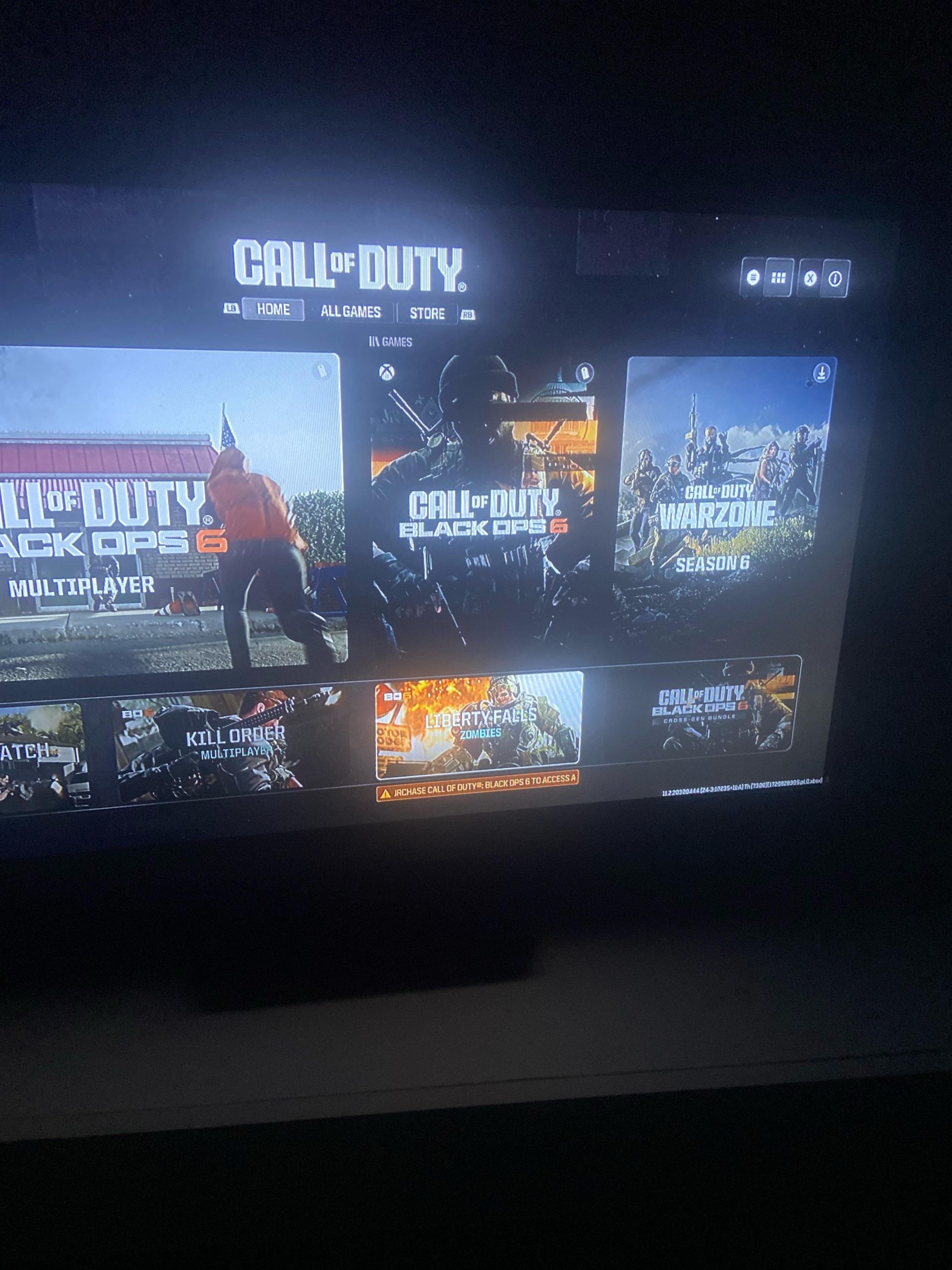
Game sharing for BO6 will depend on the platform you use and its specific sharing policies.
Eagerly awaiting the next Black Ops installment? Everyone is talking about it, and a big question on many gamers’ minds is this: can you game share bo6? It’s a reasonable thing to wonder about with friends and family.
The possibility really hinges on whether PlayStation, Xbox, or PC allows game sharing for the platform you choose to play. We will need to delve into the specifics on each platform to provide a complete view.

Can You Game Share Black Ops 6? Understanding the Possibilities
So, you and your buddy are super excited about the new Black Ops 6, huh? You’re probably wondering if you can share the game and play together without both of you having to buy it. That’s a really good question, and it’s something lots of gamers ask. Let’s dive into the details of game sharing, especially when it comes to big titles like Black Ops 6. We will be looking at how this works on different gaming platforms. It can be a little tricky, but we will break it down into easy-to-understand parts.
What is Game Sharing Anyway?
Before we talk specifically about Black Ops 6, let’s talk about what game sharing actually means. Game sharing is a way to let someone else play a game you bought digitally, without them needing to pay for it themselves. It’s like lending someone your book, but in the video game world! You might be able to play different games on the same gaming account or device. It depends on the specific console or PC platform.
The idea is great, right? Save money and play with your friends or family! But it’s not always as simple as it sounds. Game sharing rules and limits vary quite a bit from one place to another. Also, game sharing doesn’t work with physical copies of games, only digital downloads. Let’s explore how this all works across different platforms you might want to play Black Ops 6 on.
Game Sharing on Xbox Consoles
Xbox has a feature called “Home Xbox.” This is specifically made for game sharing. It’s very handy for families or friends who play on different Xbox consoles. Here’s how it usually works:
- Setting a Home Xbox: You choose one of your Xbox consoles as your “Home Xbox”. This is where all your digital games will be available to other people.
- Sharing with Others: Anyone who signs into your “Home Xbox” can play any game that is connected to your Xbox account, even if they have their own Xbox account, without having to re-purchase the game.
- Your Account Still Required: You can still sign into your own Xbox and play the game. The person on the “Home Xbox” can play the games even if you are playing them on your own Xbox at the same time.
- Limitations: Your games can be accessed on the selected “Home Xbox,” but only by people signed into their separate accounts.
- Changing Home Xbox: You can change your Home Xbox a limited number of times per year. This stops people from switching it too frequently.
So, with Xbox game sharing, if you purchase Black Ops 6 digitally, you can share it with someone on your “Home Xbox.” This can be someone in your family or a friend, if you let them access your “home console.”
How to set up game sharing on Xbox:
- Sign into the Xbox console you want to be your “Home Xbox”.
- Go to Settings.
- Select “General,” then “Personalization”.
- Choose “My Home Xbox”.
- Select “Make this my home Xbox”.
After this process, anyone who is using your home Xbox can access your digital game library. It’s important to remember that only the person who purchased the game can play it on a different Xbox when they are logged into their account. Keep in mind, the “home xbox” setting could change in future. It is best to always check the latest rules and information about home xbox through the official Xbox website, before starting the process.
Game Sharing on PlayStation Consoles
PlayStation also offers a way to share games, though it works a bit differently from Xbox. It’s called “Console Sharing and Offline Play.” This can get a little confusing, so lets go through it slowly.
- Primary Console: Similar to the Xbox setup, you designate one console as your “Primary Console” for your PlayStation account.
- Game Access: Anyone signed into the primary console can play the games linked to your PlayStation account. The other account will need to access your games through your PSN id
- Playing on another console: You can play all the digital games connected to your account on any other PS5 as long as you are logged into your PlayStation account on that console.
- Concurrent Play Restrictions: Unlike Xbox, you cannot play the same game at the same time with your friend who is using your primary console. You can play online multiplayer on your own console and they can also play online on your primary console, but can’t play together. For that to happen, the other person also needs to purchase the game.
- Access Limits: For each person to play, they have to be logged into their own account in your primary console.
So, while you can share your games on PlayStation, the “concurrent play” limitation is a significant difference from Xbox. If you bought Black Ops 6 digitally, someone on your “Primary Console” can play it. However, if you want to play together at the same time on different consoles, they have to buy the game themselves. That also means you can share your games with only one person at a time. This is different from xbox’s game sharing setting.
How to set up game sharing on PlayStation:
- Sign into the PlayStation console you want to be your “Primary Console”.
- Go to Settings.
- Select “Users and Accounts.”
- Select “Other”.
- Choose “Console Sharing and Offline Play”.
- Select “Enable.”
Just like Xbox, the “console sharing and offline play” setting could change in future. It is best to always check the latest rules and information about this setting through the official PlayStation website, before starting the process.
Game Sharing on PC (Steam, Battle.net, etc.)
Game sharing on PC is a bit more complicated. It’s not as straightforward as on consoles. It depends on which platform you use to purchase the game.
Steam Family Sharing
- Library Sharing: Steam has “Family Sharing.” This lets you share your entire game library with up to five other Steam accounts that you have authorized.
- Limitations: Just like PlayStation, only one person can use the library at a time. The account owner has priority access. If you decide to play a game on your account and your friend is also playing a game from your account at the same time, then the other person will be given a notification that the session will close in a few minutes.
- No cross-region sharing: Family sharing feature is locked on a single region, so it will not work if your account is in another region than your friend’s.
Battle.net Game Sharing
- No Official Sharing: Battle.net, where many Activision games (including potentially Black Ops 6) are available, does not have an official “game sharing” feature like Steam or consoles.
- Multiple Account Required: Each person who wants to play Black Ops 6 on Battle.net needs to buy the game on their own account.
So, if you are planning to play Black Ops 6 on a PC, it’s unlikely you can use game sharing on Battle.net, unless if there is some special promotion or changes in the platform in future. If you are using steam, you can potentially use family sharing feature, but will not be able to play at the same time. It is always best to check their official website, before trying any game sharing process.
Will Black Ops 6 Support Game Sharing?
Now, the big question: can you game share Black Ops 6 specifically? The answer is, mostly, yes, but it depends on your platform.
- Xbox: If Black Ops 6 is purchased digitally on Xbox, you can share it with someone on your “Home Xbox” using the regular game sharing options. You can also play online together, as you both have access to the game.
- PlayStation: Similarly, you can share your copy of Black Ops 6 on your “Primary Console.” but you cannot play at the same time with the person using your primary console, as you both have to buy the game individually, for same time gaming.
- PC (Steam): If Black Ops 6 is available on Steam, you can potentially share it using Steam Family Sharing. But, just like PlayStation, you can’t play together at the same time from the shared game account.
- PC (Battle.net): As of now, it seems that Black Ops 6 will most likely not be able to share on Battle.net, as they don’t have any official game sharing feature. This means that each player will need to buy their own copy.
It’s important to check the official platform information for the most up-to-date details for game sharing as this feature may change based on policy of each platform. Things like if there will be any changes in licensing or special promotions. For example, you can look for information on Xbox, Playstation, Steam, or Battle.net to ensure you understand everything clearly. These specific details are really important to make sure you get the best experience possible.
Things to Remember About Game Sharing
- Digital Purchases Only: Game sharing works only with digital games. If you have a physical disc copy of Black Ops 6, you can’t share that digitally.
- Account Security: Be careful about sharing your account details. Only share with someone you trust, because if there is any problem, you are responsible for everything happened with your account.
- Platform Policies: Always check the official policies of your gaming platform (Xbox, PlayStation, Steam, etc.) for any changes or updates.
- Regional Restrictions: Sometimes games or features have regional restrictions. This means you might not be able to share a game if you and your friend are in different regions.
- Internet Connection: You need to have a stable internet connection for game sharing to work, as all games need to be downloaded and connected to server to work properly.
Game sharing can be a great way to play with your friends or family without everyone having to buy the same game. However, it’s always best to know the rules and limitations on the platform you choose to play on. This way, you can plan ahead and avoid any trouble.
Keep a lookout for any official announcements from Activision or the gaming platforms themselves about Black Ops 6 and any potential updates to game sharing policies. Knowing these details will help you have a better experience playing your favorite games with your friends!
How To Game Share Call Of Duty Black Ops 6 On PS5! (100% Working EASY!) DOWNLOAD FREE
Final Thoughts
Ultimately, game sharing Black Ops 6 depends on platform policies. Current information suggests it may be possible. However, specific details must come directly from the official sources at launch.
Therefore, can you game share bo6? We cannot definitively confirm game sharing at this time. Always check the latest official details to understand what restrictions, if any, may exist.
Remember game sharing features can change.

