
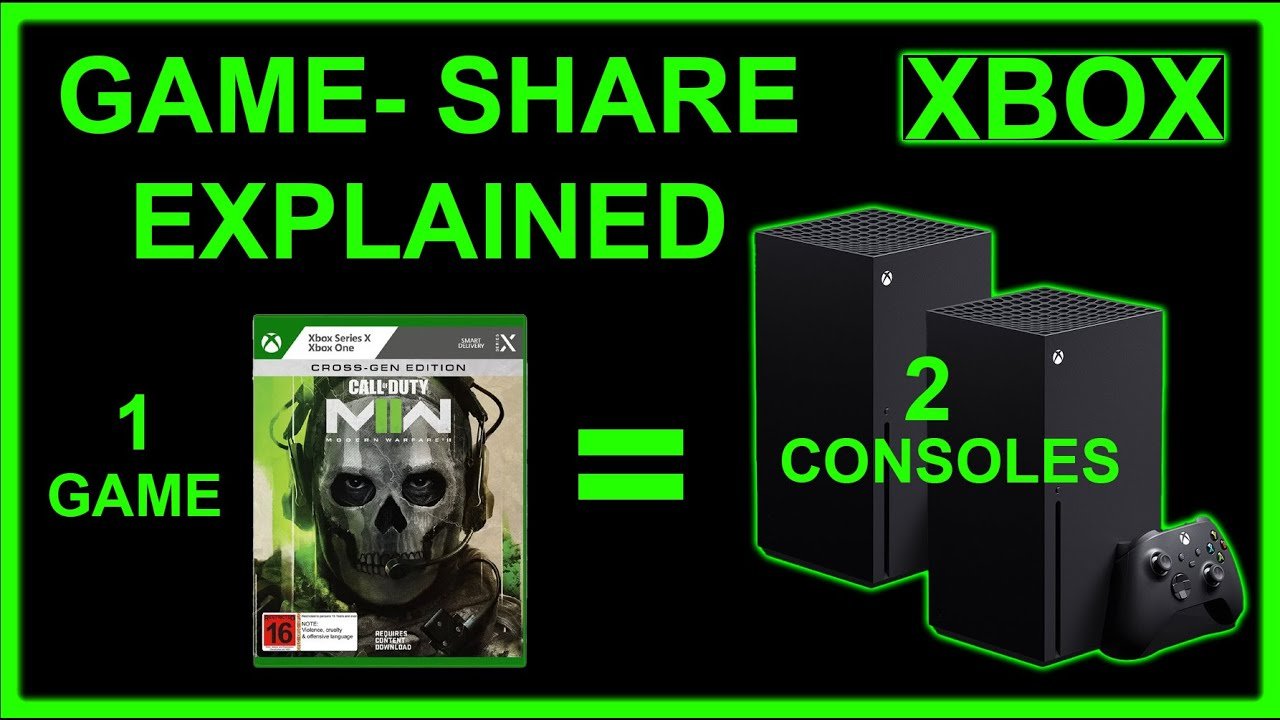
Yes, you can game share MW3 on Xbox.
Want to play the latest Modern Warfare title with a friend without both buying it? The question ‘can you game share MW3 on xbox’ is a common one. Fortunately, Xbox has a convenient feature that allows exactly that, letting you share your digital library with another console.
This means you and a friend can both experience the action without purchasing the game twice. It’s a simple way to enjoy the latest releases while saving some cash.

Can You Game Share MW3 on Xbox? A Deep Dive
So, you and your friend are itching to play the latest Call of Duty: Modern Warfare 3 (MW3), but you’re wondering if you can share the game instead of buying two copies. Good question! Game sharing on Xbox is a fantastic way to save some money and still enjoy your favorite titles with your buddies. But, like any system, it has its own rules and things to keep in mind. Let’s get into the details of how game sharing works, specifically for MW3, so you can decide if it’s the right solution for you.
Understanding Xbox Game Sharing
Before we dive into the specifics of MW3, let’s understand the basics of Xbox game sharing. Xbox allows you to share your digital game library with one other person. This is done by designating a specific console as your “home Xbox.” Think of it like setting a primary residence for your digital games.
How it Works
Here’s the basic principle: Your Xbox account can be logged into multiple consoles, but only one of those consoles can be designated as your “home Xbox.” If a console is your home Xbox, any other account logged into that console can play any digital games you own, even if you’re not logged in at the time. However, if you are logged into another console that is not set as your “home,” then you will need to use your own account to play any of the games. On that console, you can play any digital games which your Xbox account owns, but nobody else on that console can use your games, unless they are using your account.
Here’s a practical example:
- You own MW3 and want to share it with your friend.
- You sign into your Xbox account on your friend’s console.
- You set your friend’s console as your “home Xbox.”
- Now, your friend can play any of your digital games (including MW3) on their console using their own account, even when you’re not online.
- On your Xbox at home, you will now need to be signed in to your own account to play any of your owned digital games.
Key Things to Remember
Before going forward, consider these points about sharing on Xbox:
- Only One Home Xbox: You can only set one console as your “home Xbox” at a time.
- Switching Home Xboxes: You can change your “home Xbox” up to five times a year. This helps prevent people from frequently switching between multiple friends.
- Digital Games Only: Game sharing works only with games you’ve purchased digitally on the Microsoft Store, not with physical disc copies.
- Online Play Requirements: Both you and your friend will need an Xbox Live Gold or Xbox Game Pass Ultimate subscription to play games online. Game sharing does not share these subscriptions, only the games.
- No Multiple People at Once: Only one person can be using a particular game at any given time using game sharing. If you try to both play MW3 at the same time through game sharing, the other person will be kicked out.
Game Sharing MW3 Specifically
Now, let’s focus on MW3. Can you share this specific title with a friend? The short answer is: Yes, absolutely! MW3, like most other digital games on the Xbox ecosystem, is perfectly compatible with game sharing.
How to Set Up Game Sharing for MW3
Here’s a step-by-step guide to setting up game sharing for MW3:
- Sign In: First, log in to your Xbox account on your friend’s console. This is the account that owns the digital copy of MW3.
- Navigate to Settings: Press the Xbox button on the controller to open the guide. Go to “Profile & system” then “Settings”.
- Personalization: Select “Personalization,” then go to “My home Xbox”.
- Make This My Home Xbox: Choose the option, “Make this my home Xbox.” If your friend has already set their own account as their home Xbox, this will switch it.
- Confirmation: Your friend’s Xbox console is now set as your “home Xbox.” Your friend can now download and install MW3.
- Sign out: Sign out of your account on your friend’s console. Your friend can now sign into their account and play your games.
Important: Don’t forget to sign out after making the console your home. You will be signed back in to your home console and they will be able to play the game on their account.
What Can Be Shared?
When you game share MW3, you’re sharing more than just the base game. Here’s what your friend will have access to:
- Base Game: The full copy of MW3
- Downloadable Content (DLC): Any DLC you’ve purchased for MW3 will also be available to your friend (map packs, character skins, etc)
- Pre-Order Bonuses: Most pre-order bonuses are also shared, however, some bonuses are linked to a particular account. Some pre-order items will not be shared through the game share program.
Keep in mind that any purchases your friend makes, will be tied to their account, and therefore they will not be available to you. If your friend purchases any content, you will have to purchase it separately if you want it on your account as well.
Potential Issues with Game Sharing MW3
While game sharing is a great feature, there are a few potential issues you should be aware of:
Game Access Conflicts
As mentioned before, only one person can play a game at a time when using the game share feature. If you are logged into your home Xbox, you can play any of the digital games you own on your own account. If you are logged into any other console that is not set as your “home,” then the other person on your “home” console can play your games. If someone on the home console is actively playing a shared game and then the original owner of the game also tries to play, the home console user will be kicked out of the game.
So, planning and coordination are necessary if you and your friend want to enjoy MW3 at the same time.
Account Security
When you set a console as your home, your Microsoft account is connected to that console. While this is convenient for game sharing, it also means that the other person could access your account settings, if they knew your password. Ensure you trust the person that you are sharing with. Do not share your password or personal information with them.
Changing Home Xboxes Too Frequently
Remember the limit of five home Xbox changes per year? If you frequently switch your home Xbox, you might find yourself locked out of being able to set a new home console for a while. You will have to wait until your limit resets to continue switching home consoles. Plan your game-sharing in advance to avoid this situation.
Troubleshooting
If you are having issues with game sharing, consider these common problems and resolutions:
- Not seeing the game: Ensure your friend’s console is actually set as your home Xbox and not their home Xbox. Restart the console after you make the change. Make sure to also sign out of your account.
- “Do you own this game?” error: Again, verify that the home console is set correctly. If you have multiple accounts on your “home” console, make sure that the account you are using to play the game is the correct account, which has the license to play the game through game share. Also, check that your Xbox Live service is running and up to date.
- Can’t access DLC: Double-check that you own the DLC, and that you have not previously changed your home console and are trying to share from a different account with a different “home” console.
Benefits of Game Sharing MW3
Despite a few potential hiccups, game sharing MW3 has some big advantages:
- Cost Savings: The most obvious benefit is saving money. You only need to buy one copy of MW3 for you and your friend to both enjoy it.
- Playing Together: You and a friend can both experience the multiplayer action and missions of MW3 together.
- Access to Content: You can share all your DLC with your friend.
Game sharing is especially helpful if your friend is unsure about buying the game and wants to try it first.
Tips for Successful Game Sharing
To make your game-sharing experience smooth, follow these tips:
- Communicate: Talk with your friend before you change the home console. This is to make sure that you are both aware of what is going to happen.
- Plan Your Game Time: If you and your friend both want to play MW3 at the same time, plan out your game sessions to avoid any conflicts.
- Monitor Your Home Xbox Changes: Be mindful of your five home Xbox changes limit. Don’t switch consoles too frequently to avoid any problems.
- Keep an Eye on Account Security: Make sure your account remains safe and private. Don’t share any sensitive information with anyone you don’t trust.
Game sharing is a good option for enjoying games on Xbox. It allows you to save money, and it enables you to play with your friend. By understanding how to share the games correctly, along with some patience and planning, you can enjoy games like MW3 together without paying twice.
How to Fix Gameshare Locked Call of Duty Modern Warfare 3
Final Thoughts
Yes, you can game share Modern Warfare 3 on Xbox, just like other digital games. This relies on your Xbox’s home console setting. Ensure the accounts involved are properly set up.
Proper configuration allows one profile to access games owned by another profile on a shared console. Remember that both accounts can’t play the same game at the same time. So, in short, can you game share mw3 on xbox? The answer is yes, with some caveats.

