
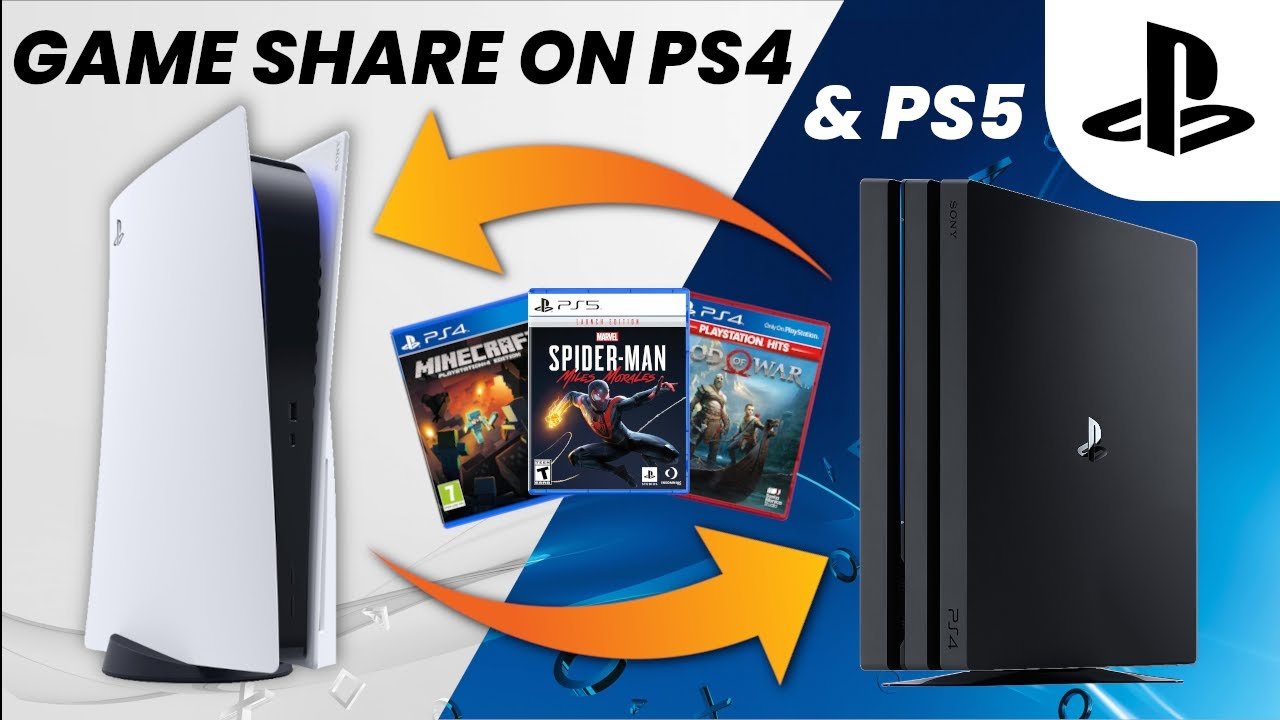
Yes, you can game share MW3 on PS5 using the console’s account sharing features.
Want to play Modern Warfare III with your friends or family without buying multiple copies? The question, can you game share MW3 PS5, often pops up for players eager to share the gaming experience. Fortunately, the PlayStation 5 allows users to share games through a designated console sharing setting.
This feature allows one account to access games on a different PS5, potentially letting you enjoy MW3 together. The process involves enabling console sharing on the primary account’s designated console and logging into the secondary console. This way, you both can enjoy the game at a fraction of the cost.

Can You Game Share MW3 on PS5? A Deep Dive
So, you’re eager to jump into Modern Warfare 3 (MW3) on your PlayStation 5, but maybe you and a friend want to share the cost or play together on different accounts? That’s where game sharing comes in. Game sharing on the PS5 lets you share your digital games with another player, but how exactly does it work with MW3? Let’s break it down.
How Game Sharing on PS5 Works
Think of it like letting a friend borrow your physical game disc, but digitally. On the PS5, you have a primary console and secondary consoles. Your primary console is where your account is usually logged in. You purchase a digital game on your main account, and you can then designate another console as your secondary console to share games with the other account on that console.
Here’s the gist:
- You can only game share with one other person at a time.
- You need to set up ‘Console Sharing and Offline Play’ on the secondary console.
- The person you are sharing with will be able to access your purchased games on their account, while the primary account needs to be connected to the Internet to play.
- Both accounts can play at the same time.
- There are some potential limitations and conditions, that we will discuss below.
Setting Up Game Sharing
Here are the steps on how to set it up, on the console that you are going to share your games on:
- Log into the other console: Log in with the account that has purchased the digital game of MW3. This will be the “primary” account.
- Go to Settings: Head to Settings on the PS5. You will find it by pressing the PlayStation button and going to the settings icon.
- User and Accounts: Then go to User and Accounts.
- Other Section: Look for the “Other” section.
- Console Sharing and Offline Play: Select “Console Sharing and Offline Play”.
- Enable Sharing: Select ‘Enable’ on “Console Sharing and Offline Play” this option.
After doing this, your friend (the secondary user) can log into their account on that console and access your digital games, including MW3, as long as their PlayStation Network account is also connected to internet.
Game Sharing MW3: Things to Consider
Now that we know how to set things up, let’s think about game sharing MW3.
Digital vs. Physical Copies
The biggest thing to remember is that game sharing only works with digital copies of MW3, that are purchased from the PlayStation Store. You can’t share a physical disc. If you bought the game on disc, you will need to buy a digital copy to be able to share.
- Digital copies: You can share these, as described above.
- Physical disc copies: You can’t share these with another account. You can lend the disc to your friend so they can play on their console, but you won’t be able to play at the same time.
Online Play and Multiplayer
You might be wondering, can you play multiplayer at the same time while sharing your games? The answer is yes! Both accounts can jump into the action at the same time and play together, or against each other in multiplayer, if you purchased the game and share with another account. This is one of the biggest advantages of game sharing. So you and your friend can team up in MW3 at the same time by sharing a single digital purchase.
Accessing Additional Content
Things get a bit tricky with extra content, like add-ons, DLC, or Call of Duty Points. Generally, these are tied to the account that purchased them and can only be accessed through that account, but for the most cases, that specific purchased content, that you are sharing with other account through sharing, will be accessible to the shared account also.
Add-ons and DLC
- If one account owns some game add-ons or DLC, and game shares with other account, in most cases the shared account can also access those add-ons and DLC.
- There can be very few exceptions for specific content.
Call of Duty Points and In-Game Purchases
- Call of Duty Points are usually tied to the account that purchased them. This means that the person who did not buy the game can’t use the other person’s Call of Duty Points.
- In-game purchases of cosmetics, blueprints and other similar things may also only be accessible through the account that bought it. But in many cases some specific items like a weapon blueprint can be accessed by other account, that is using a shared game.
Potential Issues and Solutions
Game sharing isn’t always a walk in the park. Sometimes, things can go wrong, or you will need to go through a very specific steps to make it work. Let’s look at the common issues that players face when game sharing MW3:
Lock-Out Issues
Sometimes, the user account with whom you are sharing may get locked out of the game. This happens because of network issues, conflicts with different consoles or other specific factors. Here are some potential fixes:
- Check Internet Connection: Both consoles need to be online. Make sure both devices have a stable internet connection.
- Re-Enable Console Sharing: Try disabling and re-enabling “Console Sharing and Offline Play” on the secondary console.
- Restart Consoles: Restart both the consoles that are sharing, and see if that fixes the problem.
- Primary Account Login: Make sure that the account that owns the game (primary account) has logged in at least once on the other console, so they can access the shared game.
Account and Settings Conflicts
If you are trying to share on multiple consoles it can also create some problems. Here’s what you need to keep in mind:
- One Console at a Time: You can’t game share with more than one other person at a time, that means you need to only enable one console. If the second user is playing on the shared console, you can’t share with a third console.
- Switching Consoles: If you switch the console that you are sharing with, the other user may not be able to access the game until the primary account has logged in at least once on the new console.
Regional Restrictions
Rarely, some games might have regional locks. That means if you buy a game in one country, that game may not work in another country. So make sure that you are sharing the games from the same region.
The Benefits of Game Sharing MW3
While there are things to be aware of, game sharing MW3 can be very helpful. Here’s why people do it:
- Cost Savings: You and your friend can share the cost of the game. Instead of two full price purchases, you will only need one.
- Play Together: You can play together without buying multiple copies of MW3.
- Share New Games: You will be able to try new games without buying them first, or your friend can try new games, if you share with them.
Is Game Sharing Right for You?
Game sharing can be very useful, but it’s important to consider the pros and cons before making a decision. If you want to play MW3 with your friend and are comfortable with the limitations, game sharing is a great option.
Remember to always treat the account you’re sharing with responsibly and be aware of the rules and limitations. By doing so, you can enjoy MW3 and other games with your friends, and without spending as much money.
MW3 PS4/PS5: How to Gameshare Full Tutorial! How to Play Multiplayer, Campaign, & Zombies Free!
Final Thoughts
Yes, you can game share MW3 on PS5 with some limitations. Account settings and console activation play a big role.
Primary and secondary console distinctions impact who can play what. Ensure you’ve followed the correct steps for sharing.
Ultimately, if you’re asking “can you game share mw3 ps5,” the answer is a conditional yes, dependent on your setup.

