
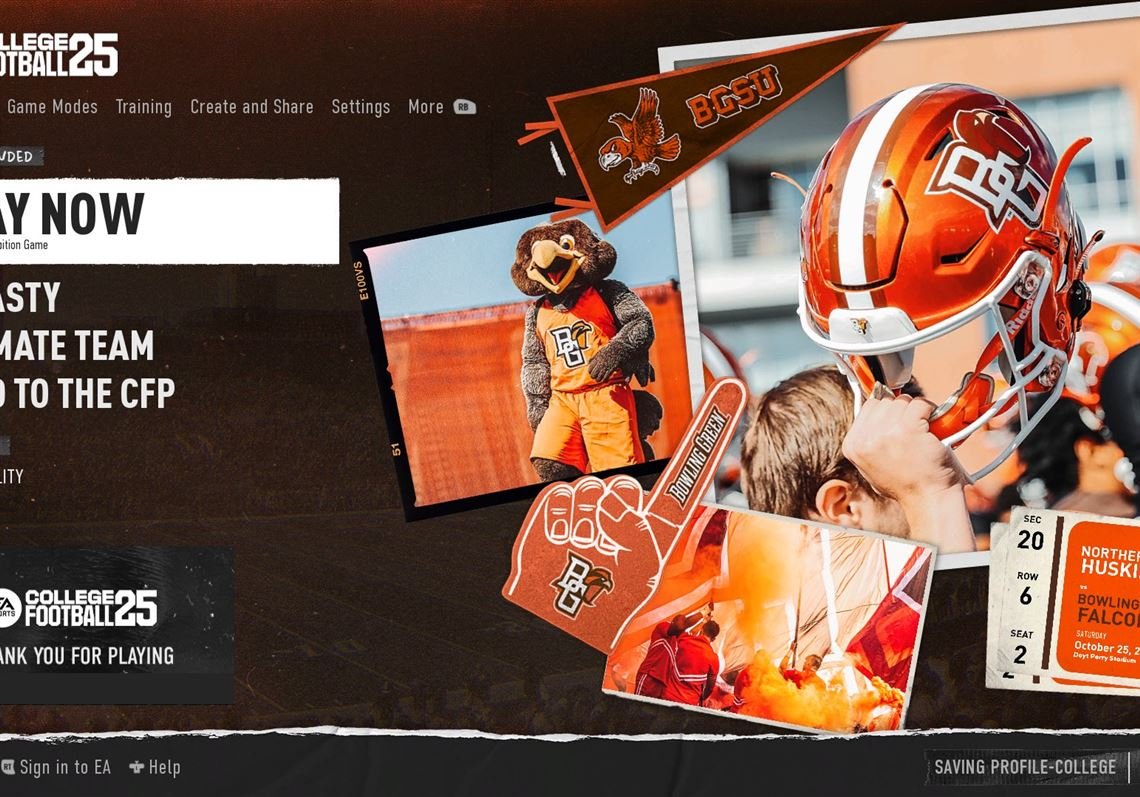
Yes, you can game share NCAA 25, but the exact method will depend on your console and its specific sharing policies.
Excitement builds for NCAA 25, and a common question arises: can you game share NCAA 25? Many players are eager to play with friends without needing multiple purchases. This interest in game sharing is understandable, as it lets more people enjoy the experience together. It’s important to know the rules of each platform you play on. Console manufacturers have distinct policies that govern game sharing, which we will explore further.

Can You Game Share NCAA 25? Exploring the Possibilities
Alright, everyone! You’re probably super excited about NCAA 25, the new college football game. Maybe you’re already planning epic matches with your friends. But here’s a question a lot of you are thinking about: “Can I share this game with my friends?” That’s a great question, and the answer isn’t always super simple. Let’s dive into the details of game sharing and see what the possibilities might be for NCAA 25.
Understanding Game Sharing: The Basics
Game sharing, at its core, means letting someone else play a game you bought without them having to buy their own copy. This can happen on consoles like PlayStation and Xbox through their specific account systems. Think of it like sharing a book. You own it, but you can let a friend borrow it. However, digital games work a little differently than physical books. Let’s see how this works in gaming world.
How Does Game Sharing Work on Consoles?
Both PlayStation and Xbox have their own systems for game sharing, and each has its own method. While the specific steps may vary slightly, the core idea is the same. Basically, you designate one console as your ‘home’ console or ‘primary’ console. This lets other profiles on that same console play any of your digital games. You can still play your games on a different console (your own or someone else’s), but you might need to be signed in to the console as the primary account holder to access the game or you can log in with your profile and play on secondary console that you are using currently.
- PlayStation: On PlayStation, it’s called “Console Sharing and Offline Play.” You can activate one console as your primary PS5. Any user on that primary console can play your games, even if you aren’t using the console.
- Xbox: On Xbox, it’s called “Home Xbox.” You set one console as your Home Xbox, which means anyone who signs into that Home Xbox can play the games that you have purchased digitally.
It’s important to note that the rules can get a little tricky and the methods vary. For instance, both PS5 and Xbox may have limits to how many times you can change your home console in a certain timeframe. Also, game sharing doesn’t work the same way with every game because of their specific publishers’ rules and their policies.
Game Sharing and NCAA 25: What to Expect
Now, let’s bring this back to NCAA 25. Here’s where it becomes a little speculative, as we don’t have the official word on it yet. But based on past EA Sports titles and common game sharing policies, we can make some educated guesses. The game’s publisher, which is most likely EA Sports, has its own rules about game sharing. These rules can change between different games that they release, and they can also vary between different consoles. Let’s have a look.
Likely Scenarios for NCAA 25 Game Sharing
Here’s the most probable outlook:
- Digital Copies: If you buy NCAA 25 digitally, you will likely be able to game share it through the console’s system (PlayStation’s Console Sharing and Offline Play, or Xbox’s Home Xbox) by making your console your primary or home console. This is pretty standard for most digital games.
- Physical Copies: If you purchase a physical copy of NCAA 25, standard game sharing may not be applicable. For the physical copy, the traditional way to share games would be to lend your disc to a friend. However, remember that each console might need its own unique physical copy in order for it to work.
- One Player at a Time: Even with game sharing enabled through your home console, remember that typically, only one person can play a game at a time. For example, if you are playing a game while using your profile and if the friend is trying to play at the same time using your profile, then it is not possible for the friend to play the same game at the same time. However, the game can be used on different profiles when you are not playing on your own profile.
- Account Restrictions: Game sharing is normally tied to the specific accounts on your console. This is because different accounts can have their own saved progress and settings.
Potential Challenges and Restrictions
While game sharing can be super handy, there are some things to keep in mind:
- Internet Connection: Even if you are sharing a game on your console, there might be times when the game requires an active internet connection to confirm that you are authorized to play it. This is to prevent someone from stealing game licenses.
- Home Console Restrictions: As mentioned earlier, you can’t be changing your home console every day. Both PlayStation and Xbox have limitations on how often you can switch your primary or home console.
- DLC and Add-ons: If you have added any downloadable content (DLC) to the game, like extra teams or customization options, that might not always be sharable to others or they may have access to it on a temporary basis. Sometimes, the DLC is tied to your specific account.
Thinking About Other Ways to Share
While console game sharing is very popular, let’s have a look at other ways that you might be able to play NCAA 25 with your friends.
Playing Together Online
Instead of game sharing, you may want to play NCAA 25 with friends through online multiplayer mode. This way, you can buy your own copy of the game, but then play the game together online. This is the best way to enjoy sports games like this. Let’s explore how this might work.
- Multiplayer Modes: NCAA 25, like many sports titles, will likely have online multiplayer modes. This means you and your friends can play against each other in the game or join in on some of the popular game modes. For instance, you can create a team and play against your friends’ team.
- Different Consoles: Typically, cross-platform multiplayer is not always available. That is, if you are playing on the Playstation 5, you may not be able to play with a friend who has an Xbox console and the opposite is also true. But the good news is that same console family should be able to play with each other (for example, Playstation 5 vs Playstation 5, or Xbox Series S/X vs Xbox Series S/X).
Other Ways to Play
- Screen Sharing: Some consoles also offer options for sharing your gameplay via live streams, but for playing, this might not be an ideal scenario. It is great for showing off great plays to your friends or for streaming the game online.
- Game Pass or Similar Services: There is a possibility that NCAA 25 might become available on a subscription service (such as Xbox Game Pass). These services might be a different way to access the game, but are not really the same as sharing the game directly with friends.
Staying Updated on Official Information
It’s crucial to remember that official details about NCAA 25 and its game-sharing potential haven’t been released by EA Sports yet. Game sharing features often vary between games and platforms. Always check official sources, such as EA Sports’ website and social media channels, for specific info. Here is what you need to do to prepare:
Things You Should Do Now
Here are some tips on how to stay in the loop:
- Follow EA Sports: Keep an eye on EA Sports’ official accounts on social media and their website. This is where they will announce information about NCAA 25, including if and how it will work with game sharing.
- Check Gaming News Sites: Reputable gaming news websites and publications will cover all the announcements on NCAA 25, so they might be great places to get information about game sharing.
- Join Online Communities: Join forums and social media groups about the game. When details are revealed, discussions within the communities are likely to cover any specific aspects of game sharing.
Be mindful of unofficial sources, and make sure to get your information from official or highly reliable sources.
A Quick Table Summarizing Game Sharing
Just to recap, here is a table of quick facts:
| Concept | Description | Likelihood for NCAA 25 |
|---|---|---|
| Digital Game Sharing (Console) | Using console’s features to share digital games with other profiles on the primary/home console | Likely |
| Physical Game Sharing | Lending the physical copy of a game to a friend | Traditional way of sharing, still possible but requires the friend to be physically using your physical copy |
| Simultaneous Play on Different Consoles | Two different people playing the same copy of the game on two different consoles | Generally not allowed. Requires different copies of the game. |
| Online Multiplayer | Playing online with friends who each have their own copy of the game | Highly Likely |
The Best Way to Get Ready
The most important thing is to be patient and wait for the official announcements. While we have a general idea about how game sharing may work for NCAA 25, it’s always better to wait and see exactly how it will be implemented before you make a decision. Keep an eye on EA Sports and stay informed on what is to come.
So, while we wait for official word, the likelihood is that you will probably be able to share a digital copy of NCAA 25 with your friends through your PlayStation or Xbox console sharing features by using a primary or home console. However, online multiplayer is going to be the best way for you and your friends to enjoy the game together. Stay tuned, be patient, and get ready to play some great college football!
How to GameShare on PS5 – OverSimplified (2024)
Final Thoughts
Ultimately, game sharing capabilities for NCAA 25 remain unconfirmed. Official details about this feature are scarce. You must wait for EA Sports’ announcements to know for sure if you can game share ncaa 25.
Until then, speculating provides no certainty. Keep an eye on their official channels for the definitive answer. It’s wise to avoid third-party claims without official confirmation.

