
Yes, you can gameshare pre ordered games on PS5, provided the usual gamesharing rules are followed.
The anticipation for a new game is always high, especially when you’ve pre-ordered it. Now, a common question arises: can you gameshare pre ordered games on PS5? It’s something many players wonder about when wanting to share their excitement and new games with friends or family.
The good news is that the general gamesharing feature on the PlayStation 5 works with pre-ordered content. So, if you follow the standard PS5 gamesharing rules, you will be able to share that pre-ordered digital game with your gaming buddy.

Can You Gameshare Pre Ordered Games on PS5?
Okay, let’s talk about something super exciting for PlayStation 5 owners: gamesharing! Imagine being able to share all those awesome games with your friends and family. Sounds amazing, right? But what happens when you get super hyped for a game and pre-order it? Does gamesharing still work then? That’s the question many PS5 gamers have, and we’re here to get you the lowdown on whether you can gameshare those pre-ordered digital games. Let’s jump right in and explore everything about sharing pre-ordered games on your PlayStation 5.
Understanding PS5 Gamesharing
Before we dive into pre-ordered games, it’s important to understand how gamesharing works on the PS5 in general. Gamesharing, also known as console sharing, is a fantastic feature that lets you share your digital game library with another PS5 console. This means that if you purchase a game, a friend or family member can also play it on their console, and vice versa! Think of it as sharing a physical game but without the disc. So, if your best friend has a game you want to play, they can share it with you instead of you having to buy it too, and the other way around. It is like a trade and saving a little money here and there.
How PS5 Gamesharing Works: A Step-by-Step Guide
Setting up gamesharing is not too difficult, but there are a few important steps you need to know to get it right:
- Primary Console Activation: The first thing you need to do is to activate a PS5 as your primary console. Think of this as the console that’s tied to your account. When you activate a PS5 as primary, anyone who uses that console can play your digital games, even if they are on their own accounts.
- Account Log-in on the Other PS5: Now, on the console that is going to be sharing the game, you need to log in with your PlayStation Network (PSN) account. This is the account that has purchased the games. You’re not making this console your primary, you are simply logging in to make the games available.
- Accessing the Shared Games: Once the account is logged in, the user on this console will have access to your purchased digital game library. They can download and play any of your games on their user account.
- Playing Simultaneously: Both you and the user on the other PS5 can play the same game at the same time! This is very useful for multiplayer games or for playing together in coop games. But remember, both of you can’t log in to the same account at the same time to play. Each has to be on their separate accounts to play the game together.
The Key to Sharing: Digital Games
A very important thing to remember is that gamesharing only works for digital games. If you have physical copies of games on discs, then you can’t use this sharing feature. You’ll need to physically lend that disc to your friend, just like you would any other disc. So, any pre-ordered game that you get from the PlayStation store as a digital download, you should be able to gameshare.
Gamesharing Pre-Ordered Digital Games
Now, for the big question: Can you gameshare pre-ordered digital games? The answer is a resounding yes, in most cases! Once your pre-ordered game is available for download, it will be accessible on the PS5 that is set as your primary console and on the other PS5 where you have logged in with your account, just like any other digital game you own. You don’t have to worry that pre-ordering a game makes a difference to gamesharing. In fact, you can even take advantage of pre-order bonuses for both accounts that are set up for gamesharing!
How Gamesharing Pre-orders Actually Works
The process is simple. After you pre-order a digital game and it is available, it will appear in your game library. Since it is a digital game you purchased, it will work the same way any other digital game you have ever purchased will work for sharing with another PS5. Once the pre-ordered game is in your library, you will be able to download and play the game on your primary PS5 and the other console you log in to with your account. The account on the console where you logged in with your account will now be able to download and play the game. Simple!
Potential Issues and Things to Remember About Gamesharing Pre-Orders
While gamesharing pre-ordered games usually works without a problem, it’s good to be aware of a few things:
- Internet Connection Required: Gamesharing works best with a good internet connection. Both consoles need to be online. This allows both consoles to connect to the PlayStation servers.
- PlayStation Network Downtime: Sometimes, the PlayStation Network goes down for maintenance or because of some technical issues. If this happens, gamesharing won’t work until the network comes back online.
- Primary Console Changes: You can change your primary PS5 but it’s a good idea to be careful. You can only change your primary console a certain number of times within a period, after which you have to wait for some time. This might cause temporary disruption to your gamesharing setup. Be careful when making changes and make them only when you really need to.
- Account Security: Since you are sharing your account information with another PS5, ensure you share your account details with someone you trust. This is so that no one changes your primary console on you or tries to make any changes to your account without your permission. Always be careful when giving out information to people that you don’t know very well.
Benefits of Gamesharing Pre-Ordered Games
Gamesharing pre-ordered games comes with several benefits. The most notable of them being able to save some cash in situations where you or your friend only want to play a game once. Gamesharing provides more convenience than using physical copies and allows for playing games with friends or family. Here’s a quick list of benefits:
- Cost Savings: Instead of buying the same game twice, you can buy it once and share it with another user, saving you money.
- Play Together: You and a friend or family member can play games together at the same time, even if one of you made the purchase. This is very useful for coop games or just multiplayer games in general.
- Game Variety: You get to try different games without buying them. This opens up the possibility to experience games you might not have considered buying for yourself.
- Convenience: No need to lend physical copies of games. Everything is done digitally, making it super easy to share.
- Pre-order Bonuses: Both accounts get to take advantage of any pre-order bonuses included with the game.
Setting Up Gamesharing: A Quick Recap
Let’s quickly go through the steps of setting up gamesharing again:
- Activate a PS5 as Primary: Make sure you choose the PS5 you want to be your primary console.
- Log in to the Other PS5: Using your account, log in to the console you want to share with.
- Access Games: On the other console, the user can now access all the games that are part of your digital library and download and play them.
Troubleshooting Gamesharing Issues
Sometimes, things might not work perfectly. Here are a few common problems you might encounter and what to do:
- Games Locked: If the game is showing a lock symbol, it means the primary console might not be properly set up, or your account is not logged in on the other console. Go over the steps we talked about again and check your setup.
- Network Problems: If the internet is not working, gamesharing won’t work. Check your network settings and make sure you have a good internet connection.
- PSN Issues: If the PlayStation Network is down, you’ll have to wait for the network to come back up. Check the PlayStation website for any update or outages.
- Primary Console Limits: If you have made too many changes to your primary console, you might have to wait a while before you can make changes again. Plan your primary console changes carefully so as not to have any unnecessary disruptions.
In conclusion, gamesharing pre-ordered games on your PS5 is possible and it’s a great way to experience new games with friends and family. By setting up the primary console correctly and following a few other simple steps, you can enjoy all the pre-ordered games with all your loved ones on their consoles. Remember to keep track of your primary console settings and be mindful of any network downtimes to make the most of your gamesharing experience. Happy gaming!
How to GameShare on PS5 – OverSimplified (2024)
Final Thoughts
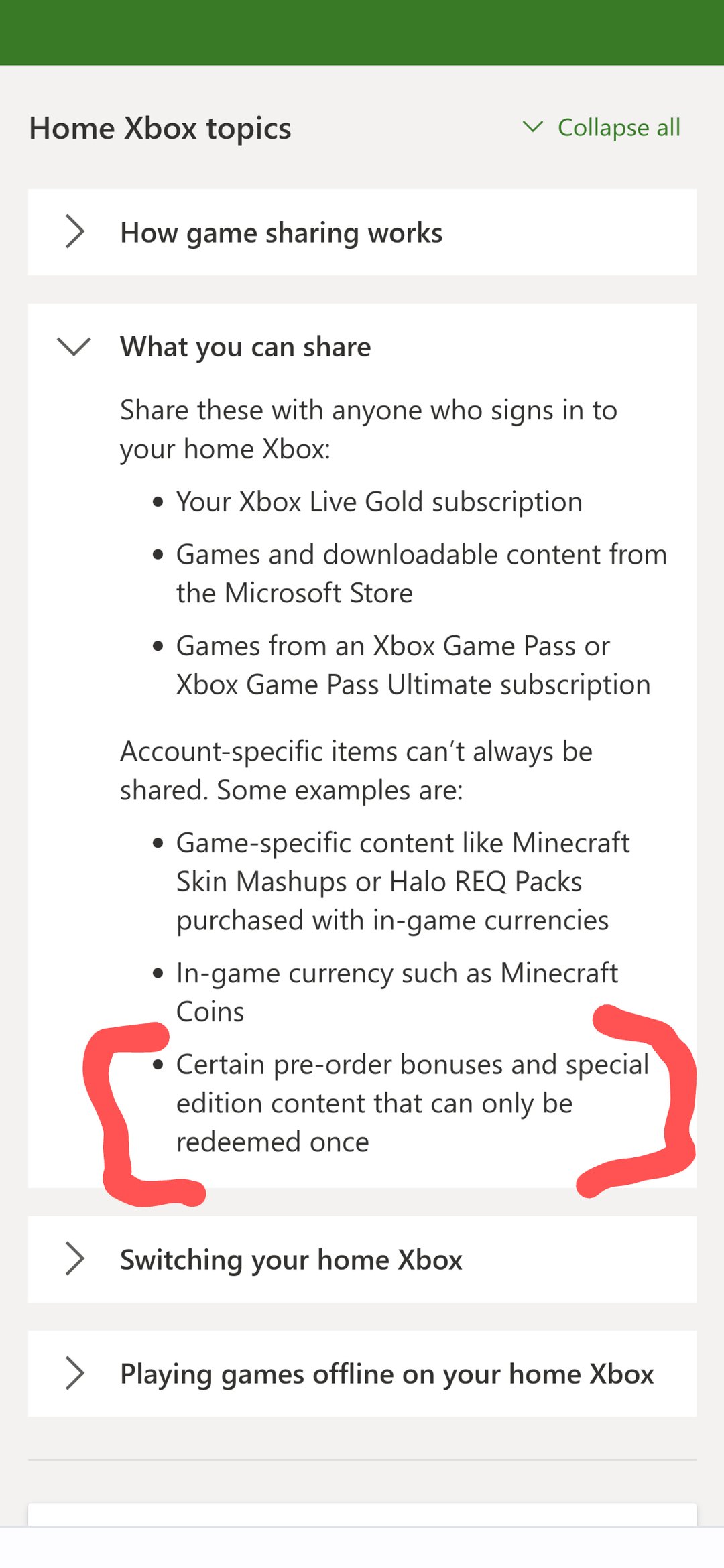
Ultimately, the ability to gameshare pre ordered games on ps5 depends on how the pre order is structured. Some pre orders grant access immediately upon purchase, while others only become available on release date. These timing variations impact gamesharing viability.
Sharing before official launch is often not possible, therefore the account making the purchase must have console rights. However, once the game releases and is fully installed, the typical gamesharing rules should apply. Can you gameshare pre ordered games on ps5, largely relies on when access is granted, not pre-ordering itself.

