
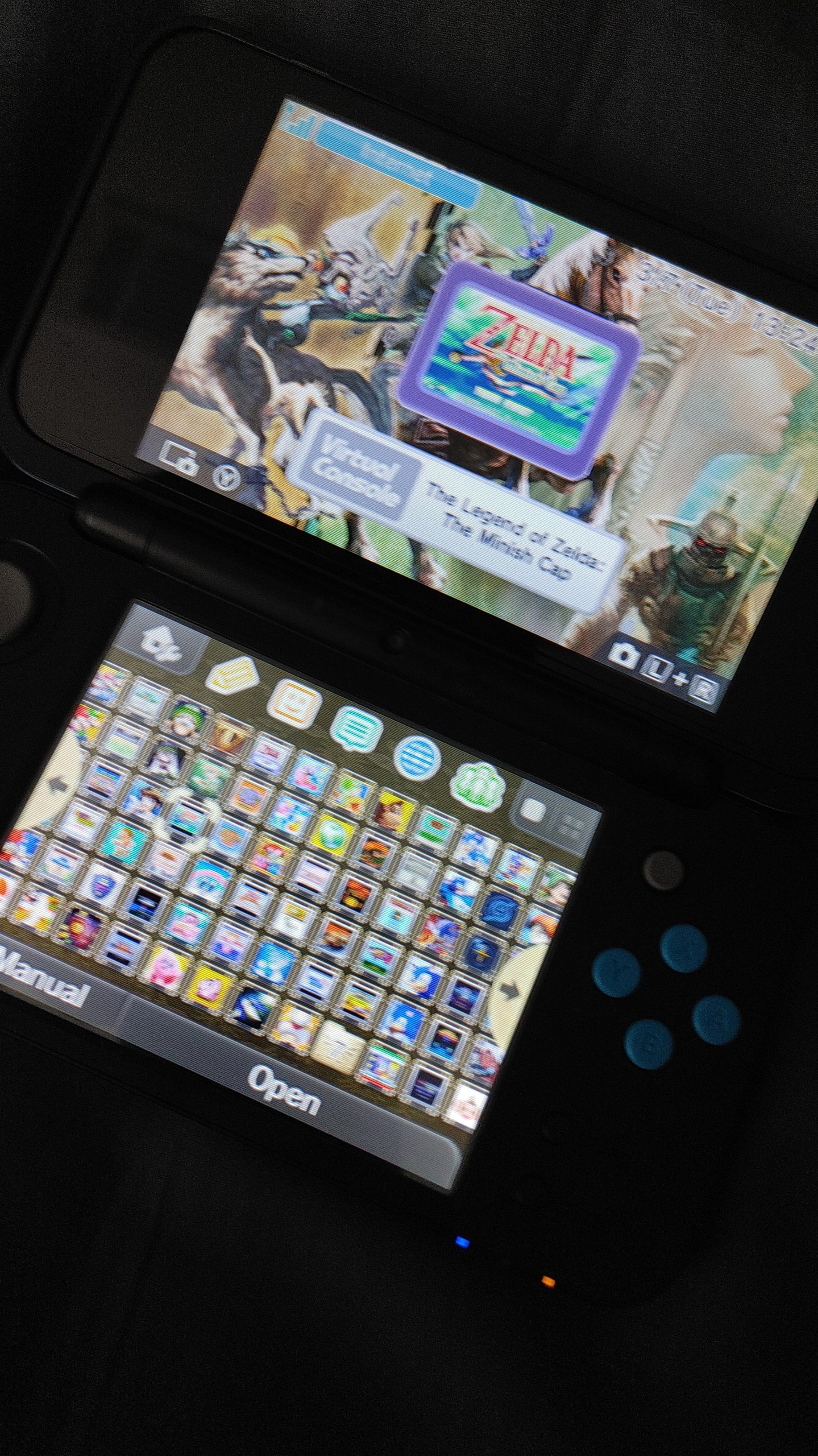
Yes, you can get DS games on hShop.
Ever wondered if you could easily access a library of classic Nintendo DS games? Many users are curious, “can you get ds games on hshop?” The answer is simpler than you might think.
The hShop is a popular platform where you can find a lot of games, including a good selection from the Nintendo DS era. It is designed for easy navigation, making it a convenient method for those seeking to revisit old favorites.

Can You Get DS Games on hShop?
So, you’re wondering if you can grab those awesome Nintendo DS games using hShop? It’s a question a lot of folks have, and it’s definitely something worth exploring. The short answer is, kind of, but it’s more complex than a simple yes or no. Let’s dive deep into what hShop is, what it does, and how it relates to getting those classic DS titles.
Understanding hShop: What It Is and What It Isn’t
hShop, at its core, isn’t a traditional store like the Nintendo eShop. Think of it more as a homebrew app store for modified Nintendo 3DS and 2DS systems. This means your console needs to be running custom firmware to use it. Custom firmware allows you to do things that Nintendo didn’t officially intend, like installing unofficial apps, themes, and, yes, games.
How hShop Works
Not an Official Source: It’s crucial to remember that hShop isn’t affiliated with Nintendo. All the content available through it is user-submitted, meaning it’s not official.
Community-Driven: A community of developers and gamers create and maintain hShop. They work hard to keep it functioning, but that also means it can have its ups and downs.
Focus on Homebrew: The main purpose of hShop is to provide a platform for homebrew applications and utilities for 3DS and 2DS. It’s not just a place to download games.
Installation Through CIAs: hShop uses CIA files for installations. These files are essentially packages that the 3DS can read and install on its system.
The DS Games Connection: TwilightMenu++
Now, here’s where the Nintendo DS games come into the picture. hShop itself doesn’t host DS games directly. Instead, it offers an application called TwilightMenu++, which is the key to playing DS games on your 3DS or 2DS.
What is TwilightMenu++?
DS Compatibility Layer: TwilightMenu++ acts as a compatibility layer that allows your 3DS to run DS ROMs.
Not a Direct Download: It’s important to understand that installing TwilightMenu++ won’t magically grant you access to DS games. You’ll still need to obtain the game ROMs separately.
Loading Games From SD Card: After installing TwilightMenu++, you will place your DS ROMs on the 3DS’ SD card. TwilightMenu++ will read them from there.
More Than Just DS: TwilightMenu++ isn’t only for DS games; it also supports a variety of other platforms.
The Process: Getting DS Games on Your 3DS via hShop
So, putting it all together, here’s how the process generally works:
1. Modify Your 3DS/2DS: You’ll first need to modify your 3DS or 2DS to run custom firmware. This often involves a process called “hacking” or “modding”. This step is critical to allow for unsigned code, such as hShop and TwilightMenu++, to run on your system.
2. Install hShop: Once you have custom firmware, you can install hShop through your homebrew launcher. It will typically appear as an app that you can launch from your 3DS/2DS home screen.
3. Get TwilightMenu++: Use hShop to install TwilightMenu++. This app will allow you to play your DS games on your 3DS.
4. Obtain DS ROMs: You’ll need to acquire your DS game files separately. hShop will not help you find game ROMs. It is crucial to be aware of copyright laws before obtaining these files, as distribution or download of copyrighted material is illegal in many countries.
5. Transfer ROMs: Copy your DS ROMs to the appropriate folder on your 3DS/2DS’s SD card.
6. Launch TwilightMenu++: Open TwilightMenu++ from your 3DS/2DS home screen, and you’ll see a list of your DS ROMs. Select a game and enjoy!
A Closer Look at Each Step
Modifying Your 3DS/2DS
Research Carefully: The modification process varies depending on your 3DS/2DS model and firmware version. Do thorough research before attempting any modification.
Follow Guides: Utilize detailed guides that are appropriate for your system’s setup. There are many resources on the internet that offer step-by-step instructions.
Potential Risks: Keep in mind that modifying your system carries potential risks, including the possibility of bricking the device. Take the time needed to proceed with caution.
Backup is Essential: Always backup your console’s NAND before making modifications, allowing you to restore your system in case something goes wrong.
Installing hShop
Homebrew Launcher Access: After the modification process, you’ll have access to the homebrew launcher. This launcher will allow you to run various homebrew applications, including hShop.
QR Code Method: Often, installation of hShop can be done by scanning a QR code with your 3DS/2DS camera.
Network Connection: Usually requires a working wifi connection for app downloads.
Using hShop to Get TwilightMenu++
Search Functionality: hShop provides a search function that can be used to locate TwilightMenu++.
Simple Download: Select the application and initiate the download and installation process directly on your device.
Automatic Installation: The hShop will usually install the application automatically once the download has completed.
Obtaining and Transferring DS ROMs
Ethical Considerations: Always remember to respect copyright laws. Obtaining ROMs of games you do not own is not legal in many jurisdictions.
File Formats: Make sure your ROM files are in the correct format, usually .nds.
SD Card Structure: Create the necessary folder for the game files on your 3DS/2DS SD card, usually this is called “roms” or “nds”, within the directory that TwilightMenu++ is expecting to see.
File Transfer: You can transfer files via your computers SD card reader or with a tool like FTP.
Important Considerations
Before you jump into modifying your 3DS or 2DS, there are a few important points to keep in mind:
Legality
Copyright Concerns: Downloading ROMs of games you don’t own is considered illegal. It’s essential to be aware of your local copyright laws.
Nintendo’s Stance: Nintendo does not approve of using emulators or ROMs, as it goes against their terms of service.
Personal Backup: Some people argue that they are entitled to use ROMs of games that they personally own; however, even this can be legally ambiguous.
System Risks
Bricking Potential: Modifying your system carries the risk of permanently damaging it, also known as “bricking”. This can render your device unusable.
Software Instability: Running homebrew software can cause software conflicts or system instability. This could cause games to crash or not work correctly.
Voiding Warranty: Modifying your console will void any warranty still associated with it.
Security Concerns: Keep in mind that downloading and running files from unofficial sources may come with security implications.
Alternatives
Official DS Systems: The safest and legal way to play DS games is on an original Nintendo DS or DS Lite system. You can purchase used systems and games from many online marketplaces.
Nintendo DS Emulator: There are different emulators available on different platforms which can play DS games. But keep in mind to always respect copyright laws.
3DS Virtual Console (DSiWare): Some limited DS games were also sold on the 3DS eShop, under the form of DSiWare, if you want an official option. But these are very limited compared to the full library of the DS.
The Benefits
Despite the risks, there are benefits to using hShop and TwilightMenu++ to play DS games.
Convenience: You can carry your entire DS game library on one SD card, rather than physically carrying around many individual game cartridges.
Cost-Effectiveness: After the initial modification process, obtaining and using DS games becomes free. But keep in mind that obtaining and using games without owning them is illegal.
Preservation: It allows older games that might be difficult to obtain otherwise to be played on modern devices.
Customization: TwilightMenu++ allows for many different customizations, such as screen and gameplay settings.
Navigating the World of Homebrew: Important Advice
Start Slowly: Don’t rush into modifying your system. Research each step thoroughly and understand all the implications.
Follow Reputable Guides: Use guides from trusted sources and make sure they are up to date for the latest software and consoles.
Join Communities: Participate in homebrew communities to get help and advice from other users. You will find that others are also interested in the same thing, and could offer good information.
Backup Regularly: Keep regular backups of your system to help mitigate risk if anything goes wrong.
Be Aware of Updates: Keep your system and homebrew software updated to help minimize security and instability issues.
The Future of hShop and DS Emulation
The homebrew scene is constantly evolving, with new advancements always on the horizon. It’s always exciting to see what the community develops next, as it continues to find creative ways to utilize older consoles and keep the history of these systems and games alive.
In summary, while hShop doesn’t directly provide DS games, it acts as a gateway to obtain the necessary tool, like TwilightMenu++, to play these games. However, it’s a process that involves modifying your system, which is not without risk. Be mindful of legal and ethical considerations and proceed at your own risk.
Remember, the best approach is to research thoroughly, proceed cautiously, and always respect copyright laws. This way, you can fully appreciate the world of classic gaming on your 3DS or 2DS.
How to Play DS Games on 3DS Homebrew
Final Thoughts
HShop offers a convenient way to download homebrew applications and games directly to your modded 3DS system. You’ll find many titles from various platforms, including a large collection of DS games. Navigating the platform is easy and the download process is generally quick.
Therefore, the answer is yes, you can get ds games on hshop. This makes it a go-to resource for building your digital library. The selection is extensive for those seeking retro titles and unique experiences.

