
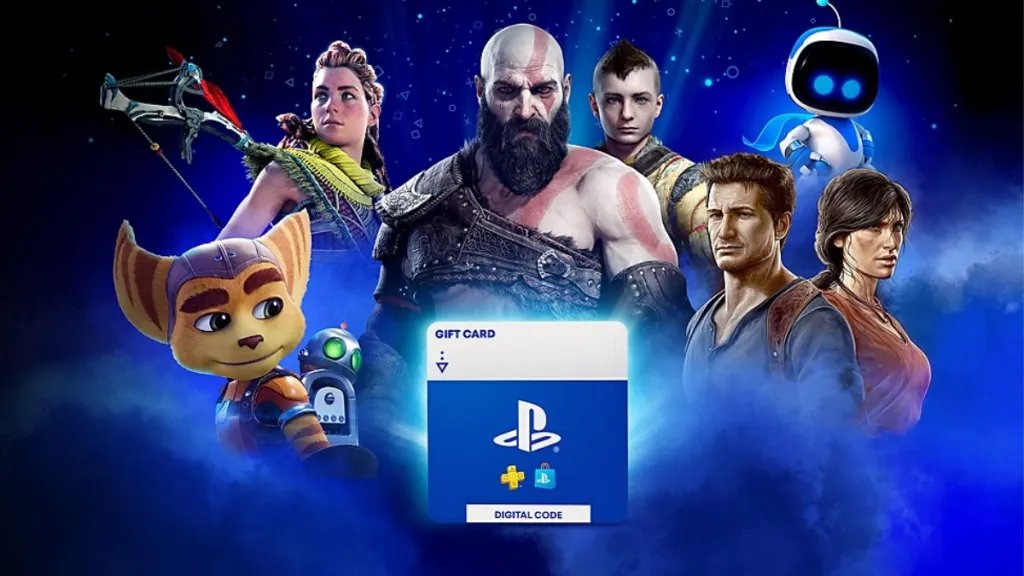
No, you cannot directly gift PS5 digital games to another user through the PlayStation Store.
Want to share the excitement of a new PlayStation 5 game? It’s a common question: can you gift PS5 digital games? Unfortunately, the process isn’t as simple as sending a game directly.
While the PlayStation platform doesn’t have a built-in gifting system for digital purchases, there are workarounds. You can purchase a PlayStation Store gift card for your friend, allowing them to buy the game themselves.

Can You Gift PS5 Digital Games? A Deep Dive
Let’s talk about giving the gift of video games! Everyone loves getting a new game, especially on the super cool PlayStation 5. But when it comes to digital games, things can be a little confusing. Can you really send a digital game to a friend? The short answer is, yes, you can gift some digital PS5 games, but it’s not quite as simple as handing over a physical disc. This article will walk you through everything you need to know about gifting digital games on the PS5, so you can make sure your friends get the perfect game.
Understanding Digital vs. Physical Games
Before we jump into gifting, let’s make sure we’re clear on the difference between digital and physical games. Physical games are the ones that come on a disc. You buy the disc, pop it into your PlayStation 5, and you’re ready to play. Digital games, on the other hand, are downloaded directly to your console. You buy them from the PlayStation Store, and you don’t need a disc at all. This difference is important when we start talking about how gifting works.
Physical Games: The Traditional Gift
Physical games are easy to gift. You can go to a store, pick out the game, wrap it up, and give it to your friend. They put the disc into their PS5, and they’re good to go. The good thing about physical games is that anyone can purchase them and gift them, as long as the person has a PlayStation 5 and the game disc is the correct version for their country/region. You can also swap or borrow these physical games later.
Digital Games: The Modern Way
Digital games are great because they are always ready to play on your console after downloading, and you don’t have to worry about losing or damaging a disc. However, they are tied to the PlayStation account that purchases them. This is why gifting digital games is not quite as straight forward as giving a physical disc. Let’s explore how exactly we can send digital games as gifts.
How to Gift Digital PS5 Games
Gifting a digital game on the PS5 is a little different from gifting a physical copy, but it’s still very doable. The main method involves using the PlayStation Store and a feature known as digital gifting through purchasing a gift card.
Here’s a step-by-step guide on the best way to gift digital PS5 games:
- Purchase a PlayStation Gift Card: The first step is to buy a PlayStation Store gift card. These cards come in different amounts, such as $10, $20, $50, or more. You can purchase them online through retailers such as Amazon, or at physical stores that sell gift cards.
- Send the Gift Card Code: Once you have the gift card, you will get a code. This code is the actual gift that your friend will redeem on their PlayStation account. You can either give this code to your friend by writing it in a card, sending a text, or sharing a digital image with it on it.
- Your Friend Redeems the Code: To redeem the gift card code, your friend needs to log in to their PlayStation account, go to the PlayStation Store, and enter the code in the redeem code section. Then, the money on the gift card will be added to their PlayStation account.
- Your Friend Buys the Game: After that, your friend can use the funds added to their account to buy any digital game they want! This is how you can gift digital PS5 games by giving the money for your friend to choose their perfect game.
This indirect method makes sure they get something they really want. You’re giving them the freedom to pick their own digital adventure rather than guessing the specific title they may enjoy.
Why You Can’t Directly Send a Digital Game
You might be wondering why you can’t just click a “gift” button on the PlayStation Store and send a digital game directly to a friend. It’s a good question and it comes down to how digital licenses work. Here are the main reasons:
Licensing and Ownership
When you buy a digital game on the PlayStation Store, you’re buying a license to play that game on the specific PlayStation account. That account owns that game, and it’s linked to it. This system avoids having multiple copies of the same digital game floating around. Direct gifting would mean transferring that ownership or license from one account to another, and that involves more complex processes.
Account Security
Allowing people to directly gift games could lead to security issues. People might try to sell accounts with purchased games and other unethical trading. By using gift cards, PlayStation makes sure there is a layer of security, and each transaction is kept in check.
Regional Differences
Game availability can vary based on region. If gifting was direct, there may be confusion in how gifting will work across regions. For example, a game might not be available in another country, and a direct gift may cause issues. Gift cards and their redemption process do take this into account, making sure everything is compatible before the purchase of the game.
Different Types of PlayStation Gift Cards
When you choose a PlayStation gift card, you’ll notice there are different types to consider. These include:
- Digital Gift Cards: These are the most common and come as a code that you can send to someone.
- Physical Gift Cards: These are physical cards you buy at a store. You can give these just like traditional gift cards.
- PlayStation Plus Gift Cards: These add a specific amount of subscription time to the PlayStation Plus service, allowing the receiver to play online games with friends, and get free games each month.
Knowing the differences will help you choose the gift card that best suits the person you want to give it to.
Gifting a PlayStation Plus Subscription
Another great gift for PlayStation owners is a PlayStation Plus subscription. PlayStation Plus allows people to play online games, download free games each month, and get other benefits like special discounts and cloud saves. The way to gift this is very similar to gifting a game:
- Buy a PlayStation Plus Gift Card: You can purchase a PlayStation Plus gift card at most stores that sell PlayStation products. This gift card contains the code for the subscription.
- Send the Code: Just like a game gift card, you’ll need to send the code to your friend.
- Your Friend Redeems the Code: Your friend will need to redeem the code through the PlayStation Store to add the subscription time to their account.
- Your Friend Enjoys PlayStation Plus: Once the subscription is active, they can play all their favorite online games with all the extra benefits.
Tips for Gifting Digital Games
To make your gift a success, here are some additional tips you can follow:
Consider Your Friend’s Game Preferences
Try to think about the types of games your friend likes. Do they enjoy action, sports, or adventures? Knowing this will help them find the best game for their money when you give them the gift card.
Be Aware of Game Ratings
Make sure the game you think your friend would buy is age-appropriate. Check the game ratings to be sure. There may be some games they cannot play or are too mature for them.
Check for Sales and Discounts
The PlayStation Store often has sales on digital games. You can try to wait for these sales to happen before buying gift cards so that your friend can buy a new game and save some money.
Send a Personal Message
When you give your friend the gift card code, send a personal message as well. Tell them you hope they enjoy their new game, or that you wanted to get them something they’d love. This extra effort can make your gift feel even more special.
Help Them Redeem the Code
If your friend has not redeemed a code before, you can offer to help them through the process. It is relatively easy, but you can offer a helping hand.
Alternatives to Gifting
If gifting a digital game or subscription is not an option, or if your friend already has all the games and subscriptions they need, there are some other great alternatives. Here are some ideas:
- PlayStation Accessories: You can gift accessories like controllers, headsets, or charging stations. These are useful for the system and may be a very thoughtful gift.
- Physical Copies: If your friend enjoys having games on physical disc, you can always opt for gifting a traditional game.
- Digital art book: Games like The Last of Us, God of War, and many others, offer digital art books that can be a great gift if your friend enjoys art.
- Subscription for other related services: For example, if your friend is an anime fan, you may gift them a subscription for a streaming service that offers anime.
These alternatives make sure that you can still give a meaningful gift to your friend that fits their interests and needs.
In conclusion, while you can’t directly send a digital game from your PlayStation 5 to someone else, gift cards are the perfect work-around. They allow you to provide the funds needed for your friend to purchase the digital games they truly want. Consider gifting PlayStation Plus subscriptions for more enjoyment. With thoughtful planning, you can give the perfect gift that suits your friend’s gaming interests and preferences. And remember, it is the thought that counts!
How to GameShare on PS5 – OverSimplified (2024)
Final Thoughts
In short, you cannot directly gift digital PS5 games through the PlayStation Store. You can buy a gift card instead. The recipient can then use the gift card to purchase the game.
While gifting directly isn’t an option, gift cards provide a workaround. This method allows someone to still enjoy new games. So, answering the question, “can you gift ps5 digital games?”, directly gifting isn’t possible.

