
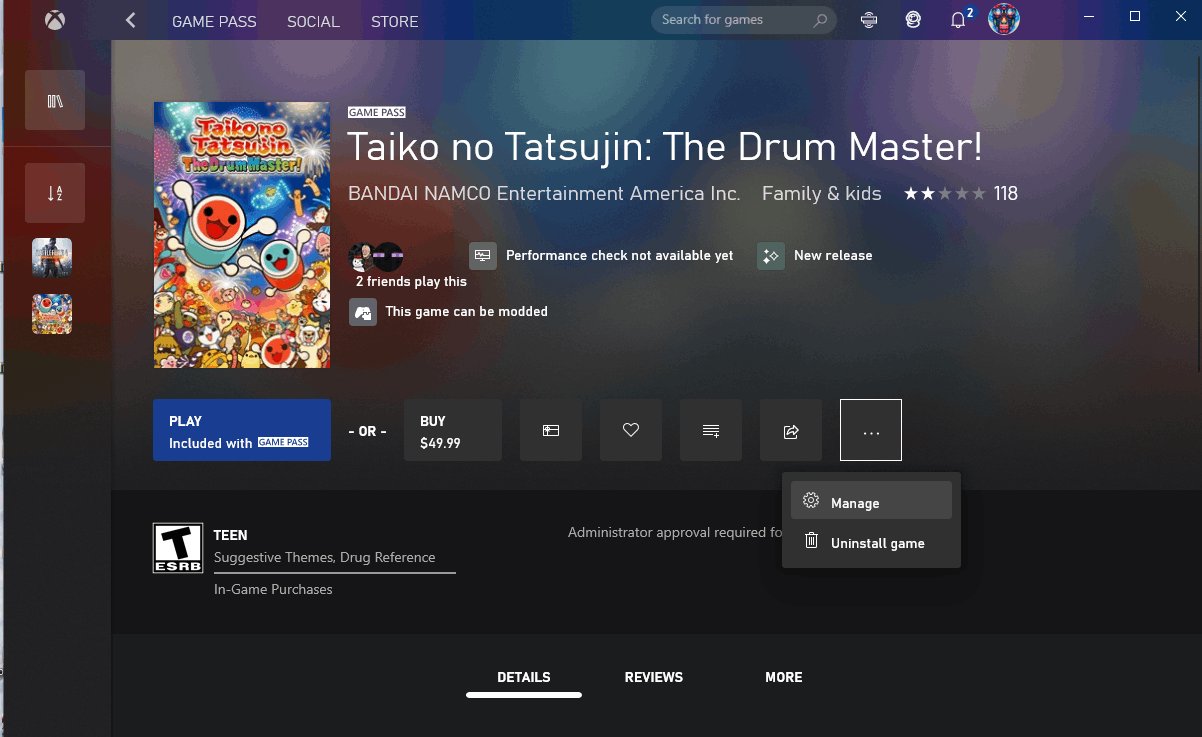
Yes, you can mod some PC Game Pass games, but the ability varies greatly depending on the specific game and its file structure.
Ever wondered if tinkering with your favorite PC Game Pass titles is possible? The idea of adding new features or altering gameplay can be exciting. So, can you mod pc game pass games? The answer isn’t always a straightforward yes.
Many players want to customize their gaming experience. Some games offer easy mod support, while others are more locked down. This article will delve into the complexities of modding games available through PC Game Pass.

Can You Mod PC Game Pass Games?
So, you’re a PC gamer with a Game Pass subscription, and you’ve got that itch to tweak and personalize your favorite games. You’re thinking, “Can I actually mod these games?”. It’s a great question, and the answer, while not a simple yes or no, is definitely interesting. Let’s dive into the world of modding PC Game Pass games and see what’s possible.
The Challenge of Modding Game Pass Games
Unlike games you buy directly from Steam or GOG, PC Game Pass games live in a slightly different ecosystem. Microsoft handles the installation and updates a bit differently, and this can create some hurdles for modders. The biggest issue is usually with access and permissions.
File Access Restrictions
Game Pass games are often installed in a special folder, often called ‘WindowsApps’. This folder is highly protected by the operating system. The idea is to make it hard for malware to mess with game files. However, this protection also makes it harder for you, the gamer, to change these files, which is what modding is all about.
Think of it like having your favorite toys locked away in a super secure box. You can play with them, but you can’t easily take them apart and rebuild them the way you want to. That’s essentially what you face when trying to mod PC Game Pass games.
The Universal Windows Platform (UWP) Format
Many, but not all, Game Pass games use the Universal Windows Platform (UWP) format. UWP apps are designed to run on different devices, like PCs and Xbox consoles. This format has its own set of rules that can make modding more difficult. The way the files are organized and packaged can confuse mod tools, or even make them incompatible. It’s not that UWP games can’t be modded, but it often takes extra work and special techniques.
When Modding is Usually Possible
Even with these challenges, it’s definitely not game over for modding. The good news is that modding is still possible for many Game Pass games, it just depends on a few things.
Games with Built-in Mod Support
The easiest games to mod are those with built-in mod support. This means the game developers specifically designed the game to allow users to add mods. Often, these games will have an in-game menu to manage and load mods.
These modding features often include things like:
- A designated mod folder: You place your mod files in the right place without having to dig into hidden Windows folders.
- Tools to load mods: The game recognizes and runs your modifications.
- Workshop Integration: Sometimes, the games allow direct downloads and installs of mods through integrated mod stores.
Games like Minecraft, Cities: Skylines (for example, though note that this is not necessarily available on all platforms), and others have made modding very easy for you.
Games Without Formal Mod Support but are Easy to Mod
This is a gray area, and it can vary a lot from game to game. Some PC Game Pass games, though not officially supporting mods, are structured in a way that makes it reasonably easy to access the necessary files and add them. This can happen if the game developers use a common engine (like Unity or Unreal Engine) and don’t use the most extreme UWP restrictions. This ease can depend on how deeply entrenched the game’s assets are within the Windows protected directories.
The modding community often develops custom tools and workarounds for these games. If you want to mod a game like this, search online for modding guides and tools made specifically for it.
For these kind of games, modding can involve:
- Finding the right file directories: Locating where the game’s files are stored, which could be within the “WindowsApps” folder or a related subfolder.
- Using modding tools: Employing custom tools designed to inject or alter game files.
- Paying attention to game updates: Game updates can sometimes break or make mods not work anymore.
When Modding Is More Difficult or Impossible
Let’s be realistic, not all Game Pass games are mod-friendly. Here are situations where you might face a tough time, or where modding is simply impossible.
Strict UWP Encapsulation
Games that tightly adhere to the UWP format’s security restrictions are the most challenging to mod. This means the game files are heavily protected and very hard to access or change, even if you try using administrator privileges. This can mean that many popular modding techniques won’t work.
Online-Only Games
Online multiplayer games, often found on Game Pass, sometimes make modding difficult for a very good reason: to prevent cheating. Altering game files to gain an unfair advantage would break the multiplayer experience for everyone. Often, these games use server-side checks to detect any modifications and might prevent you from playing if they notice that you’ve modified your files. While some graphical or UI mods might be technically possible, core gameplay changes or cheats are usually heavily restricted.
Limited Modding Community Support
If a game is relatively new, unpopular, or just difficult to mod, you might not find many online guides, tools, or active communities. This can make modding incredibly difficult, as you’d essentially have to figure out all the technical details by yourself.
A lack of community support can result in:
- No custom mod tools: Without tools designed for the specific game, modding becomes very difficult.
- No modding guides: You will have no helpful walk-throughs from the community.
- Difficulty troubleshooting: You might not find anyone who can help you with problems.
The Legal Side of Modding
Before you get started modding, it is always a good idea to consider the legal aspect of modding. Here are some things you need to keep in mind.
Terms of Service
First, always check the game’s Terms of Service (TOS). Some game developers explicitly forbid any kind of modding and might ban your account if you’re caught doing it. This is especially true for online multiplayer games where mods might provide an unfair advantage. While such policies are rare for single-player experiences, it’s wise to be informed. Also, remember that Microsoft also has its own rules regarding modding on PC Game Pass. It is best to be aware of these rules beforehand.
Copyright Issues
Be aware of the mod’s content. Some mods can use copyrighted assets without permission. It is your responsibility to make sure that you are downloading and using mods that respect copyright regulations. Using mods that do not respect copyright regulations can lead to problems. Keep in mind that mods made by other players are not usually made by the original game developer and may be created by people who might not always follow copyright law.
Steps to Mod a Game Pass Game (When Possible)
Alright, you’ve checked out the game, and it looks like modding might be an option. Here are general steps to take. Remember, these steps may vary greatly depending on the specific game you’re modding.
- Research: Use search engines like Google, Reddit, and dedicated gaming forums to find out if there is an active modding community for your specific game. Look for any information about existing mods, tools, and methods.
- Locate the Game Folder: You will need to find where the game files are stored. For PC Game Pass, they will most likely be in the ‘WindowsApps’ folder or another system protected area. You might need to change your folder permissions to access them.
- Right-click on the “WindowsApps” folder and select properties.
- Go to security tab, click on Advanced button.
- At the top, next to “Owner:” click on change. Type your account name and click check names and click ok.
- Select the “Replace all child object permission entries” check box and click apply.
- Click yes and ok to all remaining messages.
- Download Modding Tools: Download modding tools that are made for the game. Most commonly used ones are things like Nexus Mods, ModDB, and game specific mod managers.
- Download the Mods: Choose your mods, make sure to only download from trusted and reputable sources. Make sure the mod is compatible with your game version.
- Install the Mods: Depending on the mod and game, this process will differ. Some mods have custom installers, others require simply copying the files to the correct directories. Follow instructions for the mods to ensure they are installed correctly.
- Test Thoroughly: After adding mods, you should test the game to make sure the mods are working and you are not encountering any bugs. Start with just one or two mods and then add more, this way you will more easily figure out what mod is causing issues if you run into problems.
Tools and Resources for Modding
If you want to start modding you will want to become familiar with these tools and resources. They can greatly help you with your modding journey.
Nexus Mods
Nexus Mods is one of the most popular websites for finding and downloading mods for a wide range of games. You will find a large selection of mods as well as community support and discussions there. Nexus Mods has a mod manager called Vortex that will make the installation and management of mods a lot easier.
ModDB
ModDB is another great online repository for game modifications. It offers a large library of user-created mods and community support. It’s also a good place to find information about mods that might not be available on other websites.
Game-Specific Forums and Communities
Many games will have their own dedicated modding communities and forums, like those on Discord and Reddit. You may want to look for specific forums that might be dedicated to modding the games you want to modify. These can be helpful places to get help with problems as well as getting the newest mods.
Mod Managers
Mod managers are apps that make installing, keeping track of, and making changes to mods simpler. They help you keep track of which mods are installed and ensure the mods don’t conflict with each other. Vortex, mentioned earlier, is a popular choice, but other mod managers are available depending on the specific game.
The Future of Modding Game Pass Games
The ability to mod Game Pass games isn’t static. As the platform evolves and more gamers express their interest in modding, we could see changes from Microsoft and game developers. We are seeing increasing interest for games to be more modifiable and also more developers including support for modding within their games.
Modding PC Game Pass games is an adventure. While it isn’t always simple, or even possible, for every game, that doesn’t mean you can’t still enjoy a lot of great content. With a little research and some community support, you might be able to personalize the games that you love.
Install Mods on Starfield Xbox/PC Gamepass | Simple Guide
Final Thoughts
Modding PC Game Pass games is often possible, but it isn’t always straightforward. The level of access varies based on each specific game’s files. You might need to explore different modding communities.
Certain games allow modification easily, while others require workarounds. This difference is due to how developers handle file access. So, can you mod pc game pass games? Yes, often, but with caveats.

