
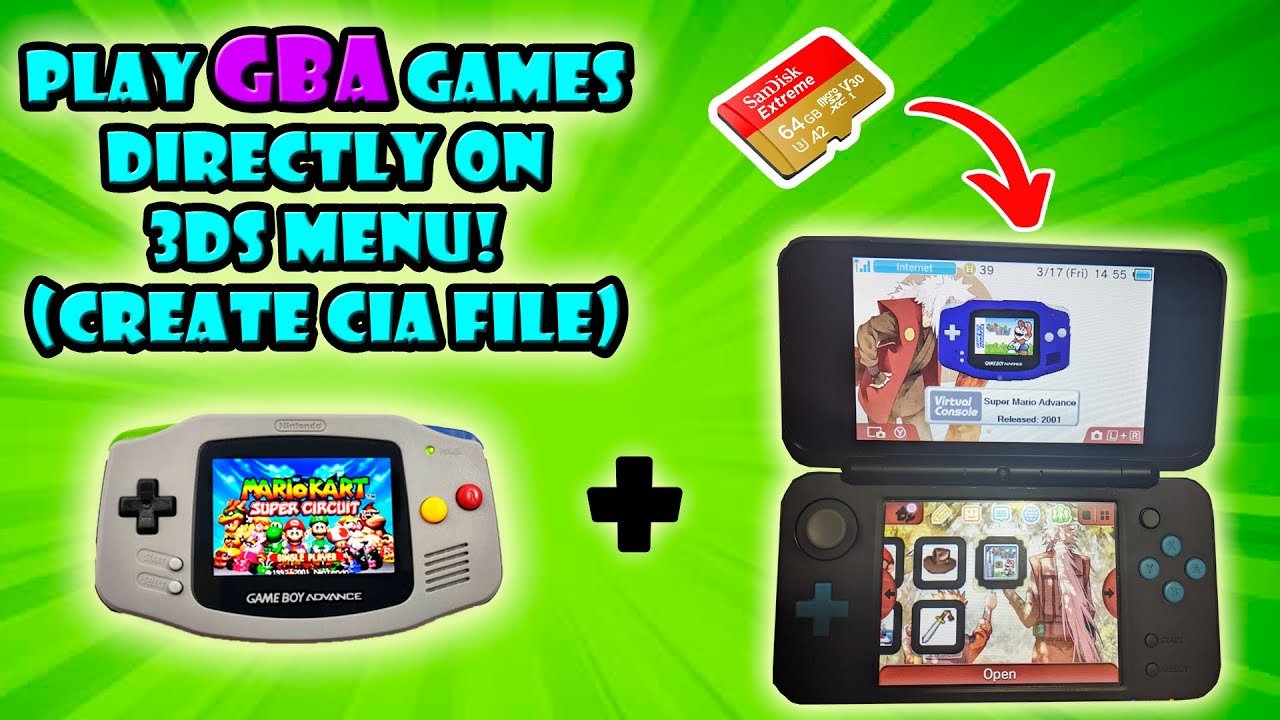
Yes, you can play some Game Boy and Game Boy Color games on a 3DS through the Virtual Console service available on the Nintendo eShop.
Wondering if you can relive those classic handheld adventures? Many gamers ask, can you play Game Boy games on 3ds? The good news is you absolutely can. Nintendo’s 3DS offers a way to experience a selection of beloved titles from the original Game Boy and Game Boy Color eras.
The 3DS’s eShop had a feature called Virtual Console. It allowed you to purchase and download many of these classic titles. So if you are craving that retro gameplay, your 3DS can definitely deliver some nostalgic joy!

Can You Play Game Boy Games on 3DS? Exploring Retro Gaming on Nintendo’s Handheld
So, you’ve got a cool Nintendo 3DS and you’re feeling a little bit nostalgic, maybe thinking about those awesome Game Boy games from way back? That’s a great thought! Many people wonder if their 3DS can take them back to the simpler times of pixelated adventures. The short answer is: it’s a bit more complicated than just popping in an old cartridge, but yes, you can enjoy some Game Boy magic on your 3DS. Let’s dive deep into how this works and what you need to know.
The 3DS and Its Retro Compatibility
The Nintendo 3DS, while being a fantastic handheld for its own games, also has a really interesting relationship with older systems. It’s not like the original Game Boy and the 3DS can directly talk to each other, but Nintendo found clever ways to let us enjoy retro games on newer hardware. The 3DS doesn’t have a cartridge slot for original Game Boy games, Game Boy Color, or even Game Boy Advance games. So how exactly do we play them? The key is the Virtual Console.
What is the Virtual Console?
The Virtual Console is a service Nintendo created that lets you download and play digital versions of classic games. Think of it like a library of old favorites that you can access on your 3DS. These aren’t exact copies of the original cartridges; they are special emulations that have been carefully designed to run on the 3DS. It’s how Nintendo brought many classic games back to life on their new systems.
How the Virtual Console Works
When you buy a game through the Virtual Console, it downloads to your 3DS’s storage. Then you can play it anytime you want without needing the original cartridge. The 3DS screen might even use a different border or display settings to capture the experience of playing these old classics on a new system. This gives you the chance to relive these memories with modern technology.
It’s important to know that not every Game Boy game is available through the Virtual Console. Nintendo has selected some of the best and most popular titles to offer. The selection can vary by region, so the games you find might be different in North America compared to Europe or Japan. So, while you can’t play every single Game Boy game, there are still many fantastic games available.
Game Boy vs Game Boy Color vs Game Boy Advance: What’s Playable?
It’s helpful to understand what type of Game Boy games we can actually play on the 3DS. Not all generations of Nintendo’s handhelds are treated the same. Here’s a closer look:
- Game Boy (Original): A good number of classic Game Boy games are available on the 3DS Virtual Console. Titles like Tetris and some early Pokemon games are commonly available.
- Game Boy Color: Some classic Game Boy Color games made their way to the 3DS Virtual Console. Titles like The Legend of Zelda: Link’s Awakening DX and Pokémon Trading Card Game are playable.
- Game Boy Advance: Here’s the big one. Unfortunately, the Nintendo 3DS does not have Virtual Console support for Game Boy Advance games. This means that you cannot officially play games like Metroid Fusion or Fire Emblem on your 3DS through a legal method.
Why the Differences?
You might be wondering why some games made the cut and others didn’t. There are several reasons. Nintendo has to create the emulations, ensure the games work well on the new system, and also consider licensing issues. Game Boy Advance games are technically more complex, and Nintendo likely chose to focus on the original Game Boy and Game Boy Color due to their popularity and simplicity, at least initially.
Also, there could be other business reasons like, wanting people to play these games on newer systems like the Switch or on their own dedicated consoles released for the older generation of consoles. Sometimes a game may not have been added simply because its not an easy conversion or there may be legal issues.
Accessing Game Boy Games on Your 3DS
Now that you know what kind of games are compatible, let’s look at how you actually get them on your 3DS.
The Nintendo eShop
The primary way to get Virtual Console games is through the Nintendo eShop. It’s the online store built into the 3DS. Here’s how you navigate it:
- Turn on your Nintendo 3DS and make sure it is connected to the internet.
- Go to the main menu, find the eShop icon (it looks like an orange shopping bag), and tap it.
- Inside the eShop, you can use the search function to look for games, or browse through the categories.
- You’ll need to have funds in your eShop account (which can be added by credit card or prepaid card).
- Once you find a game you like, you can purchase and download it to your 3DS.
Important note: The eShop for the Nintendo 3DS has been closed down in many regions. This means that you may not be able to purchase any new games, but you may still have the ability to play and redownload games you have previously purchased. If you did not purchase any games from the eShop before it closed, you might not be able to get them now.
Transferring Games
In the past, if you upgraded from an older 3DS to a newer one, you could transfer your games and data, including Virtual Console purchases. This was a great way to keep your old games when changing consoles. Now that the eShop is no longer functional, you cannot transfer your virtual console game to a new console. However, this is not needed if you are using the same console that you purchased the game on.
Playing Your Purchased Virtual Console Games
After you’ve downloaded a Game Boy or Game Boy Color game, you can start playing it. Here are some things you need to keep in mind:
Controls and Display
The 3DS controls work perfectly fine with the older games. Most of these classic games only needed the directional pad, A, B, Start and Select, which are all easily found on your 3DS. However, you can also customize certain aspects for your preferences.
- The screen size might be slightly smaller than the original screen, but the 3DS screen provides clear and crisp visuals.
- You might have options to adjust the screen size or use filters to mimic the look of an old Game Boy screen.
- Some games may use the touchscreen to perform certain actions or functions.
Saving Your Progress
The Virtual Console also handles saves differently. You no longer have to worry about limited save battery on your game cartridge. The system takes care of this for you, giving you unlimited save slots and save data, like all the other 3DS games.
The Legal Gray Area of ROMs and Emulation
As people search for ways to play Game Boy games, you might stumble upon mentions of ROMs and emulators. It’s really important to talk about this. Here’s what you need to know:
What are ROMs?
ROMs are digital copies of game cartridges. You might find these online, but downloading them without owning a copy of the original game is generally considered illegal. Sharing ROMs with others is illegal too.
What are Emulators?
Emulators are software programs that allow you to run ROMs on a device that isn’t the original console. They let you play games on your computer, phone, or even modified versions of other handheld devices.
The Issue of Legality
Using ROMs and emulators can seem like a quick and easy way to play retro games, but you could get into legal issues when you try to download and use ROMs that you do not own. It’s similar to downloading music or movies illegally. If you own the cartridge, making your own ROM could be permissible, but it’s often debated. The bottom line is, it is best to stick to official ways of playing the games. The legalities can get tricky and the ethics are debatable.
Are There Any Alternatives?
If you don’t want to delve into the grey area of ROMs, and the 3DS virtual console does not have the games you want to play, are there other options? Yes, there are!
Nintendo Switch Online
The Nintendo Switch Online service has a library of classic games from both the NES and the Super Nintendo. While the Switch does not have a Virtual Console in the same way as the 3DS, the Nintendo Switch Online expansion pass does include a growing catalog of both Game Boy and Game Boy Color games. This means that if you own a Nintendo Switch, you might already have access to play many games through the online service. However, Game Boy Advance games are not yet available, although there is speculation that they may be added at some point in the future.
Purchasing Original Hardware
One very great method of playing old classics is by purchasing the original console along with the original game cartridge. This is for sure one of the most authentic ways to experience classic games, and also a great way to support the creators. However, it can be costly as the older hardware and games tend to increase in price over the years, especially if the games or hardware are kept in good condition.
The original Game Boy, Game Boy Color, or Game Boy Advance will give you the real experience that you may have had as a kid. You will have the full experience and features of the original console which may be different from the emulation on modern consoles.
Dedicated Retro Consoles
There are many retro consoles being released by different third party developers. These devices are designed to emulate the classic hardware and games. While these are great alternatives, these are not official products of Nintendo and may not have the same quality and gameplay experience that official hardware provides.
Therefore, when you are looking for the perfect retro console, take a look at all the pros and cons, and pick one that will best fit your retro gaming needs. This option may be the best for gamers that don’t have a Nintendo 3DS or a Nintendo Switch.
So, while the 3DS isn’t a perfect match for every Game Boy game, it does offer a way to revisit many classics. You can play some great titles through the Virtual Console, giving you a taste of that old-school gaming magic. If you do not have access to the virtual console games, or are interested in other methods, you can always look at the Nintendo Switch Online and explore the library of classic retro games, or go back to the older consoles to truly revisit the retro experience. Just make sure you’re always playing games legally, and you’ll have many adventures to enjoy!
GBA Games on 3DS
Final Thoughts
Yes, you can play some Game Boy games on a 3DS, specifically those available on the Virtual Console. Nintendo offered several classic titles for download. However, this doesn’t cover the entire library of Game Boy cartridges.
Therefore, if you’re asking “can you play Game Boy games on 3DS” using original cartridges, the simple answer is no. The 3DS only accepts 3DS and DS cartridges.
Essentially, the method involves digital purchases, not direct play of your old collection.

