
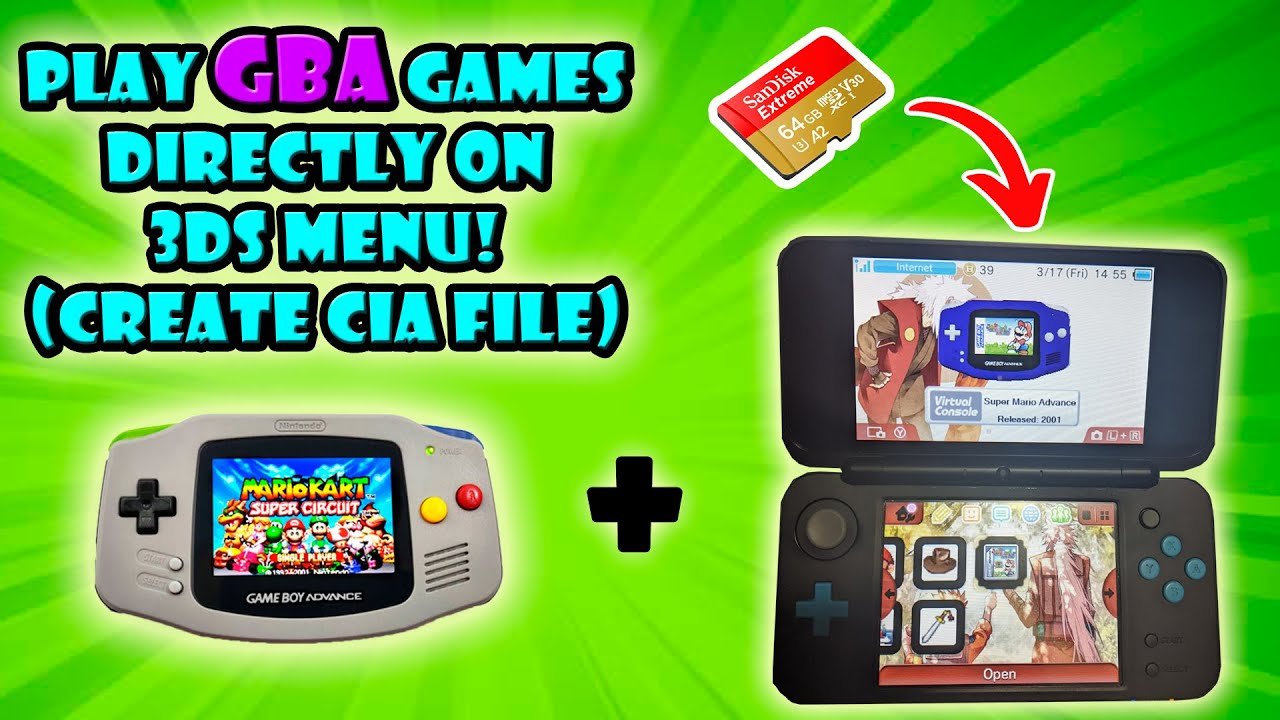
Yes, you can play Game Boy and Game Boy Color games on the 3DS, but only through the Virtual Console available on the eShop.
Many gamers wonder, can you play Game Boy games on the 3DS? It’s a common question among those who love retro titles. The 3DS doesn’t have a slot for original cartridges.
Instead, Nintendo made some classic games available digitally. You can purchase and download them from the eShop, playing them directly on your device. This offers a convenient way to enjoy those classic games.

Can You Play Gameboy Games on the 3DS?
So, you’ve got a shiny Nintendo 3DS and a drawer full of classic Game Boy games, maybe some Game Boy Color titles too. A big question is bubbling in your head: can you actually play those old favorites on your new handheld? The short answer is: it’s a bit complicated, but mostly, no. Let’s dive into the details and see what’s possible and why.
Understanding the 3DS Family
First, it’s super important to understand what the Nintendo 3DS family really is. It includes several models, like the original 3DS, the 3DS XL, the 2DS, and the New 3DS/New 2DS XL. All these systems can play the same 3DS games. But they all have a history with Nintendo handhelds, starting with the Game Boy. This lineage helps us see why backwards compatibility with older Game Boy games is limited.
The Digital Divide: Virtual Console
Nintendo came up with a clever idea called the Virtual Console. It’s like a special online store within the 3DS where you can buy and download older games. Now, this is where things get interesting. The Virtual Console does have games from older consoles, including some Game Boy and Game Boy Color titles! It’s not like popping in an old cartridge, but it’s a way to play them on your 3DS. But here’s the catch: not every Game Boy game is available.
- Game Boy and Game Boy Color games on the 3DS Virtual Console: Some popular titles you can find are games like the original Pokemon titles (Red, Blue, Yellow), The Legend of Zelda: Link’s Awakening, and Metroid II: Return of Samus.
- Not everything is included: Many beloved games never made it to the Virtual Console, meaning you can’t buy them officially for your 3DS.
- Specific versions: The versions on the Virtual Console might have minor differences from the original cartridge games.
Why You Can’t Just Pop in an Old Cartridge
Okay, so you have a box of your old Game Boy games. You’ve got a 3DS. You try to put that Game Boy cartridge into your 3DS… and it doesn’t fit. That’s because Nintendo made the 3DS to use special game cards. The 3DS does not have a slot to read original Game Boy or Game Boy Color cartridges.
Think of it like trying to put a square block into a round hole. They just aren’t made to work together. This physical difference is a primary reason why you can’t directly play classic Game Boy games from cartridges on a 3DS.
The Technical Reasons Behind the Limitation
Let’s go a little deeper into why the Game Boy and 3DS are so different. The Game Boy and Game Boy Color used completely different hardware compared to the Nintendo 3DS. The technology inside each of the systems is totally different.
- Different Processors: The processors inside these systems are designed to handle very different types of games. The Game Boy had a simple processor, while the 3DS uses much more complex chips.
- Screen Technology: The screens are different as well. Game Boy screens were simple and had lower resolution compared to the sharp screens of the 3DS.
- Software Architecture: The software that makes the games work is also built differently. This means the 3DS can’t just simply understand and play Game Boy games.
Even with the Virtual Console, the 3DS has to do a kind of trick to run those old games. It uses software to pretend it is a Game Boy or Game Boy Color. That’s how the 3DS makes it possible to play these classic games via the Virtual Console download service.
The Game Boy Advance Factor
Now, things get a little more complicated when we bring the Game Boy Advance into the mix. The Game Boy Advance games are not directly playable via Virtual Console on standard 3DS systems (original 3DS, 3DS XL, 2DS). The New 3DS and New 2DS XL systems have a special feature that makes them a bit more interesting.
Game Boy Advance and the New 3DS
The New Nintendo 3DS and New 2DS XL have the ability to play a limited selection of Game Boy Advance titles through the Virtual Console, but it’s also very limited in scope. The program was called the “Ambassador Program”, and was only available for a limited time for the early adopters of the 3DS.
The games released for the “Ambassador Program” for the New 3DS are not available for purchase through the Nintendo eShop. These specific game releases were offered as an incentive for early adopters of the Nintendo 3DS systems during a price drop on the initial console launch.
- Ambassador Program: Some early adopters of the New 3DS got a few Game Boy Advance games to play for free.
- Not for Purchase: Unlike classic Game Boy/Game Boy Color games, these Advance games are typically not available for download in the eShop.
- Limited Selection: Even within the New 3DS, the number of available Advance titles is small.
The key point here is that while some New Nintendo 3DS owners have access to some Game Boy Advance games, this is not a widespread or current feature. The standard 3DS, 3DS XL, and 2DS do not have any official GBA support through the Virtual Console.
The World of ROMs and Emulation
Okay, we have talked about the official ways to play older games on your 3DS. What about those unofficial ways some people talk about? This brings us to the world of ROMs and emulators. These are ways to play older games on devices they weren’t originally made for. Now this method is completely separate from Nintendo’s service.
What are ROMs?
A ROM is a digital copy of a game. For example, when someone copies a Game Boy cartridge onto a computer, it creates a ROM file. People sometimes use these ROMs with special programs called emulators. Emulators are software programs that make your computer or device act like an old video game system.
What are Emulators?
An emulator is a piece of software that allows a device to mimic the behaviour of another device, in this case, a Game Boy. So, on a 3DS, an emulator will allow a user to, in essence, run the game as if it was on an original Game Boy.
Emulation on 3DS
It is possible to install emulators on a 3DS, but this is usually through homebrew methods. Homebrew refers to user created software for the device that wasn’t officially released by Nintendo. This is a complex topic and is separate from what is possible on a standard, unmodded 3DS.
- Requires Modding: Modding your 3DS means making changes to its software that Nintendo didn’t intend. This can be tricky.
- Risk of Damage: Modifying your 3DS can potentially cause it to break or stop working if you don’t do it correctly.
- Legal Concerns: Playing ROMs of games you don’t own is not always legal.
This route is something that should be researched thoroughly before attempting, as this is a complex area.
Summarizing Compatibility
Let’s bring it all together. You can’t just pop in your Game Boy cartridge into your 3DS. However, you can play some Game Boy and Game Boy Color games on your 3DS through the Virtual Console. A very limited number of Game Boy Advance games are playable only on the New Nintendo 3DS family via the older Ambassador Program.
| Game Type | Playable on Standard 3DS | Playable on New 3DS |
|---|---|---|
| Game Boy Cartridge Games | No | No |
| Game Boy Color Cartridge Games | No | No |
| Game Boy and Game Boy Color (Virtual Console) | Yes (limited selection) | Yes (limited selection) |
| Game Boy Advance Cartridge Games | No | No |
| Game Boy Advance (Virtual Console) | No | Yes (very limited selection through the Ambassador program) |
The availability of games through the Virtual Console is different for different regions. So, a game might be available in one region but not another.
It’s worth looking at the games available on the Virtual Console. You might find some of your old favourites available for download. Just don’t expect every single Game Boy title to be on there. The New Nintendo 3DS family has access to some Game Boy Advance titles, but again, it’s a very limited selection.
Remember, playing ROMs through emulators is separate from the official Nintendo experience. It’s not something a typical user should jump into without research and knowing the potential downsides.
So while the idea of playing your old cartridges on your 3DS is not possible, there are still some ways to enjoy classic games on the handheld console, but it’s definitely not as straightforward as some may hope. With all this in mind, you should have a good understanding of what is possible and the differences between the many different console models.
GBA Games on 3DS
Final Thoughts
So, can you play Gameboy games on the 3DS? The short answer is yes, but with limitations. You can play original Game Boy and Game Boy Color games through the Virtual Console on the 3DS eShop, provided they are purchased.
However, you cannot play Game Boy Advance cartridges directly on a standard 3DS. The New 3DS consoles offer a solution, enabling access to some GBA titles through the eShop and special ambassador programs.
Therefore, while can you play gameboy games on the 3ds is generally a yes, this depends on specific systems and games, but not always cartridge based.

