
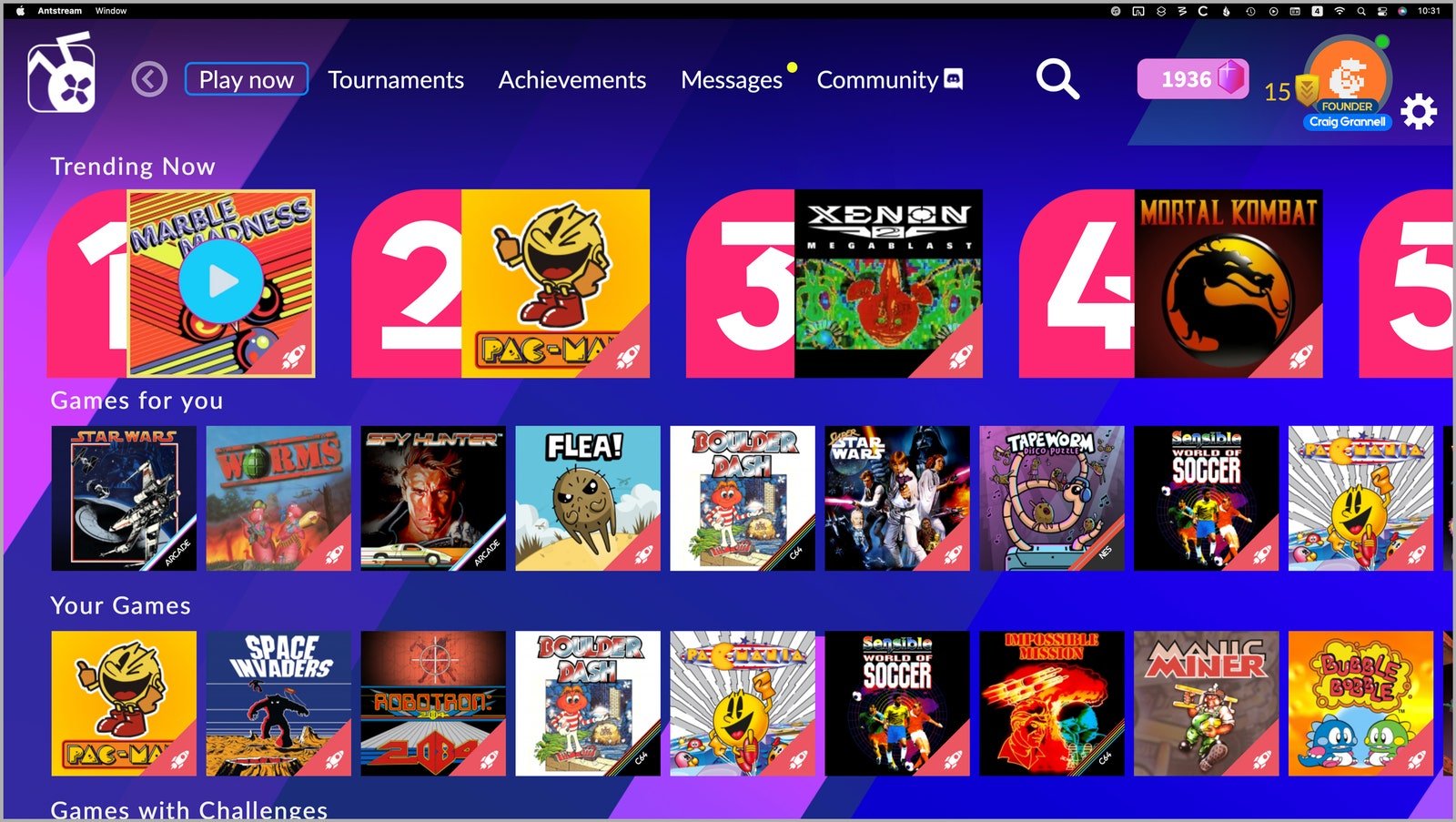
Yes, you can play games on a Macbook Air, but its gaming capabilities are generally limited to less demanding titles.
Thinking about grabbing a Macbook Air but also a little worried if you can play games? It’s a common question and many people wonder just that. So, can you play games on a macbook air? The short answer is yes, but with some important caveats.
You’ll find that you can enjoy many casual games or older titles quite smoothly. However, don’t expect to run the latest high-fidelity AAA games at their maximum settings because they often require more power.

Can You Play Games on a MacBook Air?
So, you’re eyeing a sleek MacBook Air, maybe for school, work, or just everyday browsing. But then the question pops up: Can it actually handle some gaming fun? The short answer is yes, you can definitely play games on a MacBook Air, but it’s not quite as simple as firing up the latest AAA title and expecting a smooth experience. Let’s dive into the details and explore what kind of gaming experience you can expect, the different games available, and how to get the best performance from your MacBook Air.
Understanding the MacBook Air’s Gaming Capabilities
The MacBook Air is designed to be a lightweight and portable laptop focused on productivity and everyday tasks. It prioritizes battery life and a thin form factor over raw processing power. This means that the built-in hardware isn’t specifically designed for intensive gaming like a dedicated gaming laptop. However, that doesn’t mean you are completely out of luck in game world. We just need to be realistic about what games we can play.
The M-Series Chips: A Game Changer?
Apple’s shift to their own silicon, the M-series chips (like the M1, M2, and M3), has made a notable impact on the MacBook Air’s gaming potential. These chips integrate the CPU, GPU, and RAM into a single unit, leading to better performance and power efficiency. This means that modern MacBook Air models are better equipped to handle games than their Intel-based predecessors. But even with this improvement, limitations still exist.
- Integrated Graphics: The M-series chips use integrated graphics, which share memory with the CPU. This is different from dedicated graphics cards found in gaming laptops which have their own video memory. Integrated graphics are less powerful than dedicated cards, which means we cannot expect top-tier graphic quality, or high frame rate while playing certain heavy games.
- Memory Limitations: While the M-series chips are very efficient, the MacBook Air typically has a limited amount of unified memory. If a game requires a lot of memory, you may experience performance issues, especially if you have other apps open.
- Thermal Constraints: Because the MacBook Air is very thin and doesn’t have active cooling fans, it can get hot when running demanding applications. This could result in thermal throttling, where the system slows down to prevent overheating, causing lag and lower frame rates in games.
What Types of Games Can You Play on a MacBook Air?
Now, let’s get to the fun part: what games can you actually play? The good news is there are a lot of options available, but we can categorize games into some buckets.
Casual Games and Indie Titles
The MacBook Air shines when it comes to casual games and indie titles. These games are usually less demanding and focus on gameplay rather than high-end graphics. They are designed to be easily accessible for everyone. Here are some examples:
- Puzzle Games: Games like Baba is You, The Witness, and Monument Valley run great on a MacBook Air.
- Platformers: Many indie platformers like Hollow Knight, Celeste, and Shovel Knight are perfect for the MacBook Air.
- Simulation Games: Games like Stardew Valley, Minecraft (with some adjustments), and Terraria play very well on this machine.
- Card Games and Board Games: Digital versions of games like Slay the Spire, Magic: The Gathering Arena, and even some classic board games run smoothly.
Older and Less Demanding AAA Games
You can play some older or less graphically intense AAA games on a MacBook Air, often requiring you to adjust the graphic settings to get a playable frame rate. Keep your expectations realistic, though! We are not looking at 4k or higher refresh rates here. Here are some of them:
- Games From Mac App Store: Apple has improved the quality of games on the Mac App Store, and some titles, like Divinity Original Sin II (though you might need to lower the graphic settings) can be played on the MacBook Air.
- Games Through Steam: You can find many compatible games on Steam with some games like Portal 2, Bioshock, Left 4 Dead 2 which works decently.
- Emulator Games: For a dose of nostalgia, you can run emulators for older gaming consoles, allowing you to play classic games from systems like the SNES, Sega Genesis, or even older Playstation consoles if your game is not that demanding graphically.
What Games to Avoid on a MacBook Air
While there are many games available for MacBook Air, some of them don’t offer a good experience, some are not playable and they should be completely avoided, here are some examples:
- Latest AAA Titles: Don’t expect to play games like Cyberpunk 2077, Elden Ring, or the newest Call of Duty with good frame rates and graphic quality. They are very demanding and can’t work well with the hardware of MacBook Air.
- Games Requiring Dedicated Graphics: Titles that specifically list dedicated graphics cards as a requirement will likely struggle, leading to poor performance or crashes. Games like Assassin’s Creed Valhalla, Red Dead Redemption 2 are not suitable.
How to Improve Gaming Performance on a MacBook Air
Even though the MacBook Air isn’t a gaming beast, there are steps you can take to get the most out of your gaming experience:
Optimize Your Settings
When playing a game, make sure to adjust the graphic settings within the game to get a better performance. Here are some things to do:
- Lower Resolution: One of the easiest ways to improve performance is by lowering the game’s resolution. Try decreasing it from 1920×1080 to 1280×720.
- Reduce Graphics Quality: Turn down visual effects like shadows, anti-aliasing, and texture quality. High settings put a huge load on the system, which can cause your games to lag.
Closing Unnecessary Programs and Background Tasks
If you are going to play games, make sure to close all the programs that are running in the background, which means closing your web browser, music apps, and other software that you don’t need at that moment. This will free up memory and processing power for your game.
Using Game Mode on macOS
Apple has introduced “Game Mode” on macOS. This feature helps prioritize resources for your game, leading to a smoother gaming experience. When you launch a game, Game Mode activates automatically.
Cooling Your MacBook Air
Because the MacBook Air doesn’t have a built in fan, it can overheat during gameplay, resulting in performance drops. To help prevent this, you can use a cooling pad to help to keep the system running smoothly. It doesn’t completely prevent the system from getting hot but it will surely help. You should also avoid placing your MacBook Air on soft surfaces like blankets while gaming.
External Accessories
Here are some accessories that can improve your gaming experience:
- Gaming Mouse: Using an external mouse designed for gaming can provide more precision and control.
- Gaming Controller: Connecting a gaming controller via Bluetooth can be more comfortable for some games than using the trackpad and keyboard.
- External Monitor: If you have access to an external monitor, you might have more space to play your game and you can see more clearer details of the games.
Cloud Gaming: An Alternative
If you are hoping to play heavy games on MacBook Air, and also not willing to go through the hassle to adjust the settings of those games to get playable experience, you may want to look into cloud gaming as an alternative option. Cloud gaming platforms allow you to play games that run on remote servers. You are basically streaming the game to your MacBook Air. Because the games are running on powerful computers elsewhere, you don’t need to worry about your MacBook Air’s specs.
Popular Cloud Gaming Services
- GeForce Now: This service lets you play PC games you already own on various platforms like Steam, Epic Games, and others.
- Xbox Cloud Gaming: You can play many Xbox games using a subscription to Xbox Game Pass Ultimate.
- PlayStation Plus Premium: If you are a PlayStation user, you can access PS games using a PlayStation Premium subscription.
- Amazon Luna: Amazon also has a cloud gaming service with different channels and games.
Requirements For Cloud Gaming
Cloud gaming relies heavily on a stable and fast internet connection. You need to make sure you have a good broadband internet speed and stable connection to avoid lag and low quality gaming.
Cloud gaming requires monthly subscription fees for the services. You need to take that cost into your consideration. But if you are mostly going to play AAA heavy games then this is definitely a good option for you.
The Future of Gaming on MacBook Air
As Apple continues to improve their silicon, the gaming experience on MacBook Air is likely to get better. We can anticipate to see better performance in the future, with games running smoother and looking better. But this is not the main focus for MacBook Air lineup and they are still primarily built for productivity. We cannot expect them to become an ideal gaming machine anytime soon.
The MacBook Air isn’t going to replace a dedicated gaming laptop anytime soon. But it’s a very capable device that can handle some gaming, especially if you are interested in casual games, indie titles, older AAA games, and cloud gaming. It’s important to have realistic expectations and understand the limitations of the system. By optimizing settings, using proper accessories, and exploring cloud gaming options, you can still have some fun playing games on your MacBook Air.
Can You Game On A New M2 MacBook Air?
Final Thoughts
So, can you play games on a Macbook Air? The short answer is yes, but with limitations. Casual games and some older titles run smoothly.
Demanding, graphically intensive games will likely struggle or be unplayable. The Macbook Air is primarily designed for productivity, not heavy gaming.
Therefore, while it’s not a gaming powerhouse, you can still enjoy some games on a Macbook Air. Consider the game’s requirements before purchasing.

