
Yes, you can play games while downloading on PS5.
The anticipation of a new game is exciting, but the download process can sometimes feel like an eternity. Many players often wonder, “can you play games while downloading on PS5?” It’s a fair question, since no one wants to wait around doing nothing. Thankfully, you don’t have to.
You can indeed continue your gaming session while your PS5 downloads content in the background. The system is designed to handle both tasks simultaneously. This allows you to jump back into your favorite game or start a new one.

Can You Play Games While Downloading on PS5?
Okay, you’ve got a shiny new PlayStation 5, and you’re ready to jump into some amazing games. But what if a super cool game is still downloading? Can you play something else while you wait? That’s a very important question, and we’re here to explore it fully!
The Simple Answer: Yes, You Usually Can!
Good news! The PlayStation 5 is designed to let you play games even when other games or updates are downloading. It’s like having a really smart multitasking machine. Imagine trying to read a book while you’re also cooking dinner – that’s kinda what the PS5 is doing, but with games and downloads. This is a really great feature to have if you don’t want to be just sitting around watching the progress bar move.
How the PS5 Handles Downloads and Gameplay
The PS5 uses its powerful processor and storage system to manage downloads and gameplay at the same time. Think of it like a team of workers; some are busy downloading the new game, while others are running the game you are playing. The system is smart enough to give priority to the game you’re playing, so it runs smoothly. This usually means you can play almost any game while something else is downloading. However, there are some things to keep in mind.
Understanding Download Speeds
Even though you can play while downloading, your download speed might slow down a little. It’s like if you’re sharing a water hose; if two people try to use it at the same time, both will get a little less water pressure than if only one person used it. The PS5 prioritizes gameplay, meaning it provides most of its resources to keep your current game running well and only a certain amount to the download, hence, the download may not complete as quickly as it would normally.
- Prioritization: Your game gets the most “attention” to make sure it does not slow down or freeze.
- Shared Resources: The download and the game both require internet and storage resources so they share.
- Slower Downloads: Expect the download process to take a little bit longer when a game is being played.
Factors Affecting Performance
Many things can influence how smoothly your PS5 handles both downloading and playing games at the same time. Here’s a closer look:
Type of Game Being Played
Some games require more power than others. For instance, a fast-paced action game with lots of characters and explosions is going to demand more processing power than a simple puzzle game. If you’re playing a really demanding game while something is downloading, you might notice a tiny bit of slow down. Playing less demanding titles during downloads minimizes any performance impacts.
Download Size and Speed
The size of the game you’re downloading and your internet speed also make a difference. A massive 100 GB game is going to take a lot longer to download compared to a small 5 GB update. The speed of your internet connection also plays a big role; if your internet is slow, downloading will take longer, which could make things seem slower overall. A faster internet connection significantly helps the PS5 to perform well during simultaneous downloading and gaming.
Storage Space
Your PS5 storage can also play a factor in performance when downloading and playing games. If your storage is nearly full, it might take the PS5 longer to write the downloaded data and read the data to load a game. Having enough storage space free ensures smoother operations, allowing the system to manage tasks more efficiently.
Network Congestion
If multiple people in your house are using the internet at the same time, this can slow down your downloads on the PS5. For instance, if someone is watching a movie or using their laptop it can use more of your internet bandwidth. Try to be aware of the internet usage in your house while downloading.
Tips for the Best Download Experience
Here are some simple tips to make your downloading experience better while you play games on your PS5:
- Pause Downloads: If your game is becoming slow, try pausing the download for a bit. You can always resume it later.
- Close Unused Games or Apps: Make sure you are not running other applications in the background. Close any apps you are not using to free up resources.
- Use a Wired Connection: If possible, use an ethernet cable instead of Wi-Fi. Wired connections are usually more stable and faster, which can improve download speeds.
- Schedule Downloads: Try starting large downloads when you’re not planning on using the PS5, like overnight or when you’re at work. This way, it will be ready when you come back.
- Check Your Internet Speed: Make sure your internet speed is what you expect by doing a speed test. If you have a slower internet plan, consider upgrading it to improve your download speed.
Game Specific Considerations
While the PS5 is excellent at multitasking, some games may respond differently to downloads happening in the background. Most of the time, this is not an issue, but it’s good to be aware of.
Online Multiplayer Games
If you’re playing a competitive online multiplayer game, downloading something at the same time might increase your ping, leading to a little bit of lag in the game. This is because both your game and the download are using your internet connection. Playing solo games is less prone to these issues. For a competitive online experience, it’s best to pause any downloads.
Large Open World Games
Games with large open worlds may sometimes require more resources when loading different parts of the map. if you have a game with a massive world, the game might feel a bit slower. If you experience any issues, pause the download until you are finished playing the game.
Single-Player Story-Driven Games
Single-player story games usually perform well during downloads, as they typically aren’t as demanding as online multiplayer games. These types of games are a great choice when you want to play and download at the same time.
Checking Download Progress
It’s easy to check the progress of your downloads on the PS5. You can quickly see how far along the download is without needing to stop your current game.
How to View Downloads
To check the progress, press the PlayStation button on your controller to bring up the Control Center, and then go to the Downloads/Uploads tab. Here, you will see all your active and completed downloads. You can even pause and resume downloads from this menu.
- Press the PlayStation button on your controller.
- Navigate to the Downloads/Uploads tab.
- View the progress of your current downloads.
- Pause or resume downloads from this menu.
PS5 Download Manager
The PS5 also has a download manager that helps manage your active and queued downloads. With this, you can ensure that the most important downloads are started first or even schedule your downloads to run automatically overnight. You can also remove downloads from the list which are no longer needed.
Features of the Download Manager:
- Queuing Downloads: You can choose which downloads are done first by putting them in a list.
- Scheduling Downloads: Set the PS5 to start downloads when you are not using the console.
- Cancel Downloads: Remove a download that you no longer need.
Can You Play Games From External Storage While Downloading?
You might be wondering if playing a game from an external hard drive impacts your downloads. The simple answer is, it doesn’t make much of a difference. The PS5 works to prioritize the game that is being played. The speed of your external hard drive will not slow down your downloads.
Troubleshooting Common Download Issues
Sometimes, downloads on the PS5 might be interrupted or stall. Here’s what you can do:
- Restart Your PS5: A simple restart can often fix many issues.
- Check Your Internet Connection: Make sure your PS5 is connected to the internet.
- Restart Your Router/Modem: Restarting your modem and router can sometimes help with the internet connection, which in turn affects downloads.
- Pause and Resume the Download: Try pausing and restarting the download from the downloads menu.
- Check Your DNS Settings: Sometimes, changing your DNS settings can improve download speeds. You can find DNS settings in the PS5 network settings.
- Free Up Storage Space: Make sure your hard drive has enough storage space to complete the download.
Optimizing Your PS5 for Simultaneous Use
For the best experience, you can optimize your PS5 to handle gaming and downloading at the same time.
Keeping Your PS5 Cool
Ensure your PS5 has enough space around it so it can breathe. Overheating can affect its performance, including download speeds and game performance. Avoid placing the PS5 in a confined space or near any heat sources. Make sure the vents on the console are not blocked. This is very important to maximize the console’s performance and prevent damage due to heat.
Regularly Updating Your System Software
Make sure you always have the latest system software updates installed on your console, which also fixes any issues that the console might be facing. Software updates often include performance improvements and bug fixes that can improve download times and game performance.
Using Game Boost Mode
For PlayStation 4 games on the PS5, the game boost mode can make your games run faster. This does not make a difference for downloading a game or a game download running in the background, but can help your PS4 games run faster overall on the PS5. You can find this option in your game settings.
The Benefits of Simultaneous Downloading and Playing
The capability to play games while downloading others on the PS5 is a great feature because you don’t have to be bored when waiting for a game or update to be downloaded. Here are some reasons why this is a good feature:
- Avoid Downtime: You don’t have to just wait, you can play another game while you wait for the other one to download.
- Play Immediately: You can start playing games as soon as the download is complete, without waiting.
- Multitasking: Enjoy more features of the PS5 by downloading and playing at the same time.
- Improved Efficiency: Make use of your time efficiently by enjoying your PS5 in multiple ways.
Having this feature makes a world of difference for gamers. You’re not just limited to one activity; you can always keep yourself engaged. You can play a variety of games while others are downloading.
The PS5’s ability to allow gameplay during downloads is a fantastic convenience. While you may encounter small differences in performance or download speeds, the overall experience is excellent, and it is more convenient to play while downloading. Use the tips and tricks covered here, and you’ll have the best experience possible on your PlayStation 5.
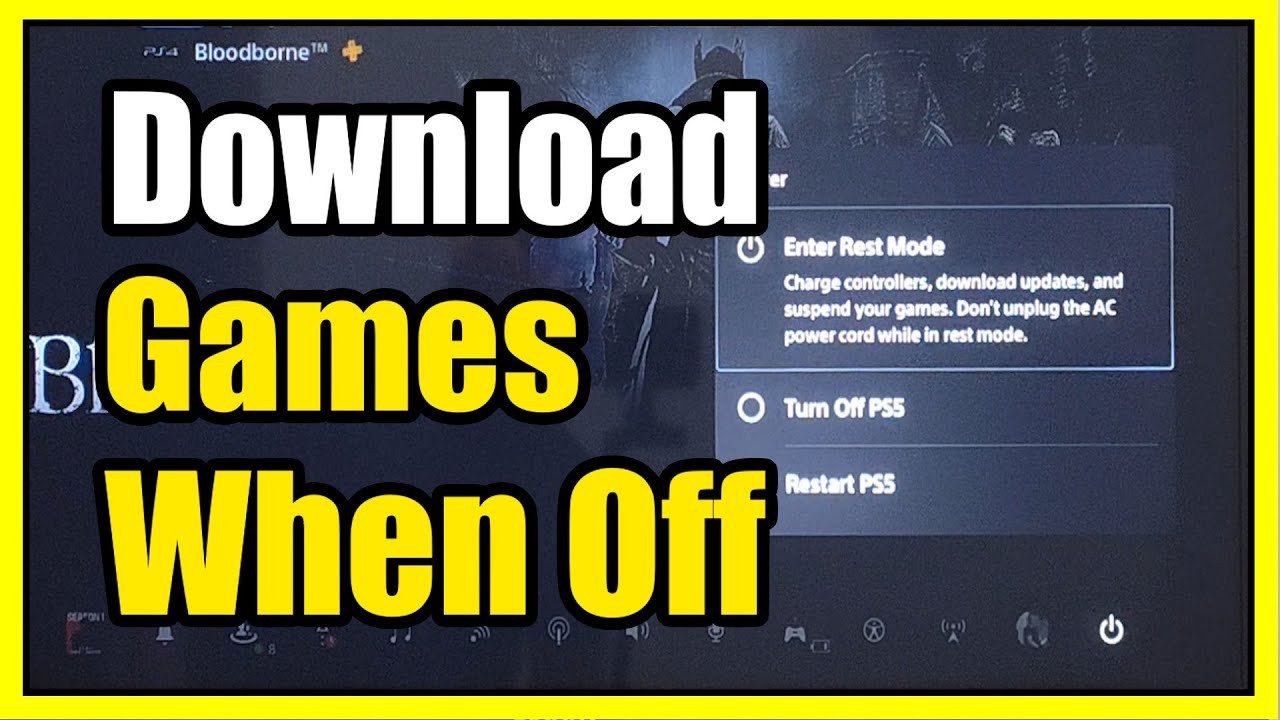
How to Download Games in Rest Mode on PS5!
Final Thoughts
Yes, you can absolutely play many games while downloading on your PS5. The system handles downloads in the background efficiently, allowing you to enjoy other content.
However, some games might experience slight performance dips during heavy download activity. This is normal as the console shares resources.
So, to answer directly, can you play games while downloading on ps5? Yes, for the most part, you can, though the experience may have minor variations.

