
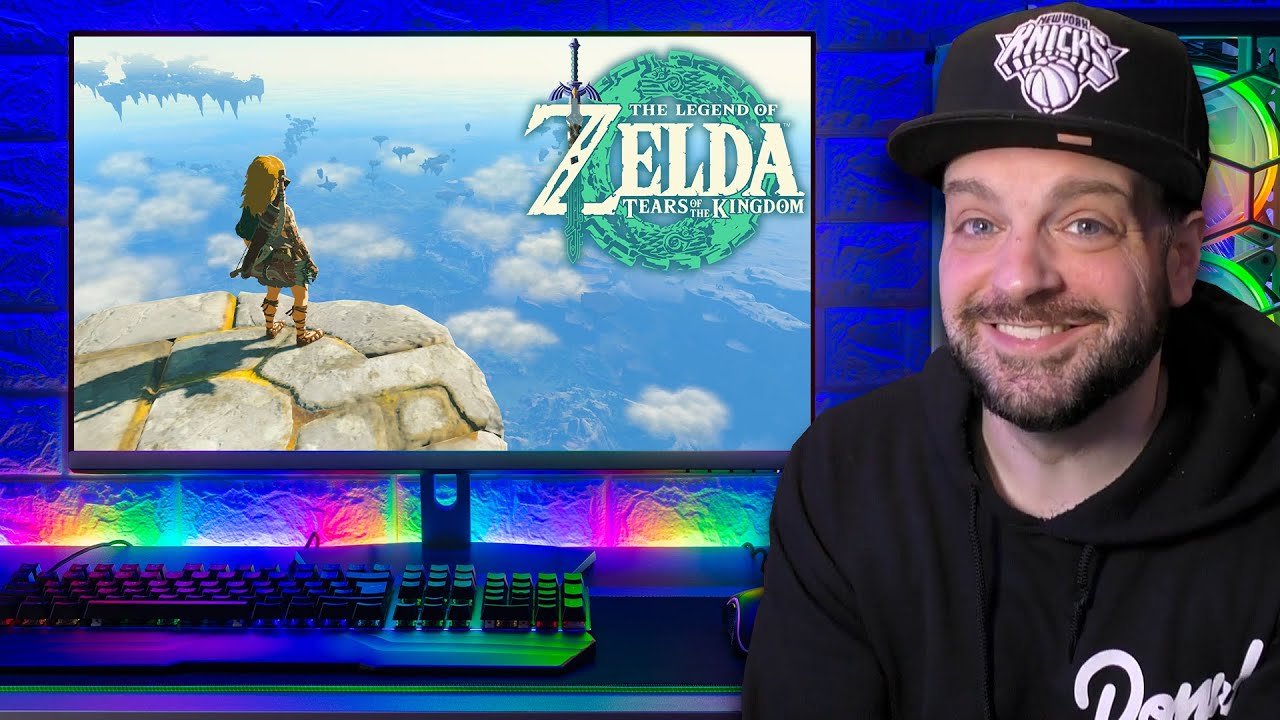
Yes, you can play Nintendo games on PC through emulation, though it often requires specific software and game files.
The idea of playing classic Nintendo titles on a computer has always intrigued gamers. Can you play Nintendo games on PC? It’s a question many ask. Technically, you can, but it’s not as simple as downloading a game from an app store.
You’ll need emulators and game ROMs. These tools can allow a PC to mimic the Nintendo consoles. The process requires some technical knowledge but opens a world of past titles on your computer.

Can You Play Nintendo Games on PC? A Deep Dive
Okay, let’s get real. You love Nintendo games, right? Mario, Zelda, Pokémon – they’re classics for a reason. But maybe you’re sitting at your computer, wishing you could play them on that big screen with your mouse and keyboard or even your favorite PC controller. The question then arises: Can you actually play Nintendo games on a PC? The short answer is, it’s complicated. Nintendo doesn’t officially offer ways to play their games on a PC in the same way that, say, Microsoft does with Xbox. However, where there’s a will, there’s often a way and this article will guide you through the different ways to play Nintendo games on pc.
The Official Stance: Nintendo and PC Gaming
First, it’s important to understand Nintendo’s position on PC gaming. Nintendo primarily develops games for its own hardware – the Nintendo Switch, Nintendo 3DS, and their past consoles like the Wii and GameCube. They have never traditionally released their main titles directly for PC. Nintendo wants you to buy their consoles and games; it’s their business model. Because of this, finding a legitimate, legal way to play the newest games is nearly impossible. This often pushes players towards alternative methods.
Emulation: A Look at the Most Common Method
Emulation is the most common way people play Nintendo games on their PCs. Think of an emulator like a translator. It makes your computer act like a Nintendo console, which allows your computer to run the game as if it were on the original system. An emulator itself isn’t illegal but downloading a game that you didn’t legally purchase is copyright infringement. This is important to remember as we delve deeper into emulation.
How Emulation Works
Emulators need to understand the game code and then make your computer run it. This involves:
- Reading the Game File: The game file (called a ROM) is like a digital copy of a game cartridge or disc. The emulator reads this file.
- Mimicking Hardware: The emulator then pretends to be the original console’s hardware (like the processor and graphics chip).
- Translating Instructions: It translates the game’s instructions into instructions that your computer understands.
Popular Nintendo Emulators
There are emulators for most of Nintendo’s consoles, from the very old to more recent ones. Here are some popular examples:
- Dolphin: This emulator is mainly for GameCube and Wii games. It is known for being very accurate and can make games look better than they did on their original hardware.
- Cemu: This emulator is focused on Wii U games. It allows you to play many Wii U games on your PC, sometimes at higher resolutions and frame rates.
- Citra: Citra is used for playing Nintendo 3DS games. It can even emulate the dual-screen aspect of the 3DS and supports many games.
- Yuzu: This emulator tackles Nintendo Switch games. It’s still in active development but can play a considerable number of games.
The performance of these emulators varies based on your computer’s specifications and the specific game. Powerful computers will run games much better than older ones. Some emulators need specific configurations to work correctly.
The Legal Gray Area of ROMs
Here’s the trickiest part of emulation: game ROMs. Legally, you can make a backup of a game you own, but sharing or downloading ROMs you don’t own is considered copyright infringement, and it’s illegal in many regions. It’s crucial to respect copyright laws when dealing with emulators and game ROMs. This is an important point that you must consider when playing Nintendo games on pc using emulation.
Other Ways to Experience Nintendo Games on PC
While emulation is the most common approach, there are a couple of other ways to get a bit of Nintendo flavor on your PC, they are typically limited, or rely on a subscription service:
Nintendo Switch Online with Expansion Pack
Nintendo offers the Nintendo Switch Online service, which includes a library of classic NES and Super NES games. The Expansion Pack also adds Nintendo 64 and Sega Genesis games to the mix. This is a paid subscription service. While not directly played on PC, these subscription titles can be played on a Nintendo Switch and then played through a capture card and streamed to a PC.
This method allows users to play old Nintendo games on their PC, but not in a direct way. It requires extra hardware and still has users reliant on the Nintendo Switch.
Indie Games Inspired by Nintendo
Many indie game developers create games that are heavily inspired by Nintendo titles. These games might play similarly to Mario, Zelda, or Metroid games, but are original creations. They often are legally purchasable on PC game stores like Steam. They are not Nintendo games, however, they offer similar styles of gameplay, which could satisfy those looking for the Nintendo-like experience.
These games are available for download legally on PC and they avoid the legal issues surrounding the emulation method. This is a method that many players might enjoy.
Setting Up an Emulator: A Step-by-Step Guide
If you decide to use an emulator, here is a general idea of what to expect. Remember, downloading ROMs is at your own risk and you should be aware of the legal implications.
Step 1: Choose Your Emulator
Decide which Nintendo console’s games you want to play and pick the right emulator. For example:
- GameCube/Wii: Dolphin
- Wii U: Cemu
- Nintendo 3DS: Citra
- Nintendo Switch: Yuzu
Step 2: Download and Install the Emulator
Go to the official website of the emulator you have chosen and download the program. You need to follow the provided installation instructions. Be cautious of downloading from unverified sources since those might have viruses or other harmful programs.
Step 3: Get the Game Files (ROMs)
You should only use game ROMs of the games you own. There are websites where you can create ROM backups for your games, and you should take advantage of those legal options. Be careful and aware that most of the online sources of ROMs are often unverified and might be illegal.
Step 4: Configure the Emulator
Open the emulator and change settings such as graphics, sound, and controller. Different emulators have different setup processes. You might need to experiment to find what works well with your computer and your chosen game.
Step 5: Load and Play the Game
Load up the game file using the emulator. Then, you should be able to play using your keyboard, mouse, or a controller. If the game doesn’t run smoothly, you might need to change some settings, but most modern computers should be able to run games with ease.
Performance Considerations for Emulation
Emulation can require a lot of power from your computer. Some games will run perfectly fine, but others can be more resource-intensive.
CPU and GPU
The emulator will be putting demands on both your CPU (the brains of your computer) and your GPU (the graphics card). Powerful processors and graphic cards are beneficial for smooth and enjoyable game-play. If your computer isn’t powerful enough, you can experience slowdowns or other graphical issues.
RAM
RAM (Random Access Memory) is the fast memory that the computer uses to store information. Enough RAM is needed to be able to run games smoothly, especially the ones on newer systems. 8GB or 16GB of RAM is ideal for optimal emulation performance.
Storage Space
Game ROM files can be large, especially for newer systems. So, you need to have sufficient space on your computer’s storage device. An SSD can provide fast load times while a Hard Drive is fine, but the load time might be slightly longer.
Emulator Configuration
Each emulator has its own configuration options. Experiment with them to get the best performance for your computer. Some emulators have settings that can enhance game graphics beyond what was possible on the original system, but these options will require more power from your computer.
The Future of Nintendo Games on PC
Will Nintendo ever make its games directly available on PC? It’s not impossible but does not seem likely in the near future. Nintendo’s business model is heavily dependent on its console sales. However, the world of gaming is always changing. With the rising popularity of cloud gaming and cross-platform play, things may change. For now, emulation remains the primary way to experience Nintendo games on a PC, and while it is a great solution for gamers, it does have legal and ethical considerations. It will remain the responsibility of the gamer to understand these options.
The gaming world is always changing, but it is not impossible that we will see some form of Nintendo on PC eventually. It may not be a full release of Nintendo’s entire catalog, but there is always room for change as gaming trends evolve.
Ultimately, the decision of whether or not to use emulators and game ROMs is a personal one. The important thing is to understand the legal and ethical considerations and enjoy gaming responsibly.
How To Play Nintendo Switch Games On PC In UNDER 10 Minutes!
Final Thoughts
Emulation provides the primary way to play Nintendo games on PC. You need specific software and game files. The legality of using these methods remains a gray area, so approach with caution.
Various emulators exist, each focusing on different Nintendo consoles. Setup can be technical and requires some patience to get right. Finding game ROMs safely presents a challenge.
So, yes, can you play nintendo games on pc? Technically, you can. However, be aware that the process needs careful consideration. This also brings up the concept of intellectual property that must be respected.

