
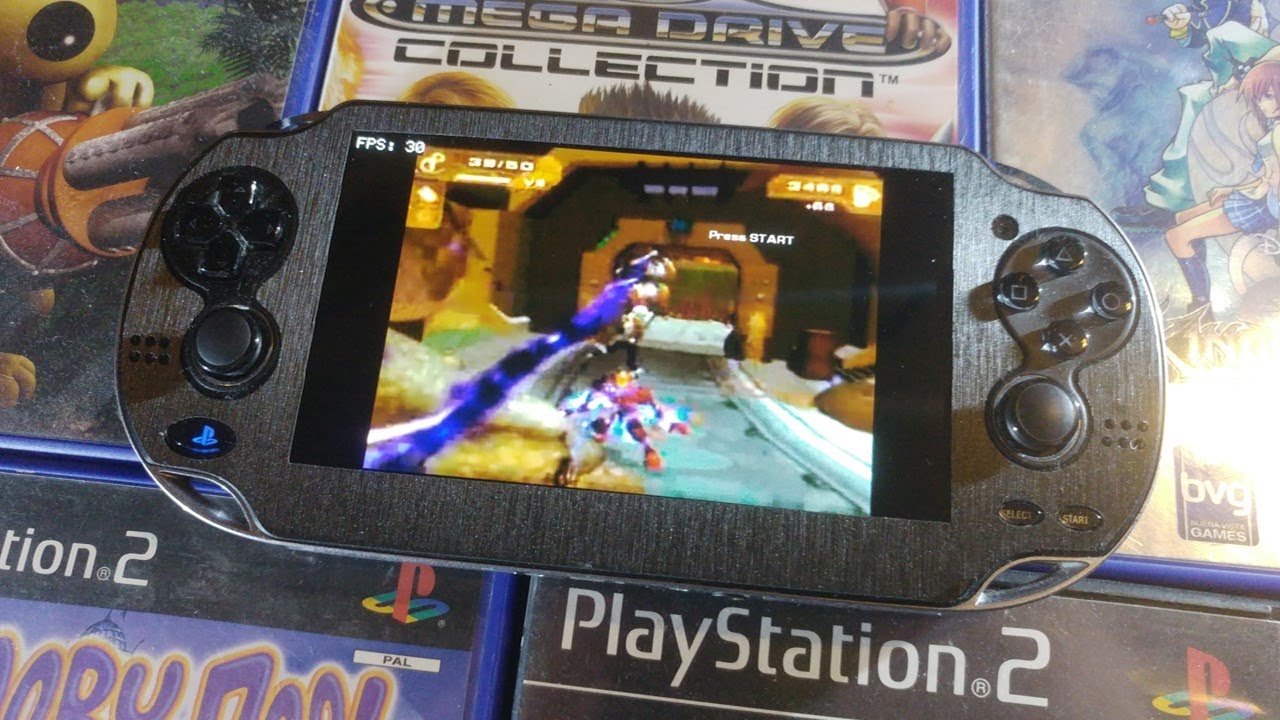
No, you cannot directly play PS2 games on a PS Vita.
The dream of portable PlayStation 2 gaming is tempting, isn’t it? Many wonder, can you play PS2 games on PS Vita? Unfortunately, the PS Vita doesn’t have the hardware compatibility to run PlayStation 2 software natively.
This means that without modification, the games you enjoyed on the PS2 aren’t playable on Sony’s handheld console. While the Vita has its own library of amazing games, it won’t support running those older discs or digital downloads.

Can You Play PS2 Games on PS Vita? Exploring the Possibilities
So, you’re wondering if you can play those awesome PlayStation 2 games on your PlayStation Vita? It’s a question many gamers have asked, especially those who loved the PS2’s huge library. The PS Vita, with its portable design and cool features, seems like it would be a great fit for PS2 classics. Let’s dive into the topic and see if it’s truly possible to play PS2 games on the PS Vita.
The Technical Hurdles: Why PS2 Games Aren’t Directly Compatible
Let’s start by understanding why playing PS2 games directly on a PS Vita is difficult. The PS2 and the PS Vita are completely different machines with different hardware. Think of it like trying to put a square block into a circle hole – it just doesn’t fit. Here are the main technical reasons:
- Different Architectures: The PS2 uses a CPU called the “Emotion Engine,” while the PS Vita uses an ARM processor. These are built in completely different ways and have different instructions. Games designed for one will not run on the other without special work.
- Graphics Processing: The graphics processing units (GPUs) are different. PS2 games are made for the PS2’s GPU, while the PS Vita games are made for the Vita’s GPU. The way these two systems draw graphics on screen is very different.
- Software Compatibility: PS2 games are built using very different software tools than Vita games. Because of this, the Vita cannot understand the code of PS2 games, and therefore, cannot play the games directly.
- Disc vs. Cartridge/Digital: The PS2 uses physical discs, whereas the Vita games are on small cartridges or are downloaded digitally. The Vita’s disc drive was never built for those big old PS2 discs.
The Challenge of Emulation
To run a game from a different system, we would need an “emulator.” Think of an emulator like a translator that reads the instructions of the original game (PS2 in this case) and tells the Vita how to understand it. Writing a good emulator is very hard and takes a lot of time and effort, so there are no proper PS2 emulators for the PS Vita that actually work well.
Unfortunately, a powerful and well-performing PS2 emulator for the PS Vita is not readily available. The PS Vita, while a great handheld, simply doesn’t have the processing power to handle complex PS2 games through emulation. Even if someone tried to make one, the games might run slow and glitchy. It’s like asking a small toy car to carry a huge truck, it just won’t be able to do it.
Official PlayStation Classics: The Limited Solution
While you can’t pop in a PS2 disc into your Vita, there is some good news. Sony has released some PS2 games as “PS2 Classics” on the PlayStation Network. These are specially remade to work on the PlayStation systems, including the PS3 and, yes, some on the PS Vita. They aren’t emulated they are rather re-created for new platforms.
How PS2 Classics Work
These PS2 Classics are not the original PS2 games running directly on your Vita. Instead, they are versions of those games that have been changed by the game’s creators to work smoothly on the PS Vita. This process often includes changes to the graphics, controls, and other technical details.
- Rewritten Code: They have taken the original game and basically changed its core computer language to work with the Vita.
- Optimized Graphics: The graphics have been adjusted to look good on the Vita’s smaller screen and to make sure the game runs well.
- Adapted Controls: The controls have been changed to work with the Vita’s buttons, analog sticks and touch screens.
This means that you won’t find every PS2 game available on the PS Vita, only the ones that Sony has specifically released as PS2 Classics. It takes a lot of time, money, and effort to rewrite a game, which is why there aren’t too many of these available.
Finding PS2 Classics on the PlayStation Store
To see if a PS2 game you love is available, you’ll need to check the PlayStation Store on your PS Vita or through a web browser. Look in the PlayStation Classics section or simply search for the name of the game. Some classic PS2 games are available as downloadable PS One Classics as well.
Important Note:The availability of these PS2 classics can vary depending on the region. Always check your local PlayStation Store to see what’s currently available.
Steps to purchase and download the classics are as follows:
- Make sure your PS Vita is connected to the internet
- Open PlayStation store
- Search for the game you want to buy
- Select the game and pay for it
- Wait for download and install
- Enjoy the game
The World of PlayStation Remote Play: Another Option
There is one feature that allows you to play some PS2 games on your Vita, this is called PlayStation Remote Play, this is a feature on PlayStation consoles that lets you play games on other screens.
How PlayStation Remote Play Works
If you have a PS3 or PS4 or PS5 and you have PS2 games available on this console, you can use Remote Play to stream the gameplay to your PS Vita over your internet connection. This is not the game running on your Vita, instead you are controlling the game on PS3, PS4 or PS5 and the video and audio are being streamed to the Vita, while the vita controls are going back to the console.
Here’s what you need to make it happen:
- A PS3, PS4, or PS5 console: The games must be running on one of these consoles
- A PlayStation Network Account: The same account must be logged in on both your PS Vita and the PS console
- A Good Internet Connection: Both devices need stable, reliable internet connections for smooth streaming.
- The Remote Play Application on your Vita: You need to have the remote play application installed on your Vita.
Limitations of Remote Play
Remote Play is a great option, but it does have some drawbacks:
- Network Lag: The biggest issue is network lag. If your internet connection is not good, the game can be choppy, slow, and difficult to play.
- Game Availability: Not all PS2 games are available on PS3, PS4 or PS5, even as PS2 classics. Only certain games that Sony has released will work with Remote Play.
- The PS3, PS4 or PS5 Must be On: You can only play when your PS3, PS4 or PS5 is on, and if someone else is using your Playstation on your home, you won’t be able to play.
- Battery Life: Using Remote Play can drain your PS Vita battery life more quickly than playing games natively on the Vita.
Homebrew and Unofficial Methods: Proceed with Caution
You may have heard about homebrew and unofficial ways to play PS2 games on the PS Vita. Homebrew refers to software created by independent developers, usually for things that aren’t officially supported by Sony. There are no working homebrew PS2 emulators on PS Vita. Here’s what you should know about these methods:
The Risk of Using Unofficial Methods
- Unstable Performance: Most emulators that are not properly developed might not work well, causing games to be slow, buggy, or even crash.
- Potential Damage: Trying to run unofficial software can sometimes harm your PS Vita by causing errors or making it stop working correctly.
- Security Risks: Downloading software from untrusted sources can expose your device to security threats like viruses or malware.
- Copyright Issues: Many of these unofficial methods involve using copyrighted game files, which can lead to legal issues.
The Current State of Homebrew Emulation
While the homebrew community is always making new things, a functioning PS2 emulator for the PS Vita remains a difficult task. The hardware limitations of the PS Vita make this an extremely challenging problem.
A Word of Caution: If you encounter a site or video claiming to have a working PS2 emulator for the PS Vita, approach it with caution. Many of these are fake or do not work as promised. It’s always best to stick to official, secure methods to avoid potential damage to your device and yourself.
The Future of PS2 Gaming on the Go
As technology continues to advance, there are hopes that future devices and new advancements will be powerful enough to make it possible to play older games on the go. While the PS Vita might not be powerful enough, a future PlayStation handheld might do better. For now, we have to rely on PlayStation Classics and Remote Play, or play using homebrew emulators of older systems like PSX or Gameboy or other systems.
Currently, playing PS2 games on the PS Vita is not straightforward or ideal. But if you stick to the official PS2 Classics or use Remote Play, you can still get a taste of those older PlayStation days on your handheld.
So, can you play PS2 games on the PS Vita? The answer is a bit of a mixed bag. Directly playing original PS2 discs or through emulation is not possible on the PS Vita due to hardware limitations and the absence of a proper emulator. However, through official PS2 Classics available on the PlayStation Store and Remote Play, there is some possibility to experience a selection of PS2 titles on your PS Vita. Just make sure that you approach any unofficial methods with caution and enjoy the legal and officially supported options available.
Play ALL PS2 games on PS Vita #psvita #ps2 #shorts
Final Thoughts
Ultimately, you cannot directly play physical PS2 game discs on a PS Vita. The Vita’s hardware is not compatible with PS2 discs.
However, some PS2 titles became available as digital downloads on the PlayStation Network for PS3. You might be able to play these PS2 games via Remote Play on your PS Vita. Therefore, “can you play ps2 games on ps vita?” is answered as a no for direct disc play, but potentially yes using remote play.

