
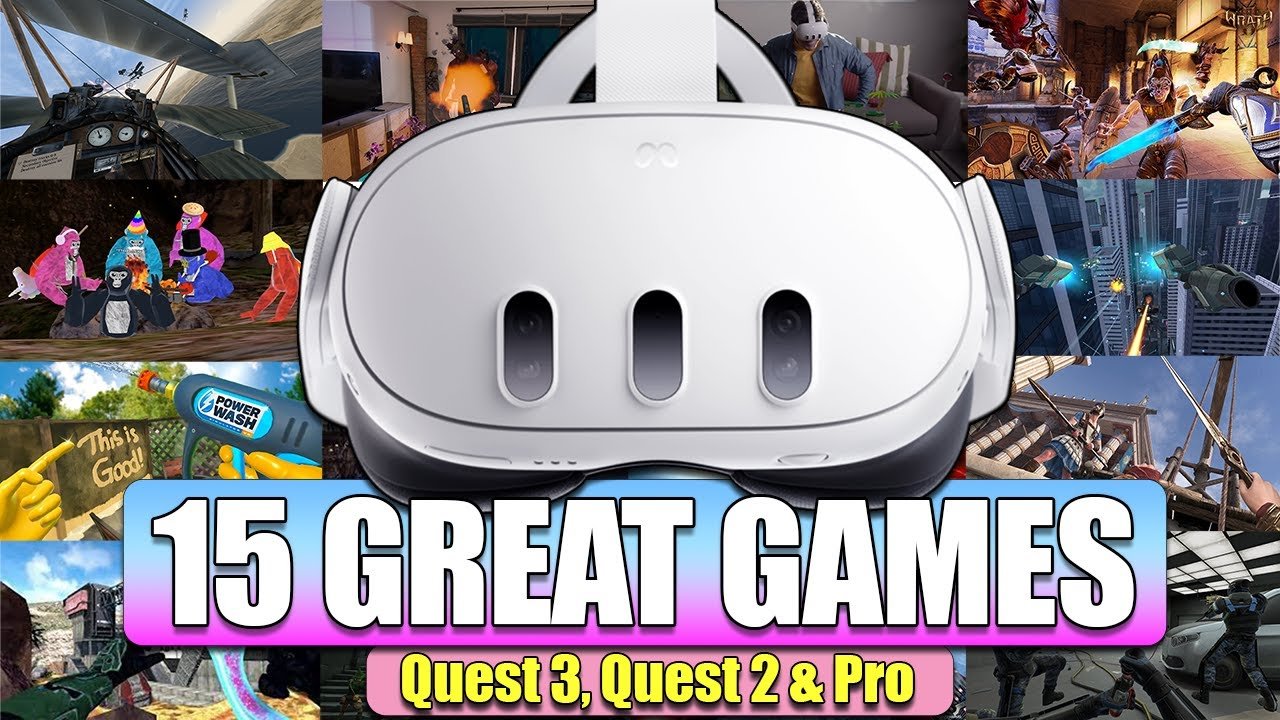
Unfortunately, you cannot directly play Quest 3 games on a Quest 2.
The burning question on many VR enthusiasts’ minds is, can you play Quest 3 games on Quest 2? It’s a natural query, given the excitement surrounding the new hardware and the desire to experience its titles. Many Quest 2 owners wonder if their headsets will be compatible with the latest releases.
While both are Meta products, the Quest 3 boasts a more powerful processor and upgraded features. This difference in hardware prevents the Quest 2 from running software specifically designed for the Quest 3’s capabilities. Think of it like trying to run a modern PC game on a much older computer – it simply won’t work.

Can You Play Quest 3 Games on Quest 2? A Deep Dive
The question on every VR gamer’s mind: Can the older Meta Quest 2 handle the new games designed for the powerful Meta Quest 3? It’s a valid concern, especially if you’re holding onto your trusty Quest 2. The short answer is: it’s complicated. Let’s unpack this and see what’s really going on.
Understanding the Differences: Quest 2 vs. Quest 3
Before we dive into game compatibility, let’s quickly look at what sets these two VR headsets apart. The Meta Quest 3 is a significant leap forward in technology compared to its predecessor. Here’s a simple breakdown:
The Processing Power
The most important difference is the processing power. The Quest 3 features the new Snapdragon XR2 Gen 2 chip, while the Quest 2 has the older Snapdragon XR2. This means the Quest 3 is much more powerful, capable of handling more complex graphics and simulations. It’s like comparing a modern gaming computer to a slightly older model; the newer one simply runs things faster and smoother. The speed improvements allow the Quest 3 to deliver better visuals, faster loading times and more detailed in-game worlds, and it provides a more immersive experience.
Display Quality
The Quest 3 also has a much sharper display resolution. This leads to less of that screen door effect (where you can see the individual pixels) and generally clearer visuals. This means games will look more crisp and vibrant on the Quest 3. Imagine watching your favorite cartoon on an old tv versus a new HD television, the difference in clarity is very noticeable. The enhanced resolution also improves text readability within the virtual environment making it easier to navigate menus and apps. Further the Quest 3 also has better color reproduction, the colors will be more accurate and lively which really helps you feel more involved in the game.
Mixed Reality Capabilities
Another key feature is the Quest 3’s enhanced mixed reality capabilities. It features full-color passthrough cameras, allowing you to see your real-world surroundings in color while wearing the headset. The Quest 2 has basic passthrough, but it’s only in black and white and it is not that clear. The Quest 3 provides a seamless blend of virtual and real worlds. This opens the door to entirely new types of games and experiences, where you can interact with your environment and surroundings in a whole new way.
Controller Differences
The Quest 3 features updated controllers with no tracking rings. This makes them more comfortable and a bit more compact. The hand tracking has also seen some improvement as well. These controller upgrades may affect how some games might feel on the different devices. But this difference is more on the quality of experience rather than on compatibility.
To sum it up in a table:
| Feature | Meta Quest 2 | Meta Quest 3 |
|---|---|---|
| Processor | Snapdragon XR2 | Snapdragon XR2 Gen 2 |
| Display Resolution | Lower resolution | Higher resolution |
| Passthrough | Black and white | Full-color |
| Controllers | Ringed controllers | Ringless controllers |
The Game Compatibility Reality
So, with these differences in mind, what does this mean for playing Quest 3 games on the Quest 2? Here’s the breakdown:
Cross-Compatibility is Key
The good news is that many games will be cross-compatible. This means developers are making their games to work on both Quest 2 and Quest 3. This is because the Quest 2 still has a large user base, and developers want to reach as many players as possible. These cross-compatible games are usually designed to have different graphics settings, with the Quest 3 version offering higher quality graphics and effects, while the Quest 2 version will have lower graphics to ensure that it still runs smoothly. This is similar to how a video game on a console will have a different look than a game on a PC.
Why Some Games Might Not Be Compatible
Even with cross-compatibility efforts, not all Quest 3 games will work on the Quest 2. There are several reasons for this:
- System Requirements: Some games may simply be too demanding for the Quest 2’s older processor. These games would not run at an acceptable level, and the experience would not be fun. Imagine trying to play a very fast action video game on a very old computer; it will be very laggy and slow. The developers need to make a choice of which device they prioritize.
- Features Designed for Quest 3: Games designed to make use of Quest 3 exclusive features like mixed reality with the full-color passthrough will not work on the Quest 2. These games might rely heavily on the color passthrough for gameplay mechanics that are impossible on the Quest 2.
- Developer Choice: At the end of the day, some developers may choose to focus exclusively on the Meta Quest 3 for their new games. This means the game will be specifically created for the Quest 3 hardware and not be supported on the older system. This is usually the case if the games are really pushing the limit of the hardware, and the developers would need to create a very different version of the game for the Quest 2 which is often too time-consuming or costly.
How to Know Which Games Work
Fortunately, there is an easy way to check if a game works on your headset. Look at the game listing in the Meta Quest Store, this will show you the supported headsets the game can run on. Always check the game listing to make sure that it says it’s compatible with both Quest 2 and Quest 3 before buying. You will generally see a little icon below the game’s name that indicates which devices are supported. If you’re unsure, it’s always a good idea to do a quick search online to see if other players are having any issues running the game on the Quest 2.
The Future of Quest Gaming
The launch of the Meta Quest 3 is a sign of where the future of VR gaming is heading. As technology advances, new games will take full advantage of the more powerful hardware. It’s likely that over time, we will see a split in games, with some being for both Quest 2 and 3, and others that are exclusively for Quest 3 and future generations of headsets.
Will the Quest 2 be Left Behind?
The Quest 2 is still a very popular VR headset, and the company will likely continue to support it with software updates and cross-compatible games for a good amount of time. It’s not going to become obsolete overnight, and you can still enjoy a lot of fun and amazing games on your Quest 2. However, as new games that use the full potential of the Meta Quest 3 become more common, Quest 2 players might eventually start to feel limited.
How Long Will Developers Support the Quest 2?
This is a tricky question and no one has a concrete answer. As long as the Quest 2 still has a large user base, many developers will want to keep making games compatible for it. However, as the install base of the Quest 3 grows, developers might focus more and more on it. It’s a normal progression for technology. Similar to how older game consoles still receive games for a short period but then the new consoles start taking over. So for a few years to come we can expect to see support for the Quest 2.
Tips for Quest 2 Owners
So, if you’re still happily using your Quest 2, here are a few things you can do:
- Enjoy the Current Library: There are so many games currently available for the Quest 2 that it will take a long time to play all of them, and there are so many more great gaming experiences to be had with it.
- Keep an Eye on Cross-Compatible Titles: Make sure that you’re always checking the game listing and checking if there’s an updated list of supported games, as new games are always being released.
- Consider an Upgrade (Eventually): When the time feels right for you and you really want to play games that are exclusive to the Meta Quest 3, or the Quest 2 starts to feel like it is not meeting your expectations, it might be a good time to consider upgrading to a newer headset.
- Explore Other Options: If you’re starting to see limitations with your Quest 2, explore other options like PC-VR for much higher quality virtual reality experiences.
In conclusion, while many games will work on both the Meta Quest 2 and 3, some will be exclusive to the new headset. This is primarily due to the Meta Quest 3’s superior processing power and capabilities. For now, if you own the Meta Quest 2, there are still a lot of great gaming experiences to enjoy, and you don’t need to feel left out. Just be sure to check game listings before you buy, and keep an eye on how the situation changes in the future.
Do ALL Quest 2 Games WORK on Quest 3? 128 or 512?
Final Thoughts
Essentially, most Quest 3 games won’t directly play on Quest 2. This is due to the Quest 3’s upgraded hardware, which many new titles require. Some developers might make versions that run on both, but this will be a specific, separate release.
So, for many experiences, you must have a Quest 3 to play the new games. Therefore the answer to ‘can you play quest 3 games on quest 2’ is mostly no.

