
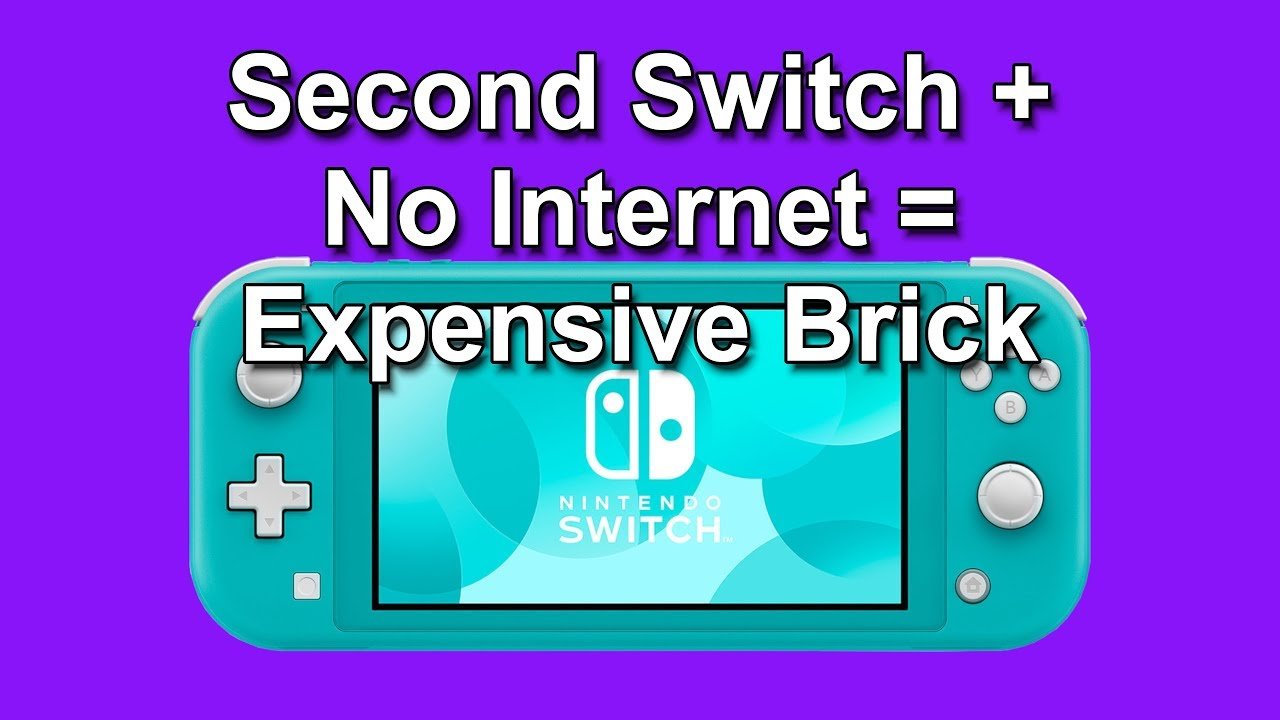
Yes, you can play most Nintendo Switch games offline, but some require an internet connection for certain features or updates.
Ever wondered if your Nintendo Switch could be your travel buddy even without Wi-Fi? It’s a common question, “can you play switch games offline?” Many players enjoy taking their Switch on the go, far from internet signals.
The good news is that majority of single-player games work completely offline. You can immerse yourself in adventures without needing constant connection. This makes the Switch a fantastic device for journeys or locations with limited connectivity.

Can You Play Switch Games Offline?
Let’s dive right in! The Nintendo Switch is super popular, and one of the best things about it is that you can take it anywhere. But what happens when you don’t have internet? Can you still play all those awesome games? The short answer is: yes, mostly! But there are some important things to know. This article will explain exactly how offline play works on your Nintendo Switch, and what to expect.
The Magic of Offline Gaming on Switch
The Nintendo Switch is built for both home and travel. That means it’s designed to let you play many games even without a Wi-Fi connection. Think about it: long car rides, plane trips, or just chilling in your room where the internet is spotty. That’s when offline play becomes your best friend. You can still enjoy many of your favorite adventures, puzzles, and racing games. The way the Switch handles offline play is pretty clever, but it’s not always perfect. We’ll explore this further.
Which Games Work Offline?
This is the big question! Most single-player games will absolutely work offline. That includes big titles like:
- The Legend of Zelda: Breath of the Wild
- Super Mario Odyssey
- Animal Crossing: New Horizons (with some limitations)
- Pokémon Sword and Shield
- Many indie games you find on the eShop.
These games are designed for you to play through the main story and explore their worlds, without needing to be online. When you put a cartridge in the slot, you are ready to play without internet. If it’s a game you downloaded, it will usually work offline too as long as your console is the “primary” one for your account (we will discuss this in more detail later). But not every game works perfectly without internet. Some games need an internet connection, and this could be for a few different reasons.
Games That Might Need Internet
Online multiplayer games almost always need an internet connection to work properly. These are games where you play with or against other people who have a Switch. Consider games like:
- Mario Kart 8 Deluxe (for playing online with friends)
- Splatoon 3
- Super Smash Bros. Ultimate (for online matches)
- Many other games that feature online play
In these types of games, the internet connection lets you connect to the servers, which lets you play with others around the world. However, some of these games will allow you to play local multiplayer games with other players, if they are near you, and you don’t need an internet connection to play in the local multiplayer mode. If you see “local wireless” or “local multiplayer” mode available, then that means you can play with other players close to you, even if there’s no internet. Games with online-only features won’t work offline. That means you need the internet to access game updates, online leaderboards, and specific online content. Some games, while designed for offline play, might have optional online features. You can usually still play the main game even without internet, but you will miss out on the online features. And remember, games that are downloaded from the eShop may need an internet connection when you first launch the game in order to verify your license even if the game is single player.
Digital vs. Physical Games and Offline Play
How you get a game can affect its offline play. Games come in two main forms: physical (cartridges) and digital (downloads). Let’s see how these two differ when playing offline.
Physical Games (Cartridges)
Physical games are the easiest when it comes to offline play. If you have the game cartridge, you can usually play it anywhere you go without needing internet after you have put the cartridge in your Switch. This is because the game data is on the cartridge, and the game can use that data to operate, making them fully portable. These cartridges don’t rely on the Nintendo servers, and this is a big advantage.
Digital Games (Downloads)
Downloaded games are a little more tricky. Here’s what you need to understand about digital games and offline play:
- Primary Console: Each Nintendo account has a “primary console”. If your console is the primary one for your Nintendo account, you can play your digital games offline. You can only have one primary console at a time.
- Non-Primary Console: If you are using a Switch that is not your primary console, you will need an internet connection to start a downloaded game, even if it is a single player game. After the game starts, you can keep playing offline, but it needs to verify your license with Nintendo servers first.
- License Verification: Downloaded games need to periodically check in with Nintendo servers to verify the game licenses. Your primary console usually does this automatically when it connects to the internet.
So, if you plan to play mostly offline, it’s a good idea to make sure the Switch you take with you is your primary console. If you use multiple Switches, you might need to remember to switch which one is your primary console before you travel.
Here’s a table to summarize the differences:
| Game Type | Offline Play | Internet Needed |
|---|---|---|
| Physical (Cartridge) | Usually works fine offline | Not usually needed unless there is an update for the game |
| Digital (Primary Console) | Works offline most of the time | Sometimes needs to verify license and install updates |
| Digital (Non-Primary Console) | Needs internet connection to start the game (after launch can keep playing offline) | Needs regular internet for license check. |
Nintendo Switch Online and Offline Play
Nintendo Switch Online is a service that gives you access to online multiplayer features, cloud saves, classic games, and more. But how does this service affect offline play? Nintendo Switch Online itself doesn’t change whether you can play a game offline. If a game can be played offline without the Nintendo Switch Online subscription, you can play that game offline whether or not you have the subscription. The service adds optional features and if you stop the subscription, you will lose those extra features. You can still play most games offline without the subscription.
Cloud Saves and Offline Play
One thing to keep in mind is cloud saves. With a Nintendo Switch Online membership, your game save data can be backed up to the cloud. This is great if your Switch breaks or gets lost. However, if you play games offline, your save data will not upload to the cloud until you are connected to the internet again. Remember to connect to Wi-Fi every so often to backup your progress. If you don’t have a subscription, your save data will always be kept only on your console, and it’s very important that you regularly transfer data to a local storage, in case your console breaks or gets lost.
Here’s a simplified breakdown:
- With Nintendo Switch Online: Your save data can automatically go to the cloud when your console connects to the internet.
- Without Nintendo Switch Online: Your save data stays on your console only. Make sure you have backups for your save data.
Tips for a Great Offline Gaming Experience
Here are some tips to make sure you enjoy your Switch games when you don’t have internet:
- Set Your Primary Console: Ensure the Switch you’ll be using offline is your primary console. You can change this in your Nintendo account settings on your console.
- Update Games Before Going Offline: Check if there are updates for your games before you travel. This will prevent you from running into problems trying to play offline.
- Download Games Ahead of Time: If you want to play a downloaded game, make sure to download it before you go offline.
- Have Physical Games Ready: Bring those physical games you have if you plan to play a game offline. This way, you don’t need to worry about being online for games you want to play.
- Charge Your Switch: This seems obvious but it’s very important. Make sure your console has enough power before you are planning to go offline.
- Check Game Info: Before your trip, look up info about the game. Make sure that game is primarily offline so you don’t have any issues.
- Plan Ahead: If you’re taking a long trip, choose games that are mostly offline so you won’t miss the internet too much.
Troubleshooting Offline Play Issues
Sometimes, you might have trouble playing a game offline, even if it is supposed to work offline. Here are some solutions you can try:
License Issues
If you have problems with digital games, it could be a license issue. Here’s what you should do:
- Connect to the Internet: Connect your Switch to the internet. Then try to start the game again. This should allow the console to verify the license.
- Switch Your Primary Console: Double-check that your Switch is the primary console for your account. Then try again to open the game.
- Check for Updates: Your game may have an update that you need to install, make sure to update the game while connected to the internet.
General Issues
If the above steps don’t help, you can try the following general steps:
- Restart Your Switch: Turning the system off and on can often fix many problems, making it a simple first step.
- Check Game Settings: Sometimes, games have settings that affect how they work offline, look through the game settings to see if there’s something to change.
- Search Online Forums: If you are still having problems, then look online in forums to see if other players have similar issues, they may have a good solution.
If you’ve tried all these steps and still can’t play a game offline, it might be time to contact Nintendo support. They might be able to help you solve the problem.
In conclusion, playing games offline on your Nintendo Switch is very doable and a big reason why people love the console so much. Most single-player games work great offline, and there are a lot of games to enjoy without needing a Wi-Fi connection. Remember, physical games are the most reliable for offline play. If you stick to a few simple tips, and understand how the system works, you can have fun anywhere you go. Now go grab your Switch, pick a game, and get gaming, whether you are online or offline!
Can You Play Nintendo Switch Without Internet EVER?
Final Thoughts
Yes, you can play the majority of Switch games offline. Most single-player games and many multiplayer titles with local play modes function perfectly without internet. Nintendo designed the console with offline play as a core feature.
However, certain games that rely on constant internet connectivity, primarily for online multiplayer or updates, require internet access. Therefore, the ability to play offline largely depends on the specific game. It’s good to check game details before playing.
Ultimately, the answer to ‘can you play switch games offline’ is a resounding yes for most titles, but this depends on the game.

