
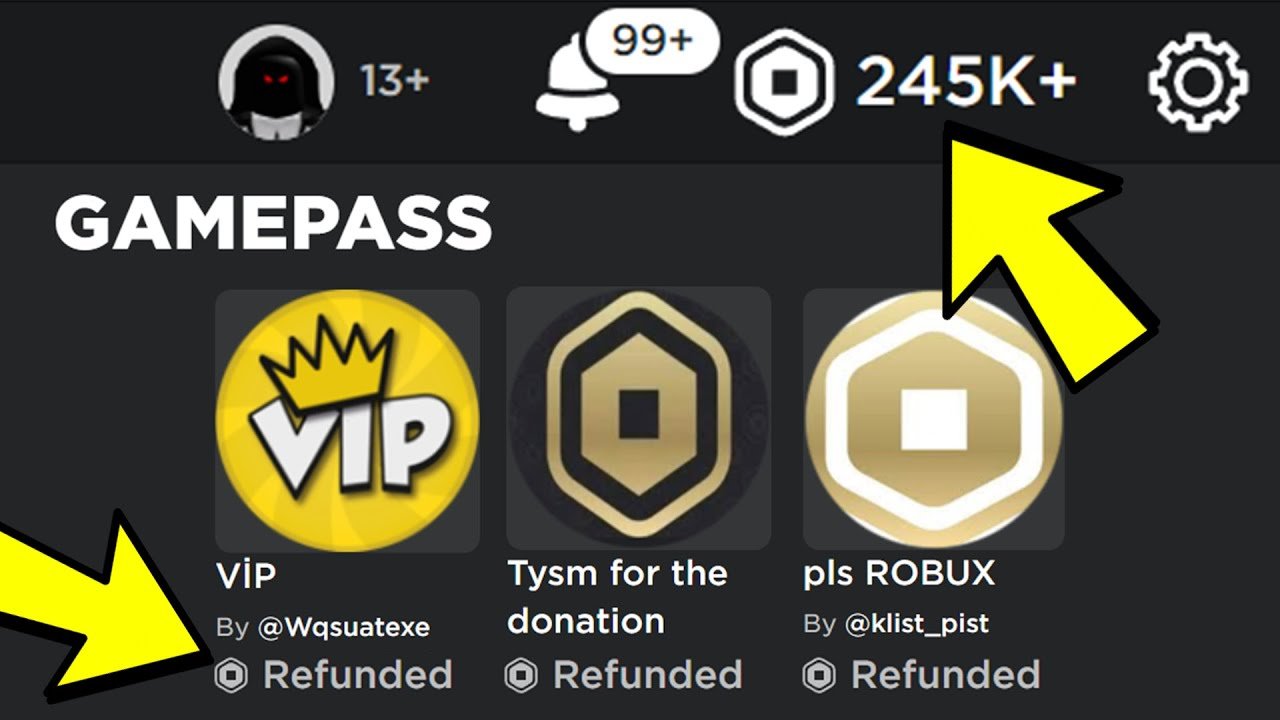
Unfortunately, you cannot directly refund a game pass on Roblox.
Ever purchased a game pass in Roblox, only to instantly regret it? We have all been there. The burning question on many players’ minds is, “can you refund a game pass on Roblox”? It’s understandable to feel a bit frustrated when a purchase doesn’t live up to expectations.
Sadly, Roblox does not offer a direct refund option for game passes. Once you buy a game pass, it’s generally considered a final sale. There are very limited situations where you might get a refund, such as if the game itself is taken down, but these are rare.

Can You Refund a Game Pass on Roblox?
Okay, let’s talk about something that might have bugged you when playing on Roblox: buying a game pass and then maybe not liking it so much. It happens! You see a cool game pass that promises you a super speed boost or a fancy new pet, you spend your hard-earned Robux, and then… maybe it’s not as awesome as you thought. So, what can you do? Can you get your Robux back? That’s the big question we’re going to explore right here.
Understanding Roblox Game Passes
Before we dive deep into refunds, let’s make sure we all understand what exactly a Roblox game pass is. Think of them as special tickets inside a game that give you extra perks. These perks could be anything – special abilities, access to different parts of the game, or even cool items like clothes or weapons. The game’s creator decides what each game pass does and how much it costs. They are not usually the same as the clothing or items you purchase for your avatar. These are specifically tied to a certain game and are used while playing that specific game.
How Game Passes Work
- Game Specific: Game passes only work in the game they were bought for. You can’t buy a super jump in one game and expect it to work in another.
- Creator Controlled: The people who make the games choose what the game passes offer and how much they cost in Robux.
- One-Time Purchase: You pay once for a game pass, and you usually keep it forever (unless the game creator changes it).
Why People Buy Game Passes
People buy game passes for lots of reasons. Sometimes, they want to get an edge over other players. Sometimes they want a cool new look or an advantage that will make playing the game more fun. A very common reason is to support the game’s creator, as they often work very hard to create the games people love to play. Here are a few examples of reasons why people may want to buy game passes :
- To speed up their game progress.
- To have a unique character look.
- To access exclusive areas or items.
- To support a game they enjoy.
The Official Stance on Refunds: Is it Possible?
Now, for the big question: can you actually get a refund on a game pass on Roblox? The short answer is, most of the time, no. Roblox doesn’t have a straightforward “refund button” for game passes like you might find on some other platforms for other types of purchases. Once you buy a game pass, the Robux is usually gone. That means you need to be really careful before you decide to click that buy button!
Why Refunds Are Typically Not Allowed
There are several reasons why Roblox does not typically offer refunds on game passes. Here are the main ones:
- Creator Compensation: When you buy a game pass, the creator of the game gets some of the Robux. This helps them keep making new games and fun updates. If Roblox let everyone refund their purchases easily, it would become very difficult for developers to earn money from their hard work.
- Virtual Item Nature: Game passes are considered virtual items. When you receive the game pass, you have the access to what the developer offered in their game. Roblox doesn’t allow refunds for virtual items due to its operational rules and policies.
- Abuse Potential: If refunds were easy, some people could buy a game pass, use it for a bit, and then ask for a refund, which would be really unfair to game creators. Roblox tries to maintain fair practices for everyone using the platform.
Think of it like buying a candy bar. Once you open and start eating the candy bar, you usually cannot return the candy bar and get the money back. It’s the same with a game pass. Once you have the game pass, Roblox treats it as if you have used it.
When a Refund Might Be Considered (Very Rare Cases)
Okay, so we said refunds are usually not available for game passes, that’s the general rule. But, there are very, very rare circumstances where Roblox support might make an exception. It’s like winning a really rare lottery – it doesn’t happen often, but it can happen. Let’s look at some of those cases.
Technical Issues
If there’s a serious technical problem that prevents you from using a game pass you purchased, and it’s not something with your personal device, there is a chance Roblox support might consider a refund. This would have to be an issue that is on the Roblox server side, or the game developer side. For instance, a game pass might simply not be loading into the game. But that doesn’t happen often.
- Server-Side Problems: If a Roblox glitch stopped the game pass from working correctly and is a widely known issue on the platform, Roblox might be able to help you, but only after carefully looking at it.
- Developer Errors: If a developer makes a mistake and a game pass doesn’t work as advertised, and that’s very clear and confirmed, Roblox support may choose to step in. But it will be on a case by case basis, and is not guaranteed.
Accidental Purchases
Sometimes, especially when playing on a phone or tablet, you might accidentally tap the wrong thing and buy a game pass by accident. If this happens, and if you get to the support right away, you might be able to get help from support. But do not depend on it. There are no guarantees here either.
- Immediate Action: If you immediately contact Roblox support after an accidental purchase, they might consider looking into it, but only if there’s no gameplay involved with the game pass. So, before you actually go into the game and “use” the item you accidentally bought.
- Limited Cases: Even if it is an accident, it’s not a sure thing to get money back. The support might take a look at it and they will decide. It’s on a case by case basis.
Fraudulent Activity
If someone uses your account without your permission to buy a game pass, and you can prove it, Roblox support will definitely want to help you. But you will need to provide them with all the appropriate information. They will want to know how it happened to help you and other users.
- Account Security: If someone gets access to your account and spends your Robux without your consent, you can ask Roblox to look into it.
- Clear Proof Needed: To get help, you will need to be able to provide some information to prove that your account was compromised and you didn’t authorize the purchases.
How to Contact Roblox Support for a Refund (If Needed)
If you believe you have a very rare case where a refund might be considered, here’s how you can contact Roblox support. Please remember, this is only if you feel that you have one of the few very specific cases that we discussed.
Steps to Contact Support
- Go to the Roblox Support Page: Open your web browser and go to the official Roblox support page. You can find it by searching “Roblox support” on your web search engine of choice.
- Fill Out the Form: Fill out the support request form by explaining your situation very clearly. Be sure to include all the information you can to make your case as clear as possible.
- Select “Billing/Payment”: When asked about the issue, choose the “Billing/Payment” category. This will get your request to the correct team, but they still might not grant a refund.
- Explain Clearly: In the description box, explain in detail why you think you need a refund. Don’t forget to include the game pass name, the game it’s for, and when you bought it.
- Be Patient: Wait for a response from Roblox support. They get many requests, so it might take a few days to hear back. If you send multiple emails or keep reaching out, it might slow down the process.
What to Include in Your Support Request
- Game Name: The exact name of the Roblox game where you bought the game pass.
- Game Pass Name: The name of the game pass itself. This information can be found on the game page within Roblox.
- Date and Time: The approximate date and time you made the purchase.
- Issue Explanation: A clear and simple description of why you are requesting the refund. Be clear on why you think the refund should be granted.
- Account Username: Ensure you have the correct Roblox username.
Tips to Avoid Needing a Refund
It’s always best to try and avoid needing a refund in the first place. Here are some helpful tips that will make it less likely that you will need to ask for a refund on a game pass purchase. It’s better to be safe and thoughtful before you buy.
Do Your Research
Before buying any game pass, take a little time to learn about it. Don’t just click the buy button without any thought. You should also try to see if other users have said anything about that game or game pass.
- Read Game Pass Descriptions: Pay careful attention to what the game pass does. If the game pass doesn’t seem worth the money, you can choose not to buy it.
- Watch Videos: Check if anyone has made videos showing what the game pass does in the game. This can help you decide if it’s what you want.
- Read Player Reviews: Look for comments from other players to see if the game pass is worth buying. If other users say its not good, you might not want it.
Be Careful When You Buy
Sometimes, it is too easy to buy something on accident. Be careful when you’re playing on your phone or tablet because it is very easy to tap the wrong thing by accident, so pay close attention before you buy. Slow down and think about it before clicking the button.
- Double-Check: Before confirming a purchase, look at the price and make sure you really want that item and that you are ok with the cost.
- Play Carefully: Don’t rush through menus. Take your time to make sure you don’t buy anything accidentally.
Think About Your Robux
Robux is your currency on Roblox. Think of it like real money. Be careful how you spend it. Don’t buy things without thinking about it first. This can help you avoid any regrets later. Don’t be in a hurry to buy things. Be thoughtful.
- Set a Budget: Think about how much Robux you have and how much you are ok with spending. Avoid spending all of your Robux, just in case you find something else later.
- Ask Yourself: Before buying, ask yourself if you really need that game pass. Do you really want to spend that Robux on the item you are thinking about buying?
Alternative to Refunds: What to Do If You’re Not Happy
So, let’s say you bought a game pass and you can’t get a refund. What can you do? There are still a few things you can try. While these don’t give you your Robux back, they can still help.
Contact the Game Developer
Sometimes, game developers might not even be aware that their game pass is not working or that it is not as fun as they planned. If you have any questions or comments, you should reach out to the game creator. They may also be able to help you if it’s an issue with their game that they are aware of.
- In-Game Support: Many games have their own ways to give feedback. Look for an in-game contact method in the game.
- Social Media: If the developer has social media accounts or groups dedicated to the game, you can try reaching out there. But be polite, game developers work hard to make their games.
Learn from the Experience
Sometimes, the best thing to do is to learn from your mistake. Now that you have purchased a game pass that you are not happy with, you know you should try to research the game pass better before your next purchase. This will help you make better choices in the future.
- Better Research: Remember to be sure that you read reviews and do more research before buying next time.
- Be Patient: Take more time before clicking to buy and be sure that it is exactly what you want to buy.
Accept the Purchase and Move On
In some cases, it is best to accept what happened and just try to enjoy the game and move forward. This can actually help you enjoy the game without any lingering feelings about the game pass you bought. If you dwell on it, you are likely to have less fun.
In short, getting a refund for a game pass on Roblox is very hard, but not impossible. It’s usually best to be extra careful when making your decisions before buying anything, so you are more likely to have a good time and be happy with your purchases. This will save you from any potential disappointment. Always double-check before buying anything, and use your Robux carefully!
How to get refunds on Roblox This only works if you brought something that is no longer available
Final Thoughts
No, you can’t get a refund for a game pass on Roblox. Once you buy a game pass, the transaction is generally final. Roblox does not provide options for refunds on these digital items.
Therefore, always carefully consider if you really need a particular game pass before you purchase. Think about if the in-game benefits will suit your playing style. This way you will avoid the disappointment of not getting money back.
Remember, ‘can you refund a game pass on roblox?’ is an important question. Sadly, the short answer is no. Always do your research before committing to a purchase.

