
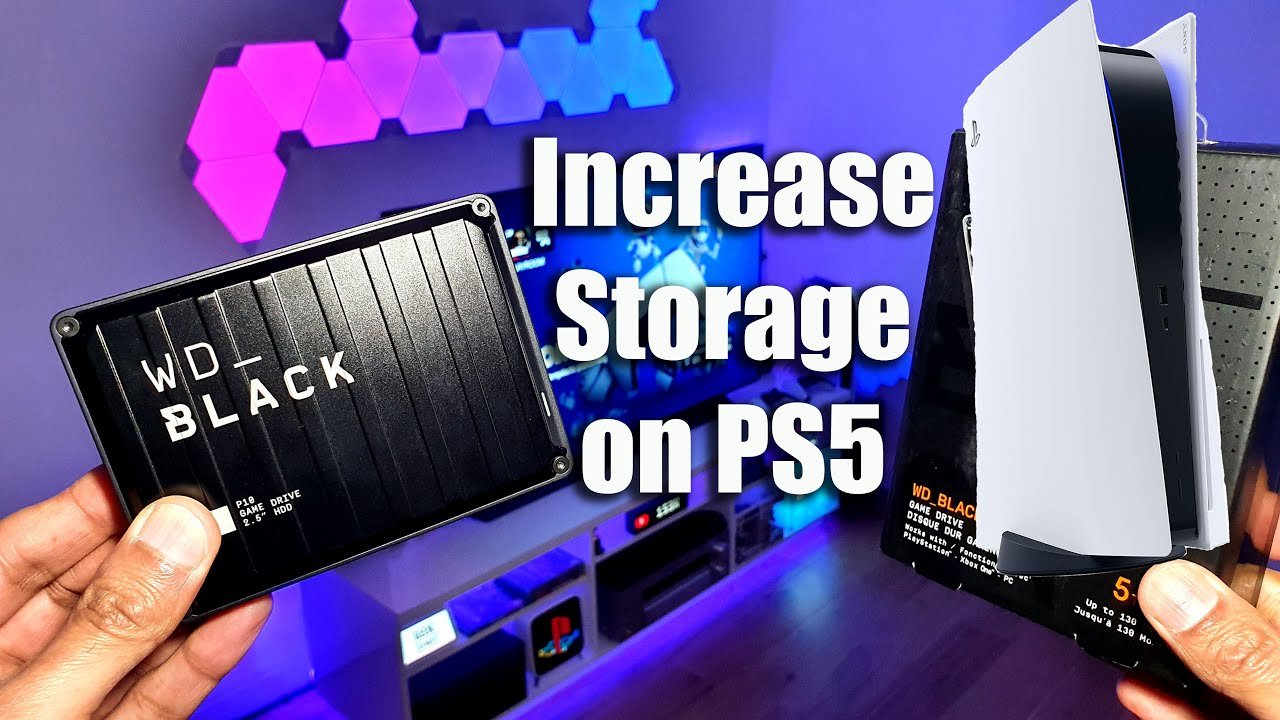
Yes, you can store PS5 games on an external SSD, but you can only play PS4 games directly from it. PS5 games need to be transferred back to the console’s internal storage to play.
Have you ever felt the pain of running out of space on your PlayStation 5? The internal storage fills up fast with those hefty next-gen titles. A common question then arises: can you store PS5 games on external SSD? It’s a valid concern given the limitations, and we’re here to shed some light on how to manage your game library. This is because while you can use external storage, it’s not as straightforward as it might seem.

Can You Store PS5 Games on External SSD?
Alright, let’s dive into the world of PlayStation 5 storage. You’ve got your awesome PS5, right? It plays all those incredible games, but sometimes you might feel like you are running out of space for more games. The internal storage on the PS5 fills up quickly, especially with today’s games taking up so much room. So the question pops up: Can you use an external SSD to store all these games? The answer is a bit nuanced, but generally, yes, you can, with a few important things to know!
The Need for More Space: Why External Storage?
Let’s face it: game sizes are getting bigger! We’re talking 50, 100, even 150 gigabytes for some of the newer titles. The PS5 comes with a decent amount of built-in storage, but if you love to download and keep a lot of games at your fingertips, that space starts feeling cramped pretty quickly. This is where an external SSD comes to the rescue. It’s like having a big extra closet for all your game files!.
Here are the typical reasons why PS5 gamers are looking for external storage solutions:
- Expanding Game Library: Having lots of games means needing lots of storage. External SSDs allow you to keep more games installed and ready to play.
- Managing Game Files: Moving games off the internal SSD can help you free up crucial space for those games that need the super-fast loading time.
- Convenience: Rather than deleting and redownloading games, external storage lets you keep those beloved games readily available.
Understanding PS5 Storage Limitations
Before we talk about external SSDs, let’s quickly go over the PS5’s storage system. The PS5 uses a custom super-speedy internal SSD, which is very important for its quick loading times. This SSD is really fast, which is why games load so quickly on the console. However, the speed of an external SSD is not same as internal SSD, which is why we can’t directly play all games from the external storage and there are some limitations.
Here’s a brief overview of what you should keep in mind:
- Internal SSD: This is where all PS5 games are designed to run from. It’s super fast for loading games at a good speed.
- External Storage: While you can’t play PS5 games directly from an external SSD, you can move games to this for storage.
Why Can’t You Play PS5 Games Directly From External SSD?
This is a key part of the equation. The PS5’s internal SSD uses special technology to make games load unbelievably fast. Most external SSDs, though fast, do not have the same level of speed. Therefore, the PS5 does not permit playing PS5 games directly from an external drive. This is not a shortcoming of the console; it’s designed to provide the best possible performance from the internal drive, but don’t worry you can move those games to external storage when you want to play them later.
- Speed Matters: The internal SSD speed is essential for PS5 games to perform at their best, without any hiccups.
- Technical Requirements: PS5 games need a very specific data transfer speed that not all external SSDs can handle.
- Focus on Performance: Sony designed PS5 with the internal SSD as a primary component for game speed and overall experience.
How External SSDs Work with PS5
Now, let’s explore how you can use an external SSD with your PS5. Even if you can’t directly play PS5 games from it, an external SSD is still an amazing tool. It acts like a holding area for your PS5 games. Think of it as a parking lot for your games; you can keep them there until you want to bring them into play.
The key benefit here is that you can free up space on your internal SSD by moving less played games onto the external SSD, making space for new games to install on the main console storage, ready for optimal gameplay.
- Game Storage: Move PS5 games to the external SSD, creating space on the internal storage.
- Faster Transfers: Moving games between the internal and external storage is much faster than downloading the game all over again
- Play PS4 Games: You can directly play PS4 games from an external SSD.
Types of External SSDs for PS5
When looking for an external SSD for your PS5, you’ll encounter a few different options. It’s important to choose one that fits your needs, is reliable, and gives you good value.
USB Standards: What to Look For
The USB standard is very important for data transfer speeds between your PS5 and the external SSD. The faster the USB standard, the quicker the transfer of data.
- USB 3.0 and above: Look for SSDs that support USB 3.0 or, even better, USB 3.2 Gen 1, Gen 2, or USB 3.2 Gen 2×2, because these standards will offer faster transfer speeds.
- Check the Specs: Make sure to look for the specific speeds that the drive supports, as these speeds will vary a lot between different drives.
SSD vs. HDD: Why Choose SSD?
You might be wondering if a traditional hard drive (HDD) would work for your PS5. Well, while they do work, an SSD is a much better choice for several reasons.
Here’s a table explaining the major difference between SSD and HDD
| Feature | SSD (Solid State Drive) | HDD (Hard Disk Drive) |
|---|---|---|
| Speed | Much faster, leading to quick transfers and overall performance. | Slower, resulting in slower transfers and less effective for game storage. |
| Reliability | More durable because it has no moving parts. | Less reliable due to moving parts that can be damaged. |
| Noise | Silent, because there are no moving parts. | Can be noisy because of the moving parts. |
| Cost | More expensive per gigabyte. | Less expensive per gigabyte. |
As you can see, SSDs are better suited for PS5 game storage due to their speed and durability, although they come with a higher price tag.
Recommended External SSD Brands and Models
With all the options out there, it can be overwhelming to pick one. Here are a few popular and reliable brands and models often recommended for use with PS5 for storing games:
- Samsung T7/T7 Shield: Very popular due to its excellent speed, reliability, and portability.
- SanDisk Extreme Portable SSD: Known for its durability and fast performance.
- Crucial X8/X9: Offers great speed and good value.
- WD (Western Digital) My Passport SSD: Reliable and efficient option with good value.
Always check reviews and compare prices to find the best fit for you. Consider how much storage you will need, along with the speed, and durability before you make a purchase decision.
Setting Up Your External SSD on PS5
Setting up your external SSD with your PS5 is easy. The PS5 will help you through the whole process. Here’s how it’s generally done:
- Plug in your external SSD: Use the USB ports on the back of your PS5, or the front.
- Format the Drive: When you plug in the SSD for the first time, the PS5 will prompt you to format it for extended storage.
- Follow the On-Screen Instructions: The PS5 will guide you through the formatting procedure. This will make the SSD ready for game storage.
- Ready to Go: After formatting, your external SSD is ready to store PS4 games, and PS5 games, and now you can move games to it from internal storage.
Important Tips During the Setup
To avoid problems, consider these points:
- Use the Correct USB Port: Always use the USB ports on the back of the console for optimal performance.
- Back Up Your Data: Although formatting the drive for PS5 means data will be lost, always have your data safe before doing anything with your drive.
- Avoid disconnecting while transferring: Never disconnect the drive during transfers; otherwise, you could damage it or lose data.
Moving Games to External SSD
Once your external SSD is set up, moving games to it from your PS5’s internal storage is a piece of cake. This frees up space on your internal SSD so you can install more games or updates. This is how you do it:
- Go to Settings: Open the settings menu on your PS5 dashboard.
- Select Storage: Find the “Storage” option in the settings menu.
- Choose Console Storage: Select the internal storage of your PS5 and the game you want to move.
- Move Games: Select the games you want to move and choose the move option to transfer them to external storage.
- Wait for the Transfer: The PS5 will move the games to your external drive, depending on the size of the game, it may take a while.
Organizing Your Game Library
Managing your game library becomes very important when you have games on different storage locations. Here’s how you can keep things nice and tidy:
- Categorize: You can easily see which games are on the internal SSD and which are on external storage, which helps you understand your storage better.
- Move Less Played Games: Shift games you are not playing currently on the external SSD to save space for the games you play most.
- Consider Storage Space: Make sure that you have sufficient storage on both of your storage locations.
Playing PS4 Games from External SSD
Here is a cool tip! You can play PS4 games directly from your external SSD on your PS5. This means you don’t need to move those games to the internal SSD, unlike PS5 games. This can greatly simplify your storage management and save time. It’s a great feature that helps you get the most from your external drive!
- Direct Play: Plug the SSD in and start playing. There is no need to move PS4 games to internal storage before playing them.
- Save Internal Space: You don’t need to use internal storage for your PS4 games, saving space for your PS5 games.
- Keep Your Favorites: You can keep a lot of PS4 games installed and ready for play without filling up the internal storage.
Troubleshooting Common Issues
Sometimes things don’t go exactly as planned. Let’s look at some common problems people face with external SSDs and how to fix them:
- Drive Not Recognized: If your PS5 isn’t recognizing the drive, try a different USB port, and make sure your drive is correctly formatted to be compatible with your PS5.
- Slow Transfer Speeds: Make sure your SSD has the required speed to work with your PS5, and use a faster USB port on your PS5 console.
- Corrupted Data: If you face error messages, check the connection and always disconnect the SSD correctly through the PS5 interface.
Seeking Help
If all else fails, there are lots of support resources available to help you with any problems. Always check the PS5 official website for answers or consult any PS5 dedicated forums for solutions.
In summary, external SSDs for the PS5 are fantastic additions for gamers. While you can’t play PS5 games directly from them, they provide a crucial way to manage your storage and keep your game library at your fingertips. You can move games to free up space on your internal SSD and keep them ready for fast loading when you are ready to play them. This helps you make space on internal storage and provides you ease in managing your games and playing them whenever you want. Remember to choose an SSD with a fast USB standard, and always follow the setup guidelines provided by PS5. So, go ahead, get that external SSD, and enjoy having more space for your games!
How to Move Games on PS5 to External Drive or M.2 SSD (Fast Tutorial)
Final Thoughts
Yes, you can store PS5 games on an external SSD. While you cannot directly play PS5 games from an external drive, you can move them there to free up precious console storage.
This action allows you to quickly transfer games back to the internal drive when you want to play them. Effectively, using an external SSD offers a convenient way to manage your games.
Therefore, if you are wondering ‘can you store ps5 games on external ssd’, the answer is definitely yes. You can use external storage effectively.

