
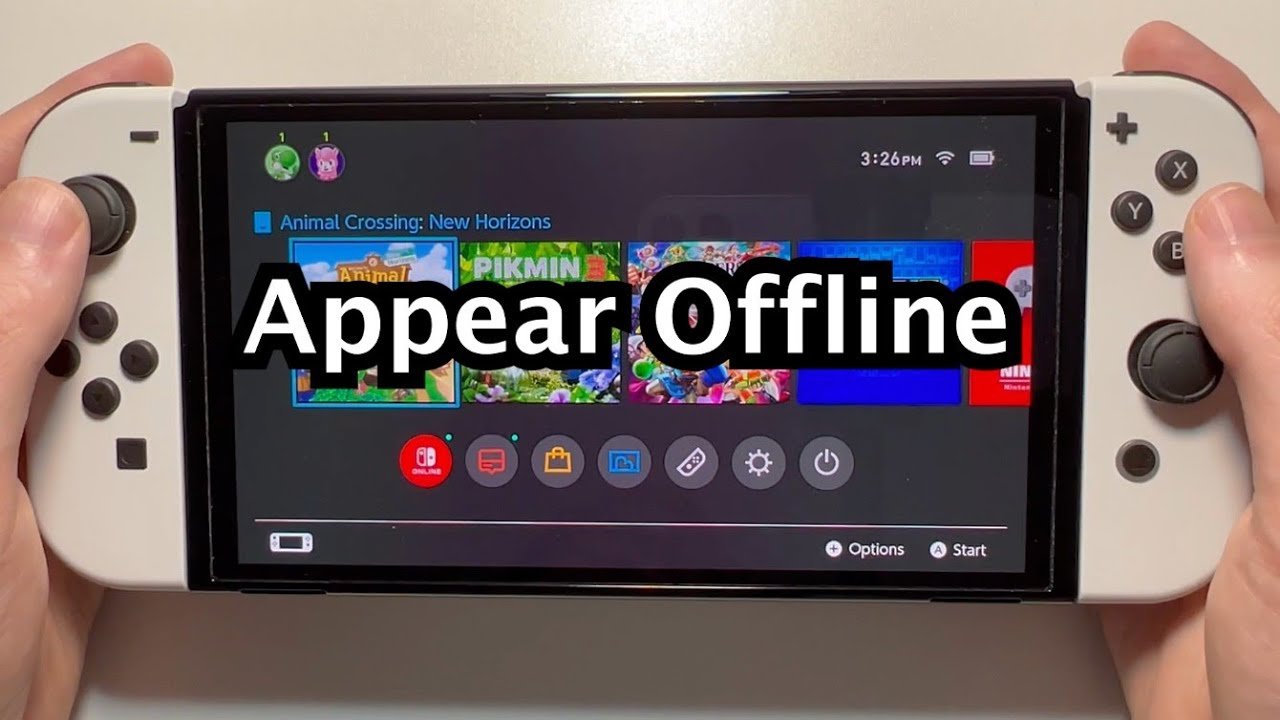
Some Nintendo Switch games require an internet connection, even for single-player modes, meaning you cant play switch games offline.
It’s frustrating when you’re ready for some solo gaming on your Nintendo Switch, only to find it asking for a Wi-Fi signal. Many expected to play anywhere without issue, but sometimes, you cant play switch games offline. This situation happens more often than people think, leaving players puzzled and searching for answers.
Why does this happen, and what can we do about it? It’s a common complaint, and we will explore the underlying reasons for needing to be online when you thought you could game offline.

Why Can’t I Play My Switch Games Offline?
So, you’re excited to play your favorite Nintendo Switch game on a road trip or maybe just chilling in your room with no internet, but suddenly, you get hit with a message that stops you in your tracks: “You can’t play this game offline.” Frustrating, right? You’re not alone! Many Nintendo Switch owners face this issue, and it’s not always clear why. Let’s dive deep into the reasons behind this, so you know exactly what’s going on and how to handle it.
The Digital Download Dilemma
First off, let’s talk about those digital games you got from the Nintendo eShop. These games are tied to your Nintendo Account. Think of it like having a library card that only works at one library. The Switch needs to check with Nintendo’s servers to make sure that your account is still the one using the game. This happens even if you’re playing on the console that you bought the game on.
Primary and Secondary Consoles
Nintendo has a system with “primary” and “secondary” consoles. You probably don’t realize that you are using a primary or secondary console.
Primary Console: This is the console you’ve set up as your main system. Your digital games will work offline on this console, almost all of the time. Because this console is your home console, this allows you to play your digital games without needing to connect to the internet.
Secondary Console: If you log in to your account on another Switch, it becomes your secondary console. Games can be played on the secondary console too, but it has to check with the Nintendo server through internet connection every time to ensure that you are authorized to play it. This is why you might have issues playing games on a secondary console if you don’t have internet access.
How the Check-In Works
The Switch does this check-in to make sure your account is still active and that someone isn’t trying to play your games without permission. It’s like a quick handshake. If the Switch can’t make that handshake because there’s no internet connection, the game might not start. It will get stuck on a screen showing an error message. This is mainly true if you are using a secondary console.
The Nature of Certain Games
It’s not just about digital vs. physical games or primary vs. secondary consoles. Some games are just designed to be online.
Online Multiplayer Games
Games that focus heavily on online multiplayer often need a constant internet connection to work. These games might not even have a single-player offline option, so they will not work if you do not have internet connectivity. Think of games like Splatoon 3 or Mario Kart 8 Deluxe’s online mode. These games need to communicate with other players online, and they just can’t do that without internet access.
Games with In-Game Updates
Some games have content that updates regularly, like online leaderboards, event content, or small patches. These updates often require an internet connection, and sometimes, they may even affect whether you can play the game offline. Even if the game primarily has a single-player mode, not being able to download the latest updates can sometimes result in issues when trying to play offline.
Account Sharing and Game Licenses
This ties into the primary and secondary console thing. Nintendo’s system is set up to prevent people from sharing accounts and games with others who don’t have a valid license.
Keeping the Game Fair
Think of it like borrowing a library book. You can use it as long as you’ve borrowed it properly, but someone else can’t just walk in and take it from you. The same idea applies to games in the Nintendo eShop. The check-in helps make sure that everyone who plays a game has the right to play it.
Family Accounts
Family accounts can complicate the matter further. If multiple people in your family are using the same account, this can cause problems too, when trying to play offline on multiple consoles. Although family accounts are convenient, make sure all the members of your family are clear about the nature of the family account.
Physical Games and Their Limitations
Even if you have a physical copy of a game, you might find yourself unable to play offline. How is that possible?
Day-One Patches
Many games, even physical ones, have “day-one patches” that you need to download before you can fully enjoy them. These patches fix bugs or add content that wasn’t ready when the game was printed. Without that patch, the game might not run correctly, and it might prevent you from playing offline as well. This is a common occurrence nowadays with almost all video games.
Game Cards and Online Features
Some physical games, even though they don’t require a full download, still have online features or extra content that needs internet to access. If the game’s main feature is online, the physical copy will not work without the internet.
Troubleshooting Offline Play Problems
Now that we have a good understanding of what might cause this offline issue, let’s figure out some ways to fix it.
Checking Your Primary Console
First, make sure you’re playing on your primary console. You can do this in the system settings.
- Go to System Settings on your Nintendo Switch.
- Scroll down to “Users.”
- Select the user you’re playing under.
- Scroll to the bottom and look for “Primary Console”.
- If it says, “You are using a non-primary console”, then you should click on it, to switch to primary console.
- Click on “Register”.
Restarting Your Switch
Sometimes, a simple restart can help. Turn your Switch off completely and then turn it back on. It can resolve the issue. It’s always good to start with the basics.
Internet Connection Reset
Even though you’re trying to play offline, make sure your Switch has had internet access recently. Sometimes, just connecting briefly and letting the Switch check in can sort things out. You can always disconnect the internet after that. To do that:
- Go to System Settings.
- Go to Internet.
- Connect to your internet connection, and leave it for a little while, so your console can perform the check-in.
- After the check-in, disconnect the internet.
Check for Game Updates
Ensure your game is up-to-date. Even if you’re planning on playing offline, the game might require an update before it can run properly, especially for physical game copies with day-one patches.
- Go to the HOME Menu of your Switch.
- Select the game you want to check.
- Press the “+” or “-” button on your joycon to access the Options menu.
- Select “Software Update.”
- Select “Via the Internet”.
Game Specific Issues
If you are having a hard time with a certain game, it might be worth checking online forums. Sometimes, certain game have particular issues with offline play, and the community members have solutions for them, by playing with the setting, or through other methods.
Contact Nintendo Support
If all else fails, contacting Nintendo’s customer support is a good idea. They may have specific solutions for your particular problem, and they may have a system to troubleshoot your problem, with you going through the process one by one.
Planning for Offline Play
Here are some extra tips to help you prepare for offline gaming.
Always Use Your Primary Console
If you have multiple Switches, make sure the one you use the most is set as your primary console. This will reduce the chance of problems happening.
Download Games Before You Travel
If you’re heading somewhere without internet access, download all the games you want to play before you leave home. That way, you won’t get stuck somewhere without your games. This seems obvious, but many people often overlook this.
Check Your Game’s Offline Mode
Before you’re far away from internet access, try starting the game in offline mode at home to make sure it works. This way, you’ll know in advance if there’s any issue. It is better to be safe than sorry.
Physical Copies and the Patches
For physical copies, always download the day-one patches when you first get the game. This way, it can run properly offline in the future.
Account Sharing and Primary Consoles
If you have multiple family members using your Nintendo Account, make sure everyone is aware of which console is set as their primary console. If possible, use different accounts, so there won’t be issues of primary and secondary consoles.
Games that are not recommended offline
Be aware that some games are just not made to be played offline. These games include online games, and games that need constant updates.
A Summary Table
Let’s quickly recap the points we discussed above in a table:
| Issue | Cause | Solution |
|---|---|---|
| Digital games not playing offline | The game is on a secondary console, needing online verification. | Make sure you are playing on your primary console. Connect to the internet every now and then. |
| Online games not working | Online games need internet to communicate with other players. | These games cannot be played offline. |
| Physical game not working offline | The game requires day-one patches, or other online updates. | Download game patches before playing. |
| Account sharing issues | Account sharing can lead to problems with primary and secondary consoles. | Each person should use their own account, and should be aware of the primary console. |
| Game-specific offline issues | Some games have their own unique problems. | Check online forums or contact Nintendo support. |
Understanding why your Nintendo Switch games might not work offline can help you plan your gaming sessions better. Remember to check your primary console status, download games in advance, and always connect to the internet from time to time so that your console can perform the check-in process. This way, you can make sure that you can always enjoy your games even without internet connectivity.
How To Fix "Checking If Software Can Be Played" On Nintendo Switch (Switching Primary Console)
Final Thoughts
Ultimately, the limitations of the Nintendo Switch regarding offline play can be frustrating. The inability to access certain games without a connection significantly restricts portability. This is a must concern for players who often find themselves without internet.
The biggest drawback for some remains the fact they cant play switch games offline. This requirement for a connection prevents enjoying many titles on the go. It’s a consideration for those contemplating a purchase.

