
No, the 3DS does not directly play original Game Boy cartridges.
Many gamers wonder, does 3DS play Game Boy games? The simple answer is no, not directly with original cartridges. The 3DS is a successor to the Game Boy line, but it uses different cartridge technology. Therefore, you cannot insert a Game Boy or Game Boy Color game into the 3DS console for play.
However, the 3DS eShop did offer some select Game Boy and Game Boy Color titles as virtual console downloads. So, you can still experience a few classic titles this way. Though, this isn’t the same as playing the original physical games.

Does 3DS Play Gameboy Games?
Okay, let’s dive into the exciting world of Nintendo handhelds! You’ve probably got a cool Nintendo 3DS, and maybe you’re dreaming of playing some of those classic Gameboy games. You know, the ones with Mario jumping on turtles and maybe some Pokemon adventures. So, the big question is: can your 3DS actually play those old Gameboy games?
The Short Answer: It’s a Bit Complicated
The simple answer is yes, but with a big “but”. Your Nintendo 3DS isn’t designed to directly play old Gameboy cartridges. You can’t just pop in a Gameboy Color cartridge and start playing. The 3DS uses completely different technology and cartridge types. Think of it like trying to put a square peg in a round hole – it just won’t fit. So, if your goal is to play your physical Game Boy cartridges on your 3DS, that’s a no-go. But don’t worry, the story doesn’t end there! There are still ways to enjoy those retro games on your 3DS.
Virtual Console: Your Gateway to Retro Gaming
Here comes the hero of our story: the Virtual Console! Nintendo created the Virtual Console service as a way for you to play classic games on newer Nintendo systems. On the 3DS, you can find a selection of Gameboy and Gameboy Color games available for purchase and download. This is how you play old Gameboy games on your 3DS. It’s like having a digital library of retro classics right at your fingertips. These aren’t the original cartridges, but rather digital versions that work smoothly on your 3DS. It’s a fantastic solution to enjoy these classic games.
What Kinds of Game Boy Games Are Available?
The selection on the Virtual Console varies, but you will find many fan-favorites. Nintendo added many titles over time, and while not every single Gameboy game is available, you will find many popular games. Here are a few examples of the types of games you might find:
- Classic Platformers: Think Mario Land, Kirby’s Dream Land, and Wario Land.
- Puzzle Games: Like Tetris and Dr. Mario.
- Adventure and RPG Games: Such as the Pokemon games (Red, Blue, Yellow, Gold, Silver, Crystal, etc) and The Legend of Zelda: Link’s Awakening.
- And many more!
Keep in mind that the Virtual Console catalog is different depending on the region you are located in. Some games might be available in one region and not in another. It’s always a good idea to check the Nintendo eShop on your 3DS to see the current offerings.
How to Access the Virtual Console
Accessing the Virtual Console is fairly simple. Here are the steps:
- Turn on your Nintendo 3DS and connect to the internet.
- Go to the HOME Menu.
- Select the eShop icon. It looks like an orange shopping bag.
- In the eShop, you will find the “Virtual Console” section. You can use the search function if you don’t spot it directly.
- Browse the selection of Gameboy and Gameboy Color games.
- Select the game you want, read the description, and check the screenshots.
- If you decide to purchase it, follow the instructions on screen to complete the payment process.
- After purchasing, the game will download to your 3DS. You can then play it whenever you want.
Remember that you will need an internet connection and enough space on your 3DS’s SD card. Also, keep your 3DS charged up so you won’t experience interruptions during gameplay!
The Differences Between Original Games and Virtual Console
While the Virtual Console is a fantastic way to play classic Gameboy games, it’s not exactly the same as playing the original cartridges. Let’s examine some key differences:
Original Gameboy Cartridges
- Tangible: You have the actual game cartridge in your hand. It’s a physical object with a bit of nostalgia attached to it.
- Battery Saves: Many old games used a battery to save your progress. These batteries can die over time, and your saves can be lost.
- Limited Portability: You needed the original Gameboy or Gameboy Color to play them.
- Trading: Many games like Pokemon involved trading between cartridges to fully enjoy them.
- Original Experience: It’s the exact, unfiltered experience the creators originally intended.
Virtual Console Versions
- Digital: You download them from the eShop. They don’t take up physical space.
- Software Saves: The games save your progress using the 3DS’s internal memory. You won’t worry about losing save data due to a dead battery.
- Improved Compatibility: The games are optimized to play on your 3DS.
- Trading: Some games have trading functionality, however this is done through the 3DS instead of cartridges.
- Modern Accessibility: The games have modern elements such as controller remapping, screen settings, and easy access to the game manual.
In essence, the Virtual Console offers a convenient and updated way to enjoy retro games, but it has slightly different feel than using the original hardware.
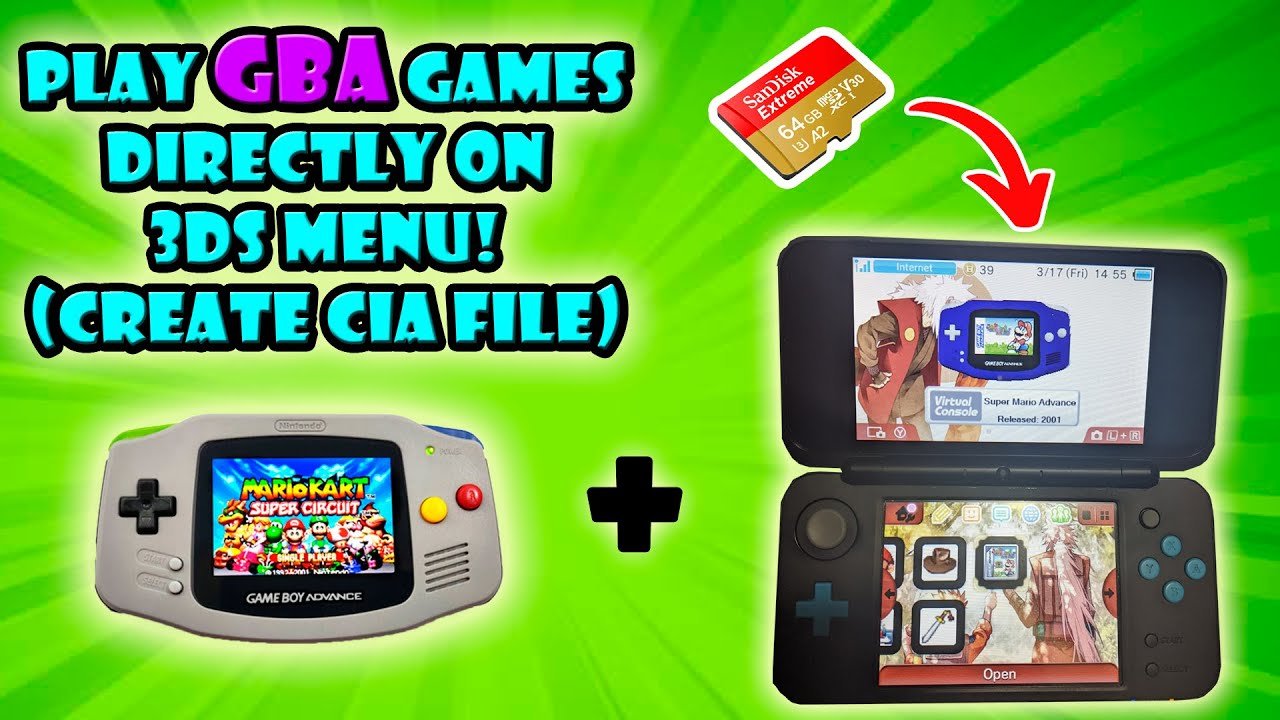
Gameboy Advance Games on 3DS?
Here’s another twist: what about Gameboy Advance games? The Gameboy Advance was the next handheld console after the Gameboy Color. Sadly, these games are not as easily accessible on the 3DS as Gameboy games. You cannot buy them from the eShop unless you have an older Nintendo 3DS system that is on an older firmware (which is pretty unlikely). There are however some GBA games as part of the “Ambassador Program” which Nintendo made available to people who bought the original 3DS when the price was lowered quickly in the first few months of release. These games are free to those players, but impossible to get today (as Nintendo has long since closed those options). Nintendo did make some GBA titles available for free on Nintendo consoles, such as the Wii U.
A Word about Emulators
You might hear people talking about emulators. These are software programs that let you play games from other consoles on a device not designed for them. While emulators do exist for the 3DS, and people can play Gameboy, Gameboy Color and Gameboy Advance games through them, it’s important to know that using emulators can be against the rules set by Nintendo, and could potentially cause issues with your system. We won’t delve into the specifics of using emulators here, as this is not a recommended legal method.
Why Play Gameboy Games on 3DS?
You may be wondering why bother playing old games? There are many good reasons! Here are a few:
- Nostalgia: For many, these games represent a happy time in their life. Playing them again can bring back great memories.
- Simplicity: Compared to modern games, Gameboy games are often simpler and easier to pick up and play, and don’t take long to complete. They’re perfect for when you just want a quick bit of fun.
- Classic Gameplay: Many Gameboy games established the foundation for the games we play today. They are often well-designed and incredibly engaging.
- Affordability: Virtual Console games are usually very affordable, especially compared to the price of rare original cartridges today.
- Portable Fun: The 3DS is a perfect way to play retro games on the go. You can have a handheld gaming collection in your pocket.
Playing Gameboy games on your 3DS is more than just a trip down memory lane; it’s a chance to experience great games that have stood the test of time.
Things to Consider
Before you jump in to the world of retro games on your 3DS, here are a few more things you should consider:
- Storage Space: Gameboy games don’t take up a lot of space, but if you plan on downloading many you should make sure you have enough space on your 3DS SD card.
- Internet Connection: You will need an internet connection to access the eShop and download your games.
- Battery Life: Playing 3DS games or retro games may drain your battery faster. Have a charger handy if you play for a long time.
- Price: While most Gameboy games on the eShop are very affordable, prices may vary. Always check the price before making a purchase.
By keeping these things in mind, you’ll have a great time playing retro games on your 3DS.
So, does your 3DS play Gameboy games? The answer is a qualified yes! You can enjoy many fantastic Gameboy and Gameboy Color titles through the Virtual Console on your 3DS, offering a convenient and enjoyable way to experience these classic games. While you can’t use the old cartridges directly, the Virtual Console offers a solid alternative with the convenience of digital downloads and modern features. Take some time to explore the eShop, pick out some gems and you will experience all the fun these classic games have to offer.
3DS Can Play Game Boy Advance Games Without Emulation
Final Thoughts
The 3DS can play Game Boy and Game Boy Color games through the Virtual Console service available on the eShop. You can purchase and download these classic titles. This provides a great way to revisit retro games.
However, the 3DS does not support original Game Boy cartridges. The hardware is not designed to read them. Therefore, the ‘does 3ds play gameboy games’ answer is nuanced. It does, via digital downloads, not physically.

