
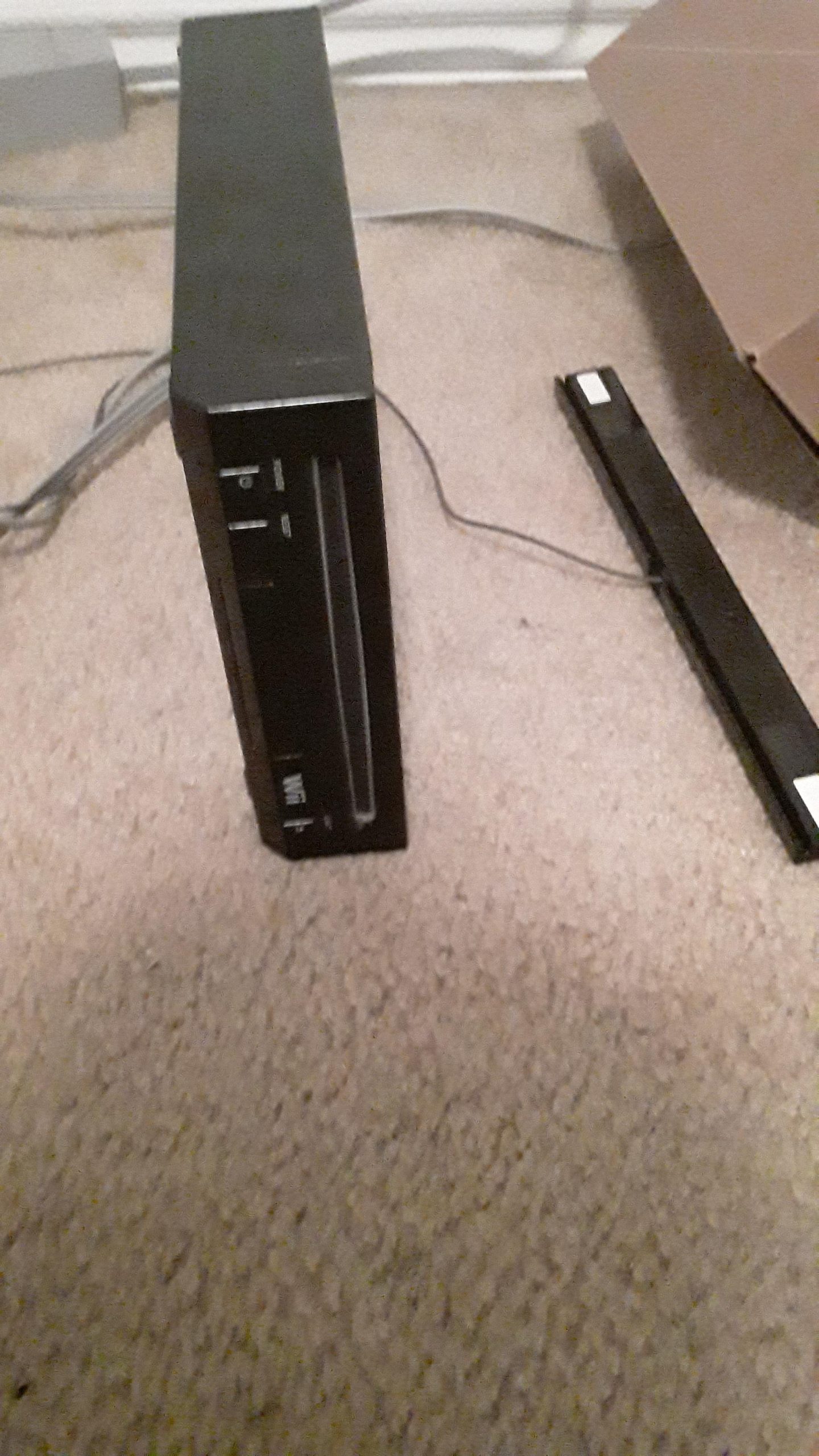
Yes, most original Wii consoles can play GameCube games.
Do you have a stack of GameCube games collecting dust and a Wii sitting nearby? You might be wondering, “does a wii play gamecube games?”
The good news is that the original Wii models have GameCube controller ports and memory card slots, allowing you to enjoy your old favorites. This means you can relive those classic GameCube experiences on your Wii console.
However, not all Wii models retain this functionality, so it’s essential to check if your specific Wii is compatible. Later Wii models, like the Wii Mini, removed the GameCube compatibility to reduce costs.

Does a Wii Play Gamecube Games?
Yes, the original Wii is backward compatible with GameCube games. This means you can play a large library of GameCube titles on your Wii console.
However, not all Wii models have this capability. It’s important to understand which models support GameCube games before purchasing or trying to play them.
Original Wii Models and GameCube Compatibility
The original, launch-era Wii models are the ones that offer GameCube support. These models have specific ports and hardware necessary for playing GameCube games.
You can identify these models by looking for the GameCube controller ports and memory card slots. These are located at the top of the console when it’s placed horizontally.
Identifying a GameCube Compatible Wii
Checking for GameCube controller ports is the easiest way to identify a compatible Wii. Open the small panel on top of the Wii.
You should see four controller ports and two memory card slots. If these are present, your Wii can play GameCube games.
If these ports are missing, it indicates a later Wii model that lacks backward compatibility. This is a critical distinction for GameCube enthusiasts.
Wii Models That Don’t Play GameCube Games
Later Wii models, such as the Wii Family Edition and the Wii Mini, removed GameCube support. Nintendo made these changes to reduce manufacturing costs.
These models lack the GameCube controller ports and memory card slots. Therefore, they cannot play GameCube games, even with adapters.
It is essential to know this when purchasing a used Wii if GameCube gaming is your priority.
Why Some Wii Models Lack GameCube Support
Nintendo removed GameCube support to streamline the Wii’s design and lower production costs. This allowed them to offer these models at a more competitive price point.
However, this change disappointed many fans who enjoyed playing GameCube games on their Wii. It made older Wii consoles more desirable.
The removal of GameCube support was a strategic decision, but it also limited the functionality of later Wii models.
Playing GameCube Games on a Compatible Wii
To play GameCube games on a compatible Wii, you’ll need a few things. First, you’ll need a GameCube controller.
You will also need a GameCube memory card to save your game progress. These are separate from Wii controllers and storage.
Insert the GameCube disc into the Wii and use a GameCube controller plugged into the top ports. The Wii will recognize the disc automatically.
GameCube Controllers and Memory Cards
GameCube controllers are required to play GameCube games on the Wii. Wii Remotes are not compatible for controlling GameCube titles.
GameCube memory cards are necessary to save game progress. Wii system memory cannot be used for GameCube saves.
Make sure you have these accessories before trying to play your favorite GameCube games. They are essential for the experience.
Using the GameCube Controller on the Wii
The GameCube controller plugs directly into the ports on top of the Wii. Up to four controllers can be connected at once.
The controller layout is different from the Wii Remote. It takes some getting used to if you’re accustomed to Wii controls.
However, the GameCube controller offers a classic and comfortable gaming experience. Many gamers prefer it for certain types of games.
Saving Game Progress on GameCube Games
Saving your progress in GameCube games requires a GameCube memory card. Insert the memory card into one of the slots on top of the Wii.
When you start a GameCube game, it will prompt you to save to the memory card. Ensure the memory card has enough free space.
Without a memory card, you won’t be able to save your game progress. You would have to start over each time you play.
Benefits of Playing GameCube Games on the Wii
Playing GameCube games on the Wii offers several benefits. It allows you to enjoy classic games on a more modern console.
The Wii also supports progressive scan output for GameCube games. This results in a sharper and more detailed image on compatible TVs.
It is also convenient to have both Wii and GameCube games playable on a single console. This saves space and simplifies your gaming setup.
Progressive Scan and GameCube Games on Wii
Progressive scan (480p) provides a better visual experience than interlaced (480i). Not all GameCube games support progressive scan.
To enable progressive scan, hold the “B” button on the GameCube controller while the game is loading. A prompt will appear asking if you want to enable progressive scan.
If the game supports it, selecting “yes” will improve the image quality. This makes games look noticeably sharper on modern TVs.
Potential Issues and Troubleshooting
Sometimes, GameCube games may not load correctly on the Wii. This can be due to a dirty disc or a problem with the console’s disc drive.
Try cleaning the GameCube disc with a soft cloth. Ensure there are no scratches or damage to the disc.
If the problem persists, try a different GameCube game to see if the issue is specific to one disc. Contact Nintendo support if problems continue.
Game Compatibility: Are All GameCube Games Playable?
While most GameCube games are compatible with the original Wii, there are a few exceptions. Some games may have minor graphical glitches or performance issues.
It’s always a good idea to check online resources to see if other players have reported any problems with specific games. This can help you avoid potential issues.
Overall, the vast majority of GameCube games play perfectly well on the Wii. But being aware of potential compatibility issues is helpful.
GameCube Accessories on the Wii
Besides controllers and memory cards, some GameCube accessories work on the Wii. This includes certain third-party controllers and adapters.
However, not all GameCube accessories are fully compatible. It’s best to research compatibility before purchasing any additional accessories.
Generally, standard controllers and memory cards work without issue. More specialized accessories may require additional setup or may not function correctly.
The Wii Shop Channel and GameCube Games
The Wii Shop Channel did not offer digital downloads of GameCube games. It primarily focused on WiiWare and Virtual Console titles.
To play GameCube games on the Wii, you need to use physical GameCube discs. There was no way to purchase or download GameCube games directly onto the Wii.
This is a key difference compared to modern consoles with digital game stores. It emphasized the importance of physical GameCube game copies.
Alternatives to Playing GameCube Games on Wii
If you don’t have an original Wii or can’t find one with GameCube support, there are other options. The most obvious alternative is to use a GameCube console.
GameCube consoles are readily available on the used market. They offer the most authentic GameCube gaming experience.
Another alternative is emulation. You can use emulators on PCs or other devices to play GameCube games digitally.
Using a GameCube Console
A GameCube console provides the most authentic way to play GameCube games. It is the system for which the games were originally designed.
You can find used GameCube consoles at reasonable prices. They are a reliable way to experience the GameCube library.
The GameCube also has its own unique controller and accessory ecosystem. It gives you the classic GameCube experience.
GameCube Emulation
GameCube emulation involves using software to simulate the GameCube hardware on a different device. This allows you to play GameCube games on PCs, Macs, and even some mobile devices.
Dolphin is a popular GameCube emulator. It’s free and open-source and supports a wide range of GameCube games.
Emulation can offer enhanced graphics and features. However, it may require a powerful computer to run smoothly.
Setting Up GameCube Emulation
To set up GameCube emulation, you first need to download and install an emulator like Dolphin. You then need to obtain GameCube game ROMs, which are digital copies of the games.
Be aware that downloading ROMs without owning the original game may be illegal in your region. Always check the legal implications before downloading ROMs.
Once you have the emulator and ROMs, you can configure the emulator settings and start playing your favorite GameCube games.
The Future of GameCube Gaming
Even though the GameCube is a retro console, its games remain popular. Many players still enjoy the unique and innovative games that the GameCube offered.
With options like original consoles, Wii compatibility, and emulation, there are many ways to experience GameCube gaming today. The GameCube’s legacy continues to live on.
The passion for GameCube games ensures that they will continue to be played and enjoyed for years to come. Its memorable titles will always be fondly remembered.
Different Wii Models: A Comparison
Understanding the differences between Wii models is crucial for determining GameCube compatibility. Here’s a breakdown:
Original Wii (RVL-001)
GameCube Support: Has full GameCube support with controller ports and memory card slots.
Connectivity: Includes standard Wii connectivity options.
Distinguishing Features: The presence of GameCube controller ports on top.
Wii Family Edition (RVL-101)
GameCube Support: Lacks GameCube support, no controller ports or memory card slots.
Orientation: Designed to be placed horizontally.
Cost Reduction: This model removed features to reduce cost.
Wii Mini (RVL-201)
GameCube Support: No GameCube support.
Online Capabilities: Does not have online connectivity.
Design: Smaller and more compact design.
Can You Play GameCube Games on the Wii?
Final Thoughts
Does a Wii play GameCube games? Some Wii models do offer backward compatibility with GameCube titles. These Wii consoles possess GameCube controller ports and memory card slots.
However, not all Wii consoles feature this capability. Later models, specifically the Wii Family Edition and Wii Mini, removed these features. Therefore, you must confirm your Wii’s model before attempting to play GameCube games.
Does a Wii play GameCube games? Yes, certain Wii models support GameCube games using controller ports and memory card slots, a crucial feature must be checked before buying to guarantee seamless gameplay.

