
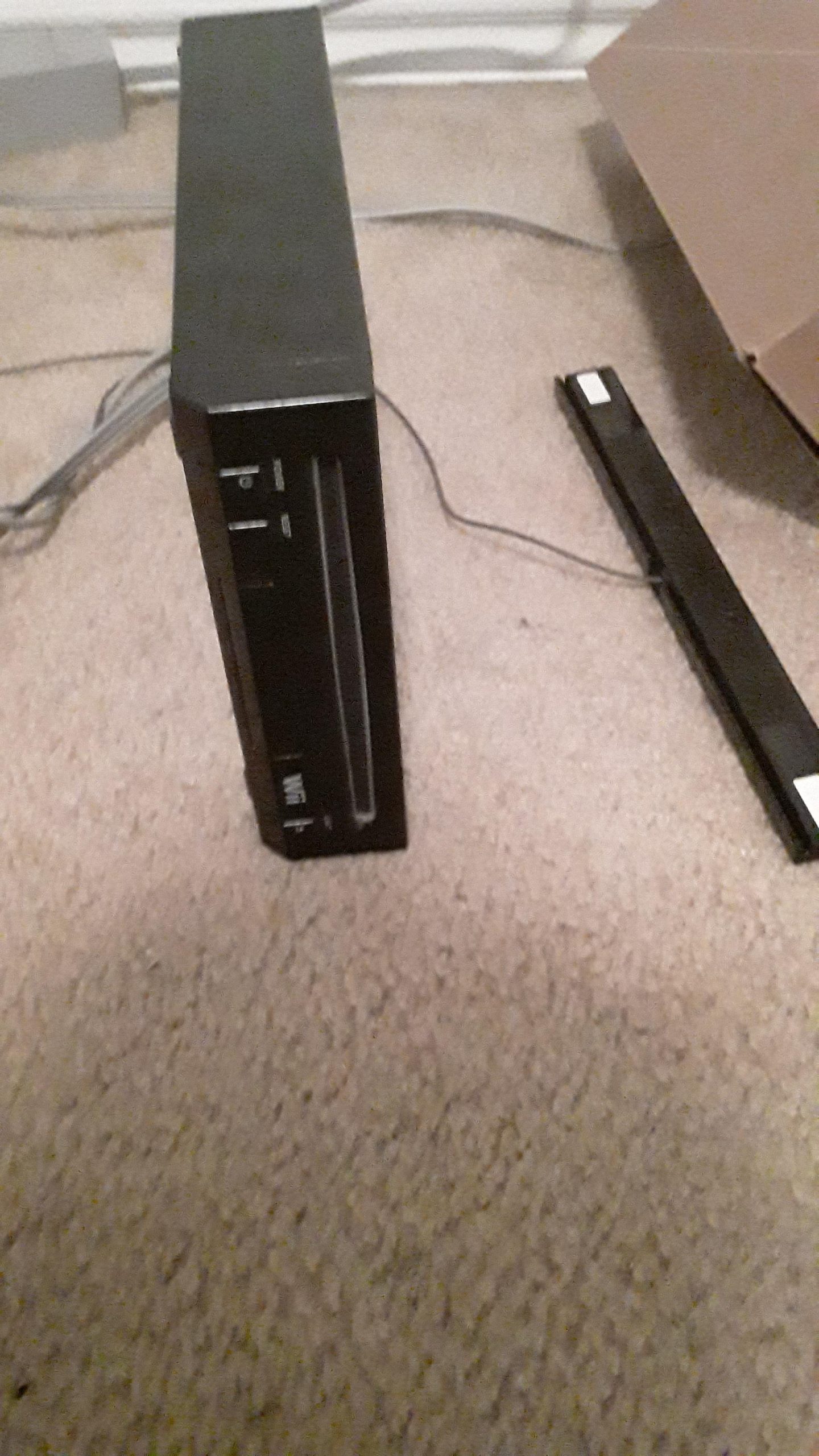
Yes, the original model of the Wii can play GameCube games.
Remember popping in your favorite GameCube game and settling in for hours of fun? If you have a Wii, you might be wondering, “does the wii play gamecube games?”
The good news is that the original Wii models are backwards compatible! This means you can revisit those classic titles on your Wii console.
However, not all Wii models can play them. Later revisions, like the Wii Mini, removed this capability. So it’s important to know which Wii you have if you’re planning a retro gaming session.

Does the Wii Play GameCube Games?
Yes, the original Nintendo Wii is capable of playing GameCube games. This was a key feature that broadened the Wii’s appeal. Many gamers appreciated the backwards compatibility.
However, there are some important details you need to know. Not every Wii model supports GameCube games. Knowing the differences is essential.
Wii Models and GameCube Compatibility
There are different models of the Wii. Some play GameCube games, and others do not. Let’s break down the key differences.
Original Wii (RVL-001)
The original Wii model, identified by the model number RVL-001, fully supports GameCube games. This model has the necessary hardware and ports. It’s the version most people associate with GameCube compatibility.
You can easily spot this model by looking at the back. It has four GameCube controller ports and two memory card slots. These are essential for playing GameCube games.
Wii Family Edition (RVL-101)
The Wii Family Edition (RVL-101) is where things get tricky. This model was designed to be more family-friendly. Unfortunately, it removed GameCube support.
This version does not have the GameCube controller ports or memory card slots. If you have this model, you cannot play GameCube games directly. It was designed to be a budget-friendly option.
Wii Mini (RVL-201)
The Wii Mini (RVL-201) is the most limited model. It was designed as an even more affordable option. It also lacks GameCube compatibility.
This model doesn’t even have an SD card slot. It’s significantly different from the original Wii. Don’t expect to play GameCube games on this console.
Identifying a GameCube Compatible Wii
Knowing how to identify a compatible Wii is crucial. You don’t want to buy the wrong model. Here’s how to be sure.
Check the Model Number
The model number is the most reliable indicator. Look for “RVL-001” on the console’s label. This confirms it’s the original Wii.
The model number can usually be found on the bottom of the console. This is your best bet for accurate identification.
Look for GameCube Ports
Visually inspect the back of the console. The presence of four GameCube controller ports is a dead giveaway. These ports are unique to the original Wii.
Also, check for the two memory card slots. These are located near the controller ports. If these are missing, it’s not a GameCube compatible Wii.
Checking the Box (If Available)
If you have the original box, check for GameCube-related logos or mentions. The original Wii box usually highlights this feature. This isn’t always a guarantee, but it can provide a clue.
Keep in mind that boxes can be swapped. Always double-check the console itself.
How to Play GameCube Games on a Compatible Wii
Playing GameCube games on a compatible Wii is straightforward. You just need a few things. Here’s a step-by-step guide.
Required Equipment
GameCube Game Disc: You’ll need the actual GameCube game disc.
GameCube Controller: You need a GameCube controller to play.
GameCube Memory Card: A memory card is needed to save your progress.
Steps to Play
1. Insert the GameCube Game Disc: Place the GameCube disc into the Wii’s disc slot. The Wii will recognize the disc automatically.
2. Connect the GameCube Controller: Plug your GameCube controller into one of the controller ports on the Wii.
3. Power on the Wii: Turn on the Wii console. The GameCube game should start automatically.
4. Insert Memory Card (Optional): If you want to save your game, insert a GameCube memory card into one of the memory card slots.
Advantages of Playing GameCube Games on Wii
There are several advantages to playing GameCube games on the Wii. It’s not just about backwards compatibility. There are benefits to consider.
Convenience
The Wii allows you to play both Wii and GameCube games on one console. This saves space and eliminates the need for multiple systems. It’s a convenient solution for gamers.
You don’t need to hook up multiple consoles to enjoy your favorite games. This simplifies your gaming setup.
Upscaling Potential
While the Wii doesn’t drastically upscale GameCube games, it can slightly improve the image quality. This can make the games look a bit sharper on modern TVs. It’s a subtle, but noticeable improvement.
Some users also utilize homebrew software for further upscaling. This can yield even better results.
Controller Options
The GameCube controller is widely regarded as one of the best controllers ever made. Playing GameCube games on the Wii allows you to use this controller. Many prefer it over the Wii Remote for these games.
The GameCube controller’s ergonomic design is comfortable for long gaming sessions. This makes it a preferred choice for many gamers.
Potential Issues and Troubleshooting
While playing GameCube games on the Wii is usually seamless, you might encounter some issues. Here’s how to troubleshoot common problems.
Game Not Loading
If the GameCube game doesn’t load, try cleaning the disc. Use a soft cloth to wipe the disc surface. Scratches can also prevent the game from loading.
Also, ensure the Wii’s disc drive is functioning correctly. Test with another game to rule out a hardware issue.
Controller Not Working
If your GameCube controller isn’t working, make sure it’s properly connected. Check the controller port for any damage. Try a different controller to see if the issue is with the controller itself.
Sometimes, simply unplugging and re-plugging the controller can fix the issue. Ensure the controller is compatible with the Wii.
Memory Card Issues
If your memory card isn’t being recognized, try cleaning the contacts. Use a cotton swab and isopropyl alcohol to clean the memory card’s metal contacts. Also, make sure the memory card is inserted correctly.
A corrupted memory card can also cause problems. Try using a different memory card to see if that resolves the issue.
GameCube Games that Shine on the Wii
Some GameCube games particularly shine when played on the Wii. Here are a few standout titles. These games are worth revisiting on your Wii.
Super Mario Sunshine
Gameplay: This is a classic 3D Mario adventure with a unique water-based mechanic.
Visuals: The bright and colorful visuals look great on the Wii.
The Legend of Zelda: The Wind Waker
Art Style: The cel-shaded art style is timeless and still looks fantastic.
Adventure: Explore a vast open world filled with islands and secrets.
Metroid Prime
Atmosphere: Immerse yourself in the haunting and atmospheric world of Metroid Prime.
Gameplay: Experience a first-person adventure with exploration and combat.
Resident Evil 4
Action: A revolutionary action-horror game that redefined the genre.
Tension: The intense and suspenseful gameplay is still thrilling today.
Animal Crossing
Relaxation: A relaxing and charming life simulation game.
Community: Build your own town and interact with adorable animal villagers.
Homebrew and GameCube Games on Wii
The Wii’s homebrew scene opens up even more possibilities for GameCube gaming. You can enhance your experience with custom software. However, proceed with caution and understand the risks.
What is Homebrew?
Homebrew refers to custom software and applications developed by independent programmers. These programs are not officially supported by Nintendo. Installing homebrew can void your warranty.
Homebrew can unlock features and functionalities not available in the original system software. It expands the capabilities of your Wii.
Benefits of Homebrew for GameCube Games
Force Widescreen: Some homebrew applications allow you to force GameCube games into widescreen mode.
Texture Packs: Enhance the visuals of GameCube games with custom texture packs.
Save State Management: Create and load save states at any point in the game.
Risks of Homebrew
Bricking Your Wii: Incorrectly installing homebrew can damage your Wii.
Voiding Warranty: Modifying your Wii can void your warranty.
Security Risks: Downloading homebrew from untrusted sources can expose your Wii to security risks.
Alternative Methods to Play GameCube Games
If you don’t have a GameCube compatible Wii, there are alternative ways to play GameCube games. These methods provide different options for experiencing these classic titles.
GameCube Console
The original GameCube console is the most authentic way to play GameCube games. It offers the original hardware and experience. This is the purest way to play the games.
The GameCube has its own unique controller and accessories. It’s a dedicated platform for these games.
Dolphin Emulator
Dolphin is a popular GameCube and Wii emulator. It allows you to play these games on your computer. It supports upscaling and enhanced graphics.
Dolphin is available for Windows, macOS, and Linux. It requires a relatively powerful computer.
GameCube on Nintendo Switch (Rumored)
There have been rumors about GameCube games coming to Nintendo Switch Online. While not yet confirmed, this would be a convenient way to play these games. This would offer a modern way to access the games.
Nintendo has been adding classic games to Nintendo Switch Online. GameCube games could be a future addition.
The Legacy of GameCube Compatibility on the Wii
The Wii’s GameCube compatibility was a significant feature. It broadened the console’s appeal and preserved gaming history. It allowed players to enjoy both new and classic games.
This backwards compatibility helped transition GameCube owners to the Wii. It provided a bridge between generations. It was a smart move by Nintendo.
It’s unfortunate that later Wii models removed this feature. Many gamers appreciated the ability to play GameCube games. It was a valuable asset.
Does This Wii Play GameCube Games?
Final Thoughts
So, can your Wii play those old GameCube favorites? Read on to find out!
Some models of the original Wii are indeed compatible with GameCube games. The console features controller ports and memory card slots specifically for GameCube accessories. This allows you to enjoy a wide library of classic titles.
However, not all Wii models offer this backward compatibility. Later revisions of the Wii, such as the Wii Mini, removed the GameCube ports entirely. This means those models cannot play GameCube games.
Therefore, does the Wii play GameCube games? Only original Wii models with GameCube ports offer this feature. It must be an original Wii to play your older games.

