
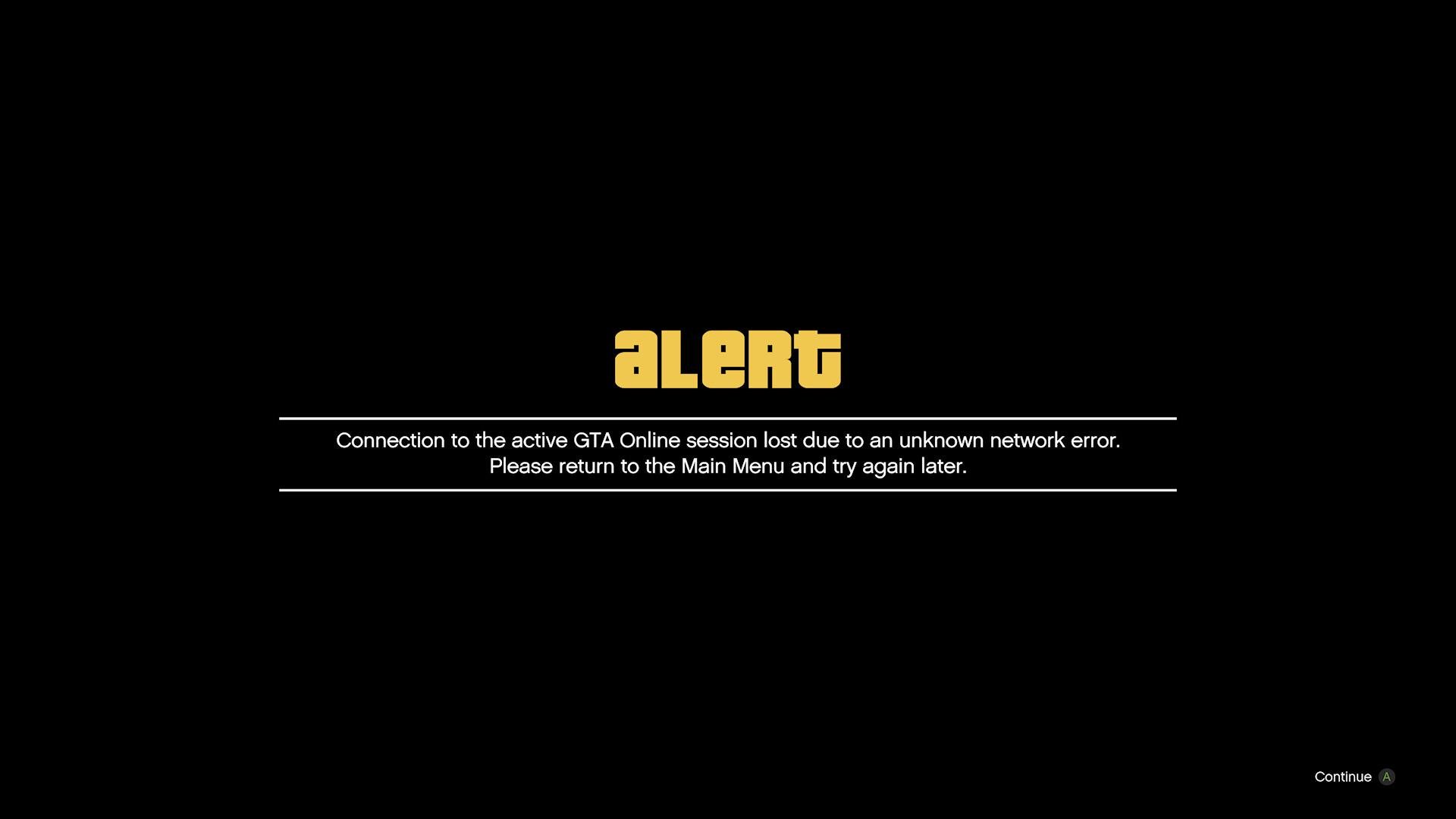
Troubleshooting GTA 5 online connection problems typically involves checking your internet connection, restarting your router and game, and verifying game server status.
Frustration mounts when you want to cruise Los Santos with friends, but gta 5 online connection problems stop you. These issues can ruin your gaming experience. You’re not alone though, many players face similar hurdles with their online play.
This article helps you navigate the common causes behind these frustrating problems. You’ll find simple solutions to get you back into the game quickly. Learn to improve your connection and get back to the action.

GTA 5 Online Connection Problems: Why Can’t I Play?
Okay, let’s talk about something that can be super annoying: GTA 5 Online connection problems. You’re all set to cruise around Los Santos, maybe pull off a heist with your friends, and then BAM! You get stuck staring at a loading screen or worse, kicked right out of the game. It’s frustrating, right? You’re not alone. Lots of players face these issues, and it can feel like a mystery trying to figure out what’s going wrong. So, let’s break down the most common reasons why you might be having trouble connecting to GTA Online and, more importantly, what you can do to fix them. We’ll look at everything from your own internet to the game servers themselves.
Is it My Internet? The Most Common Culprit
Before we get into any fancy stuff, let’s start with the most common cause of GTA Online problems: your internet connection. Think of your internet like the road your game data travels on. If that road is bumpy, full of potholes, or blocked, your game isn’t going to have a smooth ride.
Checking Your Internet Speed
First, let’s make sure you have enough internet speed. GTA Online needs a decent connection to run well. If your internet is too slow, you’ll likely experience lag, disconnections, and other annoying issues. You can use online speed test tools like speedtest.net or fast.com. These tools show your download and upload speeds. Here’s a general idea of what speeds you need:
Download Speed: A minimum of 5 Mbps (megabits per second) is recommended, but 10 Mbps or more is better for a smoother experience.
Upload Speed: Aim for at least 1 Mbps, but again, faster is better.
If your internet is much slower than these speeds, that’s a strong sign of trouble.
The Importance of a Stable Connection
It’s not just about speed, it’s also about how consistent your internet is. Imagine your internet speed going up and down like a rollercoaster. Even if it’s fast most of the time, those dips can cause problems in online games. This is called latency or ping. To check for this, try playing other online games or doing a speed test multiple times in a short period. If your speeds are jumping all over the place, that means your internet connection is not stable. A wired connection using an ethernet cable is much more stable than Wi-Fi. If possible, connect directly to your router to reduce those fluctuations.
Restarting Your Modem and Router
Sometimes, the solution is as simple as restarting your equipment. Think of it like a computer that needs a reboot. Turn off your modem and router, wait for about a minute, and then turn them back on. This process can clear up any minor glitches causing the issues. It’s a good first step before trying other solutions.
The Dreaded NAT Type: What is It?
Another major factor in GTA Online connectivity is something called NAT type (Network Address Translation). NAT is like a traffic director for your internet connection. It helps your devices share a single internet connection safely. There are a few different NAT types, and some are more restrictive than others.
Understanding NAT Types
Here’s a basic breakdown of the common NAT types you might encounter:
Open/Type 1: This is the best type of NAT. It allows you to connect to anyone, anywhere, without issues.
Moderate/Type 2: This type can still connect to most players but might have some problems connecting to those with a strict NAT.
Strict/Type 3: This is the most restrictive type, and it can severely limit who you can connect to online. This can lead to disconnections and difficulty joining other players’ sessions.
If you are experiencing connection issues, then most probably you are having a strict nat type connection. you can check your nat type in your game console network settings menu or in your router settings.
How to Improve Your NAT Type
If you find yourself with a strict NAT, don’t worry, there are steps you can take to improve it:
Port Forwarding: This is like opening specific lanes on your internet road for GTA 5 to use. It can help allow the game’s traffic through your router without issue. You will need to log in to your router’s settings page and find the port forwarding section. Each router is different, but usually, you can find the information about how to port forward for GTA 5 online on the internet easily. Here are the ports GTA 5 uses (Both UDP and TCP for these):
- 6672
- 61455
- 61456
- 61457
- 61458
UPnP (Universal Plug and Play): This is a feature that can automatically open necessary ports. Look for this setting in your router’s interface and turn it on. Some routers may have issues with UPnP so port forwarding might be a more stable solution in some cases.
DMZ (Demilitarized Zone): This setting basically makes your console or PC the only device with full internet access. It can work, but this solution should be used only as a last option as it can be a security risk.
Contact your Internet Service Provider (ISP): Sometimes, your ISP might be restricting your connection, and they might be able to help you change your NAT type.
Remember, these steps require accessing your router’s settings, and if you’re not comfortable with that, it’s a good idea to ask someone who is or contact your ISP for assistance.
GTA 5 Game Server Issues: When It’s Not You, It’s Them
Sometimes, even with a perfect internet connection and a great NAT type, you might still struggle with GTA 5 Online connection problems. The issue might be with the game servers themselves. These are the big computers that host the GTA 5 Online world.
Server Maintenance and Outages
Just like any computer, game servers require maintenance. Rockstar, the company that made GTA 5, sometimes takes servers offline for updates or repairs. During these times, you will probably have issues connecting to the game. Check their official social media accounts or other GTA 5 news websites for the latest information about any scheduled maintenance or outages.
High Traffic Times
During peak hours (like evenings and weekends), lots of people try to play at the same time. This can overload the servers, leading to slower connections and disconnections. Try playing at off-peak times, if possible, to avoid server overload.
Rockstar’s Service Status Page
Rockstar has a service status page that you can check for updates on the status of their services. This page will tell you if any services are down or experiencing issues. Make it a go-to place whenever you encounter connectivity issues.
Firewall and Antivirus Conflicts: The Silent Blockers
Your computer’s firewall and antivirus software can sometimes mistake GTA 5 for a harmful program and block it from connecting to the internet.
Allowing GTA 5 Through Your Firewall
Your firewall is like a security guard, protecting your computer from bad stuff. But sometimes it might be a little too strict. To allow GTA 5 to connect, you will have to add the game to your firewall exception list. This process will be slightly different depending on the firewall you are using but generally, you will have to find the firewall section on your computer settings then look for ‘allow application through firewall’ and add the GTA 5 game executable or game launcher to the allow list.
Temporarily Disabling Your Antivirus
Sometimes, antivirus software can also interfere with the game’s connection. You can temporarily disable your antivirus to see if that solves the issue but be sure to turn it back on after testing. If disabling the antivirus fixes the issue, then try to add the GTA 5 game directory to the antivirus’s exception list.
Other Potential Issues and Solutions
We’ve covered the most common causes of connection problems. Here are some other things to try:
Updating Your Network Drivers
Make sure that your network card or wifi adapter drivers are up-to-date. Outdated drivers can cause issues with online connectivity. To update your network drivers you will have to go to device manager and find the network adapter, then right click on it and click ‘update driver’.
Verifying Game Files
Sometimes game files can get corrupted. You can verify the integrity of game files in your game launcher (Steam or Epic Games Store). It will check if the game files are complete and repair any corrupted files.
Clearing Cache
Temporary files and cached data can sometimes cause problems. Clearing your system’s cache can be a helpful step. On PC, this includes temporary internet files, system files, and application caches. For consoles, this typically involves a console reboot or a clearing specific caches within the system menu.
Changing DNS Servers
Sometimes, switching to a public DNS server, like Google DNS or Cloudflare DNS, can improve connection speeds and stability. The process of changing DNS settings differs slightly depending on your device but it usually involves going to your device’s network settings and manually inputting the DNS servers. You can find the DNS server address on the internet for the public DNS server of your choice.
Checking for Background Applications
Some background apps can use a lot of your internet bandwidth or computer processing power. Close any non-essential programs that might be interfering with GTA 5.
Contacting Rockstar Support
If you’ve tried everything, and you’re still struggling, Rockstar support can provide more specific help. They can look into your account and your situation and give you advice that is tailored for you.
Troubleshooting GTA Online connection issues can sometimes feel like a lot of work, but these steps can help identify the root of the problem and get you back into Los Santos. Remember to go step by step and rule out the problems one by one.
Trying to figure out what’s causing these issues can feel a bit like detective work, but the payoff is worth it. Getting back to exploring Los Santos with your friends is the goal, and using these tips and tricks should help you. From internet speeds and NAT types, to server issues and pesky firewall settings, there are solutions available, so keep at it, and you’ll be cruising around in no time.
How to fix GTA Online Rockstar Game Service Not Unavailable Right Now
Final Thoughts
In essence, persistent GTA 5 Online connection problems disrupt gameplay. Players experience lag, disconnections, and difficulties joining sessions. These issues stem from varied causes, including server issues and network configurations. Addressing these problems requires troubleshooting steps.
Focusing on improving your connection is essential for stable gameplay. Check your internet stability, restart devices and update game files. We also have to consider the server status for potential outages. Resolving gta 5 online connection problems greatly enhances your gaming experience.

