
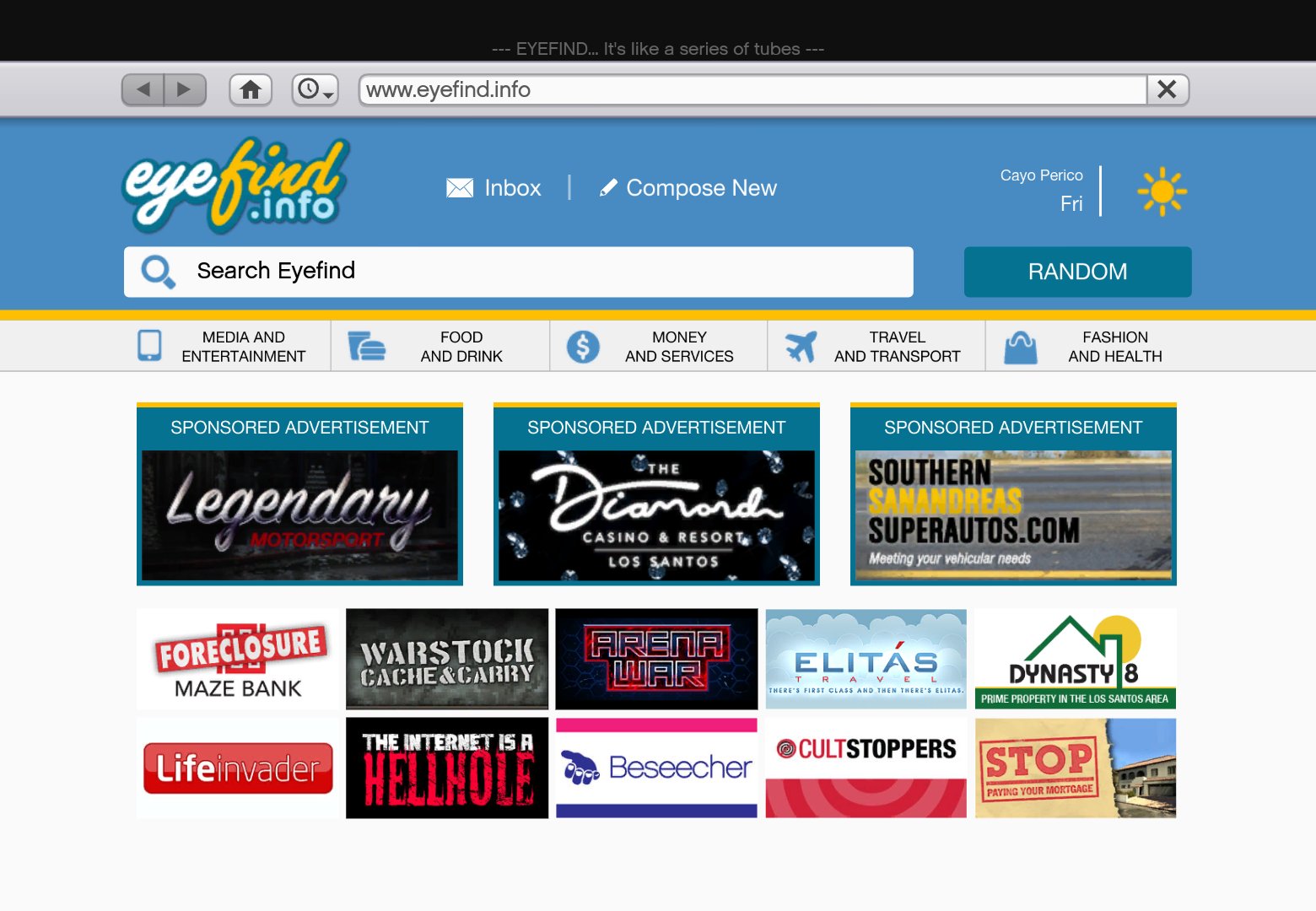
To access GTA 5 Online, go to site specific for your platform, such as the Rockstar Games website or your console’s online store, then navigate to the GTA Online section.
Ready to jump into the chaotic world of Los Santos? It can be tricky to find where exactly you need to go. We’ll guide you on how to get to the correct place to play this popular game. Many players get lost trying to find how to start playing.
Following the correct steps will make sure you access the exciting world of GTA 5 Online go to site without any issues. It is straightforward once you understand the process, you’ll be causing mayhem with friends in no time. Let’s get you going right away.

GTA 5 Online: Go to Site – Your Gateway to Los Santos
Alright, let’s talk about diving into the wild world of GTA 5 Online. You’ve probably heard stories, seen clips of crazy car chases and even crazier heists. But where does it all actually happen? Well, that’s what we’re here to explore: getting you to the right place to start your adventures in Los Santos. When we say “go to site” in the context of GTA 5 Online, we are referring to accessing the game itself, either through your console, PC, or even possibly through cloud gaming. We’re not talking about visiting a specific website, but rather how you get into the game to experience everything it has to offer.
Accessing GTA 5 Online on Different Platforms
The way you “go to site,” or rather, get into the game, changes depending on what device you’re playing on. Let’s break down how to access GTA Online on a few main platforms:
PlayStation (PS4 and PS5)
If you’re playing on a PlayStation, follow these steps:
- First, make sure your PlayStation console is connected to the internet.
- Turn on your PlayStation and go to the game library.
- Find the GTA 5 game icon and select it.
- Once the game starts, you’ll see the main menu.
- From the main menu, choose “Online.”
- You may need a PlayStation Plus membership to access the online mode. If you don’t have it, you will be prompted to subscribe.
Xbox (Xbox One and Xbox Series X/S)
Here is how to get started on Xbox:
- Make sure your Xbox is online.
- Go to “My games & apps”.
- Find and select GTA 5.
- When the game loads, you’ll see the main menu.
- Choose the “Online” option from this menu.
- Like PlayStation, Xbox requires an Xbox Live Gold or Game Pass Ultimate membership for online play.
PC (Steam, Epic Games, Rockstar Launcher)
PC players have a few options depending on where they purchased the game:
- Steam: If you bought GTA 5 on Steam, open the Steam app. Find the game in your library and click “Play.” Once the game starts, choose “Online.”
- Epic Games: For players who got GTA 5 from Epic Games, open the Epic Games launcher. Go to your library, select GTA 5, and start the game. Choose “Online” from the main menu.
- Rockstar Launcher: If you bought the game directly from Rockstar, open the Rockstar Games Launcher. Find GTA 5 in the list of your games and launch it. Then select the “Online” option.
Regardless of which launcher you use on PC, make sure that you are logged in to your correct Rockstar Social Club account, as this is required to play online.
Creating Your Online Character
Once you get to the “Online” option, you will be prompted to create your character. This is an important first step because this character will be the one you use to explore Los Santos and carry out all the missions and activities in GTA Online. Here are some tips to keep in mind:
- Appearance: Spend some time creating your character. You can customize their appearance a lot, including their hairstyle, clothes, and general look. You are not stuck with your choices, but you will need to pay in-game money to change them again.
- Stats: You will also choose certain stats when you create your character. These stats will gradually improve as you play the game. For example, your stamina will improve as you run and swim more, and your shooting skills will get better as you shoot more.
- Personality: You will also choose a personality for your character through the way that you play the game, such as if you are a law-abiding citizen or someone who creates havoc. There are not any real rules, as you make your own stories.
Navigating the Online World
Okay, so you’ve created your character and now you are in the world. What’s next? The world of GTA Online can be a little intimidating, but understanding some basics will make things smoother. Here’s what you need to know:
The Interactive Map
The map in GTA 5 Online is your best friend. Here’s how to use it:
- Open the map (usually by pressing the ‘Start’ or ‘Options’ button, or the ‘M’ key on PC).
- You’ll see markers for different activities, shops, missions, and your friends.
- Use the map to set waypoints, which will give you directions to the place you want to go.
- Use filters on the map to show or hide certain icons, which can be helpful in a busy online session.
Understanding Sessions
When you load into GTA Online, you’ll be placed in an online session. These are the game’s servers, where you play with others. There are a few kinds of sessions:
- Public Sessions: These are the most common sessions. These servers can hold a lot of players and feature the main gameplay of Los Santos.
- Invite Only Sessions: These sessions are for you and your friends only. You don’t have to worry about random people joining and potentially causing chaos.
- Crew Sessions: These are sessions specifically for members of a “Crew,” a group of players who play together often.
Activities and Jobs
The heart of GTA Online lies in its jobs and activities. There is a ton to do:
- Missions: These are story-driven jobs that can be completed by yourself or with friends. They often involve a series of objectives and pay money. You can start these from contacts on your in-game phone, or by approaching various NPC’s throughout the game.
- Heists: Heists are more elaborate, multi-stage missions that require careful planning and coordination. These are some of the most fun and profitable activities you can do in GTA Online, and a great way to experience the game with your friends.
- Races: If you like cars, you can partake in street races, off-road races, and more. There are all different kinds of races with lots of different vehicles that can be used.
- Freemode Events: These are events that occur randomly in the open world. They can be fun ways to make money, with various missions and activities that can pop up suddenly.
- Business Ventures: GTA Online also lets you buy different properties and businesses, like nightclubs or bunkers. You can then manage these businesses and get paid for your work.
Earning Money in GTA Online
Money is the driving force in GTA Online. You’ll need it to buy cars, weapons, apartments, and businesses. Here are the main ways to make money:
- Missions and Jobs: The most basic way to earn money is by completing missions, heists, and various jobs. These pay well and provide a fun way to engage with the game.
- Business Sales: If you own a business, you can make money by selling goods that you produce. For instance, you can sell weapons from your bunker or product from your nightclub.
- Freemode Events: Participating in freemode events can be profitable, especially if you can win them.
- Daily Objectives: Every day, you will receive several daily challenges. Completing these objectives is a quick way to get some extra cash and experience points.
Interacting with Other Players
GTA Online is a multiplayer experience, so understanding how to communicate with and interact with others is important. Here’s what to keep in mind:
Communication
GTA Online has a few ways to talk to other players:
- Voice Chat: If you have a microphone, you can talk to other players via voice chat. This is often the easiest way to communicate while playing.
- Text Chat: If you don’t have a mic, or just prefer not using it, you can use the text chat. This is available on all platforms and is useful for quick messages.
Forming Crews
If you plan to play the game frequently, you might want to find a “Crew.” This is a group of players that you can regularly play with and work together with. They are very similar to clans or guilds from other games.
Respecting Other Players
Remember that the other characters in the game are real people. While a little bit of rivalry and friendly competition can be fun, it is important to respect others while playing. Always be polite and do not do anything that would make it difficult for others to enjoy the game. Remember that being respectful will make the game more fun for everyone.
Tips and Tricks for New Players
Starting out in GTA Online can be a bit overwhelming. Here are some tips to help new players:
- Complete the Tutorial: The game will guide you through some basic steps when you first start. It’s a good idea to play the tutorial and learn what you need to know.
- Start with Contact Missions: Contact missions are a good way to learn the mechanics of the game and make some money.
- Find a Group to Play With: Playing with friends or other players you know can make things much easier and more enjoyable.
- Don’t Spend Too Much Money Too Early: It can be easy to spend all your money on cars and clothes. It is better to save up for things that will help you make more money, like businesses or better weapons.
- Learn How to Use the Map: The map is the most important tool that you have. Learn how to use it effectively.
Staying Safe in GTA Online
It’s a good idea to take precautions when playing online. Here are some tips to keep your account safe:
- Use Strong Passwords: Make sure that all of the accounts you use for playing games use strong passwords.
- Avoid Scams and Cheats: There are many scammers in online games. Be careful about any suspicious offers of free money or other things that seem too good to be true.
- Be Careful with Personal Information: Don’t share your personal information with other players.
The world of GTA 5 Online is always growing, with new updates and content being added by Rockstar. There is always something new to explore or something new to do. By going to the right location, and taking time to learn the mechanics, you can get the most out of this incredible online experience. Get out there and cause some chaos, and maybe even make some friends along the way!
Welcome to GTA Online 2025.. The NEW GTA Online UPDATE Today! (New GTA5 Update)
Final Thoughts
GTA Online provides a vast, dynamic world for players. Exploring its features can be incredibly engaging. Players often seek resources to enhance their gameplay experience.
For a direct path to the game, remember “gta 5 online go to site.” This phrase leads you to the official portal. It’s a quick way to access the game directly and skip any middlemen.
Ultimately, going to the official site is the simplest and most secure method to begin. With “gta 5 online go to site,” you can be playing quickly.

