
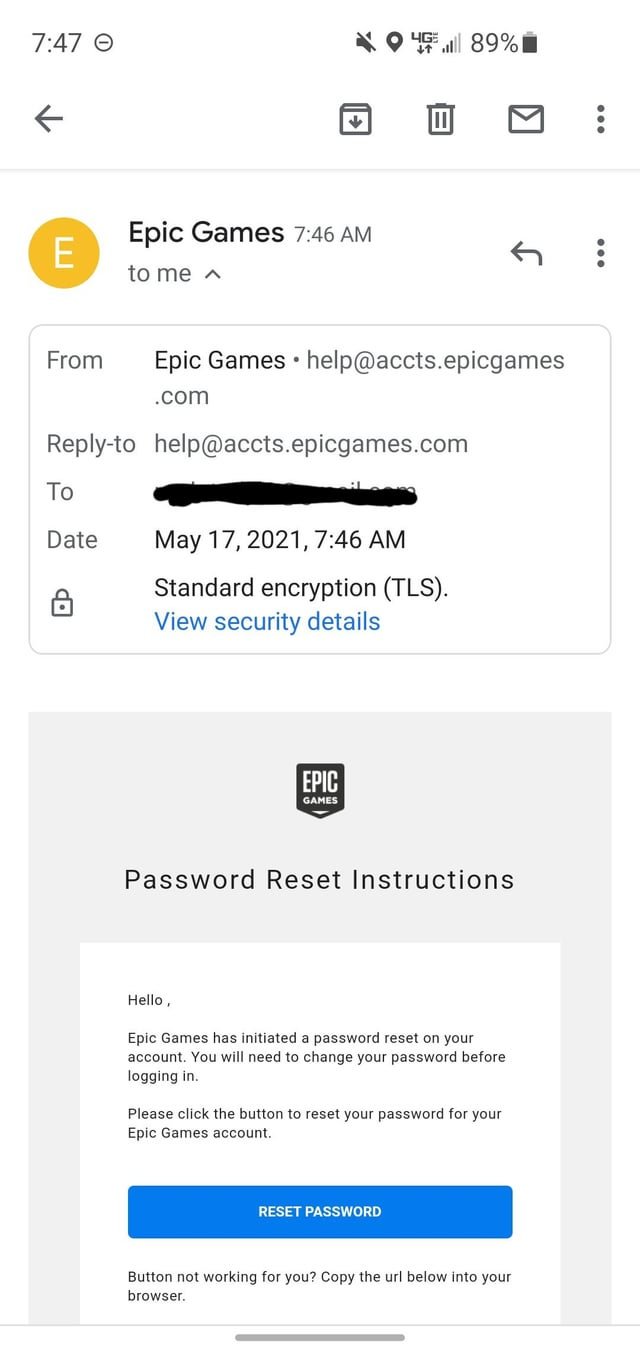
You can email Epic Games by using their contact form on their website’s support page, rather than sending a direct email.
Having an issue with Fortnite or another Epic Games title and need help? Figuring out how to contact the company can feel a bit confusing. Many users search “how do i email epic games” expecting to find a direct address.
It’s not quite that simple. Epic Games handles support requests primarily through their online system. This system allows them to better track and respond to the many inquiries they receive.
They don’t publish a general email address for support. Instead, navigating to their website and locating the contact form is the way to get in touch.

How Do I Email Epic Games?
Okay, so you’ve got a question for Epic Games, the folks behind awesome games like Fortnite, Rocket League, and Fall Guys. Maybe you need help with your account, want to report a bug, or have some other burning question. Figuring out how to actually email them can sometimes feel like a quest itself! Don’t worry, we’re going to make it easy peasy. While Epic Games doesn’t have a direct, publicly posted email address like you might expect, they do have a fantastic support system that includes email communication. It’s just a little different than typing an email directly to [email protected]. Let’s jump into how you can get in touch using the methods they’ve set up, and make sure your message reaches the right people.
Understanding Epic Games Support Channels
Before we dive into the actual steps of getting in touch, it’s good to know how Epic Games handles support. They primarily use a ticket system. This means you don’t send a regular email, instead, you submit a request through their website or in-game support options. This system helps them keep track of all the questions and requests, and make sure everyone gets help as quickly as possible.
Why They Use a Ticket System Instead of Direct Email
You might wonder why they don’t just have an email address like other companies. Here’s why a ticket system is actually pretty clever:
- Organization: With millions of players, imagine the chaos of everyone sending regular emails! A ticket system keeps things organized, so your request doesn’t get lost in a sea of emails.
- Efficiency: By using a ticket system, they can better track the types of issues that are being reported. This allows them to assign the correct team to help you, which makes the whole process faster.
- Tracking: You get a unique ticket number, which allows you to easily track the progress of your request. You can also check back for updates on your ticket’s status.
- Specific Departments: They can route the ticket to specific departments, like billing or technical support, ensuring the right experts see your issue.
The Step-by-Step Guide to Contacting Epic Games Through Their Support System
Now, let’s get to the heart of the matter – how you actually contact them. Here’s a detailed guide to using their support system and how this can result in email communication.
Step 1: Navigate to the Epic Games Support Website
First, you’ll need to go to Epic Games support website. You can find this by searching “Epic Games Support” in your favorite search engine, or by typing the address into your browser. It’s usually something like help.epicgames.com. The website is the main hub for all things support related for Epic games.
Step 2: Find the “Contact Us” or “Submit a Request” Option
Once you’re on the support page, you will want to find the “Contact Us” or “Submit a Request” option. This link is usually pretty visible on the main support page. It might be a button or a link, but it will always be the place where you start your support request process.
Step 3: Selecting the Right Category
Here’s where things get a little more specific. When you’re submitting your request, you’ll be asked to pick the topic of your message. You will see a list of categories. It’s super important to choose the category that best fits your situation. Here are some common categories you might see:
- Account Issues: Use this if you have any trouble signing in, have forgotten your password, or have questions about your account security.
- Game Issues: This category is where you report technical issues, bugs, crashes or anything else related to how a specific game is working.
- Billing and Purchases: If you have any concerns related to payments or purchases you’ve made in the Epic Games Store, use this section.
- Epic Games Store: If you have problems with the launcher, downloading or installing a game, use this option.
- General Feedback: If you have feedback or suggestions about Epic Games services, you can use this category to let them know your thoughts.
- Report a Player: If you have witnessed someone violating the community rules, this section allows you to report them.
- Privacy Inquiries: For questions about your personal information and data, this category helps with privacy related issues.
Take your time and think about which category is the best fit, as it will help your request get to the right team more quickly.
Step 4: Fill Out the Support Ticket Form
After selecting the right category, you’ll be presented with a form to complete. This form will ask for some specific details about your issue. Be prepared to provide information such as:
- Your Email Address: This is important as this is how Epic will communicate with you about your ticket. Make sure you enter it correctly!
- Your Display Name: Use your Epic Games display name or username (the name other people see when you play a game).
- Platform: The system you’re using to play. This could be PC, PlayStation, Xbox, Switch, or a mobile device.
- Game Title: Which game are you having an issue with? If the problem is with the Epic Games Store or another non-game service, select the appropriate option.
- Description of the Issue: This is the most important part. Explain clearly and simply what the issue is. The more details you provide, the better the support team can help. Be sure to include any error messages, screenshots or videos (if possible) that can give them more insight.
Writing a clear and concise description is the key to a faster and more efficient resolution. Think of it like you are explaining the problem to a friend – but be specific!
Step 5: Submit Your Support Ticket
Once you have filled out all of the required information, look for the button that says “Submit” or something similar. Once you press the button, your support request is sent to Epic Games. You should get a confirmation message, and you will usually receive an email to your registered email address letting you know they received your request and what your ticket number is. This is important to hold on to, in case you need to track your issue.
What to Expect After Submitting Your Support Ticket
So you sent your support ticket, now what? Here’s what usually happens next:
Confirmation Email
Epic Games should send you an email pretty quickly to say they received your ticket. This email will often contain your ticket number and link to the support page so that you can keep track of your request.
Response Time
The time it takes for Epic Games to respond can vary. It can depend on the type of issue, the number of requests they are receiving and the time of day. It’s usually a good idea to be patient, but they do their best to respond as quickly as possible. Usually, you will receive a first response within 24 to 72 hours, but it can be longer depending on the situation.
Ticket Updates
When Epic Games works on your ticket, they will often update it. You will receive an email notification when any updates to your ticket are made. These emails will usually contain more information on what actions are needed next, or if the issue is resolved. To see these updates, you can either check your email or log into the Epic Games support website with your account to view your ticket.
Further Communication
If the support team needs more information, they will contact you directly using the email address you provided in the ticket. They might ask for additional details, screenshots, or other information to help them better understand your issue. Make sure you check your email regularly for any responses. They might have follow-up questions, so it’s important to check your inbox so they can help you quickly.
Resolution
Once the issue has been resolved, they will notify you with an email confirming the status of your ticket. If you are still having issues, you should respond to the most recent email to let them know that the problem continues. This is very important, so that you do not have to submit another ticket. This can happen in situations that are more complicated.
Tips for Writing Effective Support Requests
To make sure you get the quickest and most helpful responses, it helps to have your support request be as clear and helpful as possible. Here are some tips:
Be Clear and Concise
When explaining your issue, try to be as specific as possible. Don’t write long stories, just the key points. Short, simple sentences are always a good idea.
Provide Specific Details
Include any and all details that can help clarify the problem. Details such as:
- Error codes, including the exact numbers or letters.
- The date and time the issue occurred.
- The game mode or area the issue occurred in.
- Game settings, if the issue is related to graphics or gameplay options.
- If possible, include any videos or screenshots that show the problem.
These bits of information can make things a lot easier for the support team and help you get faster resolution.
Use Proper Grammar and Spelling
While it’s understandable that everyone makes mistakes, it’s always a good idea to double check your support request to make sure there are no spelling or grammar mistakes. This will also make sure the support team better understands your issue.
Stay Polite and Patient
Even if you’re frustrated, try to be polite and courteous in your message. The support team is there to help you. Being kind can actually go a long way! They are working hard to get to everyone’s issues, so a little patience and understanding is always very much appreciated.
Keep All Communication in One Ticket
If you have to communicate further with support, do so through the existing ticket, instead of creating a new one. This will ensure that all communication is kept in one place, and the support team will have all the necessary information. Do not send multiple requests for the same issue, as this may further delay the response time.
What If You Can’t Access the Website?
In rare cases, you might have trouble accessing the Epic Games support website. This can be due to server issues or other technical problems. Here are a few things you can try:
Try a Different Browser
Sometimes, your current browser might have a problem. Try using a different browser, such as Google Chrome, Mozilla Firefox, Safari, or Microsoft Edge. This can sometimes help resolve website access issues.
Clear Browser Cache and Cookies
Your browser might have stored old information that is preventing you from accessing the website correctly. Clearing your browser’s cache and cookies can sometimes help. Usually, you can do this in the settings section of your browser.
Check Your Internet Connection
Make sure your internet connection is working. If your internet is not stable, it can cause issues with accessing websites. You may need to reset your internet modem or try connecting to a different Wi-Fi source.
Try Again Later
Sometimes, website issues can be temporary. It might just be a temporary issue on Epic Games side. If none of the above suggestions work, try accessing the website again after a short while. Epic Games will often work to resolve the issues as quickly as possible.
Using In-Game Support
Sometimes, Epic Games also includes a support function directly in their games. You may see an option in the game’s menu, which will often take you directly to the support website, with the relevant categories already selected. The support website can still be used, but the convenience of in game support can be an easier option.
When Emailing Is Not the Best Option
Remember that email support isn’t always the best way to fix your issue. There are other options to consider.
Community Forums
Often, you will find players experiencing similar issues, and the community forums are a great way to look for solutions from other players. You might find a solution or a workaround that can help you solve the problem faster.
Social Media
While it is not recommended for specific problems with your account, Epic Games is very active on social media platforms. You can check these for the latest updates, if there are any ongoing service problems.
Help Articles
Epic Games has a lot of helpful support articles available on their support website. Search for the issue you are experiencing, as there may be solutions that are already available. You can find articles for account, gameplay and store issues, and they can often be the quickest solution.
Contacting Epic Games through their support system does not require you to email them in the usual way, but by going through the proper support channels, you will eventually be able to correspond with the company via email and get the help you need with your Epic Games account and games. Remember to be clear, concise, polite, and patient. By following the steps, you will have your issue resolved as quickly as possible.
Contact Epic Games/Fortnite Support in 2024!
Final Thoughts
To contact Epic Games, use their support website. This is the main way to get help for game issues or account problems. Find the “Contact Us” link usually at the bottom of their pages.
Next, fill out the form with your detailed information. Be clear about your need. This will help them address your issue faster.
How do I email Epic Games? Unfortunately, they do not offer a direct email address. You must use the support portal. Submit your detailed request through their form for assistance.

