
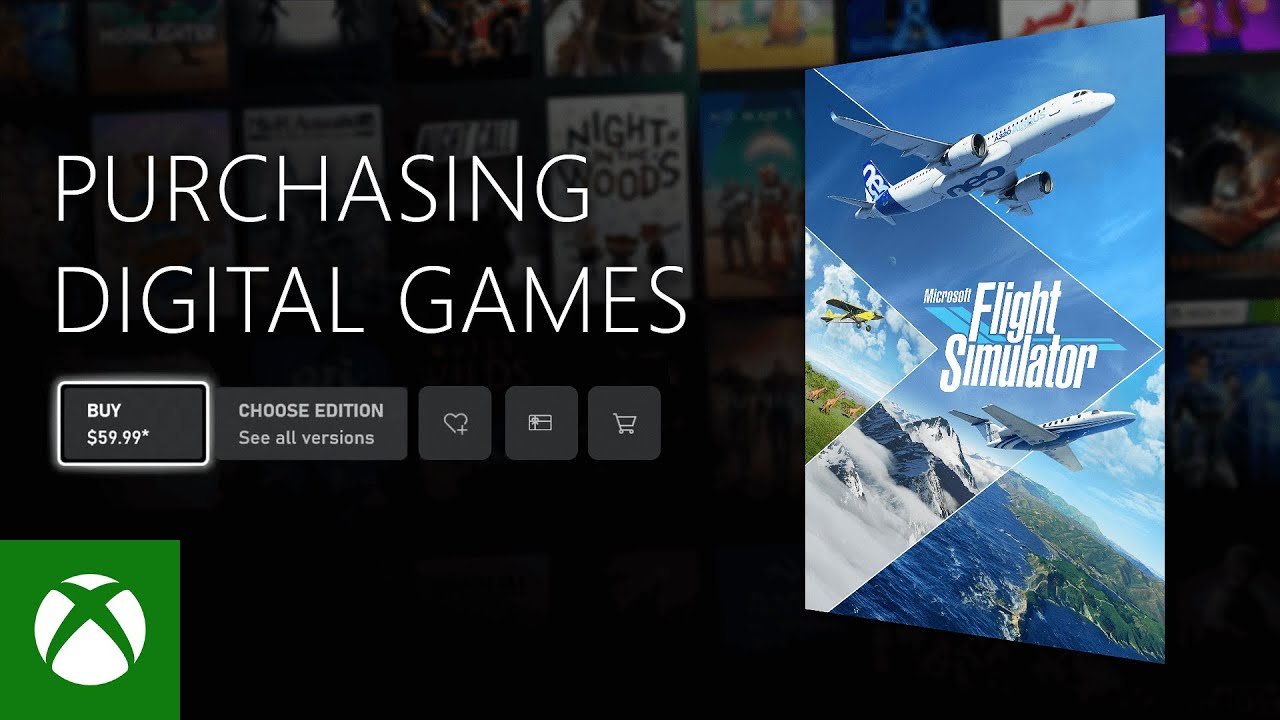
To buy games for Xbox Series S, you can purchase digital titles directly from the Microsoft Store on your console, through the Xbox website, or by using a code from a retailer.
Thinking about getting new adventures on your Xbox Series S? It’s quite simple to expand your gaming library once you know the options. This guide will walk you through the various ways you can add to your collection. How do you buy games for Xbox Series S? Let’s explore the easy methods available.
You have several convenient paths for getting new games. You can browse the digital Microsoft Store directly on the console. Alternatively, you can purchase titles through the Xbox website. Another option is redeeming codes from physical or online retailers.

How Do You Buy Games for Xbox Series S?
Getting new games for your Xbox Series S is like opening a door to exciting adventures! There are many ways to find the perfect game, whether you love racing, exploring new worlds, or solving puzzles. Let’s explore all the options you have for buying games, so you can start playing as soon as possible.
Digital Downloads: The Quickest Route
One of the most popular ways to get games for your Xbox Series S is through digital downloads. Think of it like getting a book on your tablet, but instead, it’s a game on your console. No need to go to the store, just choose, click, and play! Here’s how it works:
Using the Microsoft Store on Your Xbox
The most convenient method is using the built-in Microsoft Store. It’s like a game shop right on your Xbox! Here’s a step-by-step guide:
- Turn on your Xbox Series S. Make sure it is connected to the internet.
- Go to the store. On the home screen, find and click on the “Store” icon. It usually looks like a shopping bag.
- Browse or search. You can look through different categories like “New Releases,” “Top Games,” or use the search bar at the top to find a specific game.
- Select a game. Click on the game you’re interested in. You’ll see details, pictures, and sometimes a video trailer.
- Choose your option. You will see the option to “Buy” or if it is included in a service you might see “Play with Game Pass”.
- Confirm your purchase. Follow the instructions to complete your purchase. You may need to use a credit or debit card, or a gift card.
- Download the game. Once you’ve bought it, the download will start automatically. You can see its progress in “My Games & Apps”.
Buying Through the Xbox Website
If you prefer to browse games on a larger screen or don’t have your console handy, you can also make purchases using the Xbox website:
- Visit the Xbox website. Go to xbox.com using your computer or phone.
- Log into your account. Make sure you’re logged into the same Microsoft account that you use on your Xbox.
- Find a game. Search or browse the games that you want to buy.
- Add to cart. Select the game and choose to add it to your cart, and then proceed to purchase the game.
- Pay for the game. Choose your payment method and confirm the purchase.
- Download on Xbox. The game will start downloading on your Xbox when you turn it on, as long as your Xbox is connected to the internet.
Advantages of Digital Downloads
- Convenience. You can buy and play games without leaving your home.
- Instant access. Once the download finishes, you can start playing right away.
- No physical disc required. This is great if you like a clutter-free gaming area.
- Game preloads. You can pre-order and pre-install certain games to play them the moment they come out.
Xbox Game Pass: A Subscription Service
Xbox Game Pass is like a library of games that you can play for a monthly fee. It’s a fantastic way to enjoy a variety of games without buying each one separately. Think of it like renting a movie but for many games!.
How Game Pass Works
- Sign up for a subscription. You can purchase an Xbox Game Pass subscription through the Microsoft Store or the Xbox website.
- Access to a variety of games. With your subscription, you get access to a large collection of games on your Xbox Series S.
- Play as much as you want. You can download and play the games in the library while they are available in the subscription.
- New games added regularly. The game catalog keeps updating with new releases and old favorites.
Game Pass Options
There are a few different Game Pass options, so choose the one that best suits your gaming needs.
Xbox Game Pass Ultimate
This is the most popular option because it includes all the benefits of regular Game Pass, plus:
- Access to Xbox games on your console, PC, and via cloud gaming on mobile devices.
- Xbox Live Gold, which allows you to play games online with friends.
- EA Play membership, which gives you even more games to play.
Xbox Game Pass for Console
This plan gives you access to the Game Pass game library on your Xbox Series S only.
Xbox Game Pass for PC
This lets you play games on your PC and not on your console.
Benefits of Game Pass
- Cost-effective. You get access to many games for one price, making it cheaper than buying games individually.
- Variety. You can play different kinds of games and discover new ones.
- Try before you buy. You can play games on Game Pass and purchase them later if you want to own them.
Physical Discs: A Collector’s Choice
Although the Xbox Series S is a digital-only console, there are still ways to purchase physical discs for Xbox Series X games, which can then be played on the Series S using cloud gaming. Here’s how:
Understanding Physical Discs with Series S
The Xbox Series S is designed to play digital games only, so you can’t insert a disc directly. However, you can still buy physical games for Xbox Series X for a few reasons.
- Collecting. Many people like to collect physical game cases. Even if you can’t play them directly on a Series S, you can have the cases as part of your collection.
- Cloud Gaming. If you have Xbox Game Pass Ultimate, some physical game purchases can provide access to the cloud gaming version of the game, even if you have the disc for Xbox Series X.
- Gift Giving. Physical games are still great as gifts for friends or family with Xbox Series X consoles.
Where to Buy Physical Games
If you want to buy games on disc, you have several options:
- Game Stores. Visit your local stores that sell video games and gaming merchandise.
- Online Retailers. Websites like Amazon, Best Buy, or Walmart also offer physical games.
- Used Game Shops. These stores often carry pre-owned games, which can save you money.
Accessing Games via Cloud Gaming
As mentioned previously, if you have a Game Pass Ultimate subscription, you might be able to play some games from physical discs using cloud gaming:
- Purchase physical disc. Buy a game disc for Xbox Series X.
- Check for cloud availability. Not all games are available on the cloud. Make sure the game is included in cloud gaming.
- Access via cloud gaming. You can find the game in the cloud gaming section of the Xbox Game Pass app and stream the game.
Xbox Gift Cards: A Great Gift Option
Xbox gift cards are a simple way to add money to your Microsoft account. They’re like a reloadable card for games. They are perfect for presents or when you want to control your spending on games.
Where to Find Xbox Gift Cards
- Stores. Many stores that sell video games or electronics also carry Xbox gift cards.
- Online. You can also buy digital Xbox gift cards on websites like Amazon or Microsoft’s own site.
How to Redeem Gift Cards
To use a gift card, you can redeem it on your Xbox or on a web browser.
Redeeming on your Xbox Series S
- Turn on your Xbox Series S. Make sure it is connected to the internet.
- Go to the Store. Navigate to the Microsoft Store on your console.
- Redeem a code. Look for the option that says “Redeem a Code”. It’s usually in the bottom right of the store page.
- Enter the code. Input the code from the gift card.
- Confirm. After entering the code, you will see how much has been added to your account balance.
Redeeming online
- Visit the Microsoft Redeem site. Go to redeem.microsoft.com on your computer or phone browser.
- Sign into your account. Make sure you’re using the same account that is linked to your Xbox.
- Enter the code. Type the code from the card and click “Next.”
- Confirm the redemption. Your balance will be updated.
Using Gift Card Balance
Once you have redeemed your gift card you can purchase games using your account balance. It is good to note that these balances can be used to purchase many items in the Microsoft store, not just games.
Game Bundles: Saving Money
Game bundles are a fantastic way to get multiple games or game content at a reduced price. You might see bundles with a console and a game, or bundles containing a group of games from the same franchise or a specific genre.
Types of Game Bundles
- Console Bundles. When buying a console, sometimes they include one or more games pre-installed.
- Game Collections. These bundles contain multiple games from a series, such as a collection of racing or puzzle games.
- Add-on bundles. Some bundles include the base game and additional content like downloadable expansions (DLC) or virtual items.
Where to Find Bundles
- Microsoft Store. The Microsoft Store often has special bundles available.
- Retailers. Stores or websites that sell consoles also frequently offer bundles.
- Special Promotions. Keep an eye out for holiday promotions and other special offers for better deals on bundles.
Why Choose Bundles?
- Lower prices. Bundles are usually cheaper than buying the games individually.
- More content. You can get a lot of games and extra content for one price.
- Easy access. It gives you everything you need for gaming.
Buying games for your Xbox Series S can be very fun and easy once you know all the options you have. From digital downloads and Game Pass subscriptions to gift cards and game bundles, there’s something for every type of gamer. Explore these different ways to fill your game library and start enjoying new adventures today!
Purchasing digital games on Xbox Series S
Final Thoughts
You buy games for Xbox Series S primarily through the Microsoft Store on your console. Additionally, you can purchase digital codes from retailers and redeem them. Game Pass is another great option providing access to a library.
Physical games do not apply, the console lacks a disc drive. ‘how do you buy games for xbox series s’ essentially boils down to digital purchases. You can manage your library directly on the device.

