
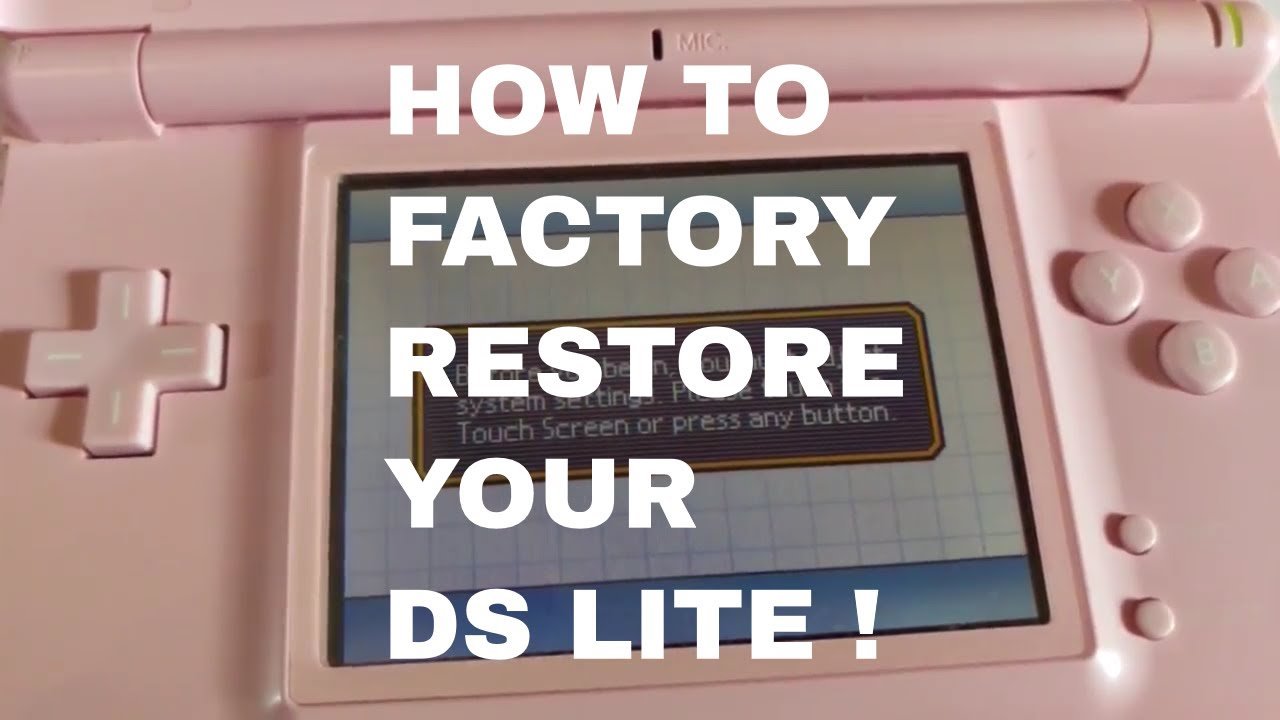
To reset DS games, you typically need to power off the console, then power it back on and begin the game again. Sometimes, a specific in-game menu option is available, but it varies by title.
Have you ever found yourself stuck in a Nintendo DS game and wondered how do you reset ds games? It’s a common question for players of all ages. Sometimes you need a fresh start, or perhaps you accidentally messed something up.
Figuring out the reset process doesn’t have to be a hassle. Thankfully, the procedure is usually quite simple and we’ll walk you through the general method. You’ll be back in the game and ready to play in no time.

How Do You Reset DS Games?
Have you ever wanted to start a Nintendo DS game completely fresh? Maybe you want to replay your favorite adventure, or you’re lending your game to a friend and want to clear your old progress. Resetting a DS game isn’t always as straightforward as hitting a button, but it’s usually quite easy once you know how. Let’s explore the different methods for resetting your games and discuss some common scenarios.
Understanding the Basics of Game Saves
Before we dive into the specific methods, it’s important to understand how DS games save your progress. Unlike modern games that often auto-save or use cloud storage, most DS games save data directly onto the game cartridge itself. This means that the save data is tied to the cartridge and not your console. This is also the reason why you can pick up a game where you left off even after switching to a different DS.
Each game handles saves differently. Some games have multiple save slots, while others only allow one save. Also, the process for starting a new game can vary. This is why we need to look at a variety of methods for resetting. Because of this variety, some games make it quite easy to reset, while others require a few more steps.
Soft Resetting: The Quickest Method
The easiest way to restart many DS games is by performing a soft reset. This action doesn’t erase your save data, but rather returns you to the title screen, from which you can usually choose “New Game” or “Start a new Adventure.” Here’s how to do it:
- Press and hold the A, B, Start, and Select buttons at the same time.
This combo will almost always send you back to the game’s main menu. Once you’re there, look for an option to start a new game or delete an existing save file. Be aware that this method won’t delete any save data unless the game gives you an option to do so on the main menu. It’s just a quick way to get back to the start screen.
When to Use a Soft Reset
Soft resets are great for when:
- You just started a game and quickly want to start over.
- You want to switch to a different save slot without fully shutting off the game.
- You are trying to catch a Pokemon with specific stats, and you don’t want to fully shut down the console between attempts.
Using the Game’s Menu Options to Reset
Most games offer a way to erase save data through their in-game menus. This usually involves navigating to a specific part of the settings or options. It is not always obvious, but most games provide some way for you to clear all of your data.
The location of this option varies depending on the title, but it’s often found in one of these areas:
- Options Menu: Look for a “Delete Save Data” or “Erase Save” selection.
- Title Screen: Sometimes, there is a button combination or an extra option on the main title screen that allows you to erase your data.
- Settings: In some cases you’ll need to navigate to a system settings menu within the game to find the save reset option.
A Step-by-Step Example
Let’s look at an example. Suppose you’re playing a Pokemon game. Generally, on the main menu, there might be a way to erase your save. For example, some Pokemon games might ask you to press the ‘Up’ button, ‘Select’ button, and ‘B’ button at the same time on the title screen. This kind of method is typically put in place to prevent accidental save deletion.
Other games are much more straightforward. A game might have a clearly visible “Delete Save File” option in its in-game settings menu, making it easier to find.
Games That Often Use This Method
Many adventure games, RPGs (Role-Playing Games), and simulation games often use this type of in-game menu option to allow you to manage and clear your save files. This is common in titles where you start a character from scratch, or where multiple save slots are an option.
The Rare Case: Games with No In-Game Reset
Unfortunately, some older DS games do not provide an in-game reset feature. This is uncommon, but it can happen. In these situations, you may have a harder time resetting the game. This often means that the only way to reset is to go to your console’s settings or to find other workarounds.
However, these games are quite rare. Most DS games have some way of handling your save data, either directly in the game’s menu or by using a simple button combination.
Hard Resetting: The Last Resort
If the methods described above do not work, there is one more thing that you can try, and this is known as the “Hard Reset”. While technically not a true reset of the game, it’s sometimes used as a last resort. This involves turning off the DS console completely.
How to Hard Reset
A “hard reset” simply means that you close down the device fully, power it back on, and then start your game again. Here’s how you do it:
- Turn off your Nintendo DS. Make sure it’s completely powered down.
- Remove the game cartridge. This is not always necessary, but it’s a good idea to ensure a full reset, especially if you are having problems with the console.
- Turn the DS back on.
- Reinsert the game cartridge.
- Start the game again. If there are any changes to the game state, it will most likely show up here.
Why this might help is that sometimes if your game or console is experiencing errors, fully shutting down your system and then starting back up may clear out any cached problems with the game. However, this will not erase save data or return you to the start of a game, only a soft reset or the in-game options will do that.
When to Use a Hard Reset
Use a hard reset in situations such as:
- Your game is experiencing glitches or freezing.
- The game is acting strangely, and you want to try and clear the console’s memory.
- As a last resort if you can’t reset the game any other way, although be aware that it will likely not be a true reset.
Important Notes and Considerations
Before you start resetting your DS games, keep these things in mind:
- Read the Game Manual: If you still have the manual for your game, it’s a good resource for finding out how to manage save files. Game manuals will typically tell you how to reset a game’s save data.
- Be Careful: Always be extra careful when deleting a game save. Once a save file is deleted, it cannot be brought back.
- Backups (If Possible): For games with multiple save slots, consider using one as a backup before starting over.
- Check Online Guides: If you are not sure how to delete the save for a specific game, try checking online communities, guides, or forums.
Resetting Specific DS Game Titles
Some games have quirks that make them worthy of special mention. While the general rules we have discussed apply to most DS games, here are some details about how certain popular games are reset:
Pokemon Games
Pokemon games are among the most common games people want to reset. Most Pokemon titles, including the core titles from Diamond and Pearl to Black 2 and White 2, typically require you to use a button combination at the title screen to delete your save. For example, you might have to press the ‘Up’ button, ‘Select’ button, and ‘B’ button on the title screen to reset the save. The most common method is holding up on the d-pad, select, and B at the same time while the Pokemon title logo is showing. Be careful, though; once you delete your save, all your Pokemon are gone.
Animal Crossing: Wild World
In Animal Crossing: Wild World, there isn’t a straightforward way to delete your entire save from the main menu. Instead, you must start the game and then talk to Tom Nook to begin the game with a fresh town. The game will allow you to delete your old save before starting a new one, and this is done through dialogue with Tom Nook. While it’s a little different than other games, it is still a fairly easy process.
Mario and Zelda Games
Mario and Zelda titles on the DS usually have fairly easy-to-find “New Game” or “Erase Save” options in their menus. The process is usually quite simple for these titles. Be aware, however, that there is no general standard across all Mario or Zelda titles. Specific titles may vary on where exactly they place the option in the settings.
Other Games
Many other games, such as Professor Layton, Nintendogs, and Brain Training games, often have a menu option within settings where you can delete all of your saved data or begin a new game. However, as always, the specific location of this option will vary.
Why Resetting is Helpful
Resetting DS games is helpful in many situations, such as:
- Starting a new adventure from the beginning.
- Allowing a friend to play without seeing your save data.
- Trying to experience new game content, like new story options or endings.
- Fixing a game that is acting strange or is not working correctly (although, as mentioned above, this usually requires a soft reset or a hard reset).
Resetting DS games is usually not difficult, but it’s useful to understand the different methods available to you. Whether you’re doing a soft reset to quickly restart, delving into the game’s menu to find the save deletion, or using a hard reset to resolve a problem, these methods will allow you to manage your game saves effectively. Always double check before erasing your save file, however, because once it’s gone, it can’t be restored.
Factory Reset Nintendo DS lite Tutorial. #nintendo #ds #reset #shorts
Final Thoughts
Resetting most DS games is simple. Usually, you power off the console and restart it. If that does not work, try pressing the A, B, X, Y, L, and R buttons simultaneously during startup. This will bring most games to their initial screen.
Alternatively, some games might have a reset option within their menus. Consult your game’s manual if these methods fail. Ultimately, how do you reset ds games really depends on the specific title. The methods provided offer a starting point for most situations.

