
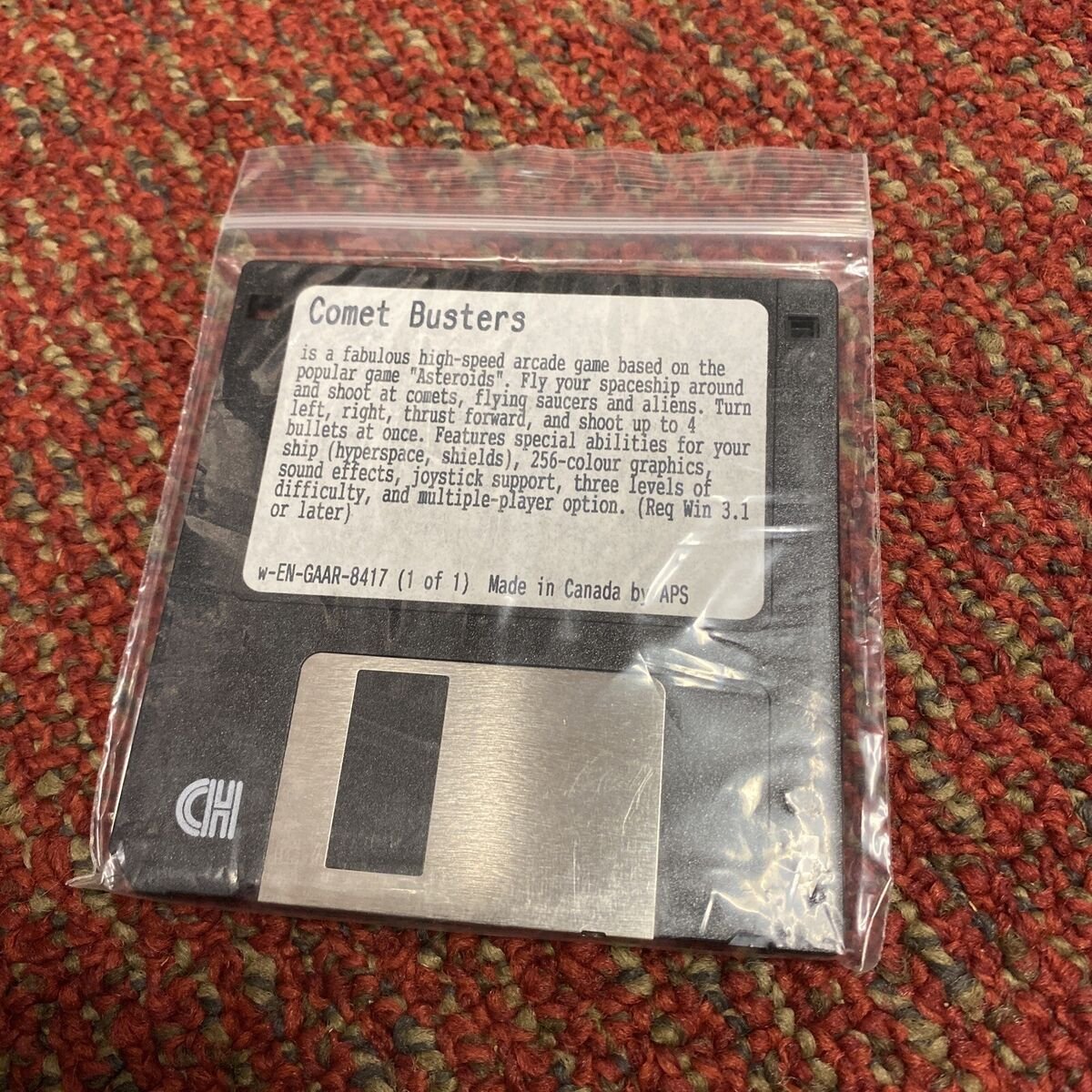
DOS games primarily used 16 colours, although some could manage 256 colours through tricks and specific graphics modes.
Ever wondered about the vibrant, albeit sometimes limited, palettes of classic PC games? The question of ‘how many colours for dos game’ often comes up when reminiscing about those pixelated adventures. Many remember the blocky graphics and the seemingly few choices developers had when it came to color selection.
The truth is, while many games stuck with a default of 16 colours, some ingenious programmers found ways to push the hardware further. They implemented clever techniques to show more than the standard, reaching as high as 256 colours.

How Many Colors for DOS Games?
Ever wondered how those old DOS games looked so different from today’s games? A big part of that difference came from the number of colors they could show. Unlike the millions of colors we see now, DOS games had to work with much smaller palettes. Let’s dive into this world of limited colors and see how it shaped the gaming experience back then. We’ll explore how many colors were really available, what tech made it happen, and how game developers made the best of the situation.
The CGA Era: A Splash of Four Colors
Let’s start at the very beginning. One of the first graphics cards used in PCs was the Color Graphics Adapter, or CGA for short. The CGA card had very limited color options, in fact, only four colors at a time! Sounds crazy, right? These four colors weren’t always the same. The CGA had a few different ‘modes’, each with its own set of colors. Think of it like having a few different crayon boxes, but you could only use one box for each drawing.
CGA’s Palette Choices
Here are some of the common four-color palettes:
- Black, White, Cyan, and Magenta. This is the most typical one and would have appeared in many games.
- Black, Green, Red, and Brown. This was another frequent set of colors used for specific game styles
- For some applications, you might also get a combination that includes: Intensity variations like light and dark versions of some of the colors
With these limited options, game designers had to be really clever about how they used these colors. They used patterns and techniques to try to create the illusion of more shades. They tried to make the game look as good as it could with very few choices. Imagine using only four crayons to draw your favorite superhero, that’s what these developers were doing!
Also, in CGA’s high-resolution mode, only two colours were possible, and these two colours were actually just a colour and its background. usually the colours were either black or white or cyan or magenta, or green or red.
EGA: Stepping Up to 16 Colors
Next up is the Enhanced Graphics Adapter, or EGA. It was a big step up from CGA! With EGA, you could use up to 16 colors at once. This meant much more vibrant and detailed images on the screen. It allowed a bigger level of detail for things like character faces, better looking environments, and much more. Think of it like someone giving you a new box of crayons with 16 different colors! Finally you can draw with some more details.
The EGA Color Palette
The EGA had a fixed palette of 16 colors that included:
- Black
- Blue
- Green
- Cyan
- Red
- Magenta
- Brown
- Light Gray
- Dark Gray
- Light Blue
- Light Green
- Light Cyan
- Light Red
- Light Magenta
- Yellow
- White
With these 16 colours, developers could create far more realistic scenes and characters. Shadows, highlights, and color gradients became possible. EGA helped games become more expressive and more like what we think of as a video game today.
The increased colors and improved resolution of EGA made games look significantly better than what CGA was able to produce. Games were no longer just simple blocks of four colors, they now had more details and depth. This was an important shift in how we percieved gaming experience in the 80s
VGA: The 256-Color Revolution
And finally, we come to VGA, or Video Graphics Array. VGA was an even bigger leap. Instead of 16 colors, VGA could display 256 colors at once! That might still sound like a small number when you compare it to today’s games, which can show millions of colors, but it was a game-changer at the time. VGA also allowed for much better screen resolutions.
VGA’s 256 Color Palette
The key feature of VGA was not just the ability to display 256 colors but that these 256 could be chosen from a larger palette of 262,144 colors (18-bit). This meant that games could use a range of colors they had never used before, leading to more vibrant and diverse visuals. Think of it as getting a massive art supply box where you can choose any 256 colours from a huge array! Developers were finally able to create really detailed characters and backgrounds.
This shift to 256 colors was very important. Developers could use gradients and detailed textures for the very first time, creating a deeper sense of depth. Shadows, reflections, and shading all became a very important part of game design. This brought the games to life like never before. This is the main reason why so many games moved to using VGA technology.
How Developers Made the Most of Limited Colors
These limited color palettes may sound very restrictive, but game developers were actually very clever with how they used them. Here are some techniques they used:
Dithering
Dithering is a technique used to give the appearance of more colours than what is actually available. It is done by placing different colours next to each other in a pattern so that they look like a new colour when viewed from a distance. For example, if you want a shade of gray but don’t have gray in your palette, you can use alternating black and white pixels. When you step back, those black and white pixels look like gray.
Dithering was crucial in the CGA and EGA days because the limited palettes had no room for smooth gradients. Dithering allowed to make the game look smoother.
Color Cycling
Color cycling involved changing the colors in a specific order, making a moving animation without actually redrawing the pixel. This was especially popular for creating special effects like shimmering water, fire, and energy fields. Developers used a single color palette but changed the colors at specific points to create an illusion of animation, without the need to redraw the entire animation. This trick saved valuable processing power and memory. Color cycling is a great example of using the limitations of the system in a very clever and artistic way.
Careful Color Selection
Choosing the right colors for a scene was crucial. Game developers carefully chose colors that looked good together and created the right atmosphere. They understood the emotional impact of color. They often used darker colours for underground and night scenes, and brighter colours for daytime and sky scenes. The selection process played a very important role in game’s aesthetics and gameplay.
Palette Swapping
Palette swapping meant changing the entire set of colors on the screen. For example, you might have one palette for daytime and another for nighttime. With palette swapping, the same character or object could look completely different just by using different colors. It also gave the game more diversity without needing more resources. This trick was used mostly in games to give an alternative look for different game modes or parts of the game.
The Impact of Limited Colors on Game Design
The limited color options didn’t just affect how games looked, but they influenced game design. Game designers had to be very creative. They had to think about how to create a game with a very limited colour set. Here are some ways color limitations impacted game design:
Simpler Graphics
Due to the small color palettes, DOS games often had simpler graphics with less detail. Game art often used blocky shapes and fewer small details. The limited colors changed how the world was represented in the game. Developers used simpler shapes to show the game environments and characters.
Emphasis on Gameplay
Since the graphics were simpler, game developers focused more on gameplay. They tried to make very fun and engaging game mechanics rather than focusing on very high graphics quality. This is the reason why gameplay mechanics in older games were often more important than graphics. The limitations forced designers to be creative and make good use of the limited resources that they had at that time.
A Unique Aesthetic
The limitations of DOS games gave them a unique visual style. The blocky pixels and limited color options became very recognizable in the 80’s and early 90’s. This made DOS games special. These pixelated graphics have become an iconic part of retro gaming and a subject of nostalgia for older gamers.
The Importance of Imagination
With less detailed graphics, players needed to use their imagination more. The limited graphics allowed players to fill the gaps in their mind. The games prompted them to imagine the details that the graphics could not show. This increased the engagement level for the players. This way, players were involved more directly with the game.
Moving Beyond DOS: The Rise of True Color
As technology improved, color limitations slowly disappeared. Graphics cards like the SVGA and later 3D accelerators could display thousands and even millions of colors. We quickly moved from the restricted palettes of DOS to a world where realistic colors and shading were possible. The transition to ‘true color’ changed the look and feel of games completely. We see a very big difference in the looks of games now and in that time, all thanks to technological advancement.
However, the unique style of DOS games is still appreciated today. Many people feel a sense of nostalgia for the era when games had blocky graphics and limited palettes. They are a big reminder of the early days of PC gaming.
Today, some modern games actually take inspiration from the look of old DOS games. We see games using 8-bit or 16-bit styles to get a retro vibe and connect with the history of gaming. This shows how very important these limitations have been for the game industry overall.
The limited color palettes of DOS games might seem very restrictive compared to modern graphics, but they actually played a key role in shaping the gaming world. They pushed game developers to be creative, focus on good gameplay, and create games that were very fun. These limitations created a unique visual style for many beloved games. The history of colors in DOS games shows how far we have come from the early days of PC gaming. It highlights the huge progress that has been made in graphics technology in the last few decades. So, the next time you play your favorite retro DOS game, take a moment to appreciate those limited colors. They created some of the most memorable gaming experiences that people love and remember.
How to Play DOS 😁🙌 #dos #unocardgame #howtoplay #shorts
Final Thoughts
DOS games primarily used a limited color palette. Early games often displayed only 16 colors. Later games could achieve 256 colors through clever techniques. The number of colors significantly impacted visual fidelity.
Understanding this limitation is key for appreciating retro gaming. Considering ‘how many colours for dos game’ is important. This provides context for the development and artistry.
Ultimately, the typical answer to ‘how many colours for dos game’ is 16 or 256.

