
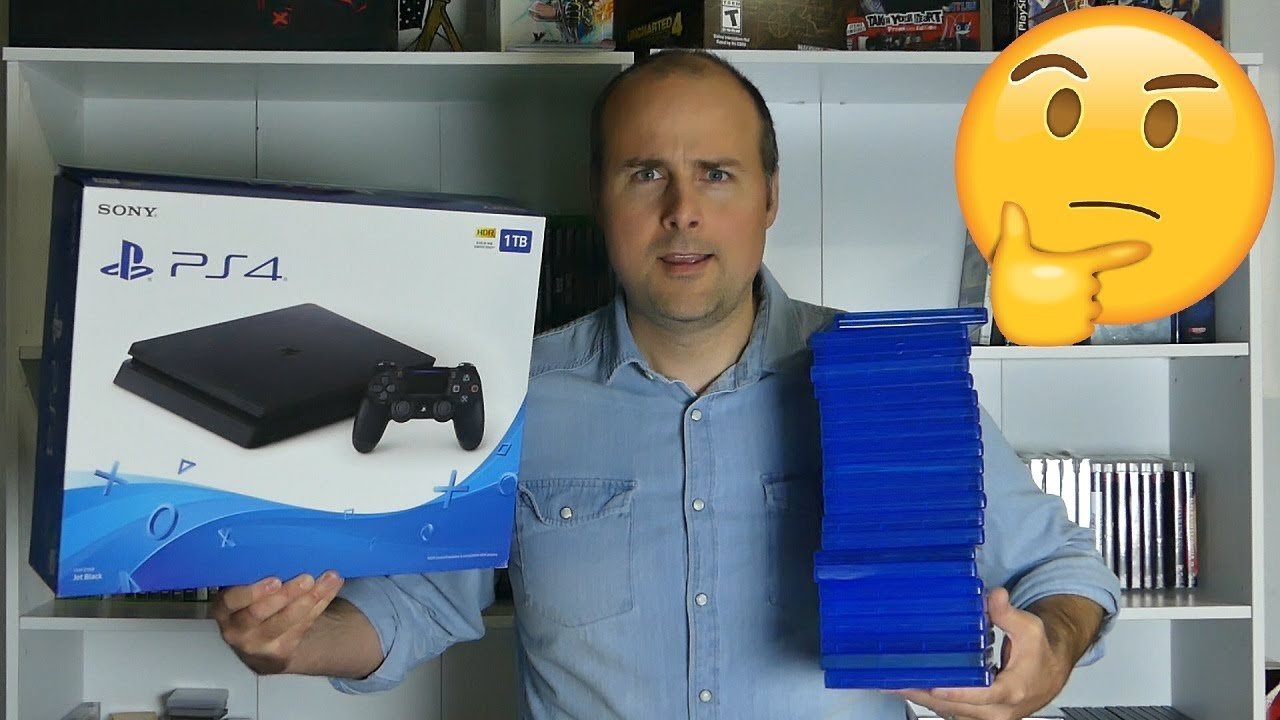
A 1 terabyte drive can hold approximately 15 to 30 average-sized video games, though the exact number varies depending on game file sizes.
Ever wondered how many games can 1 terabyte hold? It’s a common question for gamers managing their digital libraries. Game sizes differ wildly, with some titles being quite small and others pushing over 100 gigabytes.
Knowing how much space you need is crucial to avoid running out. This is why understanding storage capacity and game file sizes is very important when building or managing your gaming device.

How Many Games Can 1 Terabyte Hold?
So, you’ve got a shiny new 1 terabyte (TB) hard drive or solid-state drive (SSD) and you’re itching to fill it up with awesome games. That’s a great plan! But how many games can you actually fit on that much space? It’s not as straightforward as just counting, because games come in all shapes and sizes. Let’s dive deep and figure out what factors play a role and get a good estimate.
Understanding Game File Sizes
Before we start throwing numbers around, let’s understand why game file sizes vary so much. It’s not just about how fun a game is; it’s mostly about the amount of detail and content. Think of it like building with LEGOs. A simple LEGO car needs fewer bricks, but a massive LEGO castle uses tons of them, right? Games are similar.
The Impact of Graphics
The biggest contributor to game size is the graphics. Games with super realistic visuals, like the latest AAA titles, require tons of data for textures (the skin of objects), models (the 3D shapes), and effects (like explosions and fire). Imagine each of those elements as a very high-resolution photo; lots of those photos add up quickly.
- Low-Resolution Graphics: Older games, or simple indie games, often have lower-resolution graphics, which means less data and smaller file sizes. These games might be less than 1 gigabyte (GB).
- High-Resolution Graphics: Modern games with stunning visuals often come with file sizes over 50 GB, sometimes even exceeding 100 GB. They include lots of detail so everything looks really good.
The Role of Game Content
Another factor affecting game size is the amount of content present in the game. Open-world games, like an adventure where you can go anywhere on a map, are bigger because they have a huge world to store. Games with lots of cutscenes (movie-like parts) also take up extra space. Think about all the videos you watch, they take up space, right? It’s similar for games. Here is a basic content comparison:
- Simple Games: Games with limited levels or gameplay features may have smaller file sizes. For instance, puzzle or older arcade games.
- Complex Games: Games with expansive worlds, many missions, multiplayer, or regularly updated content tend to have larger sizes. Many new AAA titles fit in this category.
Audio Quality Matters Too
We can’t forget about audio! High-quality soundtracks and sound effects definitely take up space. A game with lots of voice acting, or detailed music, will generally have a bigger file size. Think of it like how a short mp3 takes less space than a full concert recording.
- Basic Sound: Games with simple sound effects and limited music often have smaller audio files.
- Complex Audio: Games with orchestral scores, high-quality voice acting, and many sound effects contribute to a larger overall size.
Estimating Game Count on 1TB
Now that we know what impacts a game’s size, let’s get to the big question: how many games can you fit on a 1 TB drive?
Understanding Terabytes and Gigabytes
First, let’s remember how big a terabyte is.
- 1 terabyte (TB) = 1000 gigabytes (GB)
- 1 gigabyte (GB) = 1000 megabytes (MB)
So, a 1 TB drive gives you around 1000 GB of space to work with. That sounds like a lot, but remember, games are getting bigger and bigger.
The Math: A Rough Estimate
Since games come in different sizes, we can’t give you an exact number. However, we can make some pretty good estimates.
- Small Games (1 GB – 10 GB): If you’re into indie games or older titles, you can fit a lot! You could hold around 100 to 1000 of these types of games.
- Medium Games (10 GB – 40 GB): For a mix of games with moderate graphics and content, you might fit between 25 and 100 titles.
- Large Games (40 GB – 80 GB): For modern AAA titles, you are looking at somewhere between 12 and 25 games.
- Very Large Games (80 GB and Up): If you are into very large games like Call of Duty, you are probably going to fit around 10 games.
Practical Examples: Different Scenarios
Let’s look at a few possible gaming scenarios and see how many games you can fit:
- Scenario 1: All Indie Games: If your 1TB drive contains only small indie games, you might be able to fit up to 500 games (at an average of 2GB each).
- Scenario 2: A Mix of Medium Games: If you have a collection of games averaging 20 GB, your 1 TB drive can handle about 50 of them.
- Scenario 3: Lots of AAA Titles: If you mainly install large games that are 60 GB, you’ll likely fit around 16 games on the drive.
Considering Operating System and Other Files
Don’t forget that a hard drive is never completely free space. When you install Windows or another OS, and other apps, it takes a bit of the drive space, so you will need to subtract that space. It’s a good idea to have some buffer space for updates, too.
Factors That Affect the Actual Number of Games
While we can make estimates, a few other things can impact how many games you can actually store on your 1 TB drive.
Game Updates and Patches
Games often get updates and patches, which can add to their size over time. Sometimes this is small, sometimes it’s a lot. Always remember to factor in the updates when considering the size of the games.
DLC and Expansion Packs
Downloadable content (DLC) and expansion packs can significantly increase a game’s file size. These often add new levels, characters, and content, so it may add many more gigabytes, depending on the size of the expansions.
Mod Support
Some games allow players to install modifications (mods) that alter the game. These can add tons of extra data and dramatically change the game’s overall size.
Different Game Platforms
The platform you use to play games can change game size too. Games on PC and the new consoles will likely have more content and higher quality assets than older consoles or mobile games.
The Type of Storage Device: SSD vs. HDD
While the type of storage you use doesn’t affect how much data you can store, it does impact how fast you can access your games.
- HDD (Hard Disk Drive): These are cheaper and can hold lots of data, but they are slower. This means the game may take a longer time to load.
- SSD (Solid State Drive): These are faster, which makes loading the games quicker, but they tend to be more expensive and might cost more for a larger capacity.
For the best gaming experience, you should use a SSD, which will help load times and reduce the waiting time. Some people may use SSD for their main games, and use a HDD to store more games they don’t play as often.
Tips for Managing Your Game Storage
Now that we know how much space your games can take up, here are some useful tips for keeping your storage organized.
Uninstall Games You Don’t Play
The easiest way to make space is to uninstall games you no longer play. It’s easy to forget the games you have, especially after playing many games. This is the most direct way of creating more space.
Use Cloud Storage Where Possible
Some game platforms offer cloud saves, which don’t take up space on your drive. Use this feature when possible, as this may save you a bit of space. Your game’s progress will be safe, even if you remove the game from your hard drive.
Utilize External Storage
If your internal drive fills up, you can always use an external hard drive or SSD for extra storage. This is a great way to keep all the games you want to play accessible to you, especially if you don’t want to uninstall some of the games.
Prioritize Games You Play Often
Install the games you play the most on your fast SSD drive, and place the rest on a slower hard drive or external drive. This will help you quickly access the games you love.
Regularly Clear Download Caches
Game platforms often keep temporary files and download caches, which can eat away storage space. Make sure you clear these files on a regular basis. They can be found in the settings of your platform.
Use a Game Library Management Software
Game library management software can help you track your installed games and free up space. Some software can also check your usage of the games, to let you know the games you are playing and not playing.
So, while we can’t give you an exact number of how many games fit on 1 TB, you should now have a much better understanding of all the things that play a role in the size of games. Remember that a 1 TB drive provides substantial storage, especially if you’re careful about managing your collection. Happy gaming!
1TB vs. 2TB vs. 4TB vs. 8TB | Installing every PS5 Game!
Final Thoughts
Therefore, a 1 terabyte drive typically holds between 15 to 25 average-sized modern games. Game file sizes vary greatly, impacting the final count. Some large titles might occupy 60-100 gigabytes each.
Smaller indie games may only require a few gigabytes, allowing space for many more of those. So, the answer to ‘how many games can 1 terabyte hold’ isn’t definitive. It depends mainly on the size of the individual game files that you want to keep.

