
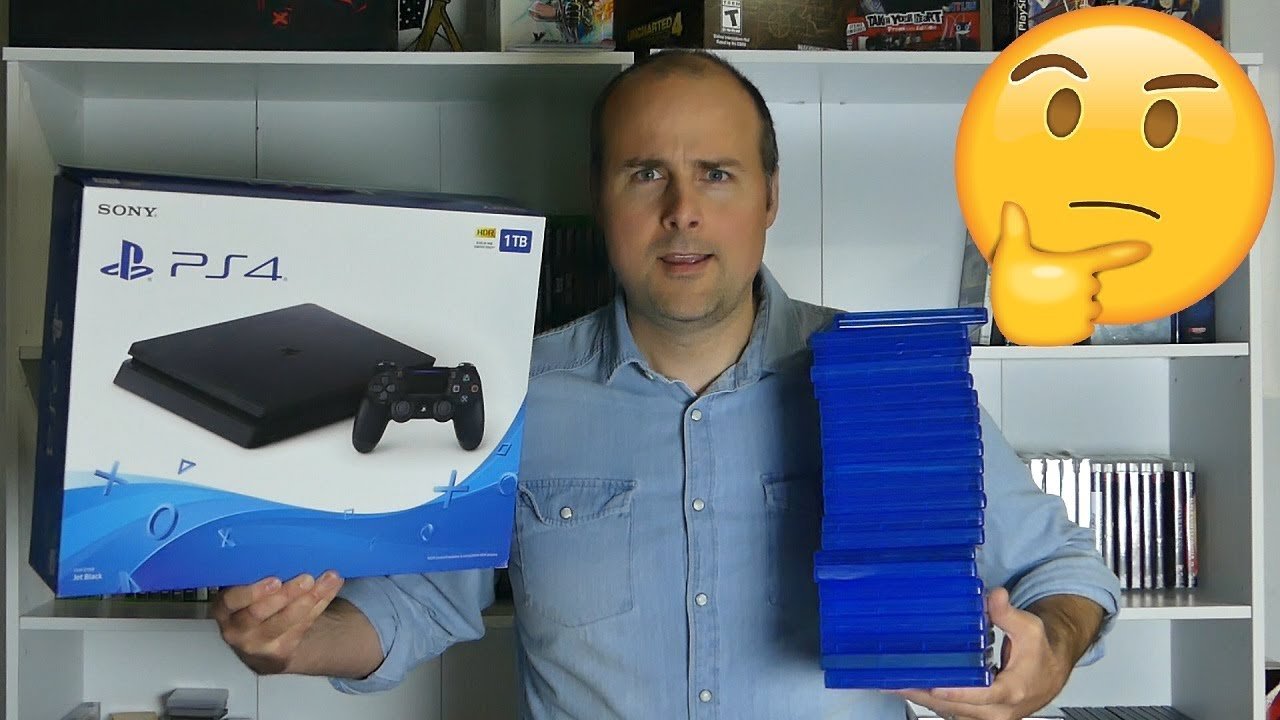
A 1TB drive can typically hold between 10 to 50 games, depending on game sizes.
The question, “how many games can 1tb hold,” often pops up when considering new consoles or gaming PCs. Game sizes vary significantly; a small indie title might only take up a few gigabytes, while a large AAA blockbuster can consume over 100GB. These differences have a huge impact on storage.
Therefore, estimating a precise number is challenging. Some gamers may fit a huge amount of smaller games whereas others fill their storage very quickly with just a few large ones. Careful consideration of the game sizes you intend to store helps planning your storage.

How Many Games Can 1TB Hold? Let’s Dive In!
Alright, gamers! You’ve got that shiny new 1TB hard drive or SSD, and you’re probably itching to fill it up with all your favorite games. But before you go on a downloading spree, let’s figure out just how many games a 1TB drive can actually handle. It’s not a simple answer, because game sizes are all over the place these days. So, let’s explore this topic together, shall we?
Understanding Storage: It’s Not Always What You See
First things first, let’s talk about what 1TB actually means. You might think it’s a straightforward 1000 gigabytes (GB), right? Well, not exactly. In the world of computers, 1 terabyte is actually 1024 gigabytes. But, because of how storage is calculated, the space that is usable to you, is often a bit less than the advertised amount. It’s like a bag of chips, it often looks bigger than what you actually get to eat. Some of that space is taken up by the operating system and other files that your device needs to work correctly. So, even though you buy a 1TB drive, expect that the amount of usable space will be a bit less. Don’t panic, it’s normal!
The Varying Sizes of Games
The biggest thing that affects how many games you can store is the huge range in game sizes. Some games are tiny, like puzzle games or old-school retro titles, which might only take up a few hundred megabytes (MB) or even less! Others are behemoths, modern games with incredible graphics and tons of content. Think about games like Call of Duty or Red Dead Redemption 2 – they can eat up 100GB, 150GB, or even more space!
Here’s a simple breakdown to give you a better idea:
- Small Games (Indie Games, Retro Titles): Usually under 5GB, some even under 1GB. These games are often simpler in terms of graphics and gameplay, which means they take up less space.
- Medium-Sized Games (Many Platformers, RPGs, and Action Games): Often range from 10GB to 40GB. This is a pretty common range for lots of games you see today.
- Large Games (AAA Titles, Open World Experiences): Usually 50GB and beyond, with some pushing past 100GB. These games usually have incredible details and huge worlds to explore.
It’s a good idea to check the system requirements or the game’s page in your game store to find out the size before you buy it, this will help you plan your storage better.
Estimating How Many Games You Can Store
Now, let’s get to the million-dollar question: how many games can you fit on that 1TB drive? Since game sizes vary so much, we can only provide estimates. Here’s a rough guide that takes different game sizes into account:
The Low End: Small Games Only
If your 1TB drive is exclusively filled with small indie games and retro titles averaging 2-3 GB in size, you’ll find yourself in a gaming paradise with a huge number of games! Here’s the math:
- 1 TB is approximately equal to 1000 GB (for easy math).
- If we assume games at average 2.5 GB size, 1000 GB / 2.5 GB = 400 Games.
So, in this scenario, you could hold around 400 or more small games on a 1TB drive. That’s a lot of fun times right there!
The Mid-Range: A Mix of Game Sizes
A more realistic situation is a mix of game sizes. Let’s imagine a scenario where you have some smaller games, some medium-sized ones, and even a few of the huge AAA titles.
Let’s say you have:
- 25 games that are 75 GB each (AAA title games)
- 50 games at 25 GB each (medium-sized games)
- 75 games at 5 GB each (small games)
Let’s do the math:
- 25 games 75GB = 1875GB
- 50 games 25GB= 1250GB
- 75 games 5GB = 375GB
Total game size: 1875 + 1250 + 375 = 3500GB
The total is 3.5 TB which is far more than our 1 TB drive. Let’s look at another realistic scenario.
Let’s say you have:
- 5 games that are 75 GB each (AAA title games)
- 20 games at 25 GB each (medium-sized games)
- 100 games at 5 GB each (small games)
Let’s do the math:
- 5 games 75GB = 375 GB
- 20 games 25GB = 500 GB
- 100 games 5GB = 500GB
Total = 1375GB
This scenario also exceeds the space our 1TB can hold so we need to make further adjustments
Let’s try one more time:
- 3 games that are 75 GB each (AAA title games)
- 15 games at 25 GB each (medium-sized games)
- 100 games at 5 GB each (small games)
Let’s do the math:
- 3 games 75GB = 225 GB
- 15 games 25GB = 375 GB
- 100 games 5GB = 500GB
Total = 1100GB
This still slightly exceeds 1TB, but this give you an idea of how we need to think about how much space our games take. So you have space for roughly 118-120 games with this amount of AAA title, medium, and small games
The High End: Big Games Only
Now, what if you are only into those super huge AAA titles? If we assume that an average AAA game now takes 75GB+, then 1000 GB / 75 GB = 13.33. So you can hold approximately 13 AAA title games with our 1TB drive. Keep in mind, that some can take even more storage, which would obviously lower the number of big games that you can hold.
Other Factors to Consider
It’s not just the games themselves that take up space. There are other factors to consider:
Game Updates and DLC
Games often get updates that can add a lot to their overall size. Downloadable content (DLC) is another thing to consider because, often, they are large in size. This also take up some space on your 1 TB drive.
Saved Game Data
Your saved games may seem small, but they can actually add up, especially if you play games with lots of options or very large in size maps. But, saved games are usually not something that will impact your overall storage.
Operating System and Other Files
As we mentioned earlier, a portion of your storage is used by your computer’s operating system and other essential files. This will affect the total space available for your games.
Managing Your Storage Effectively
So, what can you do to keep your 1TB drive from filling up too quickly? Here are a few tips:
- Uninstall Games You’re Not Playing: Be honest with yourself. If you haven’t touched a game in months, it might be time to uninstall it. You can always reinstall it later if you want to play again.
- Prioritize Your Favorites: Focus on keeping the games you play most often on your drive. For other titles that you don’t play regularly, consider storing them on an external drive.
- Use Cloud Saves: Many games support cloud saves, so you don’t need to worry about losing your progress if you have to uninstall.
- Keep an Eye on Game Sizes: Before downloading a game, double-check its size. This will help you manage your storage better.
- Invest in an External Drive: If your 1TB drive is always full, you might need to get an external hard drive. This is a great way to expand your storage without having to remove your other games.
The Future of Game Storage
Game sizes are likely to increase even more with advancements in technology. Games are becoming more detailed and larger than ever before, which also mean that they are taking a lot of storage. This means that 1TB drive may not hold as many games as in previous times. As time goes on, we will continue to get larger and more affordable storage options to accommodate all these games.
Ultimately, a 1TB drive can accommodate a significant amount of gaming fun, but it’s essential to be aware of your game sizes and manage your storage effectively. Happy gaming!
1TB vs. 2TB vs. 4TB vs. 8TB | Installing every PS5 Game!
Final Thoughts
The number of games a 1TB drive holds varies greatly. Game file sizes range from a few gigabytes to over 100GB. Therefore, you might fit anywhere from 20 to 100+ games.
Larger, graphically intensive titles take up significantly more storage space. Smaller, indie games will occupy less. Considering these variations affects how many games can 1tb hold. Ultimately, this figure depends entirely on the specific games you choose.

