
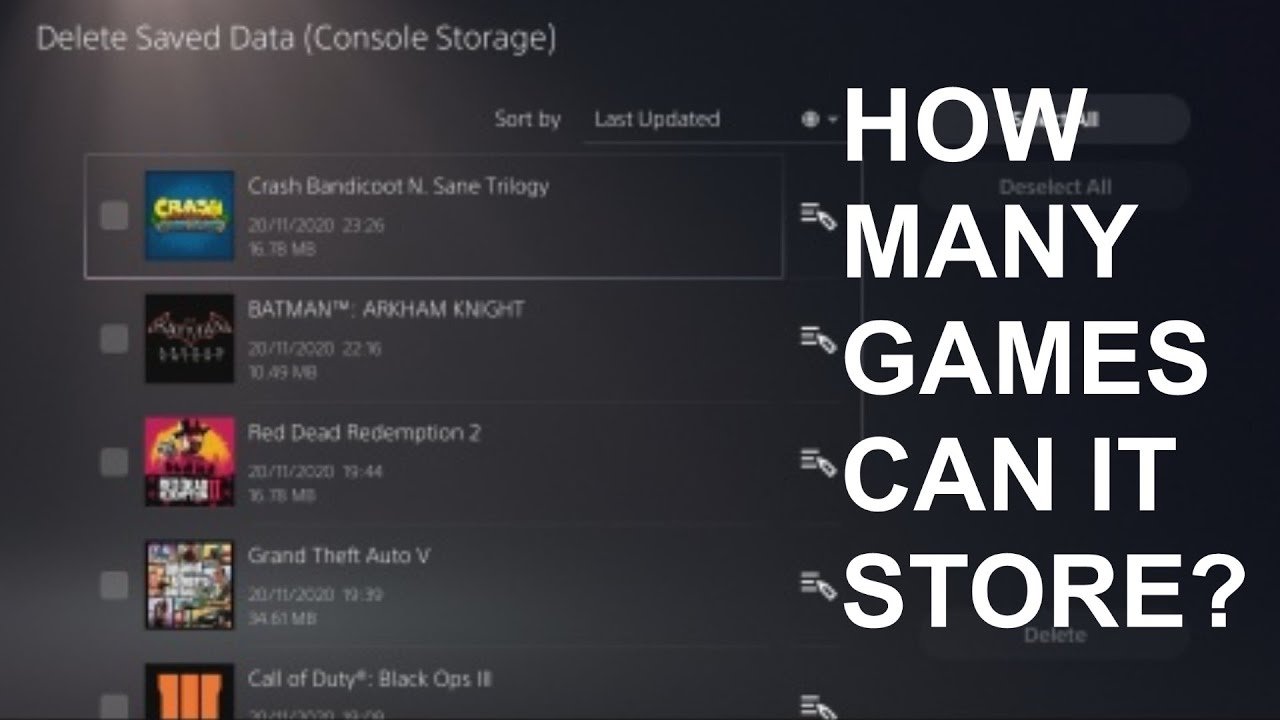
The number of games a PS5 can hold depends on the storage capacity of your console and the size of each game, but typically, you can store around 10-20 large titles.
Ever wondered how many games can the ps5 hold? It’s a common question for gamers eager to build their digital libraries. The answer isn’t as straightforward as a simple number. Game sizes vary, so storage fills up at different paces.
A standard PS5 comes with a certain amount of usable storage, which impacts how many games you can download. Consider each game’s file size to get a rough estimate. You may need to manage your library if you have many big games.

How Many Games Can the PS5 Hold?
So, you’ve got your shiny new PlayStation 5, and you’re ready to dive into some amazing gaming adventures. But a question probably pops into your head: “How many games can I actually fit on this thing?” That’s a super important question, because nobody wants to run out of space in the middle of a gaming session! Let’s break down everything you need to know about PS5 storage, how many games you can expect to hold, and how you can maybe get even more space for your games!
Understanding the PS5’s Built-in Storage
First, let’s talk about what’s inside the PS5. The console comes with a built-in storage drive, kind of like a hard drive in a computer, but it’s super fast. This is where all your games, saves, and other data live. The drive is an 825GB Solid State Drive (SSD). You’ll see people refer to it as an SSD which is much faster than the old hard drives.
The Difference Between Advertised and Usable Space
Now, here’s a tricky thing. Even though the PS5 says it has 825GB of storage, you don’t get to use all of that for your games. Some space is needed by the system to keep the PlayStation working smoothly. This includes things like the operating system and other important files that help the console function. So, when you get your PS5 you’ll find that the usable space is actually closer to 667GB, this is common practice with devices, so don’t be worried.
Why is SSD important?
The SSD inside the PS5 is a big deal because it allows games to load very quickly. Imagine you’re playing a game and you are loading a new area, with an SSD the time it takes to load that area is significantly shorter than it would be with a regular hard drive. This means less waiting and more playing! The SSD helps to reduce loading screens in games, leading to a much smoother playing experience.
Factors Affecting How Many Games You Can Store
So, now you know how much space you have to work with but how many games does that translate into? It’s not a simple answer, because several things determine how many games can be installed on your PS5. Let’s take a look:
Game Size Varies Widely
The biggest reason it’s hard to give an exact number is that game sizes differ greatly. Some games are small, like an indie game that might only take up a few gigabytes. But some big blockbuster games, the kind with tons of detailed graphics and big open worlds, can easily eat up 50GB, 80GB or even over 100GB. This is why the actual number of games you can store will depend entirely on the sizes of the games you are playing.
Here’s a table to show you some examples of typical game sizes:
| Game Type | Approximate Size | Examples |
|---|---|---|
| Small Indie Games | 5GB – 15GB | Stardew Valley, Celeste, Hollow Knight |
| Mid-sized Games | 20GB – 40GB | Resident Evil 4, Final Fantasy Remake |
| Big AAA Games | 50GB – 100GB+ | Cyberpunk 2077, Red Dead Redemption 2, Call of Duty Titles |
Game Updates and Patches
Don’t forget about updates and patches! Game developers are always working to fix bugs and add new features to their games. These updates need space, too. Sometimes an update can be small, but sometimes it’s a very large file that needs to be downloaded and will take up more space on your storage.
PS4 Games on PS5
You can play many of your older PlayStation 4 games on the PS5, which is pretty cool. But, these games still take up space, so these also have to be counted towards storage. PS4 games are generally smaller than PS5 games, but they will still affect your total storage.
Installed Extras
Also consider the space used by installed extras. Things like game expansions, DLC’s, game modes, or even game add-ons will require extra storage space. Keep an eye on the space these use as they can easily add up.
Estimating How Many Games You Can Store
Given the space available and the various game sizes, let’s try to estimate how many games you could fit on your PS5. Remember, these are just estimates and could vary a lot.
The Low End: A Lot of Large Games
If you play mostly those massive games that take up 80GB or more, your PS5’s storage will fill up quite quickly. You might only fit around 6 to 8 of these kinds of games. This is why you may find yourself deleting or uninstalling games to make room for new ones.
It might seem small, but these games have great visuals and can keep you entertained for hundreds of hours.
The Average User: A Mix of Game Sizes
For most people who play a mix of big AAA games, medium-sized games, and smaller indie titles, you could probably hold around 10 to 20 games. This will depend on your game choices but provides a good average range. It is likely that you will have a healthy mix of large titles and smaller games on your system.
The High End: Focusing on Smaller Games
If you mostly play smaller games, you can fit quite a few more titles. If most of your games take up less than 20GB each, you could likely fit around 30 or even 40 games. This approach is also good for keeping the system free of cluttered menus.
Managing Your PS5 Storage
Okay, so now you have a good idea of how many games you might be able to store. But what happens when you start running low on space? Here are a few tips and tricks to keep your PS5 storage under control:
Checking Your Storage Space
The first thing to do is to regularly check how much storage space you have left. You can find this information in the PS5 settings menu. Head to Settings > Storage > Console Storage. Here you will be able to see a breakdown of the storage usage including games, media, and other stored content. Checking this periodically will help you to avoid running out of space suddenly.
Deleting Games You’re Not Playing
One easy way to save storage space is to uninstall games you are no longer playing. Don’t worry, your game save data will still be there, so if you want to reinstall it later, you can pick up where you left off. You can easily find this in the settings. Simply highlight the games you wish to delete and hit delete.
Cloud Storage for Saves
PlayStation Plus users get the added bonus of cloud storage for game saves. This means your progress in your games is backed up online. So if you do need to delete a game, you don’t have to worry about losing all of your hard work in the game. With Cloud saves your progress will always be safe.
Using External Hard Drives
Here’s a great trick: the PS5 supports external hard drives. You can plug an external hard drive into one of the USB ports on the console and use it to store and play PS4 games, you can also store PS5 games on external storage but you cannot play them directly from the drive. You will need to move them to the SSD to play them. This is a very common way that people increase their storage space. It’s a simple way to add more storage space without buying the internal storage expansion.
Here’s a quick guide on using external drives:
- Type of Drive: You’ll need an external USB drive that is compatible with the PS5.
- Storage Size: The storage capacity can be whatever you need, so choose one that will fit your storage needs.
- Setup: Connect the external drive to your PS5 and format it. This is a quick and simple process that is guided on screen.
- Moving Games: Now that the drive is setup you can now move PS4 games onto the drive to free up space on your internal storage.
Internal Storage Expansion
The PS5 also has a slot for adding in a special internal storage expansion. This is an extra SSD drive that you can buy separately and install inside your PS5. This will act just like the internal SSD drive and allows you to download more PS5 games. It is slightly more complicated than using an external drive, as it requires you to remove the PS5’s case and insert the new drive. However, it is very effective and it’s a good option if you want a seamless experience with fast loading times for PS5 games.
The number of games that a PS5 can hold depends on how big the games you are playing are. But, knowing the amount of space that your system has, and following these steps, you should never run out of space. Make sure to always check your free space, and delete any games you are no longer playing. And don’t be scared to look into external storage if you need it. With a little bit of management, you can store a whole library of fun games!
How Many Games Does the PS5 Console Hold In its 825GB Memory? (PlayStation 5)
Final Thoughts
The PS5’s storage capacity varies; the standard console provides around 667GB of usable space after system files. Considering average game sizes, this means you can store roughly 10-20 games. Game size does vary though, some games use far less space.
Therefore, how many games can the PS5 hold is not a fixed number. You need to manage your installed games and expansions. If you want more space, external drives are good option.

