
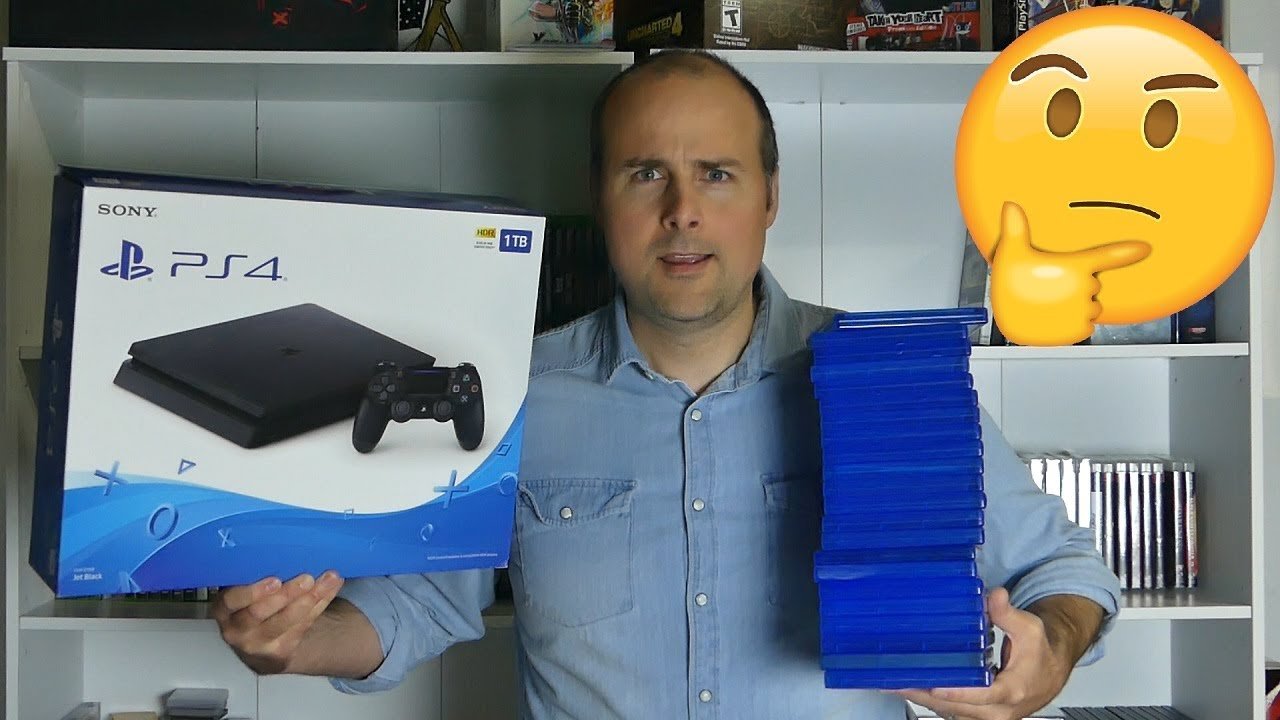
On a 1TB drive, you can store roughly 20-50 games, depending on their individual file sizes.
The question of how many games can you store on 1tb is a common one for gamers. It’s important to know the storage capacity so you can manage your digital library effectively. Game sizes vary considerably these days, some titles occupy only a few gigabytes, while others can easily consume 100GB or more.
Planning your storage is key as large games can fill up your space quickly. Knowing the average game size helps you to calculate how many titles your 1TB drive can comfortably hold. This way, you won’t run out of space too fast.

How Many Games Can You Store on 1TB?
Alright, let’s dive into the exciting world of game storage! You’ve got a shiny new 1TB hard drive or SSD, and you’re itching to fill it with all the awesome games out there. But how many games can you really fit on that 1TB drive? It’s a question many gamers ponder, and the answer, like many things in the gaming world, isn’t always a simple one. Let’s explore all the factors that impact how many games you can install on a 1TB storage device, and try to get a good idea of what you can expect.
Understanding 1TB: It’s Not Exactly 1000GB
Before we jump into game numbers, let’s talk about what a 1TB (terabyte) drive actually means. You might think it’s exactly 1000 gigabytes (GB), but that’s not quite the case. Because of how computers calculate storage, a 1TB drive usually has a usable space of around 931GB. This difference is due to how binary code is used and some storage space being used for the drives system itself. So, when we talk about how many games a 1TB drive can hold, remember that we’re working with around 931GB of actual usable storage space, not a full 1000GB.
The Great Game Size Variety
The biggest challenge in estimating the number of games you can store on 1TB lies in the sheer variety of game sizes. Games vary drastically in size, depending on things such as graphics quality, how big the game world is, and how much content they have. We’re not talking just about the differences between a simple indie puzzle game and a massive open-world adventure. Here are some examples of average game sizes and things that impact them:
- Small Indie Games: These gems can sometimes take up as little as 1GB or even less! Think of games with pixel art graphics or simple mechanics. Some smaller indie games might be around 2GB to 5GB.
- Mid-Sized Titles: Many popular games fall into this category, ranging from 20GB to 50GB. This might include action games, adventure games, or platformers with a good amount of content.
- Big AAA Games: These are the giants, the games with the most intense graphics and the largest game worlds, which can range from 50GB to 100GB or even bigger than 100GB. We’re talking about open-world RPGs, huge first-person shooters, and complex simulation games.
- Updates and DLC: Remember that games also often receive updates or have downloadable content, which can significantly increase a game’s overall size.
Averages and Estimates
Given this range of sizes, giving an exact number of games is very tricky, but we can try to give you some estimates. If we assume an average game size of around 40GB, which is a good middle ground, then we could roughly expect a 1TB drive to hold around 23 to 24 games. Here’s how the math works:
931GB (usable space) / 40GB (average game size) = ~23.27 games
However, if we shift the average to a smaller 25GB, you could fit closer to 37 games. On the other hand, if your tastes lean more towards the larger AAA games that are 75GB or even over 100GB, you would be looking at potentially 12 or less games. That’s why the range is so broad and why knowing the sizes of the games you want to install is important. There’s a massive difference between being able to install 12 games and 37 games!
Specific Scenarios and Examples
Let’s make these estimates more concrete with some actual examples. How many games can fit really depends on the type of games you play. To show this, let’s consider a few scenarios. Please remember these are just examples, and your actual number of games will vary depending on the specific game sizes. These are purely for demonstrating how the storage is filled with different game sizes.
The Indie Game Lover
Let’s imagine you’re a fan of indie games, those smaller but often very creative games. If we assume most of your games are 5GB or less, here’s a rough idea:
- Average game size: 4GB
- Number of games you could store: 931GB / 4GB = ~232 games
- You could have literally hundreds of great experiences in your library!
The Balanced Gamer
Now, let’s say you like a mix of game types, both mid-sized and AAA titles.
- Average game size: Let’s say 30GB (a mix of 20GB-50GB games)
- Number of games you could store: 931GB / 30GB = ~31 games
- This is a very common scenario for people with a wide variety of gaming tastes.
The AAA Game Enthusiast
If you only focus on games that are large in size, here’s an example:
- Average game size: 80GB
- Number of games you could store: 931GB / 80GB = ~11 games
- You might have to choose carefully which games you want to keep installed at one time.
Looking at Different Platforms
The platform you’re using to game can also influence this. For instance, console games tend to have less variability in sizes due to hardware restrictions, while PC games can vary greatly due to more complicated graphical settings. Let’s break it down:
Console Gaming (PlayStation, Xbox, Nintendo)
Consoles usually have more standardized game sizes than PCs. Here’s how they typically measure up:
- PlayStation 5/Xbox Series X/S: Games tend to be similar in size to PC AAA games, from 50GB to over 100GB.
- Nintendo Switch: Games are generally smaller, mostly in the range of a few GBs up to around 20GB or more for the largest games, due to its handheld format and cartridges.
PC Gaming
PC games have the biggest variation, here’s why:
- Steam, Epic Games, etc.: The game sizes can vary from extremely small indie games to massive AAA titles, giving the biggest range of any platform.
- Modding: PC games can be modded, which can add many gigabytes of content to a game. This makes calculating size very difficult without knowing which mods you use.
Factors That Increase Game Size
It’s important to know that games often get bigger over time. Here are the main things that make that happen:
- Updates and Patches: Game developers often release updates and patches to fix bugs and add new features. These updates can take up a lot of space. Sometimes, they add or change files that take up space on your hard drive.
- Downloadable Content (DLC) and Expansions: New maps, quests, characters, and items that come from DLCs or expansions will add to the space that a game uses on your hard drive.
- High-Resolution Textures: Games with high-quality visuals, especially 4K graphics, need a lot of storage space for their large texture files.
- Sound Files: High-quality sound effects and music can take up quite a bit of space. The better the quality, the larger the file sizes tend to be.
Managing Your 1TB Storage
With all these considerations, managing your 1TB game storage effectively becomes essential. Here are some strategies:
Deleting Games You’re Not Playing
It sounds very obvious, but it is something many gamers forget! When you finish a game or decide you’re not going to play it again any time soon, don’t be afraid to delete it. You can always download it again later if you want to. This is a great way of keeping your hard drive clean.
Prioritizing Your Favorites
Think about which games you really enjoy and are likely to play soon. Keep those installed. The others can wait until you are ready to play them. It’s about having the games you want to play, not just games you have in your library.
External Storage
If you find 1TB isn’t enough for all the games you want to play, external storage is a great option. You can buy an external hard drive or SSD and use it for extra game storage. This allows you to have all your games available, without needing to delete them from your main drive. Make sure it is compatible with your console or PC before purchasing.
Cloud Gaming
Cloud gaming lets you play games streamed from servers over the internet. This can help save storage space on your PC or console, as the game files aren’t stored on your devices. However, this relies heavily on having an internet connection which is fast and consistent. If you have that, this could be a fantastic option!
Future Considerations
Game sizes are continuing to increase over time as technology gets better. AAA games of the future will likely take up even more storage space than they do now. So, if you are thinking of how long your 1TB will last, you need to keep this in mind.
Planning For the Future
If you’re planning on buying more new games, consider choosing bigger storage next time you need to replace it. 2TB or larger drives might be a good investment if you want to store a lot of games. This is very important if you find you are often having to delete games to make space for new ones. If you do a lot of gaming, and like to switch between many games, it is probably worthwhile investing in higher storage capabilities.
In the end, how many games you can fit on a 1TB drive depends greatly on the specific games you want to store. You could fit hundreds of small indie games, a decent selection of mid-sized titles, or just a few large AAA games. By knowing the size of the games you want to play, and using techniques to manage your storage you can get the most of your 1TB drive. The key is to keep your library cleaned up and choose the right games to keep installed. Happy gaming!
1TB vs. 2TB vs. 4TB vs. 8TB | Installing every PS5 Game!
Final Thoughts
So, how many games can you store on 1tb? You can generally fit around 20-50 games on a 1tb drive. The exact number depends heavily on game sizes.
Modern AAA titles require much more storage compared to smaller indie games. These variations significantly affect the overall number of games you can fit. Thus, 1tb offers decent storage, but you must manage your games carefully.

