
Card games typically take up very little space, often ranging from a few megabytes to around 2 gigabytes at most, depending on the complexity and graphics.
Ever wondered how much space your digital card games consume? The question of ‘how many gigabytes do card games take’ is common, especially with limited storage on devices. Most digital card games are quite small and don’t require huge amounts of storage, thankfully.
Generally speaking, these games prioritize gameplay over highly detailed graphics. So, you can often enjoy many card game titles without worrying about massive file sizes.

How Many Gigabytes Do Card Games Take?
So, you’re wondering about how much space those awesome card games take up on your computer, phone, or tablet? That’s a great question! It’s important to know this, especially when you’re trying to decide what games to download, or if you’re running low on storage space. Let’s dive deep into the world of digital card games and see how much storage they actually need.
Understanding Game File Sizes
Before we get into specifics, it’s helpful to understand what makes a game take up space. Think of it like packing a suitcase. Some clothes take up more room than others, right? The same is true for game files. Here are the main things that impact file size:
- Graphics: Just like a picture needs more space than a single word, games with detailed pictures (like the ones in beautiful card games) take up more space than games with simple graphics. The more detailed and high-quality the graphics are, the bigger the game file will usually be.
- Sound and Music: Games need sounds and music, too! These audio files also need space. The more music and sounds there are, the bigger the file.
- Game Code: This is like the instructions that tell the game what to do. Complex games with lots of rules and features need more code, and more code usually means a bigger file size.
- Updates and Patches: Sometimes games get updates to fix problems or add new things. These updates can also make the game bigger over time.
Typical File Sizes of Different Card Games
Now, let’s look at some real examples. Keep in mind, these are just estimates, and the actual size might be a little different depending on the specific version of the game and your device.
Simple Mobile Card Games
These are your basic, easy-to-play card games, often found on phones and tablets. They usually have simple graphics and not a lot of sound.
- Solitaire: You might be surprised but solitaire games, especially the simpler versions, often take up very little space. We’re talking as little as 50MB to 100MB. These versions often use very simple graphics.
- Simple Poker Games: These games can range from 100MB to 300MB. They usually have basic graphics and sound effects.
- Other Minimalist Card Games: Many simple card games designed for mobile tend to stay in this range, between 100MB and 300MB, focusing on gameplay over flashy visuals.
More Complex Mobile Card Games
These card games have richer visuals, more complex gameplay, or perhaps are a bit more story-driven. This makes their file sizes a bit bigger.
- Hearthstone: One of the most popular digital card games, Hearthstone, tends to be on the larger side for mobile games. It’s quite a detailed game with various cards and animations. Expect it to take anywhere from 3GB to 5GB, and this can increase with updates.
- Magic: The Gathering Arena: Like Hearthstone, this one features very detailed card graphics and effects. It typically sits between 4GB and 6GB of storage on your mobile device and even can use bigger size.
- Slay the Spire: Although a single-player game, its use of animations and a very complex gameplay engine means it can require anywhere between 1GB to 2 GB.
- Other Detailed Mobile Games: Depending on the complexity and design these type of games can take between 500MB to 3GB.
PC Card Games
PC games usually have more freedom with file size because computers generally have more storage than phones. This allows for better graphics, sound, and more extensive game code.
- Hearthstone: The PC version of Hearthstone might use up a bit more space than the mobile version, generally taking up around 5GB to 7GB. This extra space allows it for better textures, animations, and sound quality.
- Magic: The Gathering Arena: Similarly, the PC version of Magic: The Gathering Arena takes more space, between 7GB and 10GB.
- Slay the Spire: The PC version generally tends to be on the smaller end on PC. Usually taking up between 1 GB to 2 GB, as it does on mobile.
- Indie Card Games: These can range wildly depending on their scope and complexity, but most of them will generally be in the 1GB to 5GB range.
- AAA Card Games: These games often come with larger storage requirements, and can range anywhere from 10GB to 30GB, or even more.
Card Games on Consoles
Console card games generally have file sizes similar to their PC counterparts, as they are designed with similar visual detail. They may have slight variances.
- Hearthstone and Magic: The Gathering Arena: On consoles, you can expect these games to fall in the 5 GB to 10 GB range depending on how they are ported.
- Other Card Games: Other card games available on consoles will vary, but tend to sit in the 1GB to 10GB range as well.
Why Do Some Card Games Take Up So Much Space?
You might be thinking, “Why does a simple card game need so much space?!” Let’s break it down:
High-Resolution Graphics
Games with very detailed card art, cool animations, and beautiful backgrounds take up a lot of space. Think of the difference between a simple drawing and a photo. A detailed photo needs more space.
Audio Quality
Games with lots of music, sound effects for every card played, and voice acting require a lot of space. Good quality audio files are larger than lower-quality ones.
Game Updates
Over time, many games receive updates that add new cards, new features, or fix bugs. This new content needs to be stored, and the game will increase in size with each update.
Complex Game Logic
Some games have very complex rules and interactions between cards. These rules and interactions require a lot of coding that takes up storage space. The more complicated the game logic, the more space it might need.
Multiplayer Functionality
If a card game has a multiplayer mode, there’s usually more code involved to keep track of all the players and their interactions. This can add to the overall size of the game.
How to Manage Game Storage
If you are running out of space, here are some helpful tips for managing your digital card games storage:
Check Storage Space Regularly
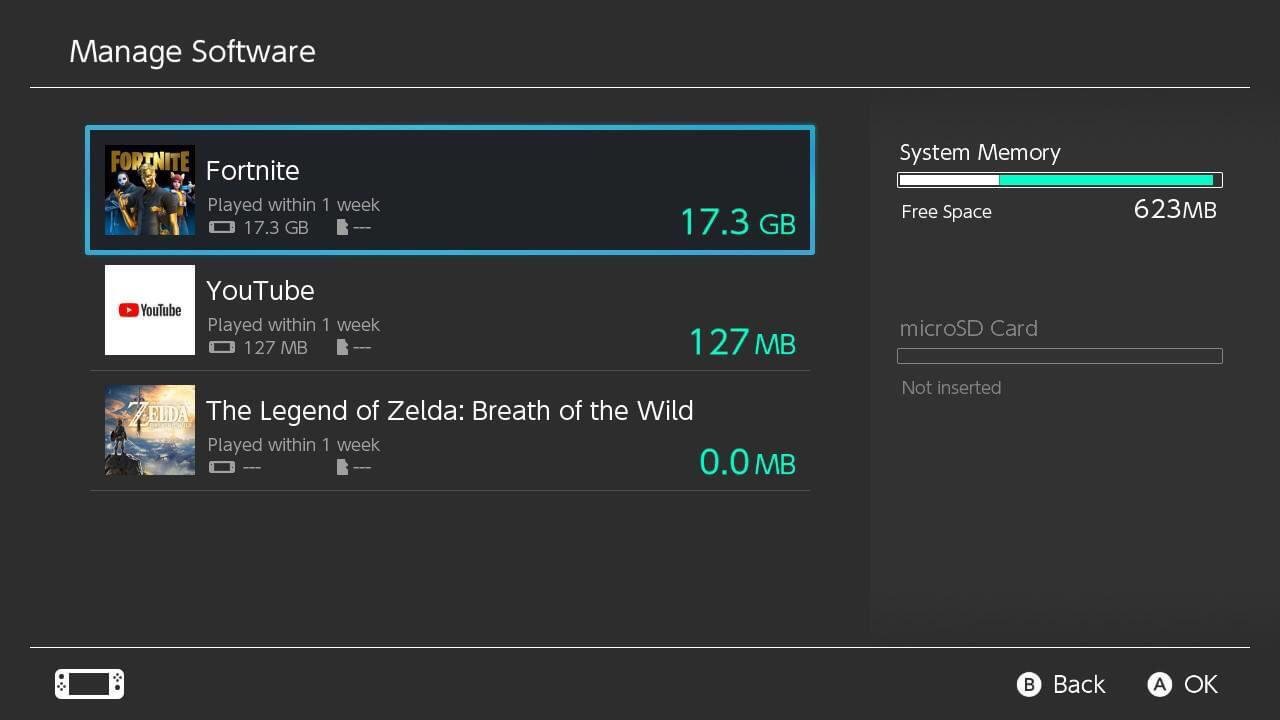
Take a look at your device’s storage settings regularly. This will help you see what is taking up the most space and which games you might need to remove or archive.
Delete Games You Don’t Play
It can be hard but if you have games you don’t play anymore, delete them. You can always re-download them later if you wish.
Offload Unused Apps
On some devices, you can “offload” apps. This deletes the game but keeps your game data. When you want to play again, you just re-download the app. The data will still be there.
Use Cloud Storage
Many card games save game progress to the cloud. This means you can delete the game from your device and still pick up where you left off when you reinstall it. Make sure your game uses cloud saves so that you don’t lose your progress.
Clean Up Temporary Files
Sometimes devices store temporary files that can take up space. Use your device’s cleaning tools to get rid of these unneeded files.
Consider External Storage
For PCs and consoles, you can add an external storage device like a hard drive. This gives you more space to install games. This could be useful for PCs and consoles that have many games installed.
Comparing Card Game Sizes
Let’s compare some of the typical file sizes we discussed in a convenient table.
| Game Type | Typical File Size Range |
|---|---|
| Simple Mobile Card Games (Solitaire, basic poker) | 50 MB – 300 MB |
| Complex Mobile Card Games (Hearthstone, MTG Arena) | 1 GB – 6 GB |
| PC Card Games (Indie) | 1 GB – 5 GB |
| PC Card Games (AAA, or Detailed versions of Mobile Games) | 5 GB – 30 GB+ |
| Console Card Games | 1 GB – 10 GB+ |
Remember these are approximate. The size of any game might vary from device to device, also it can change with any new updates.
Future of Card Game File Sizes
As technology moves forward, the file sizes of card games are likely to continue to change. Here’s what we might see:
Better Compression
New technologies may help make game files smaller without losing quality. That means you could have beautiful games that don’t need so much storage.
Streaming
Some games might become more cloud-based, meaning you can stream them to your device without needing to download the whole thing. This can save space, but requires a very good internet connection.
More Optimized Code
Developers are always learning new ways to make game code work faster and use less space. This means future games could be smaller and faster.
Varied Development
We will probably see a wider variety of card games that cater to different file size needs. There will probably always be very simple, small card games and very complicated, large card games.
Understanding how much space card games take up can help you manage your device storage better. From simple solitaire games to complex card battle games, each has its own unique file size. By staying aware of these sizes and using management tools, you can enjoy all of your favorite card games without running out of space! Remember to check what size the game is before you download, and enjoy your gaming!
Choosing an SD Card for Gaming
Final Thoughts
Card game sizes vary significantly. Simple mobile card games often use very little space, perhaps under 100 megabytes. More complex digital card games with detailed graphics and audio can reach several gigabytes.
Some popular titles may take up 2-3 GB. This means ‘how many gigabytes do card games take’ can range from a few megabytes to several gigabytes, depending on the game’s complexity. Ultimately, the game’s specific features heavily dictate its size.

