
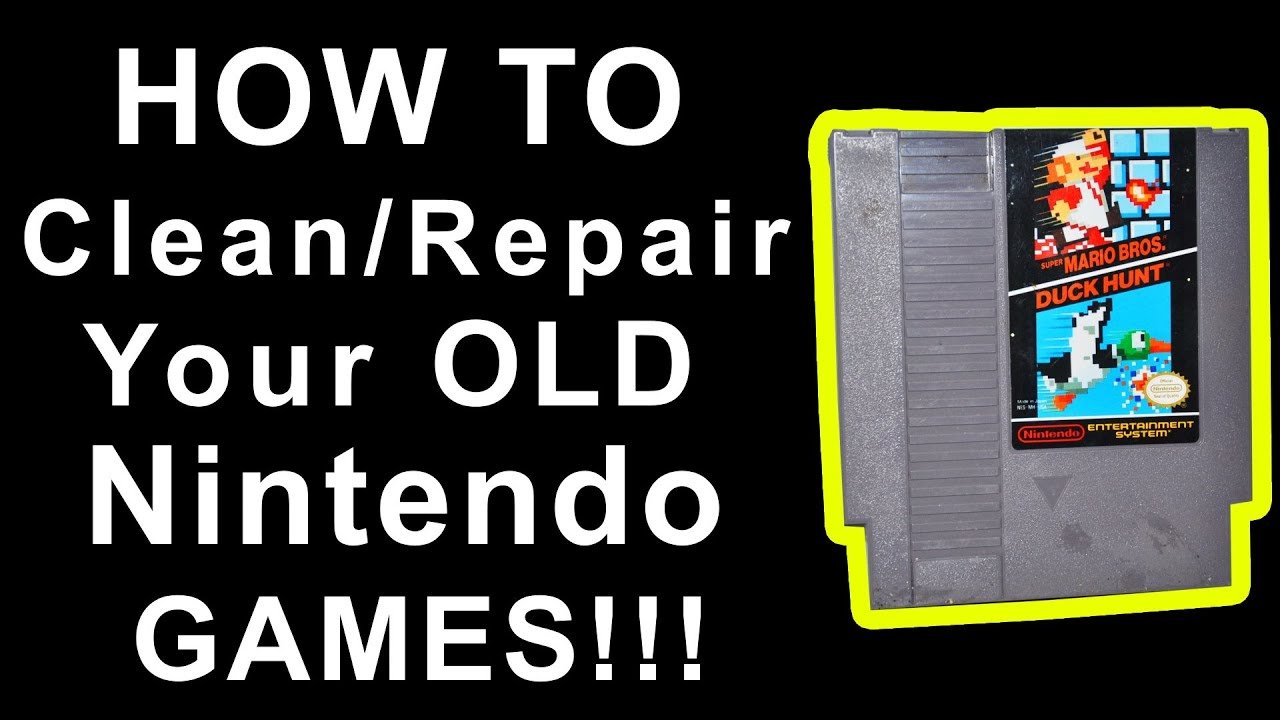
To clean an NES game, use a cotton swab dipped in isopropyl alcohol (90% or higher) to gently clean the gold-colored connector pins.
Dusty cartridges and glitching gameplay can ruin a perfect retro gaming session. You may be wondering how to clean an NES game to bring those classic titles back to life. It’s a simple process, and you probably have what you need already at home.
With just a few common supplies, you can remove years of grime and get your NES games working perfectly. This process will improve your gaming experience, bringing you back to your childhood in no time.

How to Clean an NES Game
Have you ever blown into an old NES game cartridge, hoping it would magically start working? We’ve all been there! Sometimes, those classic games need a little more love than just a puff of air. Dust, dirt, and even corrosion can stop your favorite NES titles from loading properly. This guide will walk you through, step-by-step, how to clean your NES game cartridges and get them back in gaming shape.
Understanding Why Cleaning is Important
Before we jump into cleaning, it’s important to know why those old cartridges sometimes act up. The main reason is the connector pins inside the cartridge. These are the little metal parts that connect with your NES console. Over time, these pins can get dirty, corroded, or covered in grime, which stops the game from reading correctly. It’s like having a dusty path blocking the signal from the game to your console. If you see that your game is not working or flashing when you insert it in the console then it can be the indicator of dirty connectors. Properly cleaning them, will help the game working properly again and also increase the life of the cartridge.
Common Culprits: Dirt, Dust, and Corrosion
- Dust: Tiny dust particles float everywhere, and they love to settle inside game cartridges.
- Dirt: Fingerprints, spills, and general handling can add dirt and grime.
- Corrosion: Over time, the metal pins can react with moisture in the air causing corrosion. This looks like a greenish or whitish buildup on the metal.
Tools and Materials You’ll Need
Getting the right tools for the job is key. You don’t need a lot of fancy equipment, and you likely have many of these items at home.
- Cotton Swabs (Q-tips): These are perfect for cleaning small crevices.
- Isopropyl Alcohol (91% or higher): This is the go-to liquid for cleaning electronics. It evaporates quickly and is safe for the pins. Avoid using lower percentages of alcohol because they might contain water and can cause further issues.
- Soft, Lint-Free Cloth: Microfiber cloths work really well. You need something that won’t leave behind fuzz.
- A Soft Toothbrush: An old toothbrush can help scrub away stubborn dirt, just make sure it’s clean and dry before using it.
- Optional: Screwdriver Set: To open the cartridge for a more thorough cleaning. If you do this, use the proper type of screwdriver for the screws in your cartridge. Make sure to be very careful so that you don’t strip the screws.
- Distilled water: Distilled water is used to clean in case you see any residue of alcohol. Distilled water is best because it is pure and free of minerals.
- Eraser: A pencil eraser is used to clean the contact pins, but be very careful to not damage the pins.
The Cleaning Process: Step-by-Step
Now for the main event! Follow these steps to clean your NES game properly.
Step 1: The Initial Inspection
Before you start cleaning, take a close look at the cartridge. Check for any visible dirt, dust, or corrosion. Look specifically at the gold connectors. This will help you see which parts need the most attention.
Step 2: Surface Cleaning
Start by giving the outside of the cartridge a good cleaning. Use a soft, dry cloth to wipe off any loose dust or dirt. For sticky grime, a slightly damp cloth can help. Make sure the cloth is barely damp, you don’t want to introduce excess moisture into the cartridge. Do not wet the cartridge with water, or other liquid.
Step 3: Cleaning the Connector Pins
This is the most important part! Here’s how you’ll tackle those crucial connector pins:
- Dampen a Cotton Swab: Dip a cotton swab in isopropyl alcohol. Make sure it’s not dripping wet, just slightly damp.
- Gently Clean the Pins: Carefully rub the damp cotton swab across the connector pins. Be gentle, but firm. You might need to use multiple swabs as you lift away grime. The pins should look cleaner with each pass. Use a new cotton swab every time you see that the previous cotton swab becomes dirty.
- Rotate the Cartridge: Make sure you rotate the cartridge and clean each connector pin properly. It may be tempting to just wipe left to right or right to left. Do it very patiently so that you clean each connector properly.
- Use a Soft Toothbrush: If the dirt is too stubborn to remove with a cotton swab, try using a soft toothbrush. Gently scrub the connector pins using the soft toothbrush, and then clean the residue with a cotton swab dipped in isopropyl alcohol.
- Eraser Cleaning: If there is corrosion on the pins, you can use a white pencil eraser. Gently and slowly rub the contact pins using the eraser, Make sure that you don’t put too much pressure as that may damage the pins. After that, clean the residue using cotton swabs and isopropyl alcohol.
- Repeat: Continue this process until the cotton swabs come away clean. If you have to keep changing the cotton swabs due to dirt, it is an indicator that you have to keep cleaning until the pins are cleaned properly.
- Dry with a Lint-Free Cloth: After cleaning with isopropyl alcohol, wipe the connector pins with a clean, dry lint-free cloth. This helps dry any leftover alcohol and ensures that no lint is left behind.
Step 4: Drying Time
After cleaning, let the cartridge air dry for a few minutes. This ensures that all the alcohol has evaporated. You can also use a dry, lint-free cloth to gently wipe it down.
Step 5: Testing the Game
Now, the exciting part! Insert the cartridge into your NES and try playing the game. If it still doesn’t work, repeat the cleaning process. Sometimes, it takes a few tries, but usually after some cleaning, the game will be working.
Advanced Cleaning Techniques
Sometimes, the simple cleaning methods aren’t enough. For really stubborn cases, you may need to try a more in-depth cleaning.
Opening the Cartridge (Optional)
If you’re comfortable and have the right tools, you can open the cartridge for a more thorough clean. Be very careful and gentle so that you do not break the plastic tabs or damage the internal components of the game. Make sure that you have a suitable screwdriver set before opening the cartridge. Remember to keep the screws in a safe place so that they don’t get lost.
Once opened, you can examine the board and the connector more closely. Gently clean the board using cotton swabs with isopropyl alcohol, and give extra attention to the connector pins. Be careful not to damage the electronic parts.
Addressing Corrosion
If you see corrosion (greenish or whitish buildup), you may need to put in a little more effort. An eraser or a mixture of white vinegar and baking soda can help.
- Using a Pencil Eraser: Gently rub a white eraser on the corroded areas. Then clean the residue using cotton swabs with isopropyl alcohol
- Vinegar and Baking Soda Paste: Mix a small amount of white vinegar and baking soda to make a paste. Use a cotton swab to gently apply the paste to the corroded areas. Let it sit for a few minutes. Then, use a clean, damp cotton swab to wipe away the paste, followed by isopropyl alcohol and a lint free cloth. Make sure you dry the area thoroughly.
Note: Be very cautious when using these methods, as they can be abrasive or corrosive if you are not careful. Do not leave it for a long time, and make sure that you clean with alcohol and dry properly.
Removing Stubborn Residue
If you find some sticky residue that alcohol cannot remove, you can use distilled water and a cotton swab to clean it, and then dry it with a lint free cloth. Make sure that you are not putting too much water to avoid any damage to the circuit.
Preventative Measures
Once your game is working again, let’s talk about how to keep it that way!
Storing Your Games Properly
- Keep them in Cases: Original game cases or plastic sleeves are great for protecting your cartridges from dust.
- Store in a Cool, Dry Place: Avoid storing games in humid areas, as moisture can cause corrosion.
- Avoid Direct Sunlight: Direct sunlight can fade labels and possibly damage plastic.
Regular Cleaning
Even if your games are working fine, it’s a good idea to clean them every once in a while. A simple wipe-down with a dry, lint-free cloth can remove dust before it gets into the cartridge. This can prevent the need to do any heavy cleaning. Consider cleaning the cartridge every few months to keep them in good condition.
Proper Handling
Handle your games by the edges, and try to not touch the connector pins. This helps prevent dirt and oils from your skin from transferring onto the pins, and avoids causing any issue later.
Troubleshooting: Still Not Working?
Even after cleaning, sometimes an NES game just won’t work. Here are some things to consider:
Check the Console
Before you give up on your game, check if your NES console is working properly. The issue might not be with the cartridge. Try other games to see if the issue is from the console itself. Sometimes, cleaning the console’s connector slot can help.
Internal Damage
If after all the cleaning, the game still isn’t working, there might be internal damage that is preventing the game from loading properly. Some internal damages are beyond repair and cannot be fixed.
Seeking Professional Help
If you’ve tried everything and your game is still not working, consider getting help from a local video game store that specializes in retro games. They might be able to diagnose and fix the issue for you.
Cleaning an NES game is a simple process that can get your old games working again. With the right tools and a little patience, you can keep your classic games going for many more years to come. Remember to take care when handling your cartridges and be thorough when cleaning.
How To Clean NES Games
Final Thoughts
To clean an NES game, use a cotton swab dipped in isopropyl alcohol, carefully cleaning the contacts. Ensure the game is completely dry before reinserting it into the console.
Gently blow on the cartridge connector to remove any dust or debris. This method often helps improve connectivity and game functionality.
These simple steps provide a good basic guide on how to clean an nes game. A must try process to restore your old titles to their former glory.

