
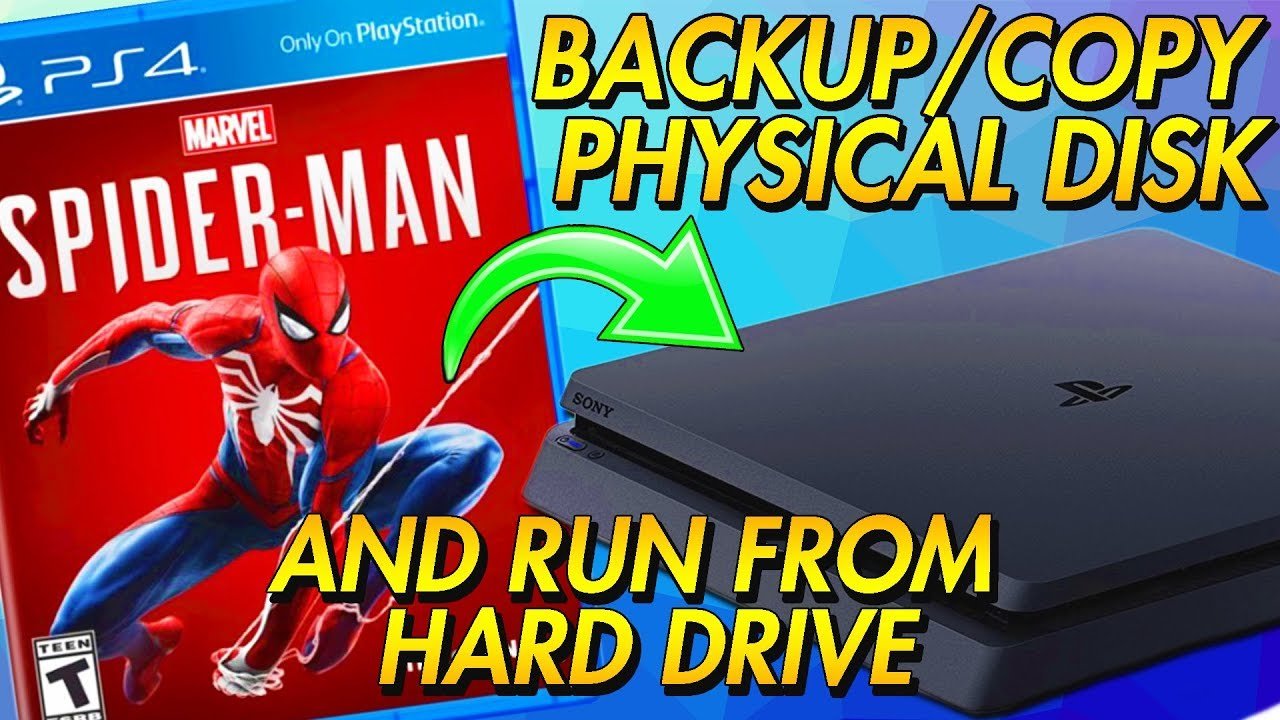
Copying a PS4 game directly using the console’s built-in features is not possible due to copyright protection.
Want to know how to copy a PS4 game? It’s a question many gamers have, and while the console itself doesn’t provide a direct copy function, understanding why can be helpful.
The PS4 incorporates copyright protection to prevent easy duplication of game discs. This system ensures developers are compensated for their work and helps protect intellectual property.

How to Copy a PS4 Game: Understanding the Process and Possibilities
Let’s talk about copying PS4 games. It’s something many gamers wonder about, whether it’s to have a backup, share with a friend (carefully, of course!), or just understand how digital media works. The world of video games, especially with physical discs and digital downloads, can seem a little complex sometimes. So, let’s break down how copying a PS4 game actually works, the challenges involved, and what you should keep in mind.
The Basics: Discs vs. Digital Downloads
Before we dive into specifics, it’s super important to understand the two main ways you get games for your PS4: physical discs and digital downloads. These two formats have very different ways they interact with your console and how “copying” them might work.
Physical Discs: The Traditional Route
Physical discs are like the old-school way of getting games. You buy a disc, pop it into your PS4, and play. The data for the game is stored on the disc. When you play a game using the disc, the PS4 reads the information directly from it. Think of it like reading a book – the information is right there on the pages.
- The game data is physically on the disc.
- The PS4 reads game data from the disc during gameplay.
- You need the disc to play the game.
Digital Downloads: The Modern Approach
Digital downloads are like getting games from an online store (like the PlayStation Store). You purchase the game, it gets downloaded to your PS4’s hard drive, and you play it without needing a physical disc. It’s more like having a digital book stored in your tablet instead of on paper.
- Game data is stored on your PS4’s hard drive.
- You don’t need a disc to play.
- You usually need an internet connection to download games.
This difference between physical discs and digital downloads really impacts how we can think about copying games.
Why People Want to Copy PS4 Games
Okay, so why might someone want to copy a PS4 game? There are several reasons, some more common than others:
- Creating Backups: The main reason is to have a backup copy in case your original disc gets damaged or lost. Imagine scratching your favorite game disc!
- Sharing with Friends: Sometimes, you might want to let a friend borrow a game, but you still want to play it yourself.
- Convenience: It can be easier to have all your games on your hard drive rather than switching out discs every time.
These are some valid reasons, but it is critical to consider the legal and ethical considerations which we discuss later on in the article.
The Challenge: Copy Protection on PS4 Games
Here’s where things get tricky. Game developers and publishers don’t want people making unauthorized copies of their games. To prevent this, they use copy protection technologies. This technology is baked into both physical discs and digital downloads.
Copy Protection for Physical Discs
Physical PS4 game discs use special security measures that make it very difficult, if not impossible, to create an exact, working copy on a standard computer. These aren’t like regular CDs or DVDs. They have encryption and other features designed to protect the game from piracy. The PS4 itself verifies the game disc when you put it in the tray, preventing play without the original disc, this is called DRM or Digital Rights Management.
Copy Protection for Digital Downloads
Digital downloads on the PlayStation Store are linked to your PlayStation account. This means that even if you tried to copy the game files to a USB drive or another console, they wouldn’t work without your account. This is another layer of DRM. The console checks to make sure that the license for the digital game is authorized to play on the console in which the game is installed.
Technically, Can You Copy PS4 Games?
Now for the big question: can you technically copy PS4 games? The short answer is, it’s incredibly difficult, especially for physical discs. Here’s a more detailed explanation.
Copying Physical Discs: Near Impossible
The security measures built into PS4 game discs mean that you can’t just copy them using your computer’s CD drive like you would a music CD. These are special Blu-Ray discs and even if you have Blu-Ray reader for your computer, the data has special formatting and encryption. The copy will not work without decryption.
- Standard CD/DVD drives cannot read PS4 game discs.
- Even if you have a Blu-ray drive, the data is encrypted and needs specialized tools to bypass protection.
- Making a functioning backup of a physical PS4 disc is typically beyond the average user’s capabilities and requires specialized hardware.
Copying Digital Downloads: Linked to Your Account
Digital games are tied to your PlayStation account. Even if you somehow copied the game files from your PS4 hard drive, they wouldn’t work on another console or account because they would require authentication from the PlayStation Network. It’s like having a key that only works on your specific lock.
- Digital games are licensed to your account.
- Copying digital game files doesn’t allow playing on other accounts.
- The PS4 constantly checks your game licenses for digital games.
The Ethical and Legal Side of Copying PS4 Games
Before even considering any way to copy a PS4 game, it is important to understand the ethical and legal aspects of such a decision. There are some reasons which we have discussed above like creating a backup copy of your physical disc for archival purposes but this still brings up the question of licensing and usage rights.
Copyright Laws and Game Copying
Copying a video game without the permission of the copyright holder is a form of copyright infringement. This means that making copies for sale or distribution to others, or for commercial use, is illegal and can lead to severe penalties. Even if you own a game, you generally don’t own the right to copy it. It is only licensed for use to the person who purchased the game from authorized retailers. Game publishers allow you to play the game, but not copy it without special permission.
- Copyright laws protect game developers and publishers.
- Copying and distributing games without permission is illegal.
- Piracy hurts the video game industry and developers.
Personal Use vs. Distribution
It’s also important to understand the difference between making a copy for your own personal use versus distributing copies to others. Even if you just made a copy for a friend, that is still not permitted under most license agreements and is technically breaking copyright law, even if no money is exchanged. Distributing copies of games is a much more serious form of copyright violation.
- Making a personal backup, while sometimes seen as a gray area, may still be a violation depending on the terms of the license agreement.
- Distributing copies of games is clearly illegal and carries significant risks.
The Internet: Proceed with Caution
You might find websites or forums offering “solutions” for copying PS4 games. These often involve modified consoles or software. Let’s discuss what these solutions are and what issues they might bring.
Modified Consoles: A Risky Path
Some people modify their PS4s with special software or hardware to try to bypass copy protection. This can be risky and often voids any warranty that you might have on your console.
- Modifying your console can break it.
- Sony might ban your modified console from the PlayStation Network.
- Modified consoles are often more vulnerable to malware and security risks.
“Copying” Software: Be Very Skeptical
There are also a lot of software options being advertised which are claimed to be able to copy the PS4 games. Many of these are actually scams and might not only fail to work but could also be malware, viruses or other things that can harm your computer.
- Many of these programs are fake.
- Downloading these programs can expose your computer to viruses and malware.
- These programs can also get you into trouble if they actually involve illegal copying tools.
What You Can Do Instead of Copying Games
Instead of trying to copy games (which is usually not possible or safe), there are some better alternatives that help you enjoy your games:
PlayStation Plus
Sony’s PlayStation Plus service often provides access to a rotating selection of games that you can play as part of your subscription. This is a legal and convenient way to enjoy more games without needing to purchase them all individually.
- Access to a library of games to play without buying them all.
- Multiplayer support for many games.
- Regularly offers new games every month.
Game Sharing Features
The PS4 allows you to share your games digitally with family or friends. Although there are limits to how many console this can be done on, it can help you share the digital game libraries. Check out the specific details of the game sharing feature on PSN.
- Share digital games with a limited number of consoles.
- Ideal if you are trying to share games with family or friends that have their own consoles.
Buying Used Games
Buying used physical copies of games is a much more affordable way to expand your game library. It also ensures that no copyright laws are broken.
- Saves money without violating copyright laws.
- Physical copies are easily available online and at retail stores.
Waiting for Sales
Keep an eye out for sales both on the PlayStation store and at physical retailers. Many games go on sale frequently.
- Great opportunity to buy a game at a discounted price.
- Sign up for email alerts from the PSN store to ensure that you get notified of any sales.
Keeping Your Games Safe
Let’s focus on keeping your games safe instead of trying to copy them. Here are some helpful tips:
- Store Physical Discs Carefully: Keep your physical game discs in their cases to prevent scratches and damage.
- Keep Your PS4 Updated: Make sure to install all official updates from Sony as they have security updates that can make your console safer to use.
- Back Up Game Saves: Use PlayStation Plus or USB drives to back up your game save data. This will ensure that you don’t lose your progress if something happens to your console.
So, copying a PS4 game is not straightforward and is something that is generally not possible for the average user without specialized equipment and potentially harmful software. It’s better to use legal and ethical methods for enjoying your games. By understanding how copyright works and using the provided options to share and protect your games, you can ensure you are enjoying gaming without breaking any laws or putting your gaming equipment at risk.
How to Gameshare on PS4 (EASY METHOD) (VOICE TUTORIAL) 2024
Final Thoughts
Copying PS4 games requires a compatible external hard drive and specific console settings. You must format the drive correctly before beginning. The process moves game data, not the disc itself.
Following the console’s instructions, you can select game data to transfer. This action creates a copy on the external drive. Remember, how to copy a PS4 game means transferring game files for backup or storage; it does not create a playable duplicate disc.

