
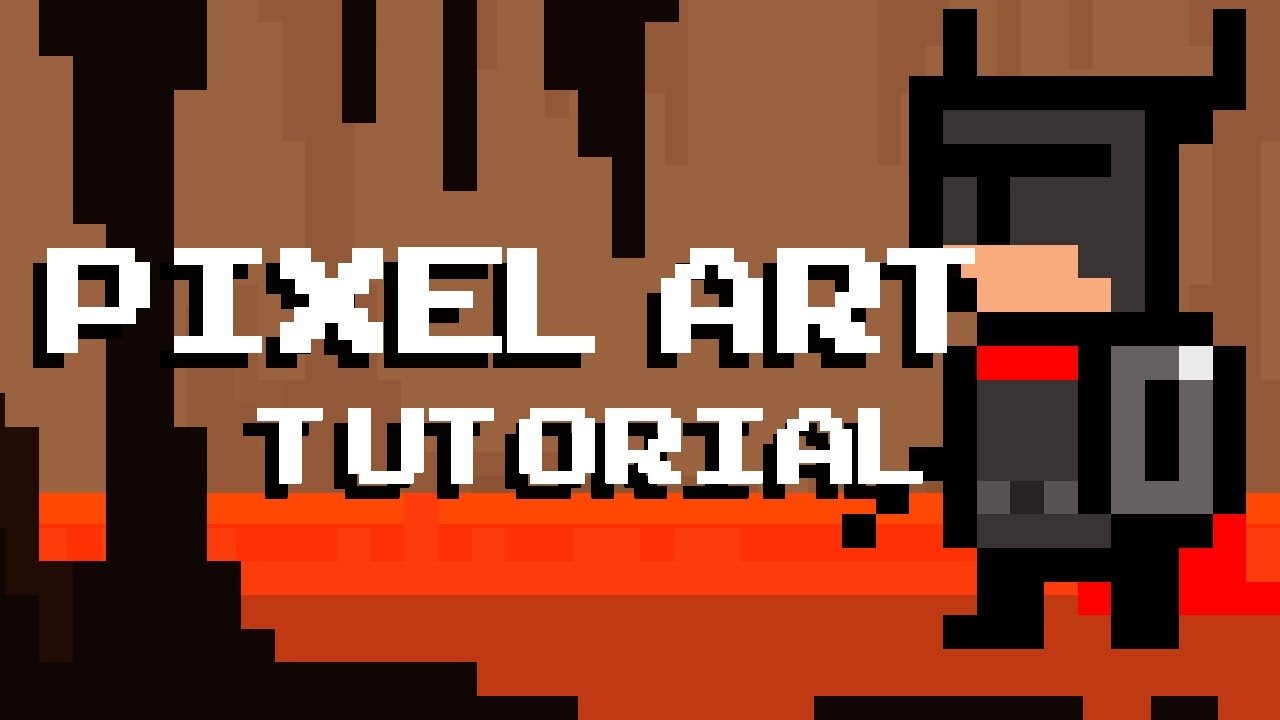
Creating 8 bit games often involves using retro game development tools or programming languages like C or assembly, focusing on pixel art for graphics and simple chiptune music.
Ever felt the pull of those classic, blocky games? The charm of pixelated characters and catchy tunes is still potent today. Many people are curious about how to create 8 bit games themselves, and it’s a very rewarding endeavor.
The process might seem complex at first, but with the right tools and a bit of learning, you can bring your retro gaming ideas to life. You’ll explore the art of simplified graphics and music, and learn the basic game mechanics of older systems.

How to Create 8-Bit Games: A Beginner’s Guide
So, you want to make your very own 8-bit game? Awesome! It’s like stepping into a time machine and creating something magical with those blocky, pixelated graphics and catchy chiptune music. But how do you actually do it? Don’t worry, it’s not as hard as you might think. This guide will walk you through the basics, showing you how to bring your retro gaming dreams to life.
Understanding the 8-Bit Aesthetic
Before diving into the technical stuff, let’s talk about what makes an 8-bit game feel, well, 8-bit! It’s more than just low-resolution graphics. It’s a whole style that includes:
Pixel Art: The Building Blocks
Pixel art is the heart of 8-bit visuals. Instead of smooth lines and curves, you work with tiny squares called pixels. Every character, object, and background is carefully crafted, pixel by pixel. Think of it like building with tiny digital Lego bricks!
- Limited Color Palettes: True 8-bit systems often had very limited colors they could display at one time. This meant artists had to be clever and use colors wisely. For instance, the NES could display only 54 colors at once. When starting out, choose a color palette of 16 or fewer colors.
- Character Design: 8-bit characters are usually simple and easily recognizable despite their limited details. Think about how iconic Mario, Link, or Mega Man are. Their basic shapes and poses are key to their design.
Chiptune Music: The Soundtrack of the Past
Chiptune music is the electronic sound of 8-bit gaming. It’s made using sound chips from old computers and consoles. These chips have limited capabilities, which is why chiptune music has that distinctive, catchy sound. You can create chiptune music with specialized software or find free resources online.
Gameplay: Simple Yet Engaging
8-bit games often focus on simple, fun gameplay mechanics. Think platforming, puzzles, and shooting. The focus is more on core gameplay and less on complex systems. This simplicity is part of their charm and what makes them enjoyable even today.
Choosing the Right Tools
Making an 8-bit game doesn’t require fancy equipment. There are some great, and often free, tools you can use.
Game Engines
A game engine is like a toolbox for creating games. It handles a lot of the technical stuff, so you can focus on being creative. Here are a few popular choices:
- GameMaker Studio: This is great for beginners because it has a visual scripting system. It’s easy to learn but also powerful enough to make complex games. There is also coding using a programming language called GML.
- PICO-8: This is a ‘fantasy console’. It’s designed specifically for making 8-bit style games. It has built-in editors for code, art and sound. It’s a great option if you like to have a focused creative experience.
- Godot Engine: Godot is a free and open-source engine that allows you to create 2D and 3D games. It’s powerful and versatile and more advanced, but has great support for pixel art.
- Construct 3: Construct is another visual game development tool, that uses a drag and drop interface. It also allows you to export to different platforms.
Pixel Art Editors
To create your pixel art, you’ll need a pixel art editor. These programs allow you to draw and animate pixel by pixel.
- Piskel: This is a free, online pixel art editor. It’s easy to use and works in your web browser. It’s good for beginners.
- Aseprite: This is a popular paid option that is made specifically for pixel art. It has many advanced features, but it can take a little while to learn.
- GraphicsGale: This is a free pixel art editor with a lot of great features. It’s a good middle ground between Piskel and Aseprite.
Chiptune Music Software
Creating that classic 8-bit sound requires specialized tools. Here are some options:
- Famitracker: This is free software, that emulates the sound chip of the NES console. This can allow you to create really authentic 8-bit sounds.
- Beepbox: This is a free, online tool, that you can use in your browser. It’s really easy to use to make simple chiptune music.
- Deflemask: Deflemask is a tracker that supports multiple different 8-bit sounds chips from old consoles and computers. It’s more advanced than Beepbox and Famitracker.
The Game Development Process
Making a game is a journey with many steps. Let’s break it down:
Brainstorming: Ideas Start Here
Before coding or drawing, spend time brainstorming. Ask yourself:
- What kind of game do I want to make? Platformer, puzzle, shooter?
- What’s the game about? What is the story or theme?
- Who is the main character? What do they look like?
- What will make your game fun and interesting?
Planning: Map Out Your Game
Once you have some ideas, it’s time to plan. Think about:
- Levels: Sketch out your levels. Where will players go? What challenges will they face?
- Characters: Plan your main character, enemies, and any non-playable characters. What animations do they need?
- Game Mechanics: How does your game work? Can the character jump, shoot, or use special abilities?
Creating Assets: Building Your World
Now it’s time to create your game’s elements:
- Pixel Art: Start creating your characters, objects, and backgrounds using a pixel art editor. Keep the color palettes limited.
- Music and Sound Effects: Compose your chiptune music and create simple sound effects for actions like jumping, shooting, or collecting items.
Programming: Bringing it All to Life
This step is where you use the game engine to program your game’s logic and mechanics:
- Character Control: Program how your character moves and interacts with the game world.
- Game Rules: Create the rules for your game, such as what happens when the character hits an enemy or reaches the end of a level.
- Level Design: Add your art assets to the game engine and create your levels.
Testing: Finding and Fixing Bugs
Playtest your game! It is important to find any issues you can, and fix them.
- Play Often: Play through your game as many times as you can, and ask your friends or family members to also play the game.
- Bug Hunting: Pay attention to any weird things that happen or if the game doesn’t work the way you expect.
- Fixing Problems: Fix those issues and test again, until you are happy with the game.
Tips and Tricks for 8-Bit Game Development
Here are some tips to help you along the way:
Start Simple
Don’t try to make a super complex game right away. Begin with a small idea that is easy to implement. As you gain more experience, you can take on more challenging projects.
Reuse Assets
Don’t redraw everything for every level. Reuse your backgrounds and objects to save time and effort. Try flipping or resizing your art to make new variations.
Use Tutorials
There are many free tutorials on YouTube and other websites that teach you how to use game engines and other tools. These are a great resource for learning specific things.
Ask for Help
Don’t be afraid to ask other people for help or advice, online communities are really helpful. Game development can be challenging, so talking to other people can make it easier.
Be Patient
Making a game takes time and effort. Don’t get discouraged if it doesn’t work right the first time. Keep experimenting and learning. The best thing to do is keep trying.
Examples of 8-Bit Game Genres
Here are some ideas for game genres that fit well with the 8-bit style:
Platformers
These are games where the character jumps between platforms to reach an exit. Examples include Mario and Mega Man. They often have simple controls and levels that require precise jumps.
Shoot ’em Ups
Shoot ’em ups involve shooting at enemies while scrolling either vertically or horizontally. Games like Gradius and Galaga are classics. These games focus on fast-paced action and shooting.
Puzzle Games
Puzzle games challenge your problem-solving skills. Examples include Tetris and Sokoban. 8-bit puzzle games often have simple rules, but are addictive.
Adventure Games
Adventure games have a story that the player goes through. Games like Zelda can be made with a simple top-down view. These games focus on exploring and puzzles.
Creating an 8-bit game can be very fun! You can make your own games with a little bit of patience, creativity, and the right tools. Remember to focus on simple designs and fun gameplay. Start with small projects and gradually try bigger ones. Every game is a learning experience, and each time you create something new, you are getting better!
How to make YOUR dream game with no experience
Final Thoughts
To create 8 bit games, start by choosing a suitable game engine or development framework. Experiment with simple pixel art and basic game mechanics. Begin with small projects and gradually increase complexity as your skills develop.
Focus on creating engaging gameplay within the limitations of the 8-bit aesthetic. Remember that good design and creativity are crucial aspects. With practice, you will learn how to create 8 bit games effectively.

