
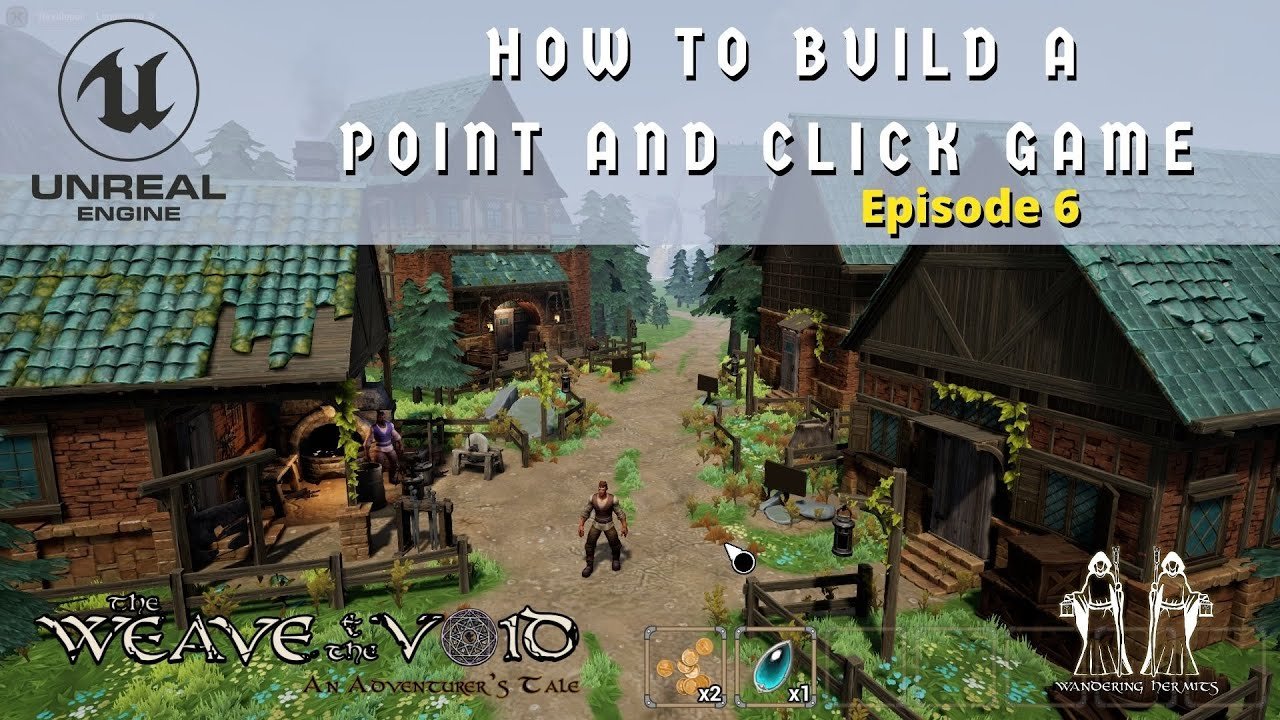
Creating a point and click game involves designing scenes, coding interactions with objects, and implementing a user interface for clicks.
Ever dreamt of crafting your own interactive world? Well, you can bring those visions to life by learning how to create a point and click game. It might sound complex, but with the right approach it is achievable, even for beginners. This article will guide you through the core elements. We’ll break down the process into easily manageable parts, and show you what it takes to make your game interactive.

How to Create a Point and Click Game
So, you want to make your very own point and click adventure game? That’s fantastic! It might sound tricky, but breaking it down into smaller steps makes it much easier. Think of it like building with LEGOs. We’ll be putting together pieces to create a fun and interactive experience. This guide will walk you through all the important things you need to know to get started. Let’s get those creative gears turning!
Understanding the Core of Point and Click Games
Before we dive into the technical stuff, let’s talk about what makes a point and click game a point and click game. At its heart, it’s all about interacting with the world around you using your mouse. You click on objects to investigate them, collect items, and solve puzzles. Think of some classics like Monkey Island or Broken Sword. These games typically have:
- A Story: A narrative drives the game forward, giving you a purpose for your actions.
- Explorable Environments: You navigate through different scenes, each with its own items and secrets.
- Item Collection: You gather objects that you’ll need later on.
- Puzzles: You overcome challenges by using items, interacting with the environment, or talking to characters.
- Dialogue: Conversations with characters often offer clues or advance the story.
These key ingredients are what make point and click games so engaging. Keep these elements in mind as we start building your game.
Planning Your Game: The Foundation
Before you jump to coding or drawing, planning is key. A good plan will save you time and headaches later. This is like drawing a blueprint before building a house.
Story and Setting
First, what kind of story do you want to tell? Is it a mystery? A funny adventure? A fantasy quest? Think about your main character, their goal, and the world they’re in.
Consider these:
- The Theme: What feeling do you want to evoke? (e.g., spooky, humorous, exciting)
- The Main Character: Who is your hero? What motivates them?
- The World: Where does the story take place? Is it a bustling city, a haunted castle, or a magical forest?
A well-defined story and setting will guide your decisions as you move forward.
Creating a Flowchart
A flowchart is like a roadmap for your game. It helps you visualize how the player will move from one scene to the next. It also helps you organize your puzzles and item locations. Start with a simple diagram showing the major scenes. Then, connect them with arrows to show how a player might move. Consider this example:

This example shows a simple game where the player can go from the “Town Square” to “The Shop” or “The Forest.” The arrows indicate the potential pathways a player can take. You can expand your flowchart to include more scenes and interactions as needed.
Puzzle Design
Puzzles are essential to a good point and click game. They should be logical and challenging but not too frustrating. Here are a few common puzzle types:
- Inventory Puzzles: Using an item you’ve collected on an object or in a scene. Example: using a key to open a locked door.
- Environment Puzzles: Interacting with the environment to trigger events. Example: flicking a light switch to reveal a hidden item.
- Dialogue Puzzles: Getting information or triggering actions based on what you say to characters. Example: asking a shopkeeper for help.
When designing puzzles, think about how the player will find clues and solutions. Make it challenging but not impossible.
Tools of the Trade: Game Engines and Software
Now that you have a plan, it’s time to select the tools to bring your game to life. Luckily, you don’t need to be a coding expert to make a point and click game. There are lots of helpful options out there.
Game Engines
A game engine is like the engine of a car; it provides the essential tools for building games. Here are a few options perfect for point and click games:
- Adventure Game Studio (AGS): This is a free and popular engine specifically designed for point and click adventures. It’s a great choice if you’re starting out. It uses a script-based language, which is generally easier for beginners to learn than other languages. It has a large and active community, which means you will find plenty of tutorials and help online.
- GameMaker Studio 2: A commercial engine known for its flexibility and ease of use. It uses a visual scripting system called GML (Game Maker Language), which is easy to get the hang of. It’s a good option if you want to explore making other types of games in the future too.
- Unity: A professional game engine with a lot of capabilities. While it is more complex, Unity is very powerful and has a huge community support. It uses the C# programming language, which requires more experience in programming.
- Godot Engine: A free and open-source engine that has grown in popularity recently. Godot is similar to Unity, but it’s easier to learn, especially with its own scripting language called GDScript. This option is a good choice if you are looking for an alternative to Unity or GameMaker.
For beginners, Adventure Game Studio (AGS) or GameMaker Studio 2 are excellent options to start with. Choose the tool that feels most comfortable for you.
Art Creation Tools
You will need art assets for your game, such as backgrounds, characters, and items. Here are some tools to help you with creating or obtaining them:
- Piskel: A free online pixel art editor. It is perfect for creating pixel art for your games.
- Aseprite: A popular pixel art editor, but a paid option with more advanced features.
- GIMP: A free and powerful image editor, similar to Photoshop, which you can use to make various types of game graphics.
- Krita: A free and open-source painting program. Perfect for creating hand-drawn game art.
- Asset Stores: Many game engines have their own asset stores where you can find pre-made art, saving you time and effort if you prefer. Websites like itch.io also have many free game assets that you can use.
If you’re not an artist, that’s totally okay! You can explore pre-made assets, collaborate with an artist, or even use simple shapes to create the artwork for your game. It is important to use the tool that you feel more comfortable with.
Sound Design Tools
Sound adds a lot of feeling to your game. Here are a few tools for making or finding sounds:
- Audacity: A free, open-source audio editor. It is perfect for editing and recording your own sound effects.
- Bfxr: A free tool for creating retro sound effects. Good option if you are looking for old school 8 bit sounds.
- Sound Libraries: There are many online libraries that offer free or paid sound effects and music for your game.
Sound is often overlooked, but it’s a crucial part of creating an immersive experience. Even simple sounds can make a big difference.
Building Your Game: Step-by-Step
Alright, now let’s start building your game! We will go through each of the necessary steps to have a working playable game.
Creating the Game World
This is where you set up the scenes in your game. You’ll import your background art into your chosen engine and organize the different areas where your player can move. In AGS, for example, you create rooms where your game takes place. In GameMaker, it’s called “rooms” too, and in Godot, they are called “scenes”. For each scene you should consider:
- Background image: This is the backdrop of your scene. Make it visually interesting.
- Clickable Areas: These are parts of the background that the player can interact with, like doors, tables, or items.
- Transition points: These allow the player to move from one scene to another, like doors or paths.
Make sure that your background images fit the overall tone and style of the game.
Adding Characters and Items
Characters and items make your world feel alive. When you add them to the game, consider the following:
- Character sprites: These are the visual representation of your character, including different animation frames for when the character is walking, talking or performing other actions.
- Item sprites: Make sure that item are easy to identify and that their style matches with the game’s art style.
- Interaction scripts: The scripts determine how the characters and items will react when the player clicks on them.
Implementing Puzzles
Now it is time to bring your puzzles to the game. You will need to think about the logic of your puzzles and how they should work in game. Here are a few tips:
- Inventory Puzzles: When the player interacts with an item in the scene, you should add a function that adds this item to the players inventory. If the player tries to use that item, you should trigger a script that checks if this item is the correct item for the scene and act accordingly, solving the puzzle or giving a wrong message.
- Environment Puzzles: This type of puzzle often involves triggering a change in the scene. Make sure that the player can interact with the elements that you plan to use in your puzzles, and that these objects have the corresponding script that triggers the puzzle.
- Dialogue Puzzles: For this type of puzzles you should implement a dialogue system, that can interact with the player. The character you are talking with should respond differently depending on what option you choose. You also need to make the required change to the story or scene when the right dialog option is selected.
Adding Dialogue
Dialogues are essential to give life to your characters, and to give more information about the story of your game to the player. When you create the dialogues in your game consider the following:
- Dialog Boxes: Create dialog boxes that fit the game’s art style.
- Text System: Implement a system that displays the characters dialog.
- Options: If your game requires dialog choices, make sure to implement a menu that allows players to select the options.
Dialogues are essential to convey your narrative, give hints, or to add more personality to your characters.
Testing and Iterating
As you build your game, it’s important to test frequently. Play through your game and look for:
- Bugs: Are there any glitches that prevent progress or are there any errors in your code?
- Difficulty: Are the puzzles too hard or too easy?
- Flow: Does the game flow smoothly from one scene to the next?
- Clarity: Are the goals and clues clear to the player?
Don’t be afraid to go back and change things as needed. Testing and making adjustments will improve your game.
Tips for Making Your Game Special
Here are some extra tips to make your game really stand out:
- Unique Art Style: Find a style that matches your game’s story. This helps your game feel cohesive.
- Engaging Music and Sound: Music and sound create the overall atmosphere, use them to their maximum potential.
- Interesting Characters: Make sure that your characters have their own personalities and motivations that fit within the game story.
- Intuitive Interface: Make the game easy to play, the player should always know what to do in the scene.
- Good Storytelling: A compelling story is the heart of a good point and click adventure.
Remember, your game is your creative outlet. Have fun with it!
Creating a point and click game is a journey, not a race. Take your time, be patient, and enjoy the process. By following these steps, you will create something really fun and interactive that many people can enjoy! Don’t worry if things don’t go perfectly the first time, game development takes time and effort, so keep learning and keep practicing!
How to make a point and click adventure game
Final Thoughts
Essentially, you’ll need a game engine, images for backgrounds and items, and a way to script interactions. Start with simple puzzles and locations. Carefully plan the logic and progression between them to create flow.
Then you can develop the game and test the gameplay. Remember, ‘how to create a point and click game’ involves iteration. Creating these games takes time.
Refine your game based on the testing. polish the user experience before release.

