
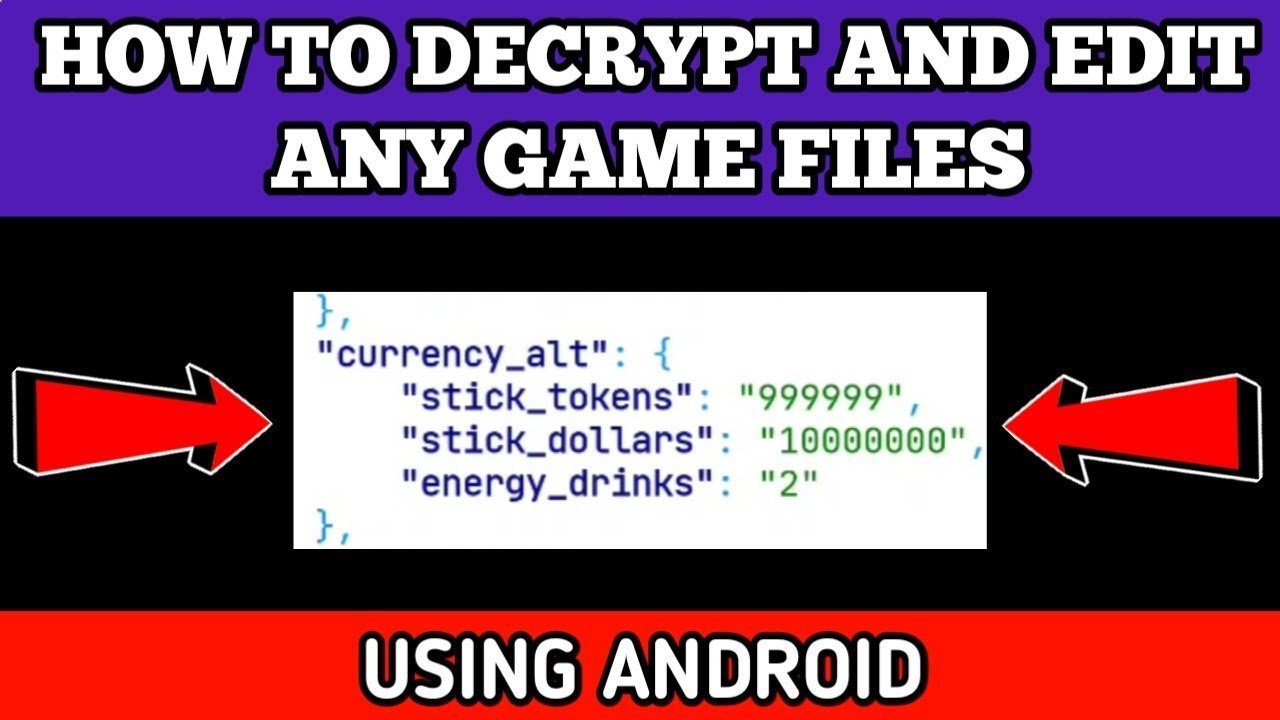
Editing game files on Android typically requires a file explorer app capable of accessing root directories (if needed), and a text or hex editor for modifying the specific file content.
Ever wondered how some players seem to have an edge in your favorite Android games? They might be tweaking things behind the scenes. Understanding how to edit game files on Android can grant you greater control over your gaming experience.
This process often involves exploring folders that are not usually visible and making changes to text or binary data. While this can be exciting, it is also important to proceed with caution, as modifying these files incorrectly could cause problems with your game, or even your device.

How to Edit Game Files on Android
Ever wanted to change things in your favorite Android game? Maybe get more coins, make your character stronger, or even just change the way the game looks? It’s possible to do this by editing game files! But, it’s important to know that this isn’t always easy, and it can sometimes cause problems with your game. This guide will help you learn the basics of editing game files on your Android device. We’ll talk about what you need, the kinds of files you’ll find, and how to make changes safely.
Understanding Game Files on Android
Before we start making changes, let’s talk about what game files actually are. Think of game files like the different parts of a big toy. Each part does something specific, and together they make the whole game work. These files store everything in a game, like the way the characters look, the rules of the game, and even the sounds you hear. When you edit these files, you are changing how the toy works. This can be really fun, but also tricky if you are not careful.
Types of Game Files
You will find different file types when you look at game files. Each type has a different purpose. Here are some of the most common:
- .apk Files: This is the main file for installing the game on your Android phone. It’s like the box that holds all the game parts. You usually won’t directly edit this.
- .obb Files: These files often contain large game assets like pictures, sounds, and videos. You might not always see them, but they are important for the game to look and sound good.
- .xml Files: These are text-based files that store game settings and data. Think of them like the instruction manual for the game. They are often easier to edit than other types of files.
- .json Files: Similar to .xml files, these also store game data using a specific format. Many games use this format for their configurations.
- .txt Files: These are simple text files that might contain game information like dialogues, instructions or simple text based configurations.
- .ini Files: These are also configuration files that store settings, similar to .xml and .json files.
What You’ll Need to Edit Game Files
To start editing game files, you will need a few tools and some understanding. Don’t worry, you don’t need to be a computer expert. Here are the things you will need.
Root Access (Sometimes)
Some game files are protected, so you might need “root access” to get to them. Think of root access like a secret key that lets you open all the doors on your Android device. This is not needed for all files, but it is required for many advanced edits.
Important note: Rooting your device can void your warranty, and if done wrong, it could damage your device, so be careful and do your research before rooting.
File Manager App
You need a file manager app to see and organize the files on your device. Some file managers, like “Solid Explorer” or “FX File Explorer,” can see files you might not see with the regular file manager on your phone. These file managers can be downloaded from the Play Store.
Text Editor App
For editing text-based files, you will need a text editor app. There are many free text editor apps available, like “QuickEdit Text Editor”. These apps allow you to open, read, and change text files easily.
APK Editor App (Optional)
If you want to make bigger changes to the game, you might need an APK editor app. This app allows you to open .apk files and edit some of their contents. It can be complex, so start by experimenting with simple things if you choose to use one. You can find APK editors like “APK Editor Studio” online.
A Computer (Sometimes Helpful)
While you can do a lot on your Android device, sometimes having a computer is helpful. You can use your computer to make copies of files or use more advanced editing software if you need it. Transferring files between your device and computer is very easy using a USB cable.
Finding Game Files
Now that you have the necessary tools, let’s find the game files you wish to edit. Where the files are depends on the game you are playing.
Internal Storage vs. SD Card
Game files are usually found in either your phone’s internal storage or on an SD card (if you have one). You can use your file manager app to browse both places. Games will store game files in the Android/data folder or in a folder created by the developer inside the root directory.
Common Locations
Here are some common places to look:
/storage/emulated/0/Android/data/: This is a typical place for game data on internal storage./storage/emulated/0/Android/obb/: This is where the large obb files often are placed./sdcard/Android/data/: If you use an SD card, this is where you might find game data.- A custom folder created in your root directory for the game (Example: /storage/emulated/0/GameFolderName)
The folder name will typically match the game’s package name (e.g. com.example.game). When using a file manager app, look for folders with names similar to the game or the game developer.
Once you find your game’s folder, you will see subfolders with various files and folders inside. Carefully explore these folders to find the exact files you wish to edit.
Making Simple Edits: An Example
Let’s try a simple edit using a text-based file. We’ll pretend there’s a game that stores the player’s coin count in a file called player_data.txt. You can use the text editor to edit this to get more coins (This process is similar for other text files like .xml and .json)
Steps to Edit
- Use your file manager to find the player_data.txt file.
- Open the file with your text editor app.
- You might see something like this:
Coins: 100. - Change the 100 to a higher number, like 10000.
- Save the changes using the save feature on your text editor app.
- Close your text editor and start the game again. If your game loads the data from the file, you will now have 10000 coins!
This is a very simple edit. Many game files will be more complex. But the idea remains the same – find the file, open it, make the edit, and save.
Advanced Edits: APK Editor
If you want to make bigger changes, like altering graphics or game mechanics, you need to use an APK editor. Remember that this can be more complex and can cause your game to crash if not done carefully.
Steps for Simple APK Editing
Here’s a simplified process:
- Open your APK editor app and select the APK of the game you want to edit.
- The editor will give you several options, like changing images, text, and code. Be very careful when making changes and do only those changes you are comfortable with.
- For small changes, look for the res folder where you might find the image and text assets.
- Edit the files you need and save them.
- You will need to uninstall the game first and then install the modified APK file.
It’s important to note that editing APKs is complex. Start with very simple edits, make backups, and be prepared to reinstall the game if something goes wrong. You should also research any specific editing you intend to do.
Important Safety Tips
Editing game files is fun, but you should always be safe while doing it. Here are some things to remember:
- Always Make a Backup: Before making any changes, make a copy of the file you’re about to change. If something goes wrong, you can put the original file back in place. This will save you a lot of headaches.
- Start Small: Don’t make big changes at first. Start by changing small things, and see if they work. Then, you can slowly make bigger changes.
- Read Instructions Carefully: Before you edit any file, find out what each line of code does. Many online communities can help you find that information.
- Use an Antivirus: Make sure your device has a good antivirus program. It will keep you safe from harmful files that can damage your phone.
- Be Careful with Root: If you use root access, be very careful. Root access can change things that can make your phone not work right. Make sure you research how to root your phone properly.
- Avoid Online Hacks: There are a lot of websites that offer game hacks. Some of them are not safe, and might contain bad files that can harm your phone. It is better to edit the files yourself.
- Respect Game Developers: When you edit game files, you might change how they meant the game to be. Some developers do not like it when people change their games. Be respectful of their work.
- Do Not Share Cheated Games: If you edit a game to gain advantage, avoid sharing those files with others. Modifying the game can be unfair and ruin the enjoyment of others.
Legal and Ethical Considerations
Modifying game files can raise some legal and ethical questions. Here are some points to keep in mind:
Terms of Service
Many games have terms of service that prohibit modifying game files. Doing so can lead to the game developer banning your account or taking action against you.
Copyright and Intellectual Property
Modifying copyrighted content or intellectual property could be a legal violation. Be aware of the terms of your game and its content.
Ethical Use
Modifying game files to get an unfair advantage in online multiplayer games is not ethical. It can ruin the experience for other players and is often considered cheating.
Always make sure to check the legalities and ethics of editing game files before proceeding.
Editing game files on Android can be a fun and educational way to explore how games work, but it’s important to proceed carefully and responsibly. Always back up your original files, start with simple changes, and be aware of the potential risks. If you are unsure about an action, it’s best to do more research before making any changes. With time and practice you will understand game files better and you can explore more options of game file editing, but always be safe while doing so.
HOW TO DECRYPT AND EDIT GAME FILES USING ANDROID
Final Thoughts
Modifying game files on Android requires a file explorer capable of accessing root directories. You will also need a text editor app to make necessary changes within the files. Always back up original files before editing, this safeguards against any unintended errors.
Remember, how to edit game files on android can potentially break your game. Be careful with the changes you implement. Ensure to research proper modding methods specific to the game you’re trying to alter.

